
AI Caricature Generator: Prompts for Hilarious & Exaggerated Portraits
Modern prompt pattern • responsive assets • ready-to-copy
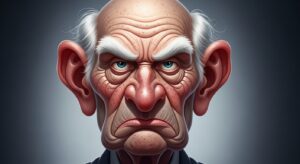
Prompt Template
Caricature of [Subject Description], grotesquely exaggerating their [Key Feature 1, e.g., large nose] and [Key Feature 2, e.g., bushy eyebrows]. Art style: [Style, e.g., comical, satirical, political cartoon]. The character is [Action or Pose]. Background: [Simple or Detailed Scene]. Medium: [Art Medium, e.g., digital painting, ink sketch, watercolor]. Lighting: [Lighting Type, e.g., dramatic, flat].
Examples
Prompt
Caricature of a stressed office worker, grotesquely exaggerating their huge, bloodshot eyes and the sweat beads on their forehead. Art style: comical, inspired by 90s cartoons. The character is frantically typing on a tiny keyboard that's about to break. Background: a chaotic office cubicle overflowing with paper. Medium: digital painting with bold outlines. Lighting: harsh fluorescent office lighting.
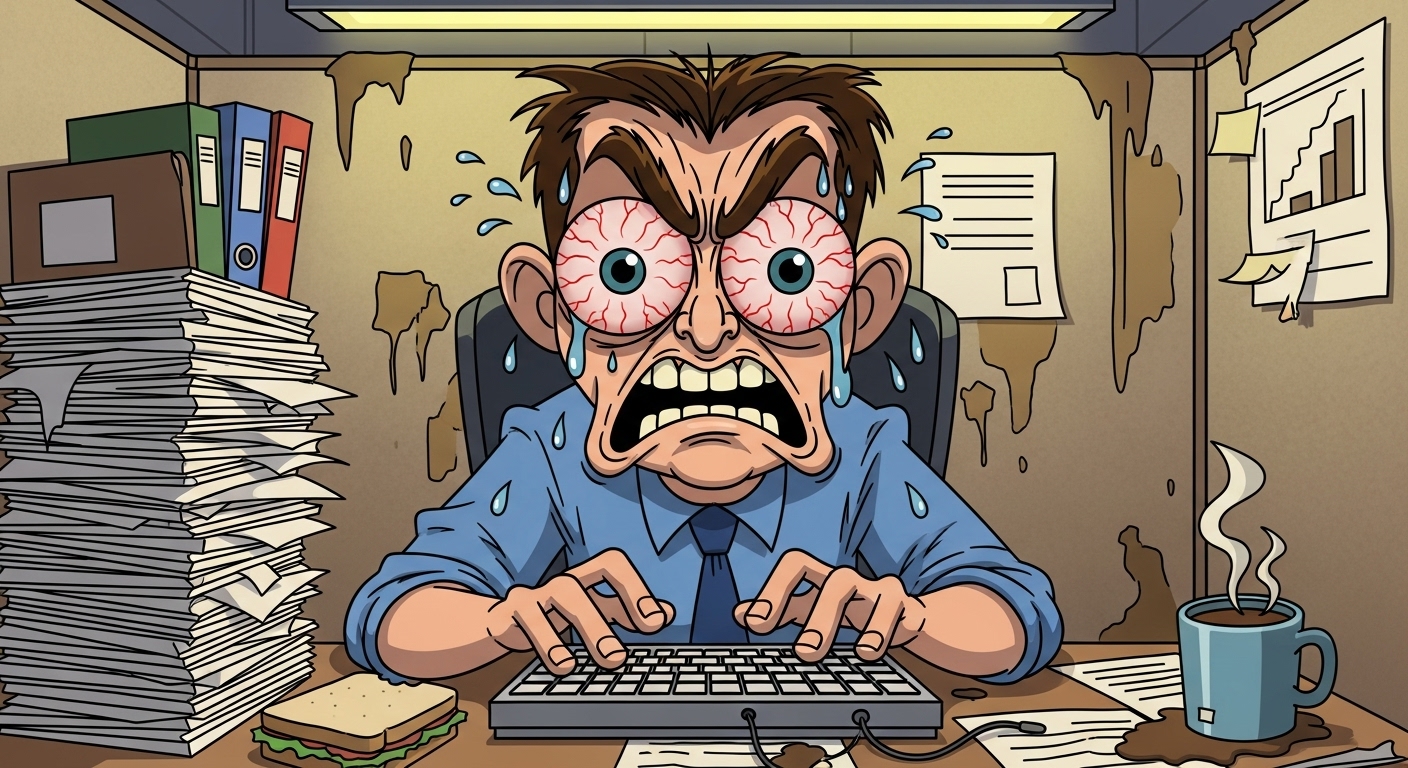
Prompt
Caricature of Queen Elizabeth II, exaggerating her iconic hairstyle to be as large as a beehive and her smile to be unnaturally wide and toothy. Art style: satirical, British political cartoon. The character is sipping tea with her pinky finger extended to an absurd length. Background: Buckingham Palace in the distance. Medium: watercolor and ink. Lighting: soft, overcast day.
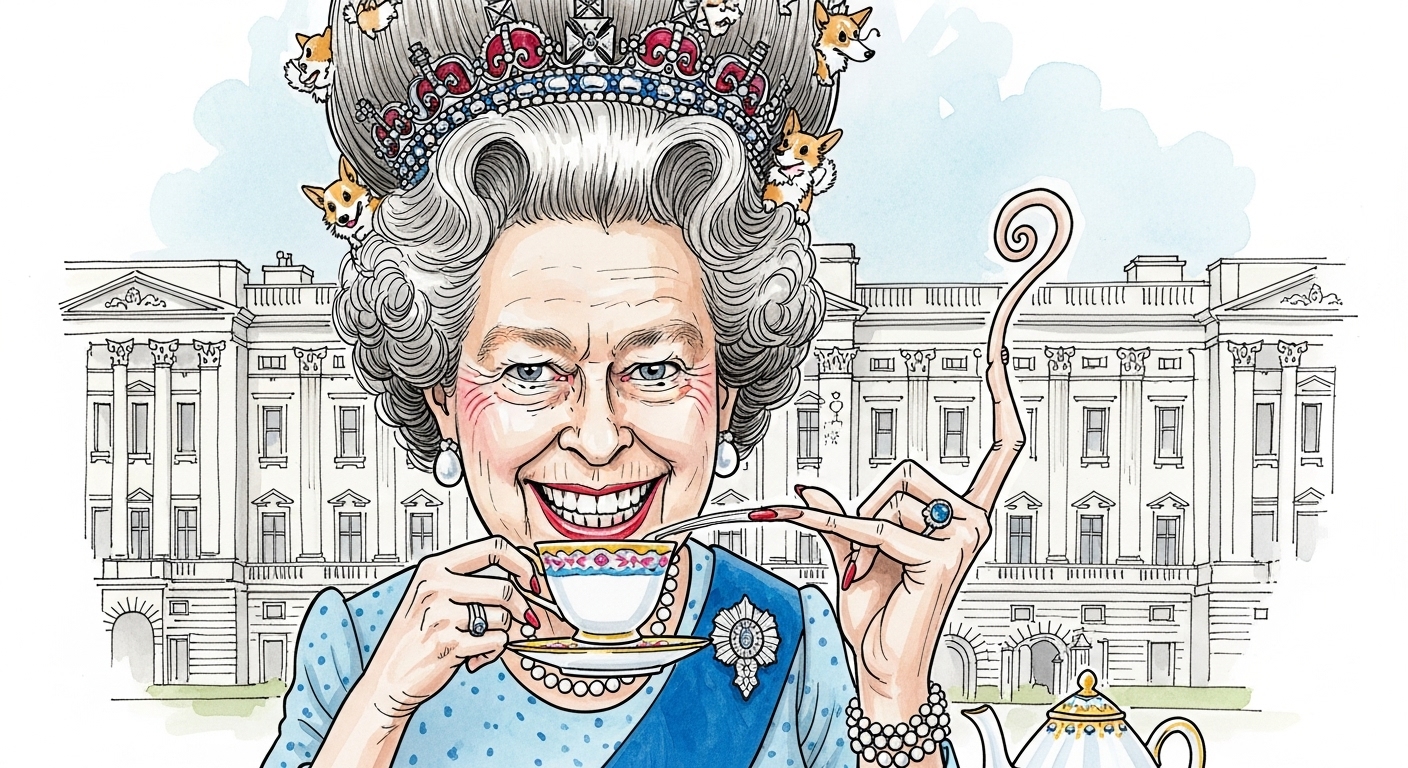
Prompt
Caricature of a rockstar guitarist, exaggerating their long, wild hair into a chaotic vortex and their tongue sticking out miles long, like Gene Simmons. Art style: edgy, graffiti art. The character is mid-solo on an electric guitar shaped like a lightning bolt. Background: a stage with flashing lights and a cheering crowd silhouette. Medium: spray paint and stencil art. Lighting: dramatic colored spotlights.
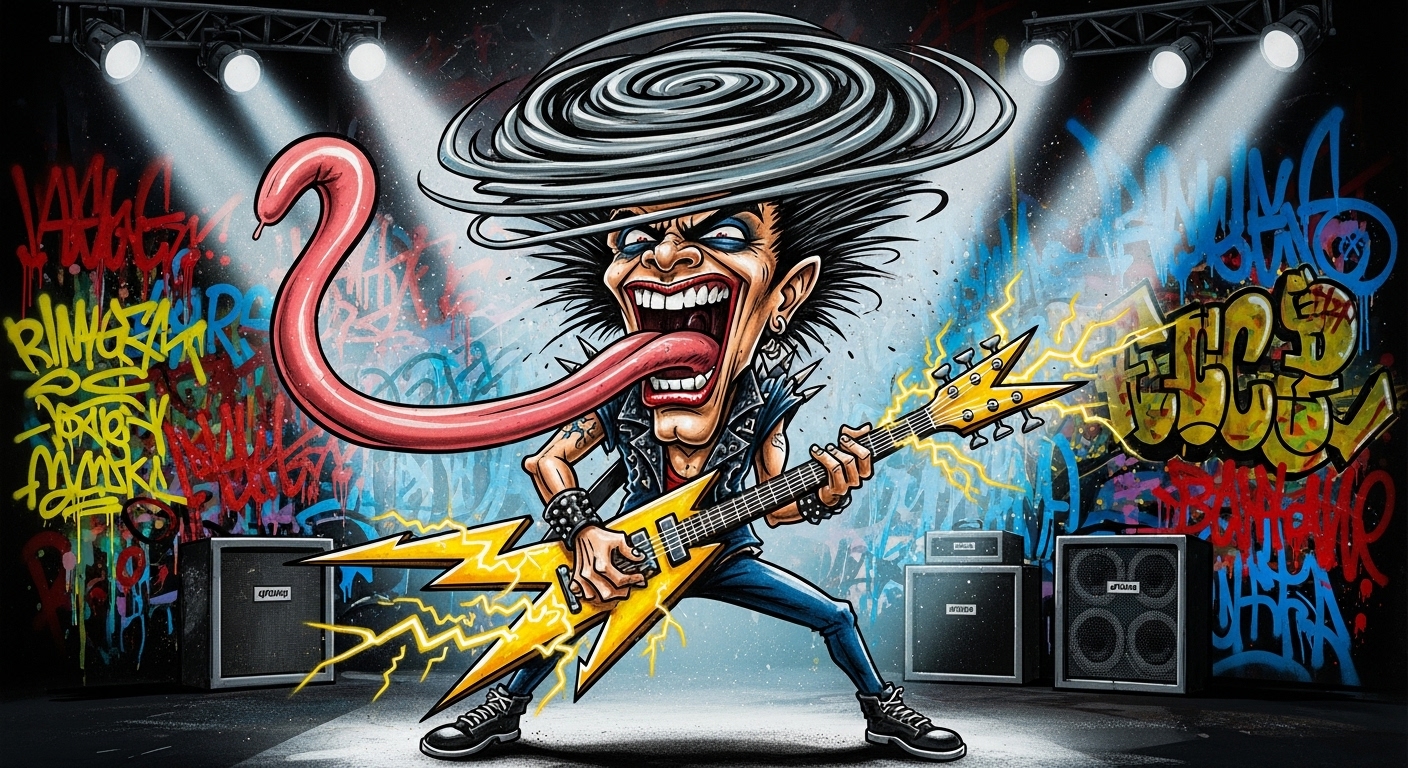
Prompt
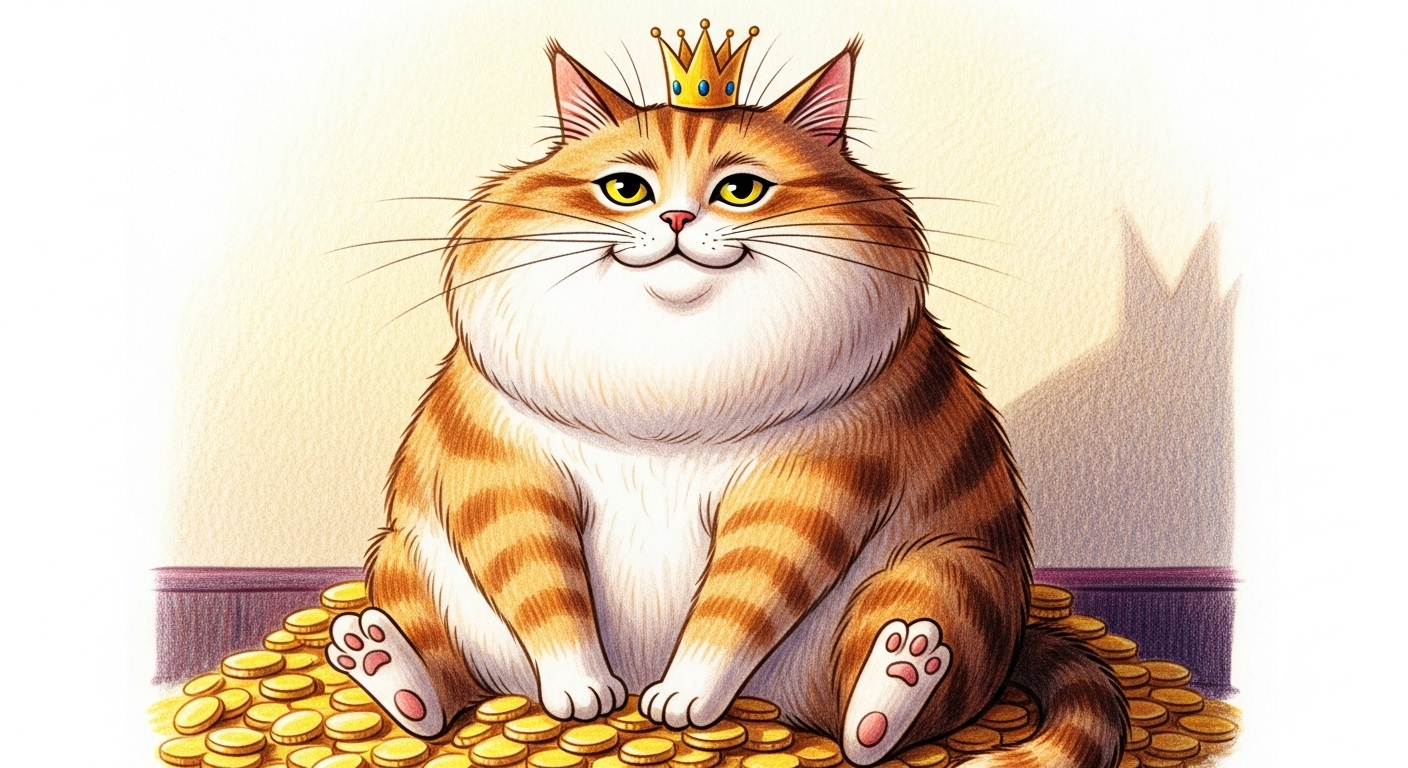
Caricature of a smug cat, grotesquely exaggerating its chubby cheeks and its sly, half-closed eyes. Art style: charming, children's book illustration. The character is lounging on a pile of gold coins, wearing a tiny crown. Background: a simple, soft-colored room. Medium: colored pencil sketch. Lighting: warm and gentle.
Prompt
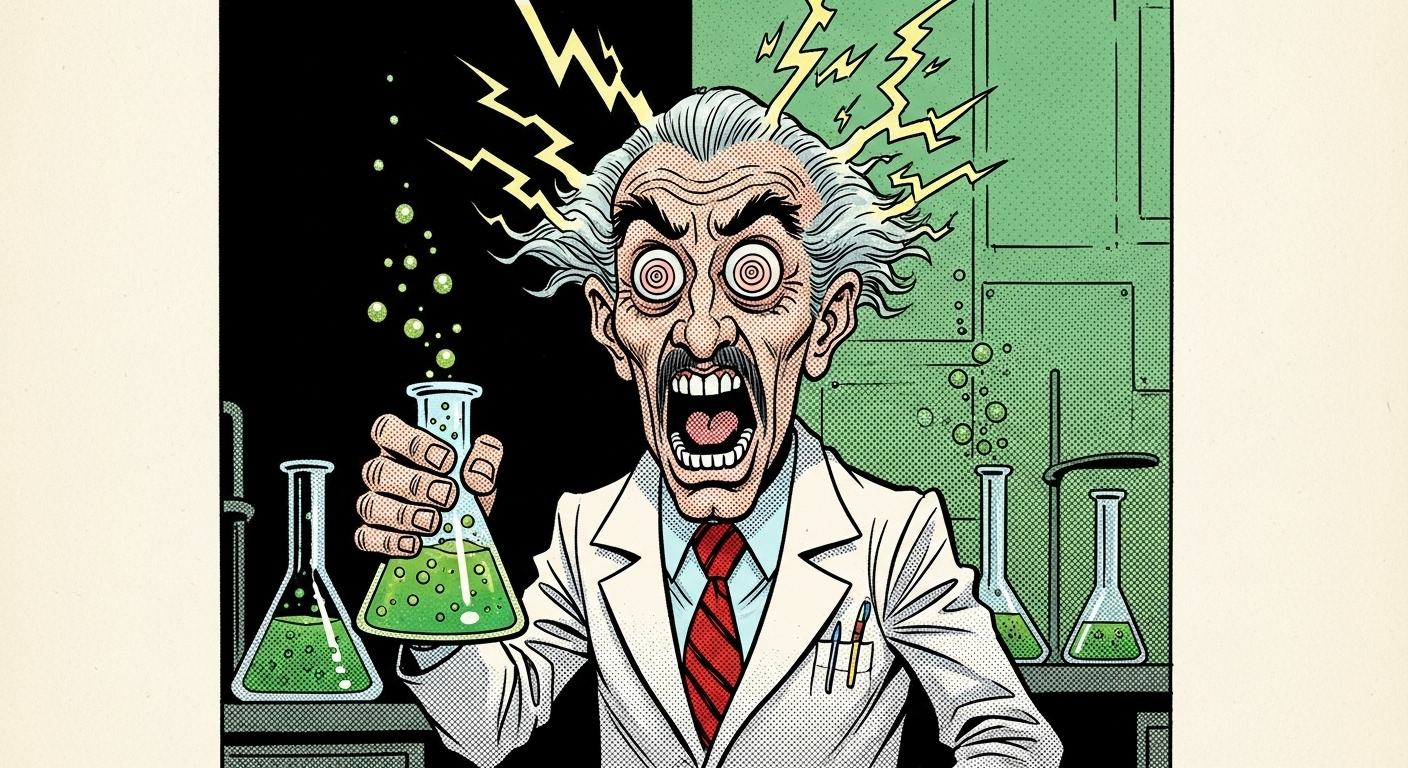
Caricature of a mad scientist, exaggerating their crazed, wide-open eyes with swirling pupils and their hair standing on end as if electrocuted. Art style: vintage comic book. The character is holding a bubbling beaker with a green glowing liquid. Background: a laboratory full of strange gadgets and gizmos. Medium: ink sketch with dot shading. Lighting: eerie green glow from the beaker.
Use Cases & Tips
Unleash Your Inner Comedian
An AI Caricature Generator is the perfect tool for creating humorous and personalized art. Whether for social media profiles, custom gifts, or just for fun, these prompts help you master the art of exaggeration.
How to Create a Caricature from a Photo Online
- Start with a Reference: While you can’t upload a photo directly, you can describe it. Think about the person’s most prominent features. This is key to turning a simple concept into a great caricature from photo.
- Identify Key Features: What stands out? A big smile? Expressive eyes? A unique hairstyle? Your prompt should focus on amplifying these exaggerated features to create a truly funny caricature.
- Describe the Style: Do you want a classic political cartoon look or a modern digital caricature? Mentioning artists or publication styles (like ‘MAD Magazine style’) can guide the AI effectively. Learning how to make a caricature of myself or others becomes a creative exercise in observation.
Tips for the Best Results
- Be Specific: Instead of ‘big nose’, try ‘a gigantic, bulbous, red nose’. The more descriptive, the better the result for your funny exaggerated face drawing.
- Experiment with Art Styles: Explore different looks! A ‘watercolor celebrity caricature art style‘ will look vastly different from a ‘sharpie ink sketch’. This is where the best AI tool for caricatures truly shines.
- Set the Scene: A simple background keeps the focus on the face, but a detailed one can add another layer of humor to your cartoon portrait.
Frequently Asked Questions
Ans. To make a caricature of yourself, start by identifying your most prominent facial features. Use our prompt template and describe yourself in the '[Subject]' field, then specify which features to exaggerate, like 'a prominent chin' or 'large, expressive eyes'. This is a fun way to create a unique cartoon portrait of yourself.
Ans. Be highly descriptive and use strong adjectives. Instead of 'big nose,' try 'a gigantic, bulbous, drooping nose.' Instead of 'curly hair,' try 'an explosion of chaotic, spring-like curls.' The more vivid your description, the more pronounced the exaggerated features will be in the final digital caricature.
Ans. Absolutely. In the '[Art style]' section of the prompt, you can specify any celebrity caricature art style you like. For example, you could request 'in the style of a MAD Magazine political cartoon' or 'as a Disney-style cartoon portrait' to get distinct and recognizable results.
Ans. While you don't upload a photo, you act as the interpreter. You describe the person in the photo, focusing on the details an artist would see. The AI then uses your text description to generate a funny caricature, effectively translating your visual analysis into a new piece of art.
Ans. A great prompt focuses on emotion and action, not just features. Describe the expression, like 'a ridiculously wide, toothy grin' or 'a comically grumpy frown.' Combining exaggerated features with an exaggerated expression is the key to a truly funny exaggerated face drawing.
Ans. The best AI tool for caricatures is one that allows for detailed text descriptions and understands artistic concepts. AI image generators that excel at interpreting nuanced prompts are ideal for creating caricatures because they can effectively translate abstract ideas like 'satirical' or 'comical exaggeration' into visual form.