
AI Image Prompts: The Ultimate Guide to Crafting Stunning Visuals
Modern prompt pattern • responsive assets • ready-to-copy
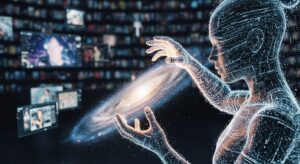
Prompt Template
A detailed description of the [Main Subject], [Action or Pose of Subject], in a [Setting or Background]. The style should be [Art Style/Medium, e.g., photorealistic, impressionist, 3D render]. The scene has [Lighting Description, e.g., cinematic lighting, soft morning light]. The color palette is [Color Scheme, e.g., vibrant and saturated, monochrome]. The image is framed with a [Composition/Camera Angle, e.g., wide-angle shot, close-up]. --parameter [value]
Examples
Prompt
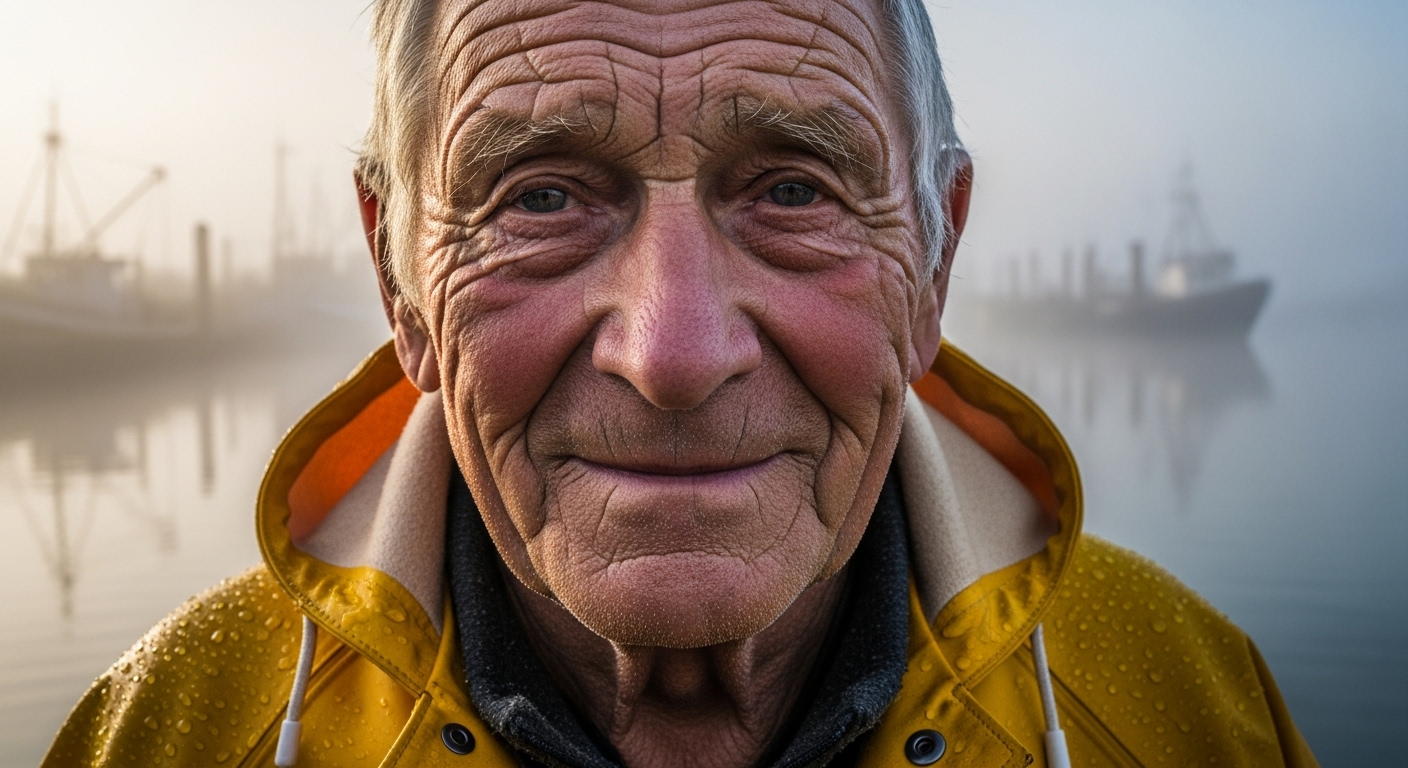
Create a photorealistic portrait of an elderly fisherman with deep wrinkles and a wise, gentle smile. He should be wearing a worn, yellow raincoat. The background should be a misty harbor at dawn. The lighting should be soft and diffused, highlighting the texture of his skin and coat. The shot should be a close-up, captured with a DSLR camera using a 85mm prime lens.
Prompt
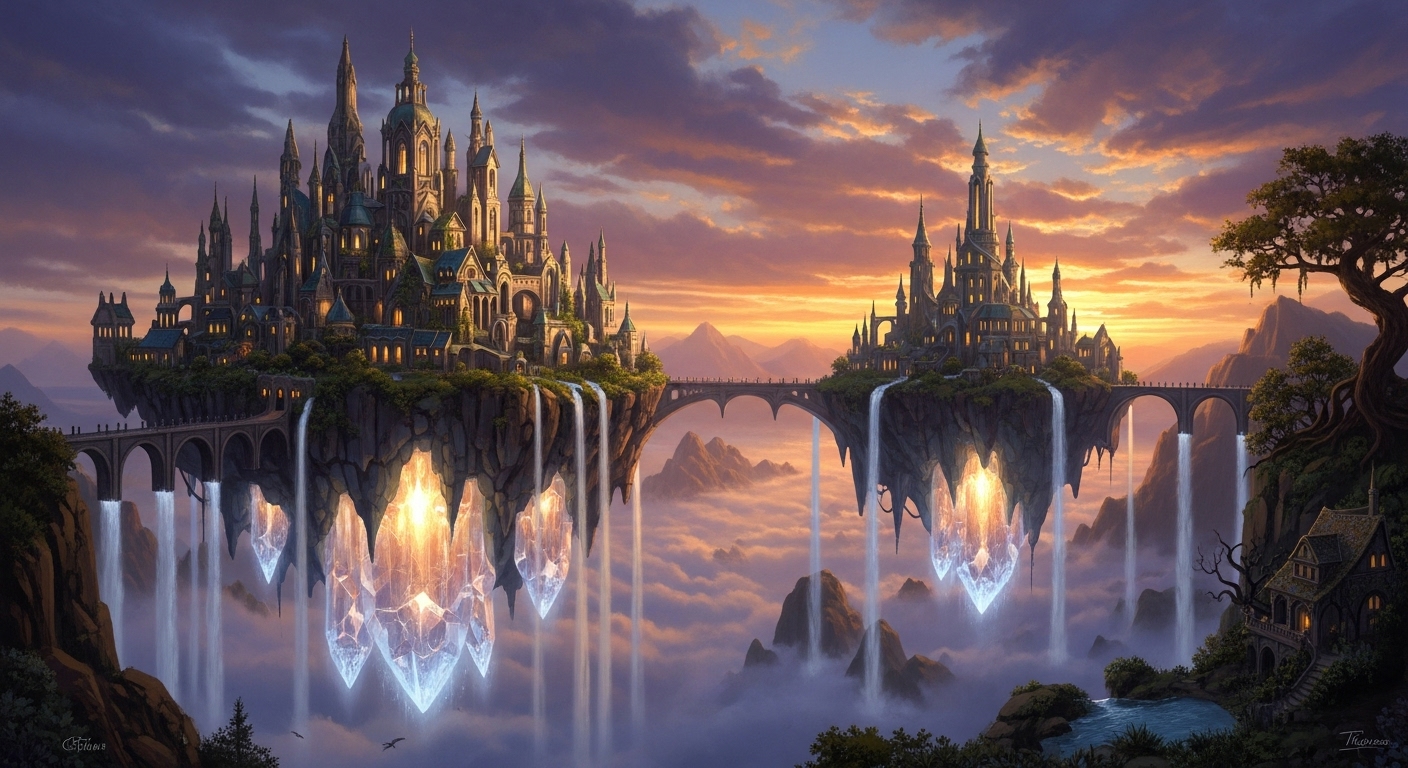
Generate a fantasy landscape painting of a floating city held aloft by giant, glowing crystals. Waterfalls cascade from the city's edges into the clouds below. The architecture should be elegant and elven, with intricate spires. The style should be reminiscent of a classic fantasy concept art piece, with epic scale and dramatic, golden hour lighting.
Prompt
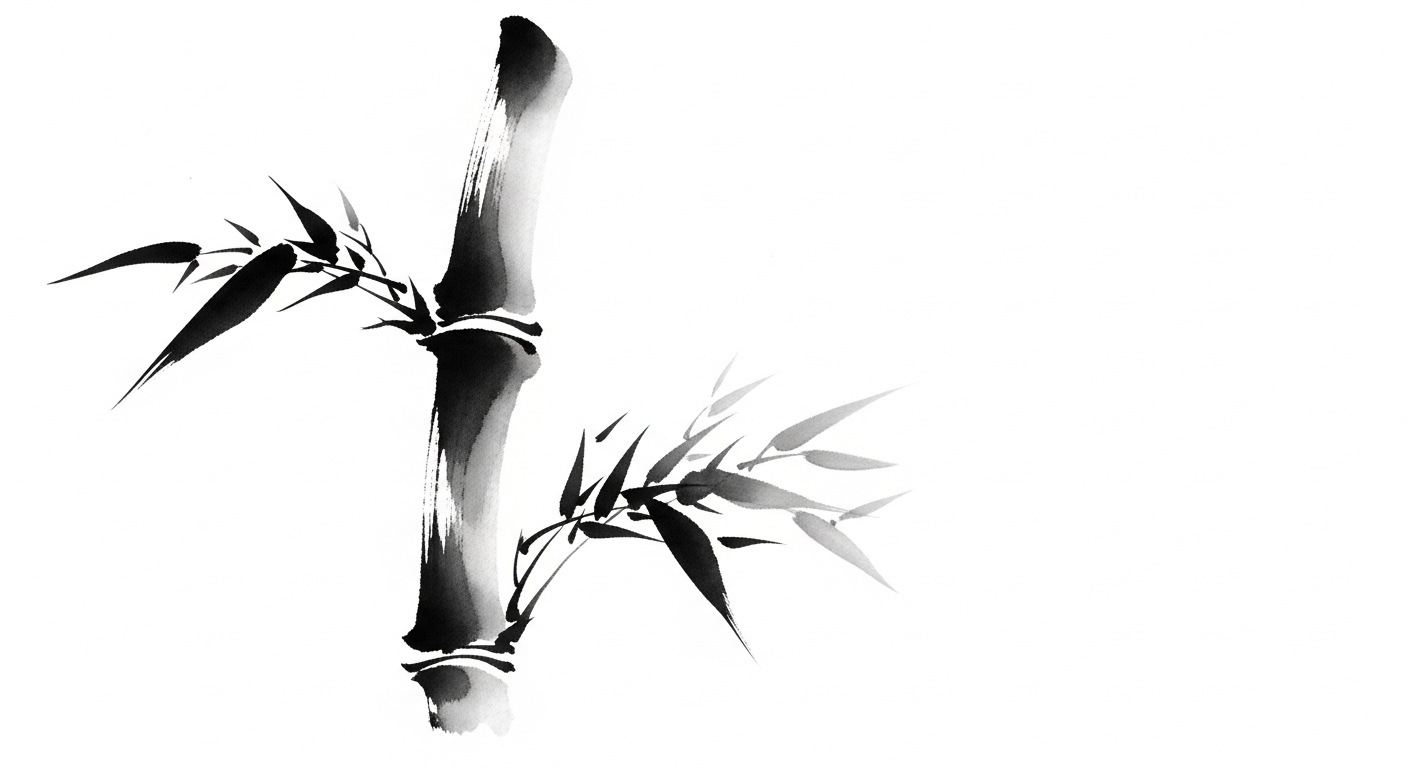
A minimalist, black and white ink wash (sumi-e) style painting of a single bamboo stalk against a stark white background. The focus should be on the expressive, simple brushstrokes. The composition should be asymmetrical and balanced, evoking a sense of calm and tranquility.
Prompt
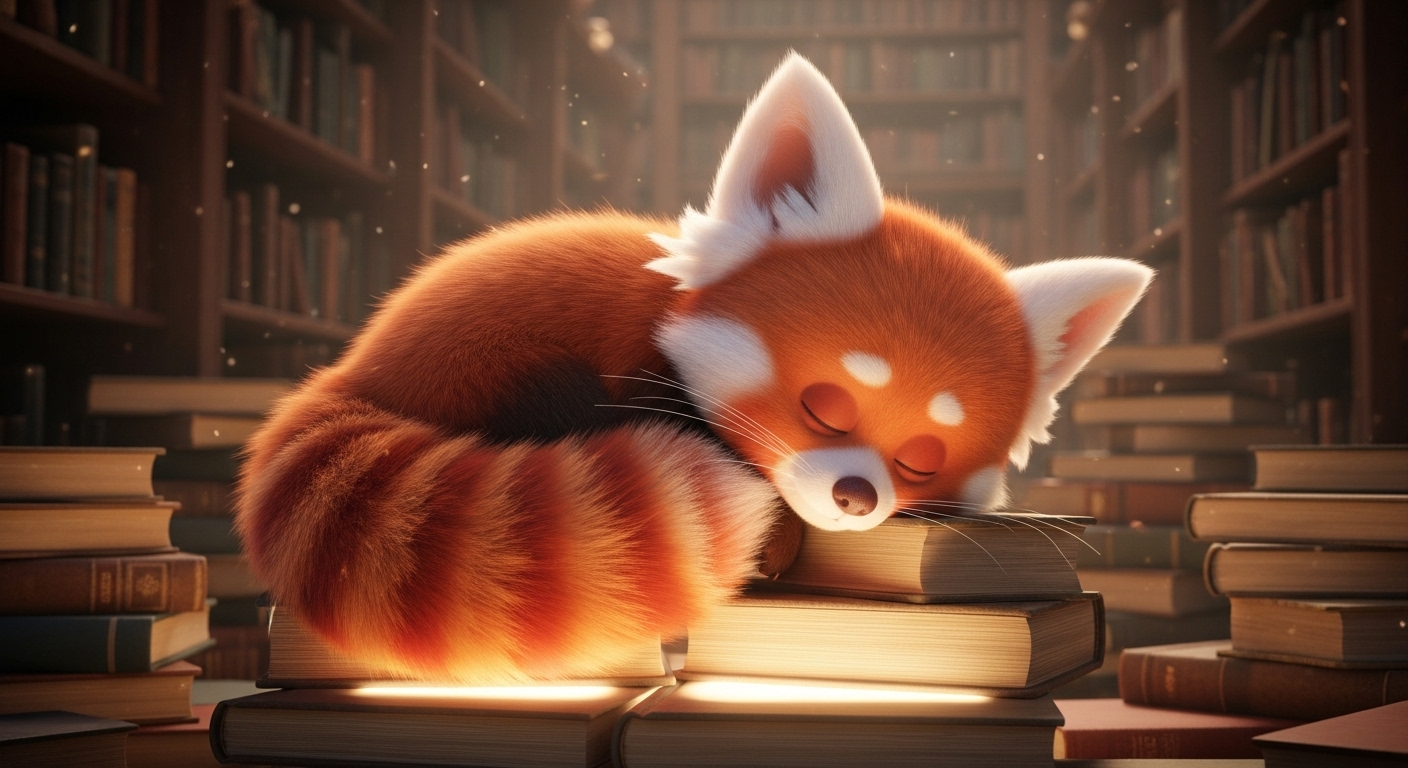
A 3D render of a cute, fluffy creature that looks like a mix between a red panda and a fox. It's curled up asleep on a pile of ancient, glowing books in a cozy, candlelit library. The style should be highly detailed and whimsical, similar to a Pixar animated character. The fur should look soft and touchable.
Prompt
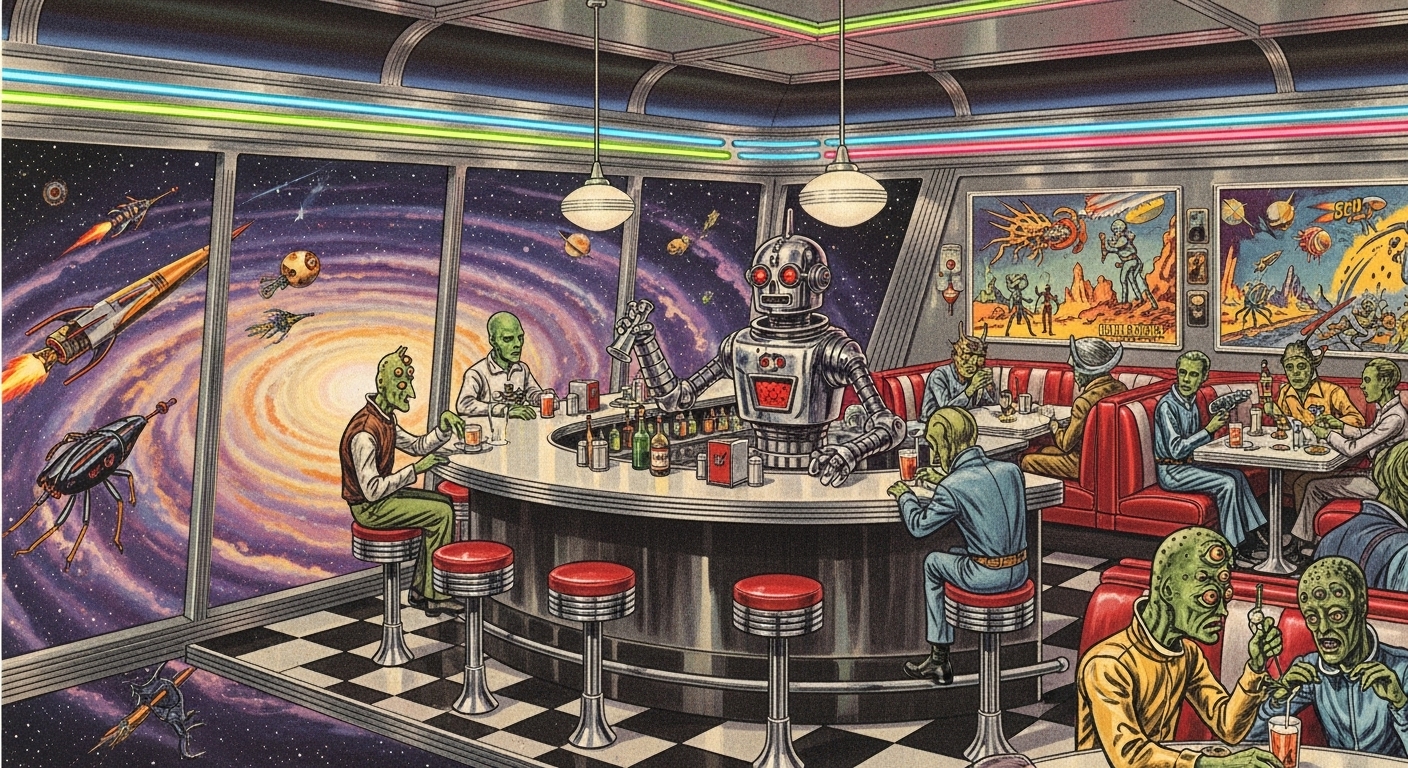
Create a retro-futuristic image of a 1950s style diner in space. A classic chrome and neon diner is floating in a nebula, with asteroids visible through the windows. A robot bartender is serving milkshakes to alien patrons. The style should be vintage sci-fi, with a slightly grainy, film-like quality.
Use Cases & Tips
How to Write Good AI Image Prompts
Crafting effective AI image prompts is both an art and a science. The key is to be specific and descriptive. A solid AI image prompt structure includes the subject, style, lighting, and composition.
- Be Specific: Instead of ‘a dog’, try ‘a fluffy golden retriever puppy playing in a field of daisies’.
- Define the Style: Specify if you want a ‘photograph’, ‘oil painting’, ‘3D render’, or ‘anime style’. This guides the AI’s aesthetic.
- Control the Light: Use terms like ‘cinematic lighting’, ‘golden hour’, or ‘dramatic backlighting’ to set the mood.
- Set the Scene: Describe the background and environment to give your subject context.
Mastering Different AI Art Prompts
Different goals require different types of AI art prompts. For instance, creating the best AI prompts for realistic photos involves using camera-specific terms.
- For Realism: Include details like ‘photorealistic, 8K, sharp focus, taken with a Sony a7 III, 50mm lens, f/1.8’.
- For Fantasy: Use evocative words like ‘ethereal’, ‘magical’, ‘luminescent forest’, ‘concept art by Greg Rutkowski’.
- For Abstract Art: Experiment with concepts, emotions, and color palettes like ‘a visual representation of melancholy, swirling blues and greys, textured, impasto style’.
Leveraging an Image Prompt Generator
If you’re stuck, a good image prompt generator can be a fantastic tool for inspiration. While many platforms have built-in helpers, you can also use online tools or our templates as a starting point. This is a great way to discover new styles and find creative AI art prompt examples. Many communities also offer a free AI image prompt generator bot to help you get started with platforms like Midjourney or Stable Diffusion.
Frequently Asked Questions
Ans. A great AI image prompt structure typically includes four key elements: 1. Subject (what you want to see), 2. Style (the artistic medium, e.g., photograph, oil painting, 3D render), 3. Context (the background and environment), and 4. Technical Details (lighting, color, composition, camera lens). Being specific with each part gives the AI clear instructions.
Ans. For realistic photos, use photography-specific language. Mention camera types (e.g., 'shot on Sony A7R IV'), lens specifications ('85mm f/1.4 lens'), lighting ('soft window light'), and resolution ('photorealistic, 8K, hyper-detailed'). Avoid artistic terms like 'painting' or 'illustration'.
Ans. Certainly! Try these: 'A stained-glass portrait of a cyborg philosopher', 'A tiny, moss-covered bookstore inside a hollow log, lit by fireflies, digital painting', or 'The feeling of nostalgia as a physical landscape, surrealism, soft pastel colors'. The key is to combine unexpected concepts and a clear artistic style.
Ans. While the core concepts are similar, Midjourney prompts often excel with more natural, descriptive language and benefit from stylistic keywords. Stable Diffusion prompts can be more technical, allowing for precise weighting of terms and the use of negative prompts to exclude unwanted elements, giving users more granular control.
Ans. Yes, many free resources are available. Several websites offer tools that help you build detailed prompts by selecting styles, subjects, and lighting. Additionally, many Discord communities dedicated to AI art have free bots that can generate random or structured prompts to inspire your creations.
Ans. The most important part is detail and clarity. The more specific information you provide about the subject, style, lighting, and composition, the closer the AI's output will be to your vision. Experimenting with different adjectives and artist names is also crucial for developing a unique style.