
Best ChatGPT AI Photo Prompts to Create Stunning Images
Modern prompt pattern • responsive assets • ready-to-copy
Prompt Template
A [adjective] photograph of a [subject], [action/pose]. The background is a [setting/background]. The style is [art style/medium], with [lighting style] lighting. The shot is a [camera angle/shot type] using a [camera/lens type]. The color palette is [color palette]. Key details include [specific details/modifiers]. --ar [aspect ratio]
Examples
Prompt
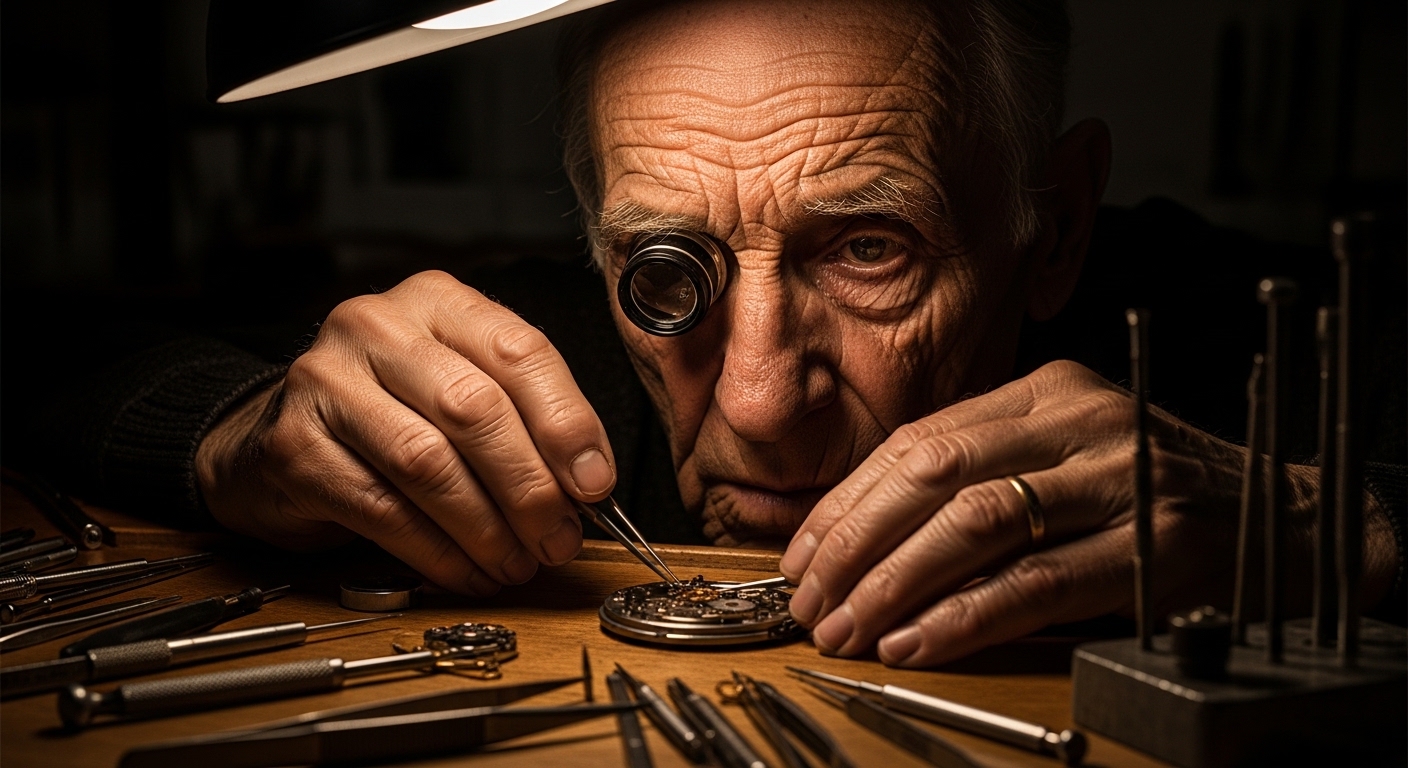
Create a hyper-realistic, professional portrait of an elderly watchmaker, his face etched with wrinkles of concentration. He is hunched over a workbench filled with intricate gears and tools. The lighting is a single, warm lamp from above, creating deep shadows (chiaroscuro effect). The shot should be a close-up, focusing on his hands and face, captured with a Canon EOS R5 and a 100mm macro lens to highlight the extreme detail. The mood is quiet, nostalgic, and focused.
Prompt
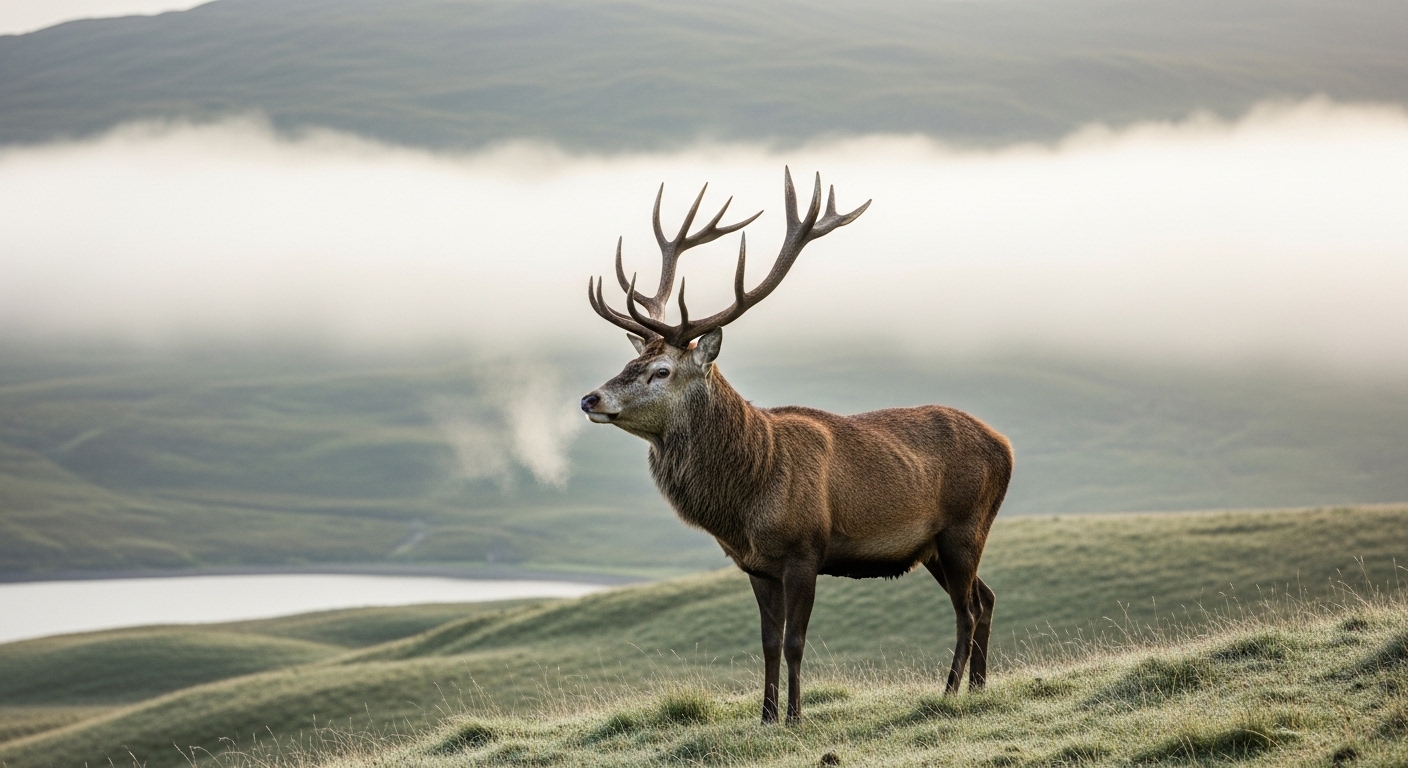
Generate an image of a serene, misty morning in the Scottish Highlands. A majestic stag with large antlers stands on a dew-covered hill, its breath visible in the cold air. In the background, rolling green hills disappear into the thick fog, with a tranquil loch partially visible. The style should be a landscape photograph with soft, diffused morning light. The color palette is dominated by muted greens, greys, and browns.
Prompt
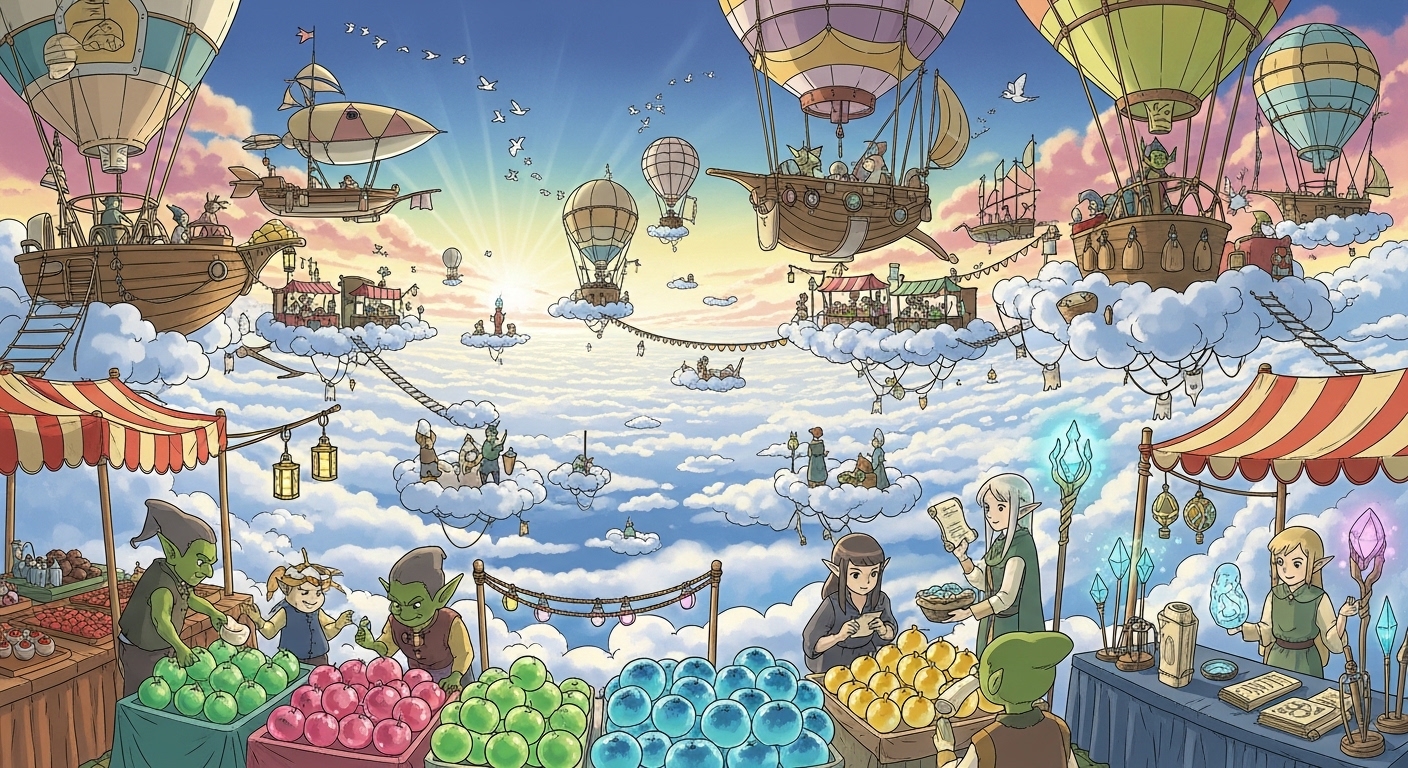
Create a vibrant, whimsical illustration of a fantastical floating market in the clouds. Various airships and hot air balloons are docked, with merchants (fantasy creatures like goblins and elves) selling glowing fruits and magical artifacts. The style is reminiscent of Studio Ghibli, with a bright, cheerful color palette and clean lines. The perspective is a wide-angle shot showing the bustling activity of the market.
Prompt
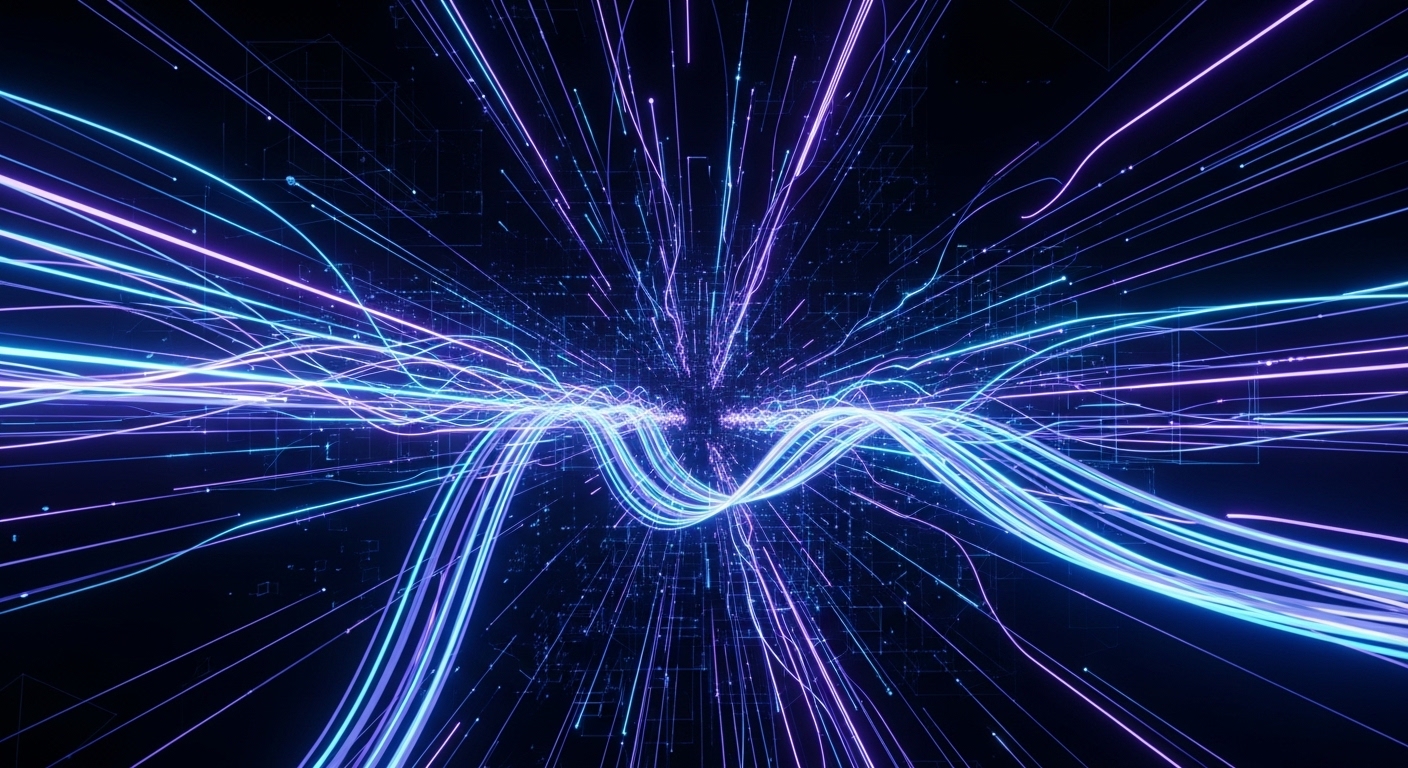
An abstract 3D render representing the concept of 'data flow'. Use glowing, neon blue and purple lines of light that weave and intersect in a complex, dark digital space. Some lines should be sharp and fast, while others are soft and flowing. The overall feeling should be futuristic, complex, and beautiful. Include subtle geometric shapes and a sense of infinite depth.
Prompt
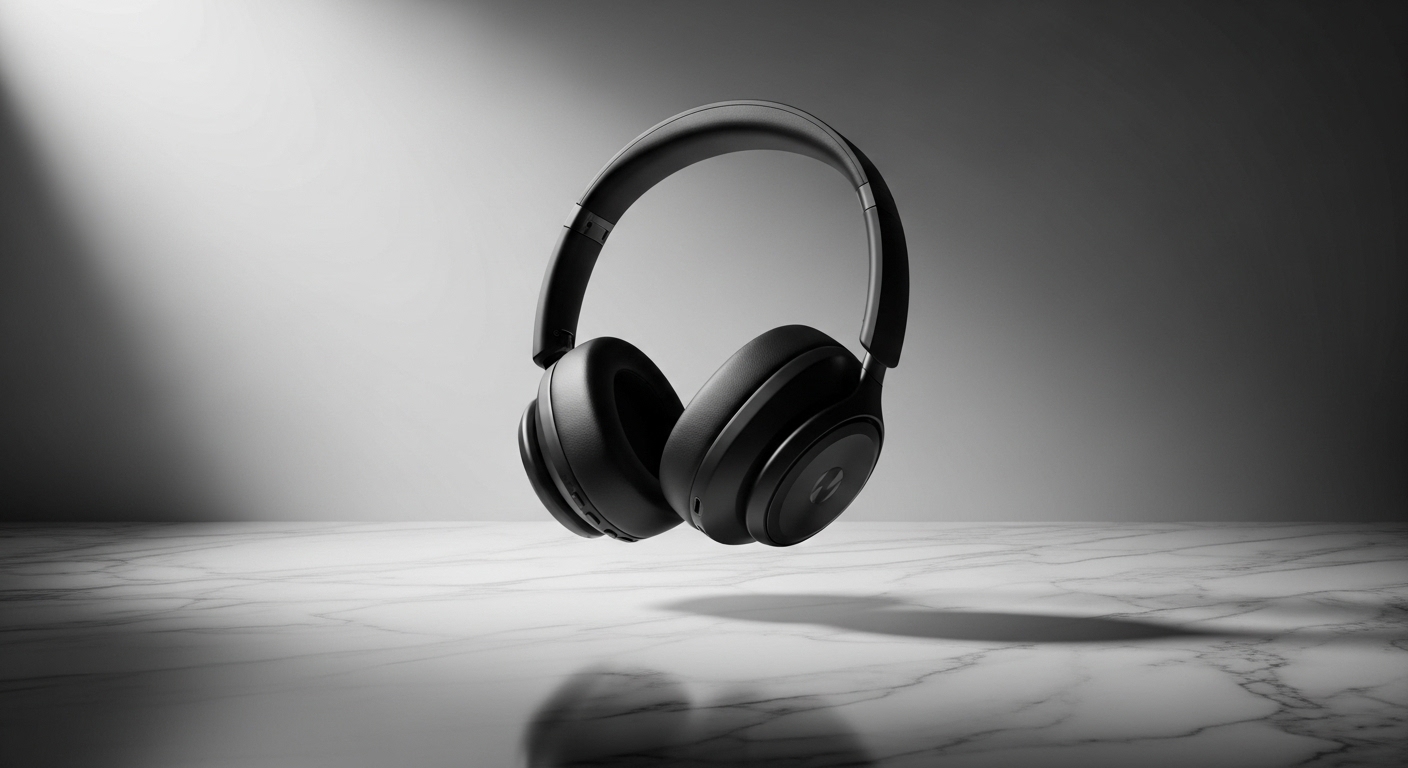
Generate a sleek, minimalist product shot of a high-end, matte black wireless headphone. The headphone is levitating slightly above a polished marble surface. The lighting is soft studio lighting, creating a gentle gradient on the product's surface and a soft shadow below. The background is a simple, neutral grey wall. The image should be clean, modern, and luxurious, suitable for a high-end advertising campaign.
Use Cases & Tips
Mastering Photorealistic AI Art
To create photorealistic images with ChatGPT, your prompts need to be incredibly detailed. Think like a photographer. Specify the subject, lighting, and camera settings. This is the core of effective AI photography prompts.
- Subject Details: Don’t just say ‘a woman’; describe her expression, age, clothing, and hairstyle. This helps DALL-E generate a more specific and realistic person.
- Lighting is Key: Use terms like ‘golden hour lighting’, ‘soft window light’, ‘dramatic studio lighting’, or ‘cinematic rim lighting’ to control the mood.
- Camera & Lens: Mentioning a ‘Sony A7S III with an 85mm f/1.4 lens’ tells the AI to mimic the depth of field and quality of that specific gear. This is one of the more advanced AI photo prompt techniques.
Crafting Unique Text-to-Image Prompts
Moving beyond realism, the best AI image generation prompts often blend styles and concepts. Your goal is to give the AI a clear but creative instruction set.
- Combine Styles: Try mixing artistic movements, like ‘a cyberpunk city in the style of Van Gogh’ or ‘a medieval knight painted with vaporwave aesthetics’.
- Use Metaphors: Prompts like ‘a forest whispering ancient secrets’ can yield more imaginative results than ‘a dark forest’.
- Control the Composition: Use terms like ‘symmetrical’, ‘rule of thirds’, ‘leading lines’, or ‘Dutch angle’ to guide the AI’s composition. Understanding how to write good prompts for AI photos involves thinking visually.
ChatGPT Prompt Examples for Portraits
When generating portraits, specificity is your best friend. Use detailed DALL-E prompts to control every aspect of the final image. Consider these tips for getting the best prompts for realistic AI images of people.
- Specify Emotion: ‘A portrait of a pensive old man’, ‘a joyful young woman laughing’.
- Detail the Setting: ‘…in a cozy, cluttered library’, ‘…against a stark, brutalist concrete wall’.
- Define the Gaze: ‘…looking directly at the camera’, ‘…gazing off into the distance’.
Frequently Asked Questions
Ans. To write effective ChatGPT AI photo prompts, be specific and descriptive. Include the subject, action, setting, lighting, style, and even camera details. Think of yourself as a director describing a scene to an artist. The more detail you provide, the closer the AI will get to your vision.
Ans. The best prompts for realistic AI images often include photographic terms. Specify lens types (e.g., '85mm f/1.4'), camera models ('Hasselblad X2D'), lighting conditions ('golden hour', 'softbox lighting'), and material textures ('worn leather', 'polished chrome'). This tricks the AI into mimicking a real photograph.
Ans. Yes, you can create photorealistic images with ChatGPT because it uses the powerful DALL-E 3 model. The key is to use highly detailed text-to-image prompts. Avoid generic terms and instead provide a rich description of your desired scene, focusing on realistic lighting, textures, and composition.
Ans. Advanced techniques include prompt weighting (though not directly supported in the ChatGPT interface, you can emphasize terms by placing them earlier), specifying artistic influences ('in the style of Ansel Adams'), and describing emotional tone ('a melancholic and somber mood'). You can also chain concepts together for unique, hybrid results.
Ans. Absolutely. Including camera models, lens types, aperture settings (like f/1.8 for a blurry background), and film types (like 'Kodak Portra 400') in your DALL-E prompts can dramatically influence the final image's style, depth of field, and color science, making it a powerful tool for creating photorealistic AI art.
Ans. Achieving character consistency is challenging but possible. Create a highly detailed description of your character, including unique features, clothing, and hairstyle. Reuse this exact detailed description in every prompt, only changing the action or setting. While not perfect, this significantly increases the chances of a consistent appearance.