
Claymation Style AI Art Prompts: Create Sculpted Imperfections
Modern prompt pattern • responsive assets • ready-to-copy
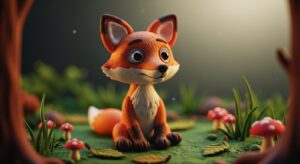
Prompt Template
Claymation style [scene or character], made of [type of clay, e.g., plasticine, polymer clay], distinct fingerprint smudges and tool marks visible, [lighting style, e.g., soft studio lighting, dramatic key light], detailed sculpted textures, [color palette], stop motion animation aesthetic, [camera angle], shot on [camera type, e.g., DSLR camera with macro lens]
Examples
Prompt
A Claymation style scene of a cozy kitchen, made of colorful plasticine. There's a tiny wooden table with a miniature clay teapot and cups. Visible fingerprint smudges on the walls and furniture. The scene is lit by a warm, soft light coming from a window. Stop motion animation aesthetic, miniature scale.
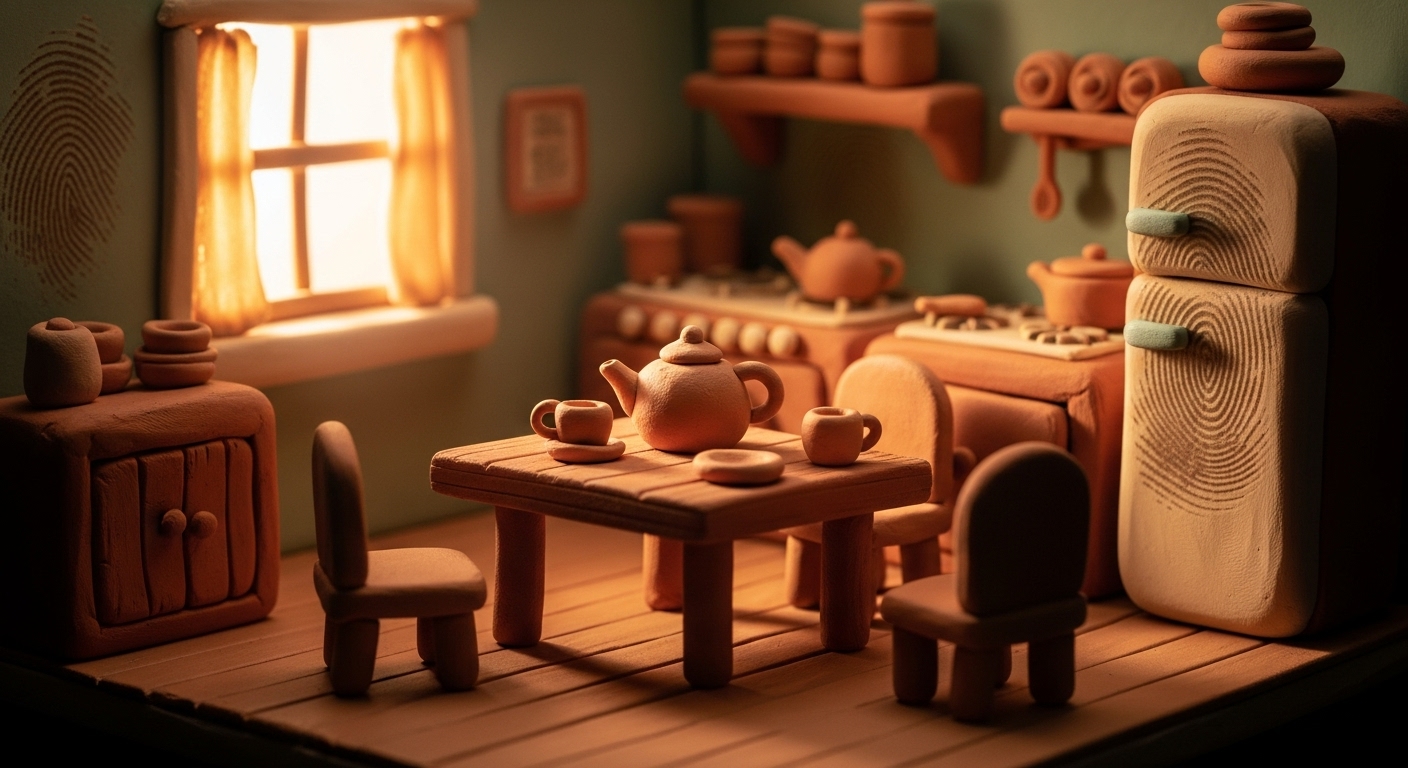
Prompt
A close-up portrait of an old wizard character in Claymation style. He has a long white beard made of textured clay strands and wears a pointed blue hat. His face has exaggerated, kind wrinkles and clear tool marks. Dramatic key lighting from the side highlights the sculpted textures. Shot on a DSLR with a macro lens.
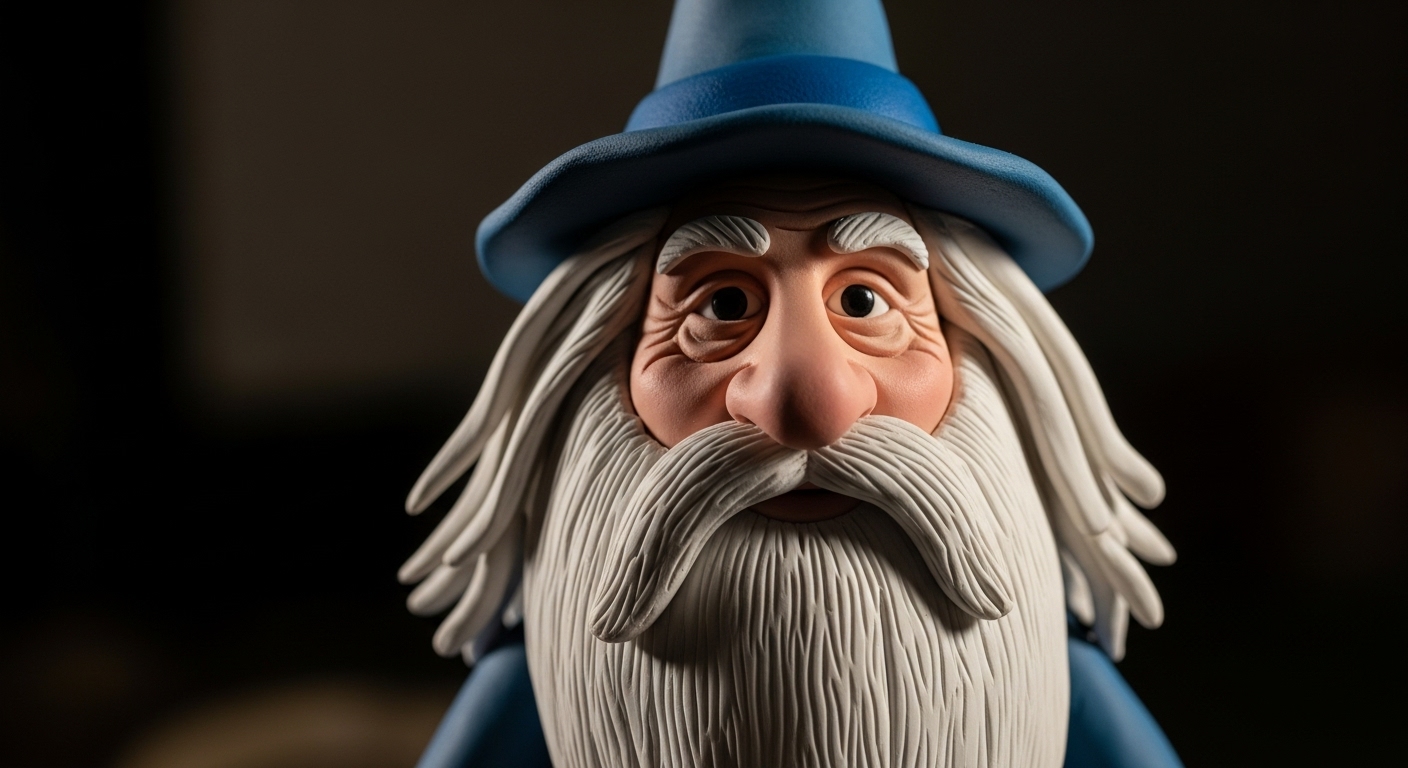
Prompt
A group of cute, blob-like monsters made from vibrant, multi-colored polymer clay. They are standing on a simple white surface. Each monster has one or two large googly eyes. The clay has a slightly glossy finish but still shows some surface imperfections. Soft studio lighting, clean background, stop motion animation aesthetic.
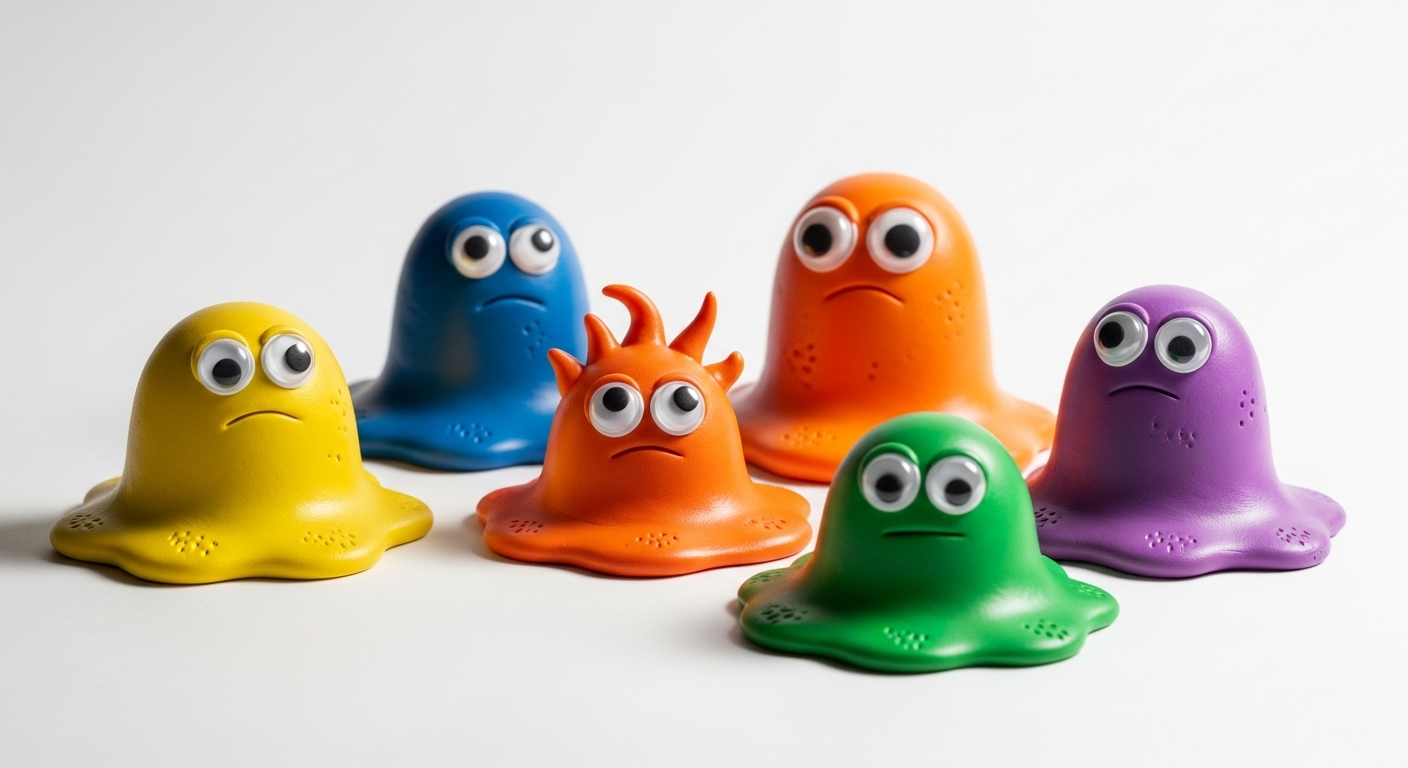
Prompt
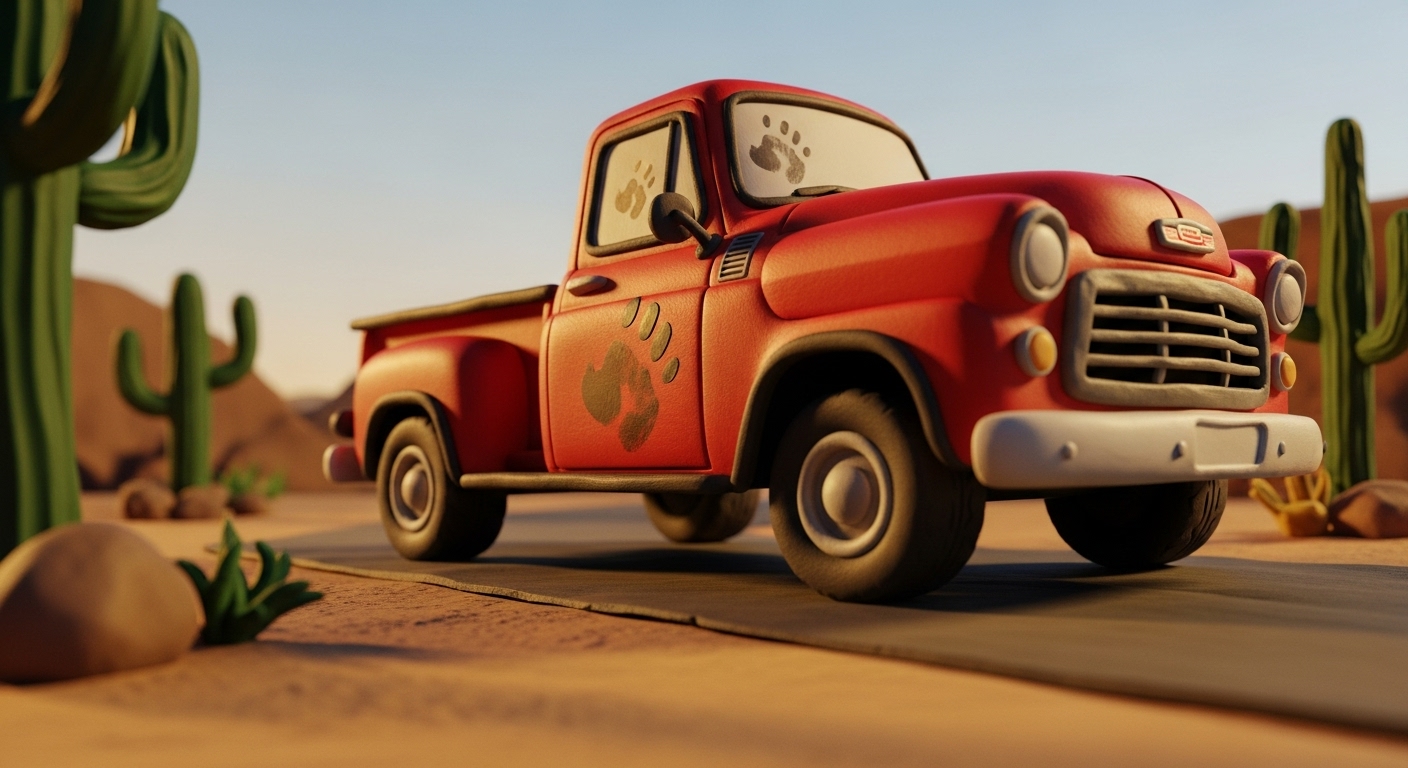
An intricate Claymation style model of a classic red pickup truck. The truck is made of red and black plasticine, with visible thumbprints on the doors and hood. It's parked on a dusty clay road in a desert diorama with sculpted cacti. Golden hour lighting, low angle shot.
Prompt
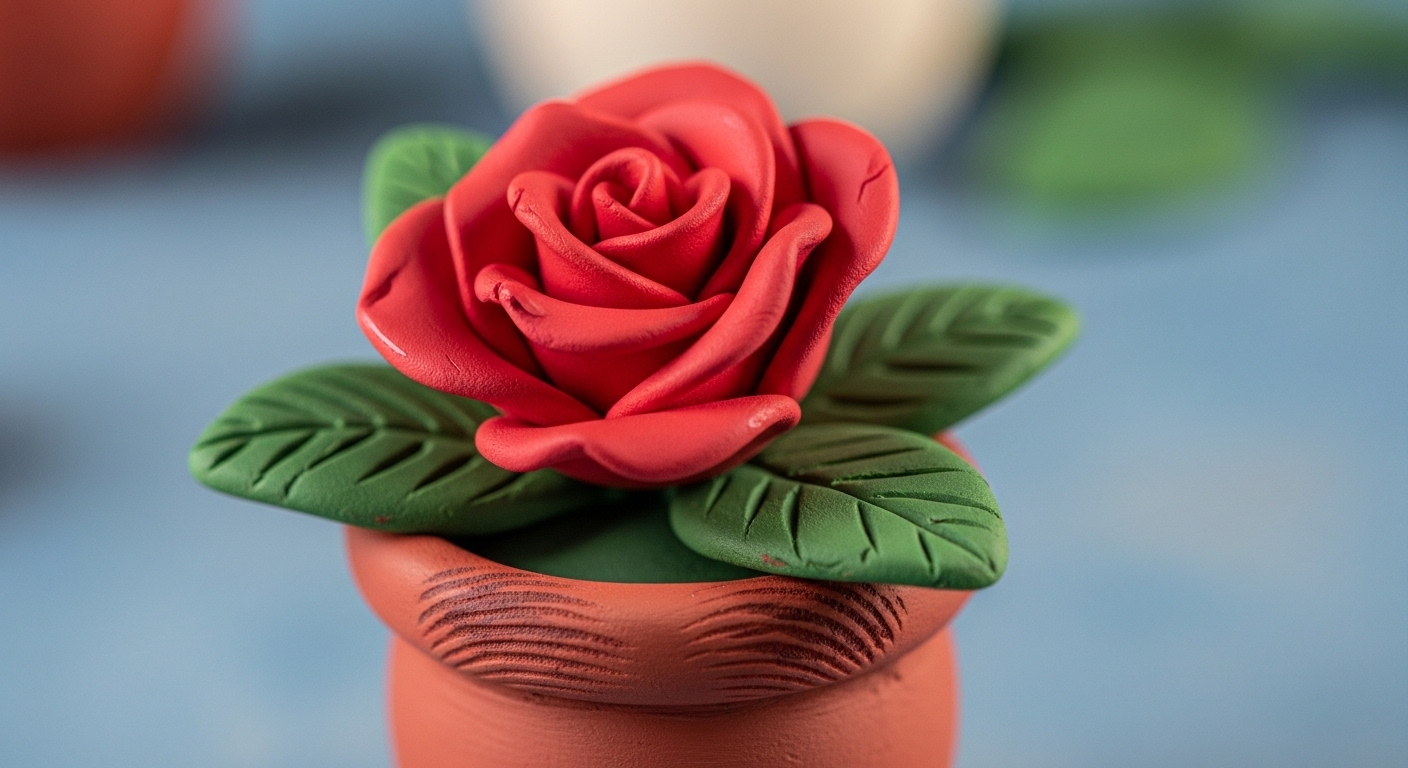
Claymation style scene of a single red rose in a small clay pot. The petals are delicately sculpted from red clay, and the leaves from green clay, showing subtle tool marks. The pot has clear fingerprint smudges around the rim. The background is a soft, out-of-focus blue. Gentle, diffused lighting.
Use Cases & Tips
Embracing Imperfection for Unique Art
The charm of the Claymation style lies in its imperfections. This handmade aesthetic brings warmth and personality to digital creations, moving away from overly polished renders. Use these prompts to explore the world of digital clay art and create images that feel tangible and real.
Use Cases & Creative Tips
- Character Design: This is a perfect starting point. Learning how to create claymation characters in AI allows you to design whimsical figures for stories, games, or social media profiles. Focus on exaggerated features and simple shapes, typical of classic plasticine models.
- Miniature Worlds & Dioramas: Build entire scenes in the style of stop motion animation. Think of tiny kitchens, enchanted forests, or bustling cityscapes. Specifying ‘diorama’ or ‘miniature set’ in your prompt can enhance this effect, giving you a complete DIY clay animation look.
- Abstract Sculptures: Don’t limit yourself to characters. Generate abstract clay art with interesting shapes and sculpted textures. This is a great way to create unique wallpapers, backgrounds, or conceptual art pieces.
- Photo Manipulation: While not a direct claymation effect photo generator, you can use image-to-image features with these prompts to transform existing photos into a clay-like version. Start with a simple portrait or object for the best results.
- Text and Title Art: Create unique typography by prompting for letters or words sculpted from clay. This is excellent for branding, posters, or creative headlines, adding that sought-after handmade aesthetic.
Pro-Prompting Tips
- Specify the Clay: Mentioning ‘plasticine’ gives a soft, smudgy look, while ‘polymer clay’ can yield a harder, more defined result.
- Emphasize Imperfections: Use phrases like ‘visible fingerprint smudges’, ‘uneven surfaces’, and ‘subtle tool marks’ to get that authentic feel. This is key for creating compelling AI art with fingerprint smudges.
- Control the Lighting: ‘Soft studio lighting’ creates a gentle, appealing look, whereas ‘dramatic side lighting’ will highlight the sculpted textures and imperfections.
Frequently Asked Questions
Ans. To create claymation characters, start your prompt with 'Claymation style character of...' and describe your figure. Specify the type of clay, like 'plasticine' for a soft look or 'polymer clay' for a firmer appearance. Crucially, add details like 'visible fingerprint smudges' and 'subtle tool marks' to achieve the authentic handmade aesthetic.
Ans. The most effective way is to explicitly ask for them in your prompt. Use phrases like 'distinct fingerprint smudges are visible on the surface,' 'clear thumbprints on the clay,' or 'imperfect surface with smudges.' Combining this with a macro or close-up shot description will make the AI prioritize rendering these important details.
Ans. Yes, you can adapt these prompts for that purpose, especially in AI models that support image-to-image generation (img2img). You would provide a source photo and use a prompt like 'Claymation style version of the image, made of plasticine, with sculpted textures' to transform your photo's subject into a clay model.
Ans. A strong Midjourney claymation prompt is highly descriptive. It should include the core style ('Claymation style'), the subject, the material ('made of plasticine'), specific imperfections ('fingerprints, tool marks'), lighting ('soft studio lighting'), and camera details ('macro lens, 8k'). Combining these elements gives the AI clear instructions for a detailed and authentic result.
Ans. To get that charming DIY clay animation look, focus on the imperfections that come from hand-crafting. Use keywords like 'handmade aesthetic,' 'uneven surfaces,' 'slightly lopsided,' and 'simple shapes.' This tells the AI to avoid a perfectly polished, computer-generated look and instead mimic the style of a personal stop motion animation project.