
Colorful LEGO Minifigures: The Ultimate AI Prompt Guide
Modern prompt pattern • responsive assets • ready-to-copy
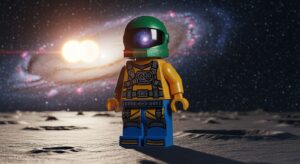
Prompt Template
Studio macro photography of a colorful LEGO minifigure [Character Type] with [Specific Features], in a [Dynamic Pose/Action], on a [Detailed Background/Scene]. The scene is illuminated by [Lighting Style], creating [Mood/Effect]. Shot with a [Lens Type] lens, emphasizing the glossy plastic texture and intricate details, [Artistic Style]. --ar [aspect_ratio]
Examples
Prompt
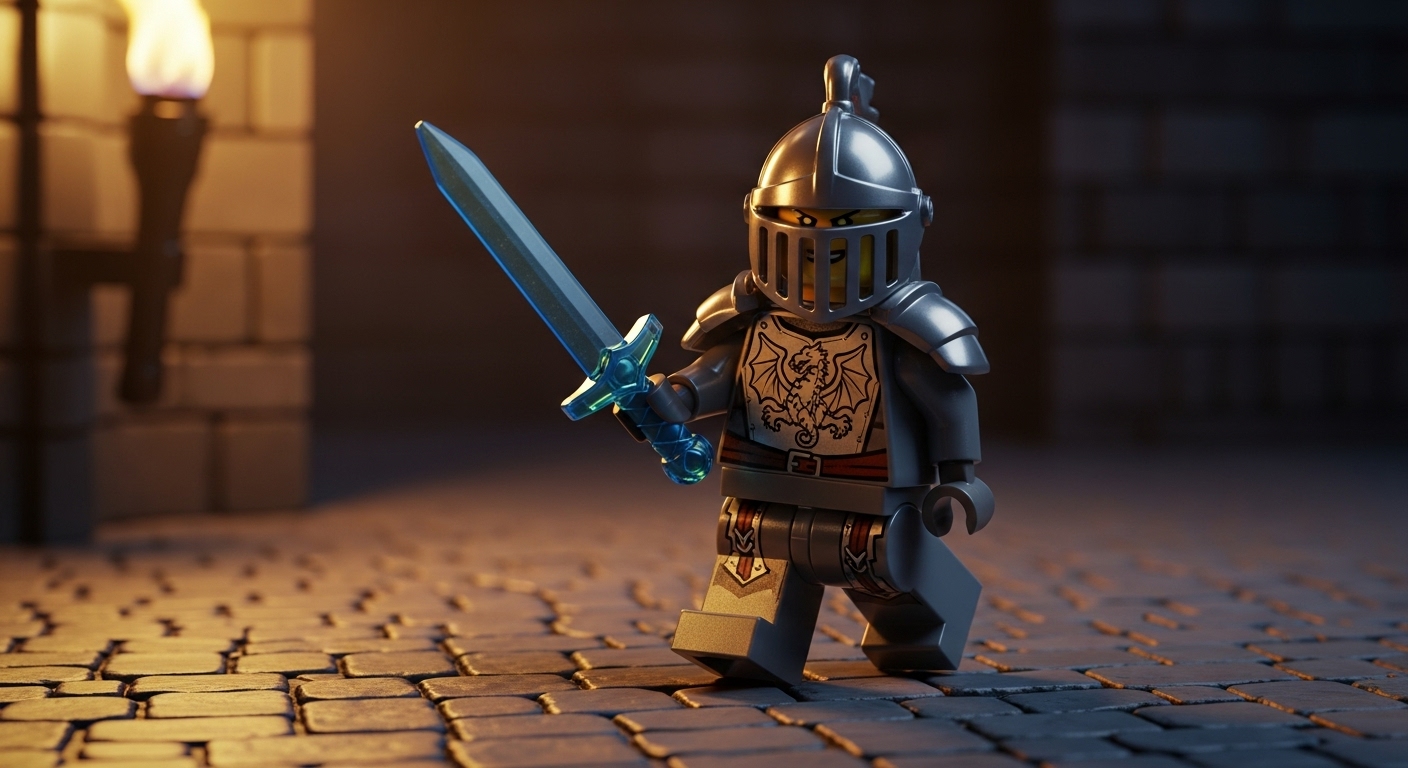
Studio macro photography of a colorful LEGO minifigure knight with a polished silver helmet and a detailed dragon emblem on its chest, lunging forward with a translucent blue sword, on a cobblestone castle floor. The scene is illuminated by dramatic torchlight, creating deep shadows and warm highlights. Shot with a 100mm macro lens, emphasizing the glossy plastic texture and intricate details, cinematic fantasy style. --ar 16:9
Prompt
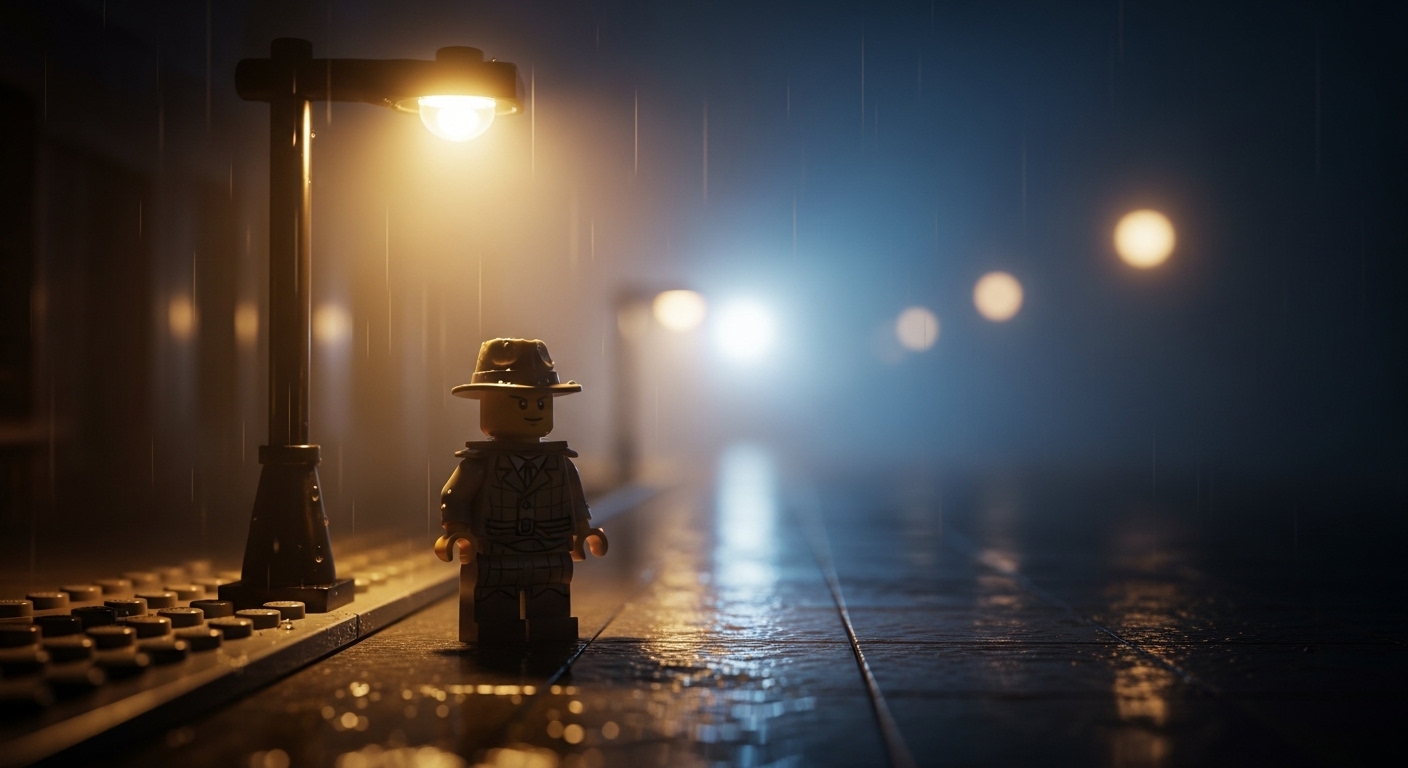
Toy photography style shot of a colorful LEGO minifigure detective in a fedora and trench coat, standing under a single streetlamp on a wet, foggy noir city street at night. The scene is illuminated by the moody, singular light source, creating a high-contrast, mysterious atmosphere. Shot with a 50mm lens with a shallow depth of field, emphasizing the rain-slicked plastic texture, cinematic noir. --ar 2:3
Prompt
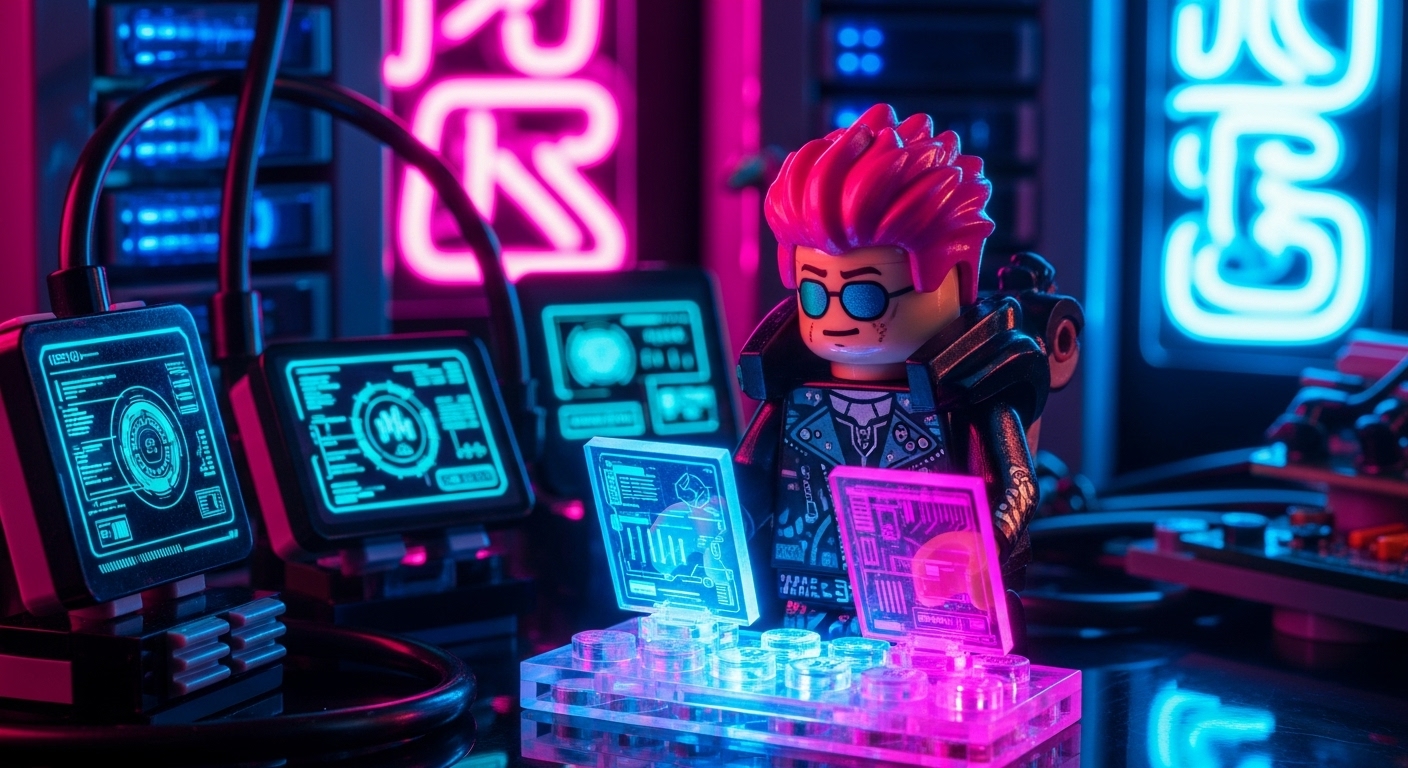
Studio macro photography of a colorful LEGO minifigure cyberpunk hacker with pink cybernetic hair and a black leather jacket, typing on a holographic keyboard, in a neon-lit server room. The scene is illuminated by the glow from monitors and neon signs, creating vibrant blue and magenta reflections. Shot with a macro lens, emphasizing the glossy plastic and translucent holographic elements, high-tech sci-fi style. --ar 16:9
Prompt
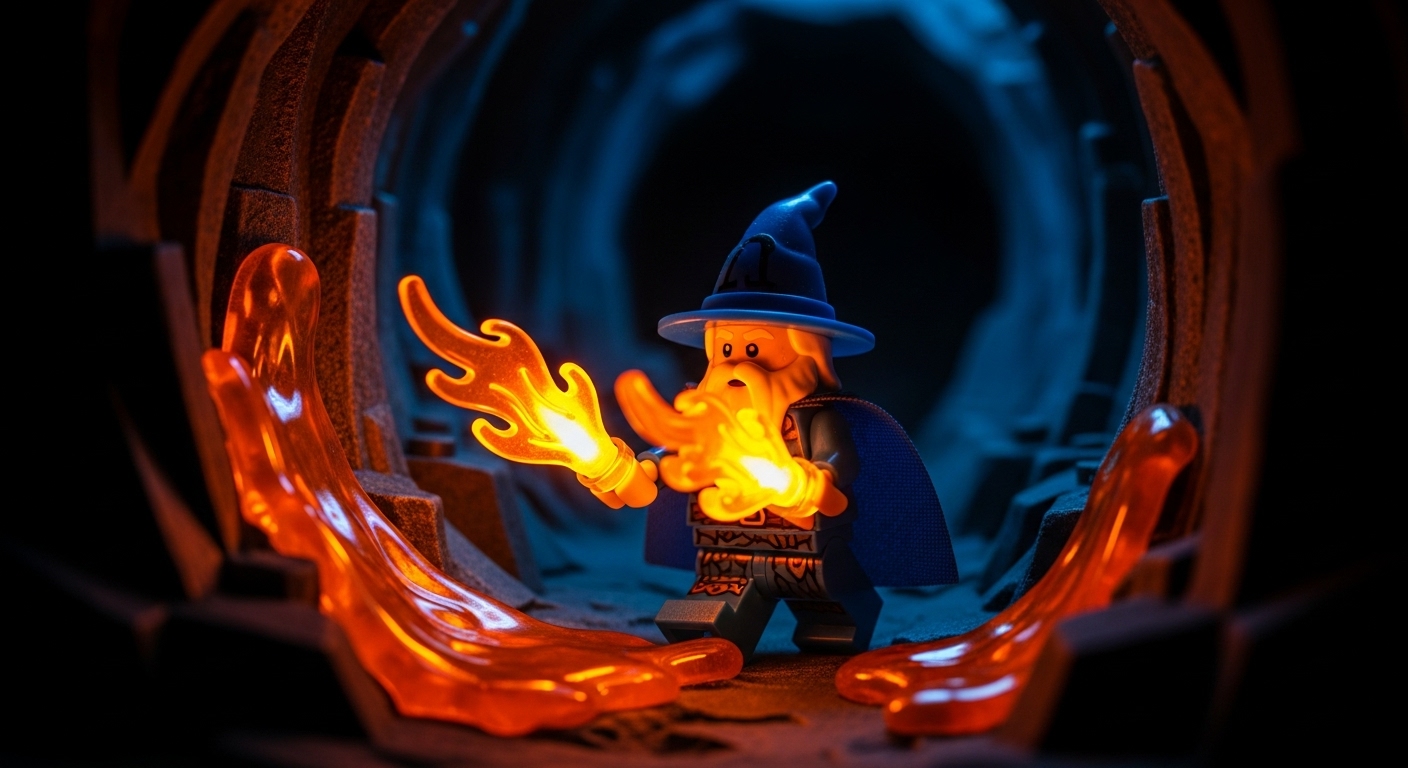
Action shot in the style of toy photography, a colorful LEGO minifigure wizard with a long white beard and a pointed blue hat, casting a fire spell from its hands in a dark cave. The scene is illuminated only by the bright orange glow of the magic, creating dramatic lighting on the figure and cave walls. Shot with a wide-angle lens to capture the scale, emphasizing the molten plastic look of the spell, epic fantasy art. --ar 3:2
Prompt
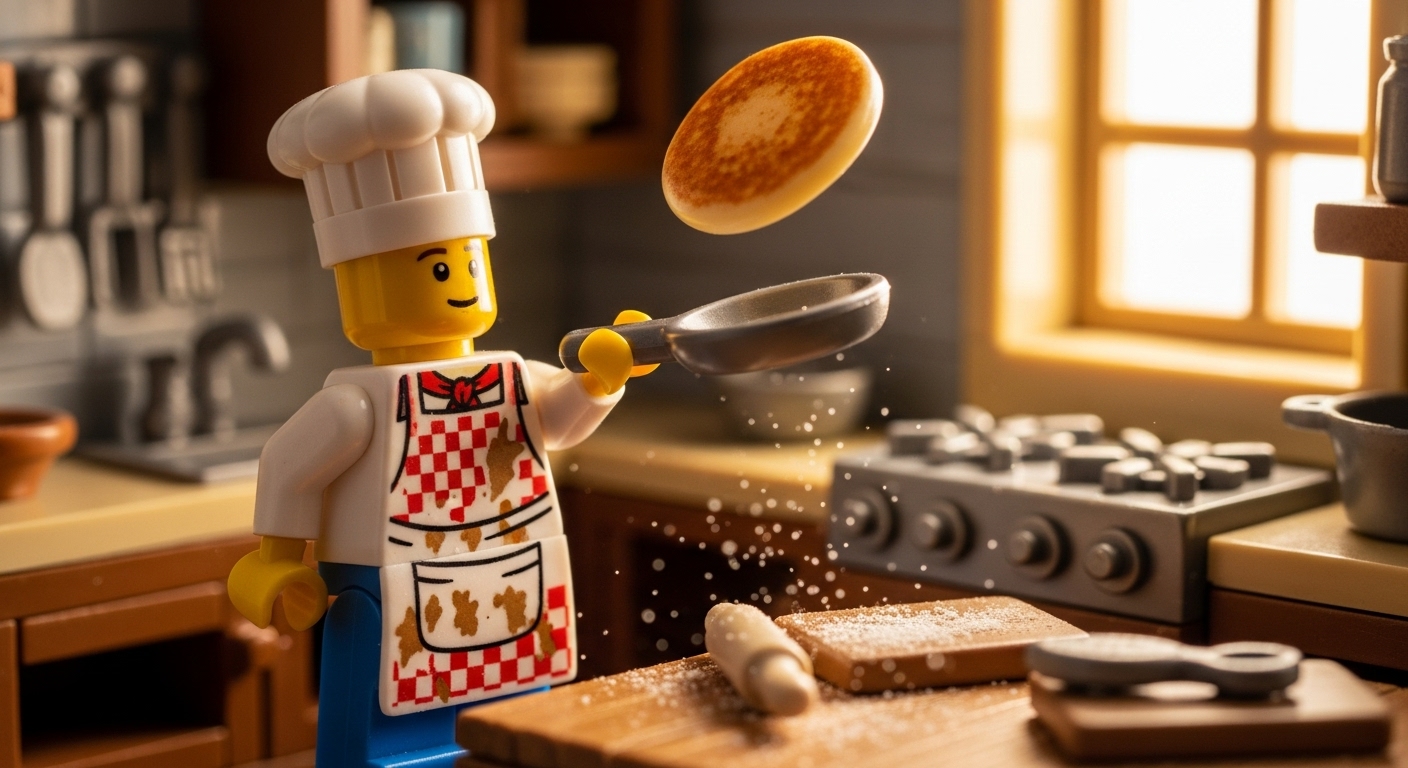
Studio macro photography of a colorful LEGO minifigure chef with a tall white hat and a stained apron, enthusiastically flipping a pancake in a detailed miniature kitchen. The scene is illuminated by bright, cheerful morning light from a window, creating a warm and inviting atmosphere. Shot with a macro lens, emphasizing the glossy food-safe plastic texture and flour dust details, charming and whimsical style. --ar 1:1
Use Cases & Tips
Mastering LEGO Character Photography
Transform simple prompts into captivating stories. The key to exceptional lego character photography is action and environment. Instead of a static character, think about the narrative.
- Use the prompt to specify an action, like ‘running through a puddle’ or ‘casting a spell’. This is crucial for creating dynamic poses for lego minifigures.
- Build a world around your figure. Describe a ‘dystopian cyberpunk city street’ or a ‘misty enchanted forest’ to give your creation context and depth.
- Experiment with group shots to create scenes of adventure, conflict, or camaraderie, turning your generations into compelling plastic toy art.
Tips for Realistic Toy Photography Style
Achieving a believable look requires focusing on the details that mimic real-world photography.
- Incorporate macro photography terms like ‘shallow depth of field’ or ‘bokeh background’ to create a sense of scale and focus.
- Control the virtual studio by defining the lighting. For anyone wondering about the best lighting for toy photography, try prompts with ‘dramatic side-lighting’, ‘softbox lighting’, or ‘rim lighting’ to highlight the minifigure’s form and glossy texture.
Designing Custom LEGO Figures
AI allows you to go beyond existing LEGO sets and generate truly custom lego figures. This is perfect for artists and designers looking to visualize new concepts.
- Combine themes: create a ‘steampunk samurai’ or a ‘victorian astronaut’. Don’t be afraid to mix and match elements that don’t exist in official sets.
- Focus on details: Specify the color of the helmet, the print on the torso, or unique accessories to guide the AI. This is how to create a lego minifigure portrait that is truly unique.
- Use your prompts to place these colorful lego minifigures in different scenes to see how they interact with various environments.
Frequently Asked Questions
Ans. To create a great lego minifigure portrait, use specific photographic terms in your prompt. Include phrases like 'macro photography,' 'studio lighting,' 'shallow depth of field,' and specify the lens (e.g., '100mm macro lens'). Also, describe the texture, such as 'glossy plastic surface with micro-scratches,' to add a layer of realism.
Ans. The best prompts for dynamic poses involve action words. Instead of 'a LEGO knight,' try 'a LEGO knight lunging with a sword' or 'a LEGO astronaut floating in zero-gravity.' This tells the AI to generate a figure in motion, making the final image much more engaging.
Ans. Control the mood by defining the light source. Use terms like 'dramatic side-lighting,' 'softbox studio light,' 'golden hour sunlight,' or 'moody neon glow.' This is more effective than just saying 'good lighting' and gives you precise control over the final image's atmosphere.
Ans. Absolutely. This is a great strength of AI. You can create custom LEGO figures by combining different themes in your prompt. For example, prompt a 'steampunk pirate with a clockwork leg' or a 'fantasy druid with a translucent leaf cape.' The AI will merge these concepts into a unique minifigure design.
Ans. Describe the background with as much detail as the character. Instead of 'on a street,' specify 'on a rain-slicked cyberpunk street at night with glowing neon signs.' A detailed environment provides context, enhances the story, and makes the image more believable and immersive.
Ans. To emphasize the classic plastic toy art look, include descriptive words about its material properties. Use phrases like 'glossy plastic texture,' 'sharp highlights on the polished ABS plastic,' 'subsurface scattering,' or even 'faint seam lines' to guide the AI toward a more photorealistic result.