
Cute Anime AI Prompts to Create Whimsical Scenes
Modern prompt pattern • responsive assets • ready-to-copy
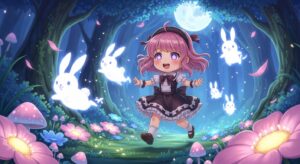
Prompt Template
A cute anime [Character Type] with [Hair/Eye Details] wearing [Outfit Description], [Action/Pose] in a [Whimsical Setting]. The atmosphere is [Mood/Feeling], with [Specific Magical Elements]. Art style: [Specific Anime Style, e.g., Ghibli-inspired, modern moe], soft pastel color palette, sparkling details, gentle lighting.
Examples
Prompt
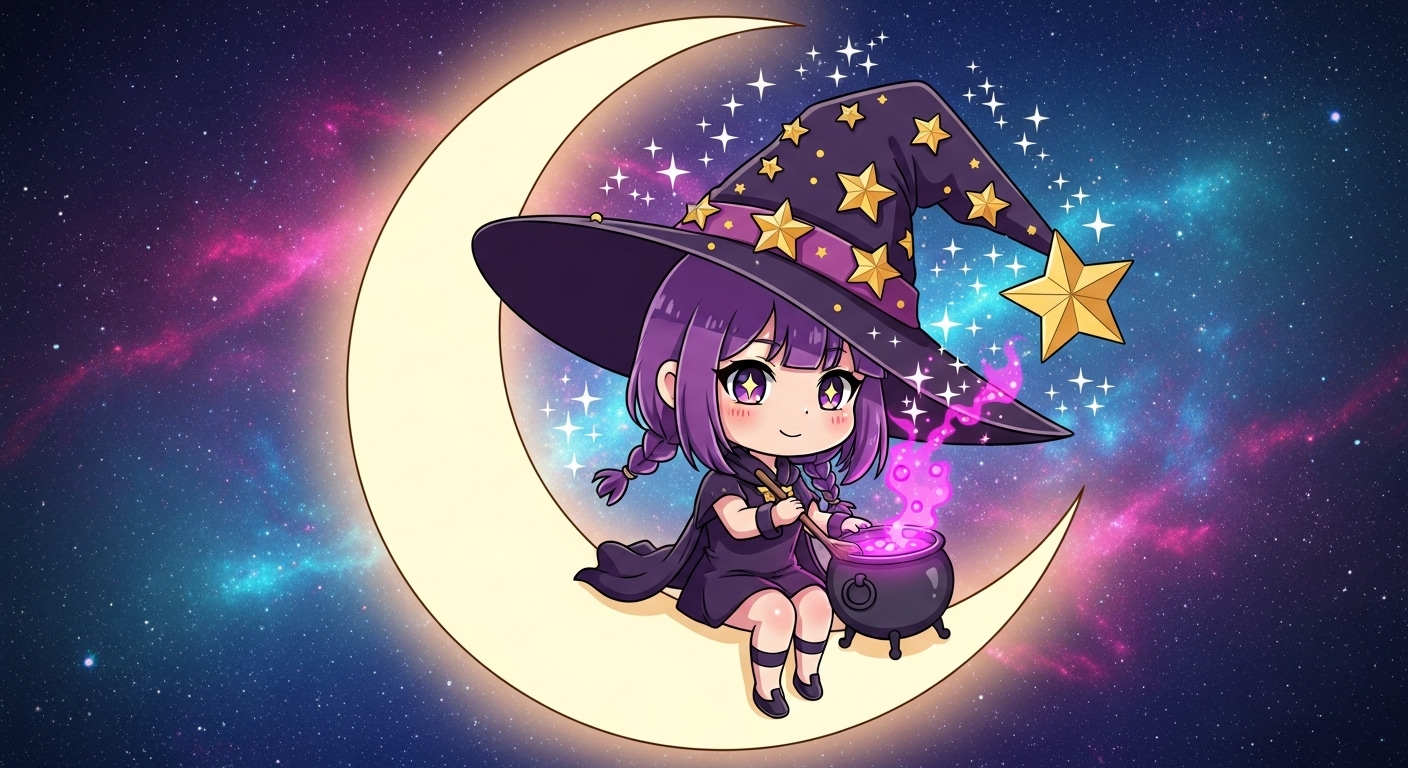
A cute chibi witch with messy purple hair and a pointed hat adorned with stars, sitting on a crescent moon and stirring a glowing pink potion in a tiny cauldron. The background is a starry night sky with a soft nebula. Art style: modern anime, kawaii art style, vibrant colors, sparkling magical effects.
Prompt
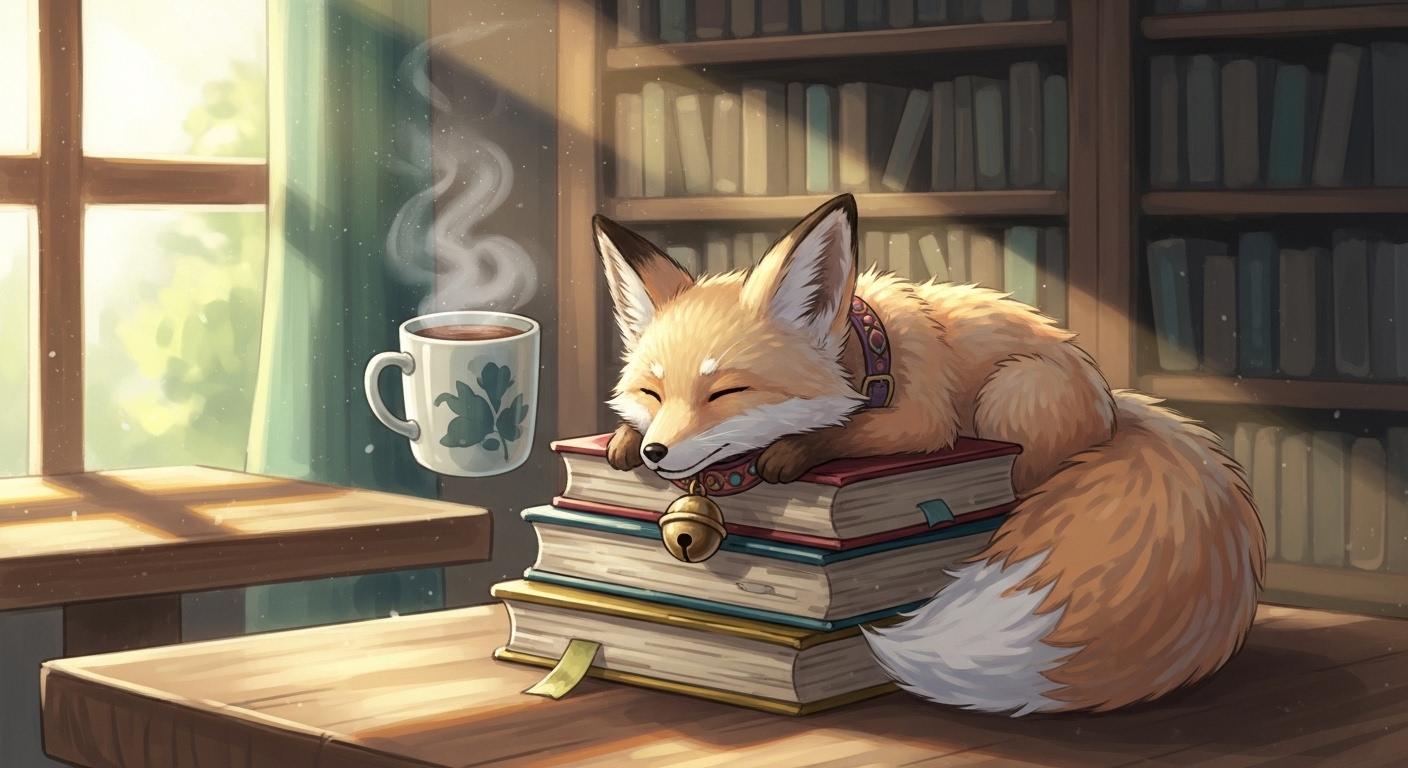
A whimsical anime scene of a small, fluffy fox spirit wearing a tiny bell collar, sleeping curled up on a stack of books next to a steaming mug of tea in a cozy, sunlit library cafe. Art style: Ghibli-inspired, warm and gentle lighting, soft textures, painterly background.
Prompt
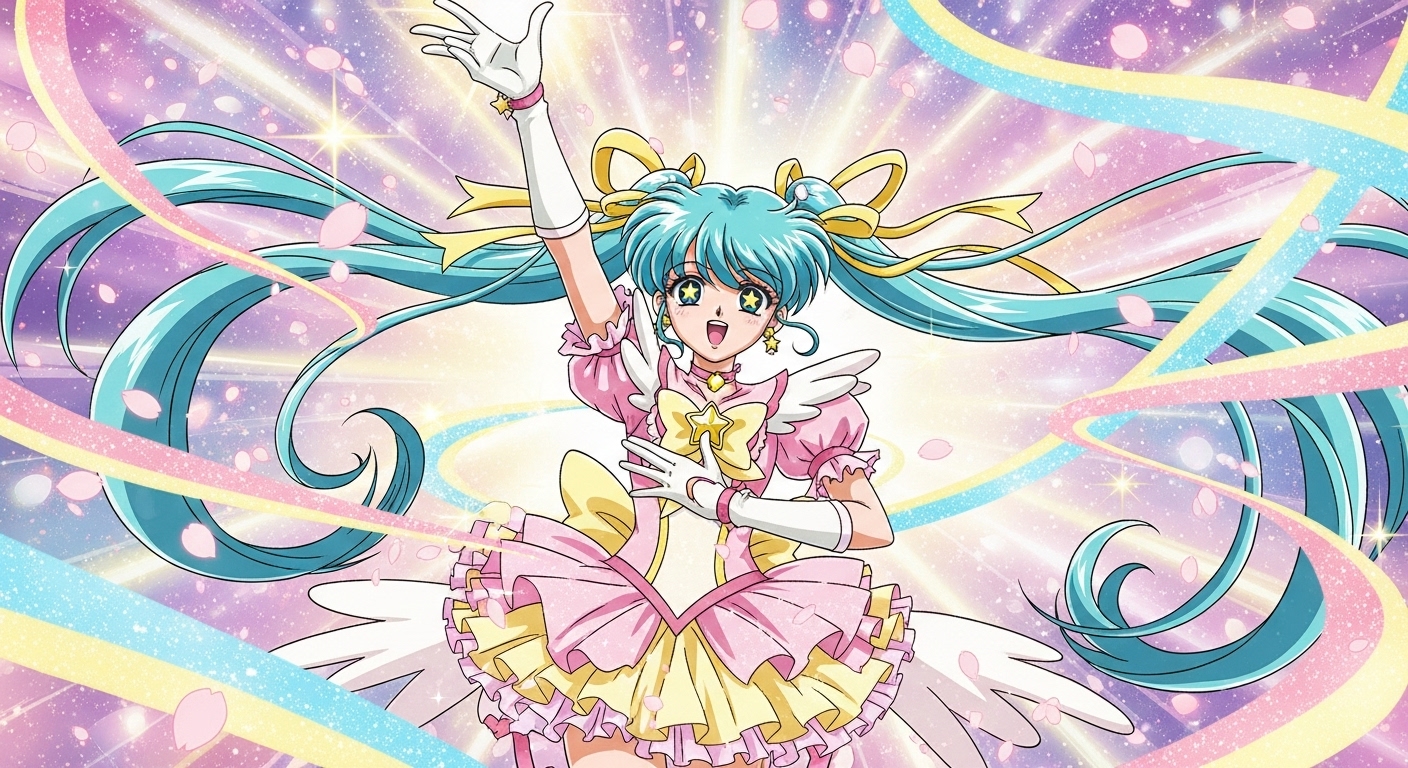
An energetic magical girl with long, flowing teal pigtails and star-shaped pupils, in the middle of her transformation sequence. She's surrounded by swirling ribbons of light, cherry blossom petals, and sparkling energy. Art style: classic 90s magical girl aesthetic, vibrant pastel palette, dynamic pose, high detail.
Prompt
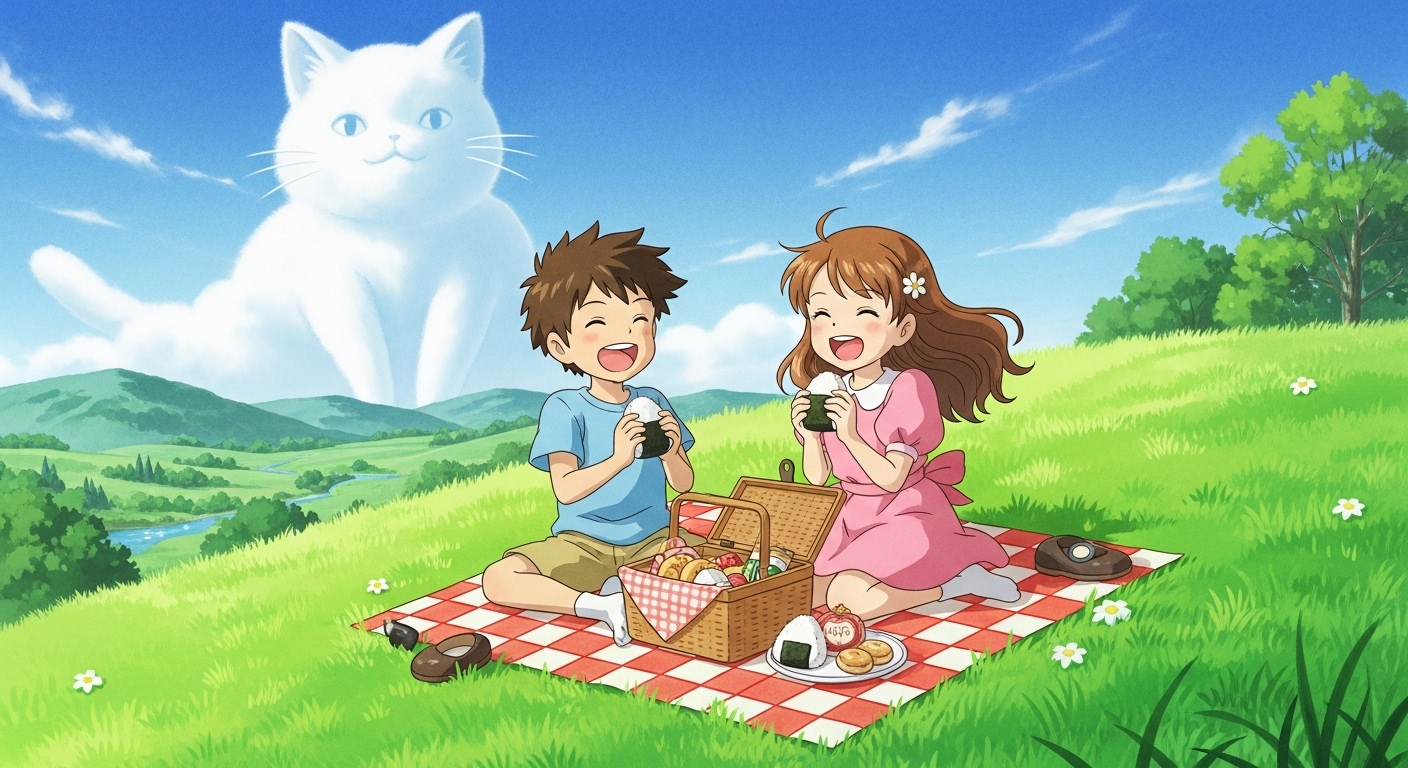
Two cute anime friends, a boy and a girl, having a picnic on a lush green hill under a giant, fluffy cloud that looks like a cat. They are eating onigiri and laughing. The landscape is idyllic and peaceful. Art style: Studio Ghibli, hand-drawn feel, watercolor textures, bright daylight.
Prompt
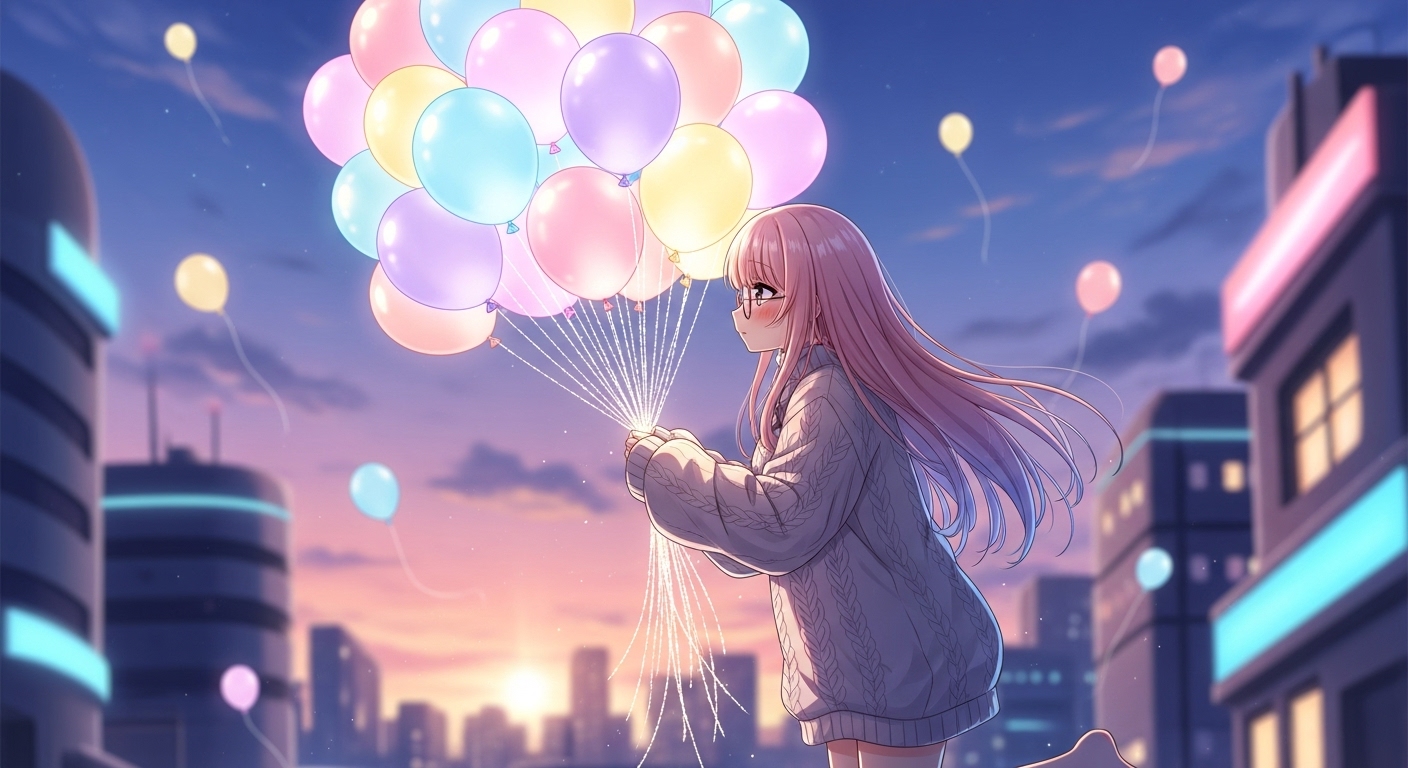
A shy anime girl with glasses and a cozy oversized sweater, floating gently towards the sky while holding a massive bouquet of colorful, glowing balloons in a whimsical city at twilight. Art style: modern moe anime, soft focus, pastel sunset colors, dreamy atmosphere.
Use Cases & Tips
Unlock Your Creative Vision with Whimsical Anime Prompts
Creating enchanting and cute anime scenes has never been easier. With the right AI prompts, you can bring your most imaginative ideas to life. Whether you’re a seasoned artist or a curious beginner, these tips will guide you on how to create cute anime scenes with AI.
Crafting Adorable Chibi Characters
One of the most popular uses for these prompts is generating super-cute chibi characters. These pint-sized figures are perfect for stickers, avatars, and comics.
- Use keywords like ‘chibi’, ‘super deformed’, ‘big expressive eyes’, and ‘tiny body’ to define the style.
- Combine character descriptions with simple, playful actions like ‘sipping bubble tea’ or ‘hugging a giant strawberry’.
- Experiment with our AI art prompts for chibi characters to find a look you love.
Designing Ghibli-Inspired Backgrounds
The magic of a scene often lies in its background. For that nostalgic, heartwarming feel, use Ghibli-inspired prompts.
- Focus on nature: ‘a sun-dappled forest’, ‘a rolling green hill with a single tree’, ‘a cozy cottage covered in ivy’.
- Incorporate painterly textures and soft, natural lighting to capture that signature look.
- These are some of the best prompts for whimsical anime backgrounds, perfect for setting a serene or adventurous mood.
Mastering the Kawaii Art Style
The kawaii art style is all about cuteness, pastel colors, and charm. It’s closely related to the magical girl aesthetic.
- Use a color palette of ‘soft pastels’, ‘candy colors’, and ‘light, airy tones’.
- Add elements like ‘sparkles’, ‘ribbons’, ‘stars’, and ‘hearts’ to enhance the kawaii feel.
- This approach is fundamental for creating kawaii character designs with AI that feel authentic and delightful. Using specific Ghibli style AI art generator prompts can also infuse a unique, gentle quality into your work.
Frequently Asked Questions
Ans. To create cute anime scenes, use specific keywords in your prompts. Start with a character description (e.g., 'chibi girl', 'boy with cat ears'), add a whimsical setting ('magical forest', 'starry library'), and specify a 'kawaii art style' or 'Ghibli-inspired' look. Including details about soft lighting and pastel colors will enhance the cuteness.
Ans. For whimsical backgrounds, focus on enchanting and imaginative settings. Use prompts like 'a forest of glowing mushrooms,' 'a city made of candy,' 'a field of star-shaped flowers under a double moon,' or 'a cozy attic filled with floating books.' Combining nature with magical elements works exceptionally well.
Ans. Absolutely. AI art generators are excellent for creating chibi characters. Use the keyword 'chibi' or 'super-deformed' at the beginning of your prompt, followed by descriptive details like 'huge expressive eyes,' 'tiny body,' and a cute outfit. Specify a simple, playful action for the best results.
Ans. To get a Ghibli-inspired look, use phrases like 'Ghibli style,' 'painterly background,' 'soft natural lighting,' and 'watercolor textures.' Focus on serene, natural landscapes, cozy interiors, and characters with simple, expressive faces. Mentioning specific films like 'My Neighbor Totoro' or 'Spirited Away' can also guide the AI.
Ans. For a kawaii art style, the key is to emphasize cuteness. Use keywords like 'kawaii', 'cute', 'adorable', 'pastel color palette', 'sparkling eyes', 'blushing cheeks', and add decorative elements such as 'ribbons', 'stars', 'hearts', and 'frills'. This style often features clean lines and soft shading.
Ans. The best method is to be highly descriptive. Start with the character's core features (e.g., 'girl with pink twin-tails'), add a unique outfit ('Lolita dress with strawberry print'), and define their expression ('shy smile'). Then, layer on kawaii style keywords like 'moe aesthetic', 'soft colors', and 'sparkling details' to guide the AI to your desired design.