
DreamWorks Animation Style Prompts: Create Iconic 3D Characters
Modern prompt pattern • responsive assets • ready-to-copy
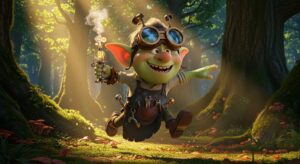
Prompt Template
[Subject], a [adjective] character with [distinguishing features], in the iconic DreamWorks animation style, featuring expressive character animation and dynamic lighting. The scene is set in [location/environment], with a [mood/atmosphere]. Cinematic shot, highly detailed, vibrant colors, reminiscent of [specific DreamWorks movie like 'Shrek' or 'Kung Fu Panda'].
Examples
Prompt
A heroic Viking teenager with a prosthetic leg and his loyal, cat-like black dragon with green eyes, soaring through the clouds above a Nordic island. The scene is in the iconic How to Train Your Dragon style, featuring dynamic flight, epic scale, and heartwarming connection. Volumetric clouds, cinematic lighting, 3D animation style.

Prompt
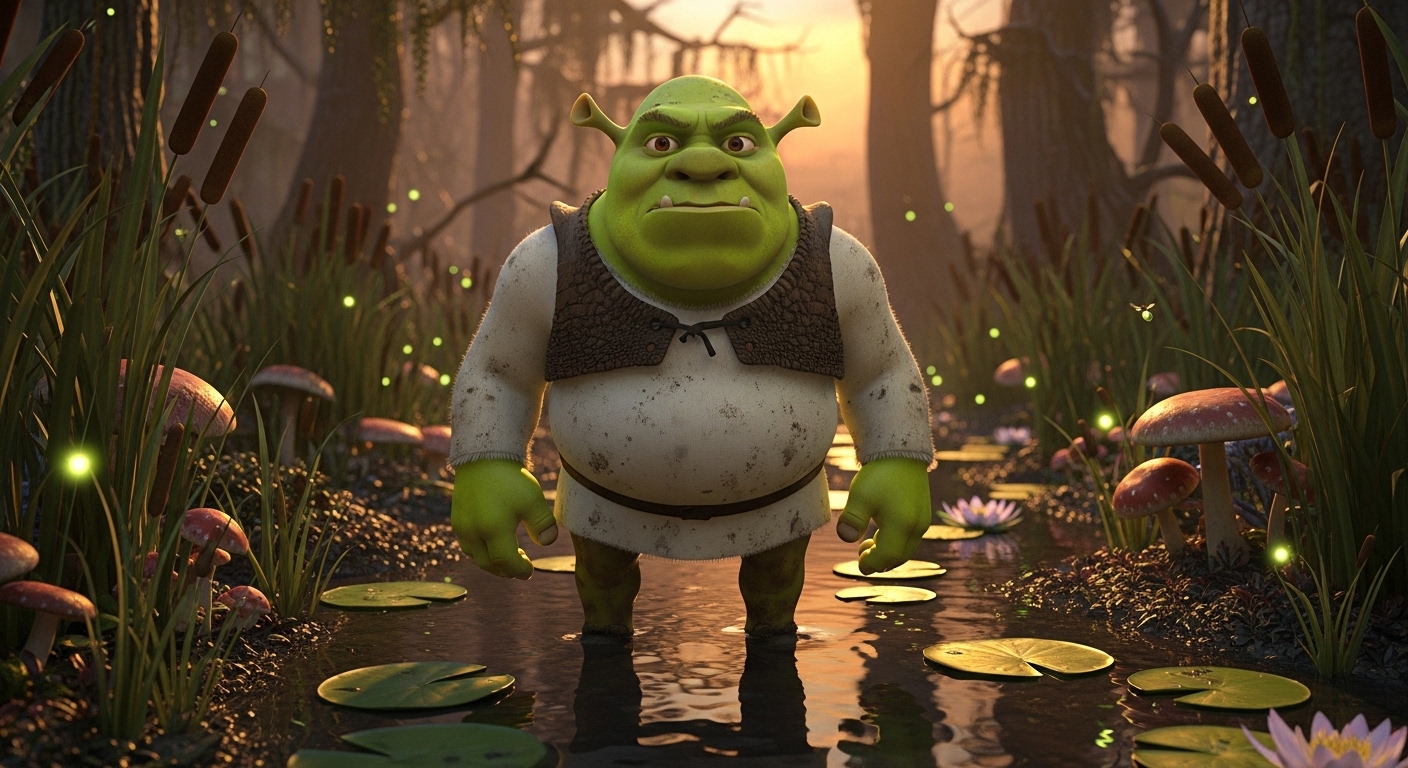
A grumpy but lovable green ogre with trumpet-like ears, standing proudly in front of his cozy swamp cottage. The image captures the classic Shrek art style, with rich textures, muddy details, and a fairy-tale-with-a-twist atmosphere. Golden hour lighting, whimsical, 3D animation style.
Prompt
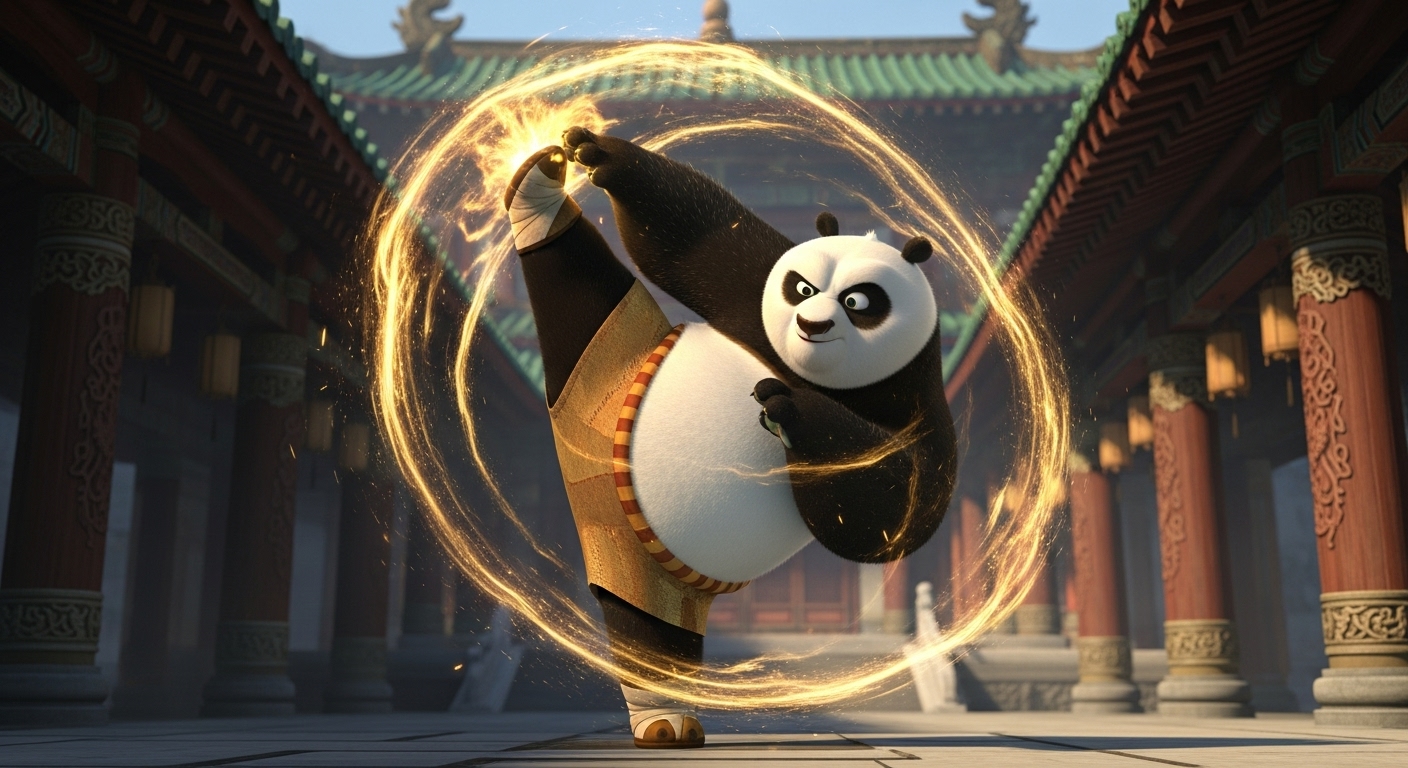
An energetic, slightly overweight panda performing a complex kung fu kick, surrounded by a swirl of golden energy. The scene is set in a serene ancient Chinese temple. This is in the distinct DreamWorks animation style of Kung Fu Panda, focusing on fluid motion and expressive character animation.
Prompt
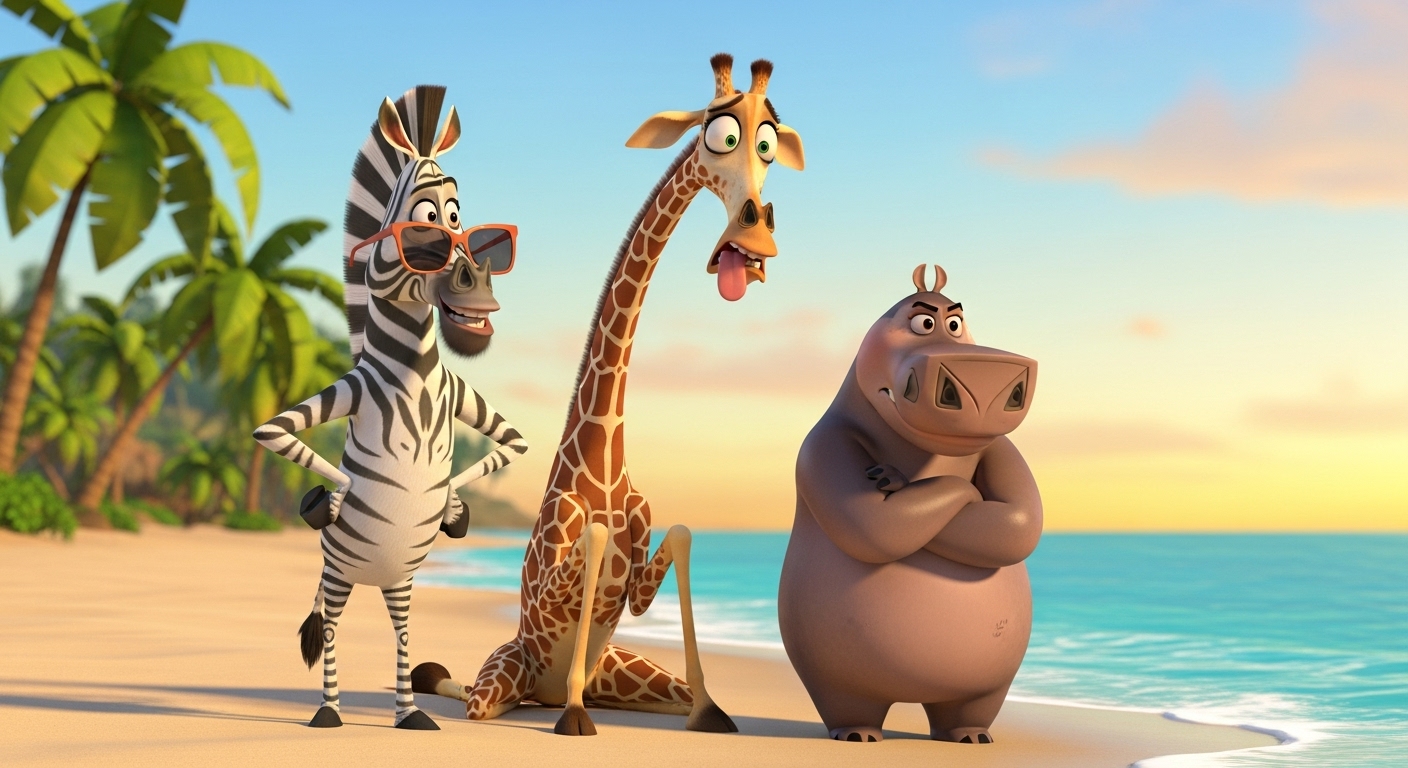
A sassy zebra, a neurotic giraffe, and a tough hippo stranded on a tropical beach, looking bewildered. This image is in the zany, stylized 3D animation style of DreamWorks' Madagascar, with blocky character designs and overly expressive faces.
Prompt
A charming and slick anthropomorphic fox in a pinstripe suit, leaning against a vintage car at night in a bustling city. The image is rendered in the polished DreamWorks animation style of The Bad Guys, featuring smooth animation, sharp character design, and dramatic, film noir-inspired lighting.

Use Cases & Tips
Mastering the Expressive DreamWorks Vibe
The core of the DreamWorks animation style is its energy and personality. Unlike other studios, DreamWorks often leans into slightly exaggerated features and incredibly dynamic poses to tell a story. When crafting your prompts, focus on action and emotion.
- Focus on Faces: Use terms like ‘smirking rogue,’ ‘wide-eyed wonder,’ or ‘grumpy but lovable’ to guide the AI towards that signature expressive character animation.
- Action Poses: Instead of ‘standing,’ try ‘mid-leap,’ ‘ready to pounce,’ or ‘telling a grand story.’ This infuses your images with life.
- Vibrant Worlds: The settings are just as important. Describe lush swamps, mythical Viking islands, or ancient Chinese villages to build a complete scene. This is key for creating a full AI art prompt for DreamWorks movie scene.
How to Create a DreamWorks Style Character
Creating an original character is one of the best uses for this style. The key is a strong silhouette and memorable features, a hallmark of DreamWorks character design.
- Start with an Archetype: Think ‘bumbling hero,’ ‘sassy sidekick,’ or ‘misunderstood monster.’ This gives the AI a solid foundation.
- Add Unique Details: Specify things like ‘a chipped tooth,’ ‘mismatched socks,’ or ‘glowing magical runes on their arms.’ These details make the character your own.
- Reference Specific Films: Mentioning the Shrek art style will give you characters with more texture and slightly satirical designs, while referencing the How to Train Your Dragon style will produce more earnest, heroic figures with intricate armor and gear.
DreamWorks vs Pixar: Key Prompt Differences
When writing a DreamWorks vs Pixar animation style prompt, remember the core philosophies. DreamWorks is often more comical, satirical, and action-oriented with a ‘handmade’ feel to its textures. Pixar leans towards photorealism, emotional subtlety, and meticulously clean designs. Use words like ‘zany,’ ‘energetic,’ and ‘textured’ for DreamWorks, and ‘heartwarming,’ ‘photorealistic,’ and ‘soft lighting’ for Pixar.
Frequently Asked Questions
Ans. The DreamWorks animation style is known for its expressive character animation, dynamic energy, and willingness to blend realism with caricature. For AI art, this means you can create characters with huge personalities, place them in action-packed scenes, and achieve a vibrant, textured look that feels both professional and full of life.
Ans. To generate images in the style of Shrek, use the phrase 'Shrek art style' in your prompt. Also, include descriptive keywords like 'grimy fairy tale,' 'textured swamp,' 'lovable monster,' and 'satirical fantasy.' This will guide the AI to replicate the specific aesthetic of the Shrek universe, focusing on its unique blend of grit and whimsy.
Ans. For a DreamWorks prompt, use keywords that emphasize expression and action: 'smirking,' 'zany,' 'energetic,' 'dynamic pose.' For a Pixar prompt, focus on emotion and realism: 'heartwarming,' 'subtle expression,' 'photorealistic lighting,' 'soft textures.' DreamWorks is often more stylized and comical, while Pixar aims for a blend of realism and emotional depth.
Ans. Absolutely. That's one of the best uses! Start with our prompt template and define a unique subject. Instead of 'ogre' or 'panda,' try 'cyborg squirrel' or 'ghostly librarian.' Describe their personality and key features. By combining your idea with keywords like 'DreamWorks animation style' and 'expressive character design,' you can create a completely original character that fits the aesthetic.
Ans. The best prompts clearly define three things: the character's core personality (e.g., 'a brave but clumsy knight'), their distinct appearance (e.g., 'with oversized armor and a tiny helmet'), and the specific action or emotion (e.g., 'tripping over his own sword'). Combining these elements with 'in the DreamWorks animation style' and 'cinematic 3D render' will yield fantastic results.