
Fun ChatGPT Image Prompts: 101 Ideas to Spark Your Creativity
Modern prompt pattern • responsive assets • ready-to-copy
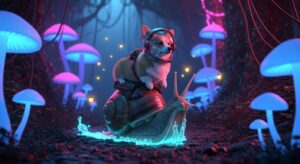
Prompt Template
[Absurd Scenario] featuring a [Unlikely Character] with a [Surprising Object] in a [Mismatched Setting], depicted in the style of [Artistic Style/Artist]. The scene is illuminated by [Unusual Lighting] with a mood of [Contrasting Emotion].
Examples
Prompt
Create an image of a T-Rex struggling to use a modern laptop with its tiny arms. The scene should be in a messy office, with coffee cups and scattered papers. The T-Rex has a frustrated expression. The style should be a Pixar animation still.
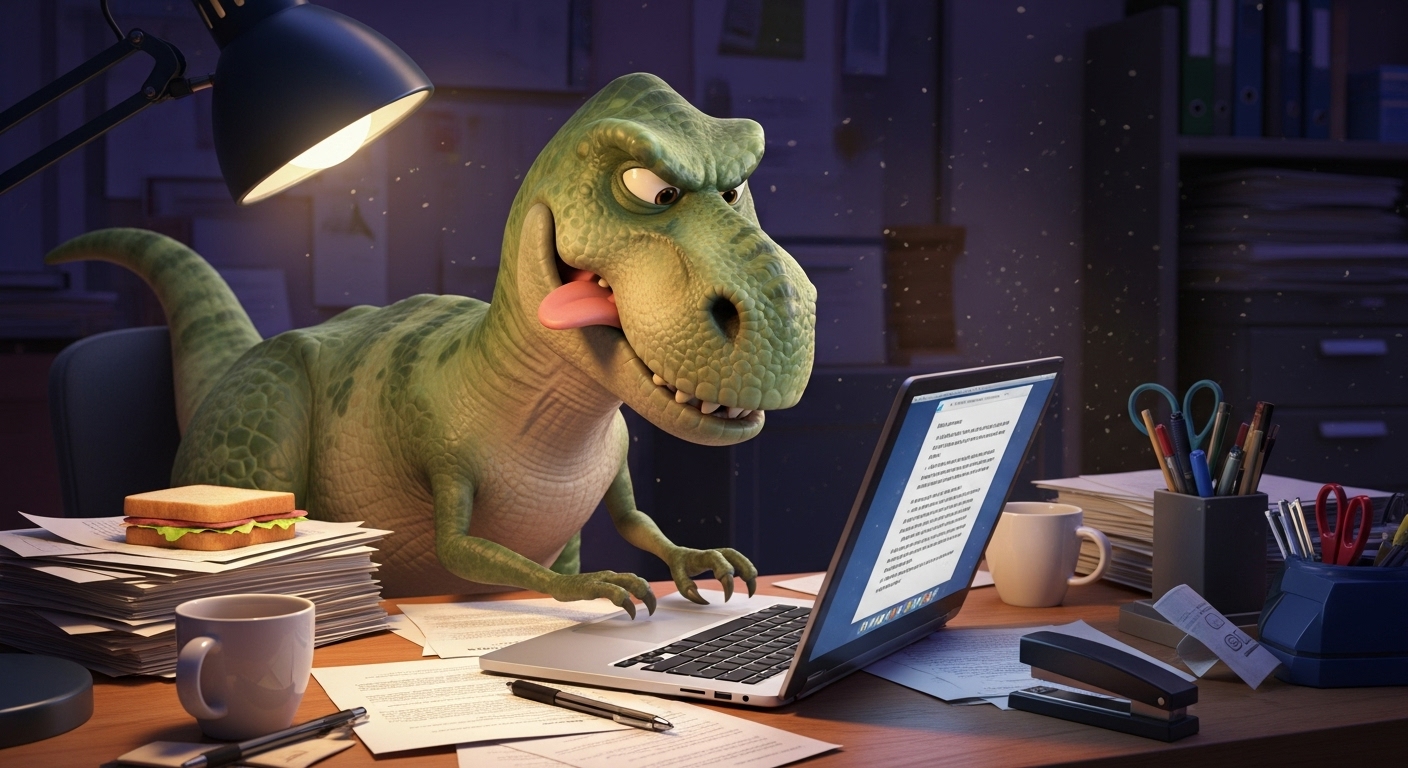
Prompt
Generate a picture of two squirrels engaged in a dramatic, medieval sword fight on a tree branch. They are wearing tiny, intricate armor and wielding acorns as swords. The background is a sun-dappled forest. Make it a fantasy oil painting.
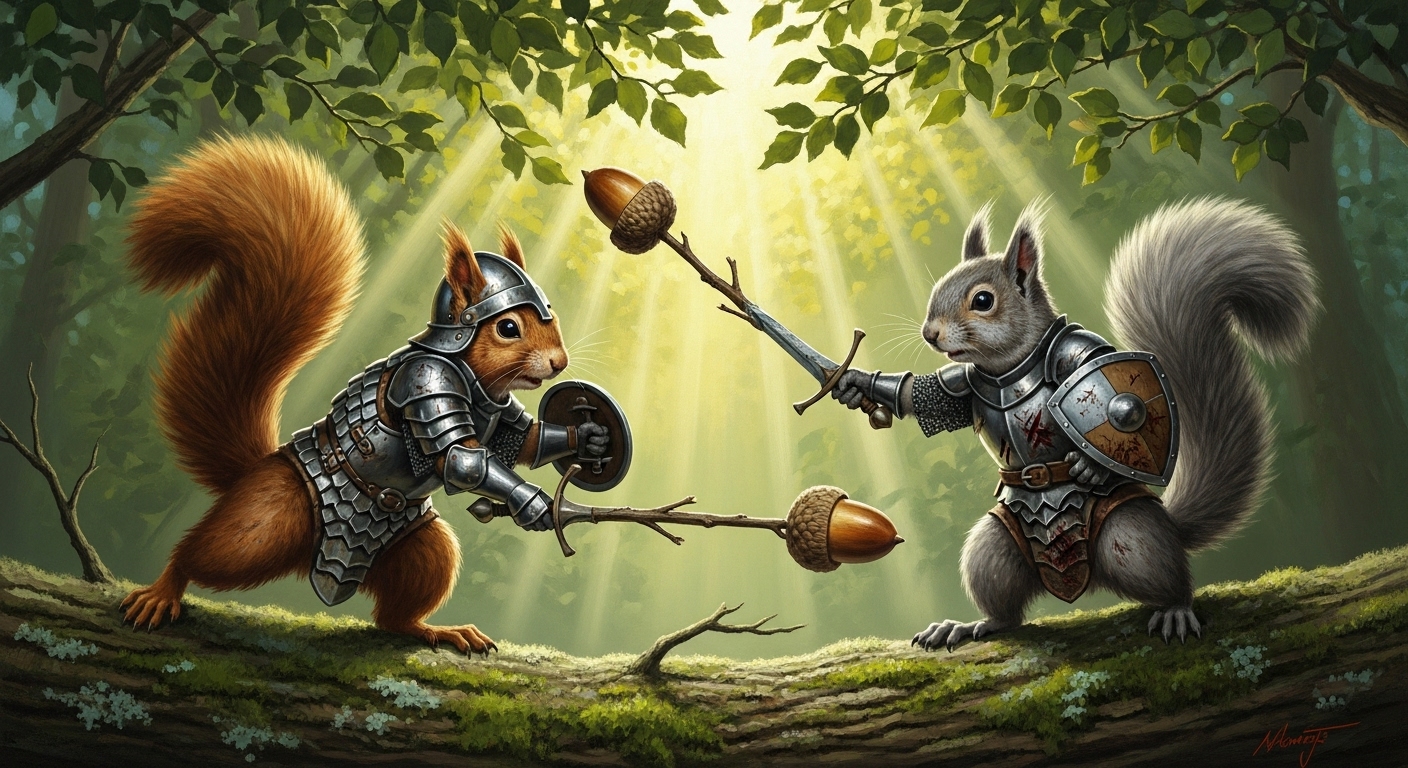
Prompt
I want to see a Renaissance-style portrait of a cat as a DJ. The cat is wearing a ruff collar and headphones, standing behind old-fashioned wooden turntables. The lighting is dramatic, like a Caravaggio painting.
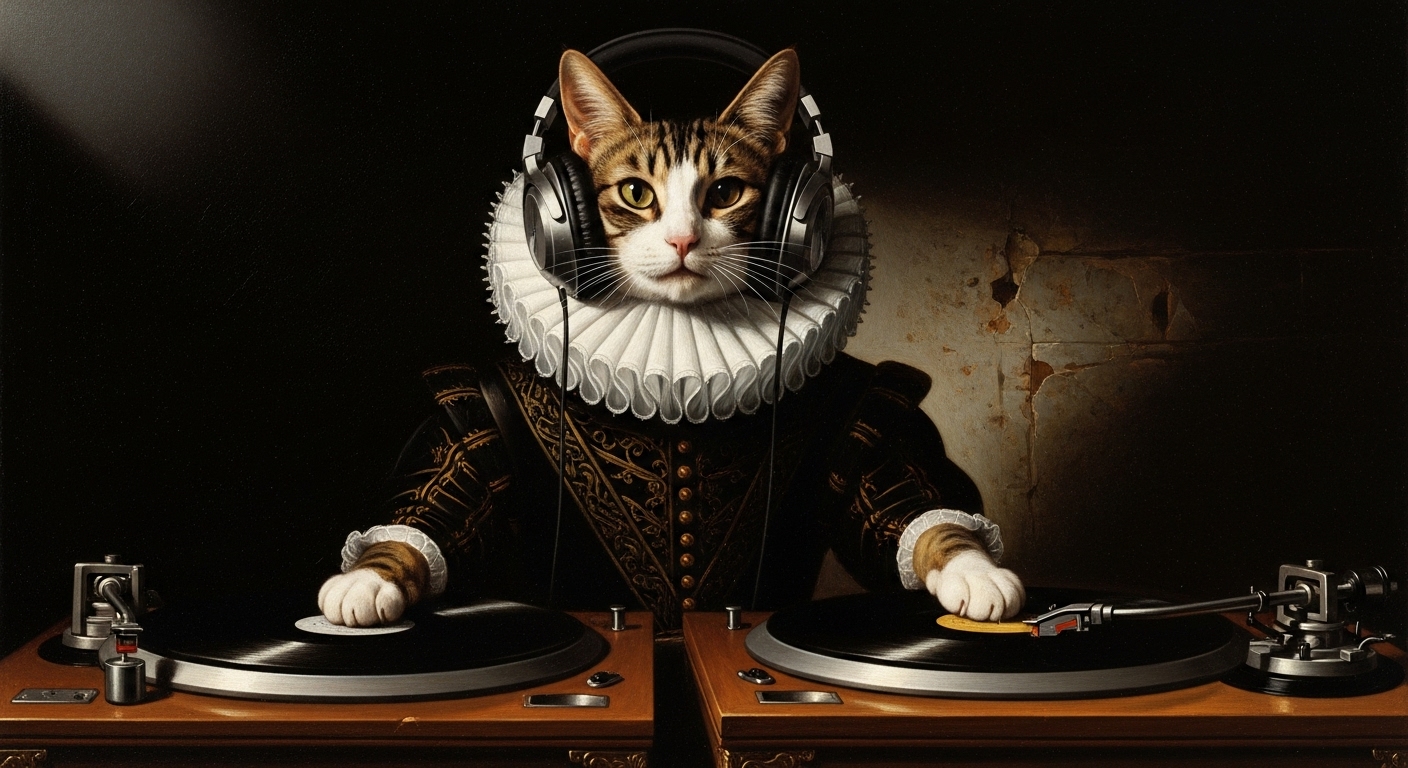
Prompt
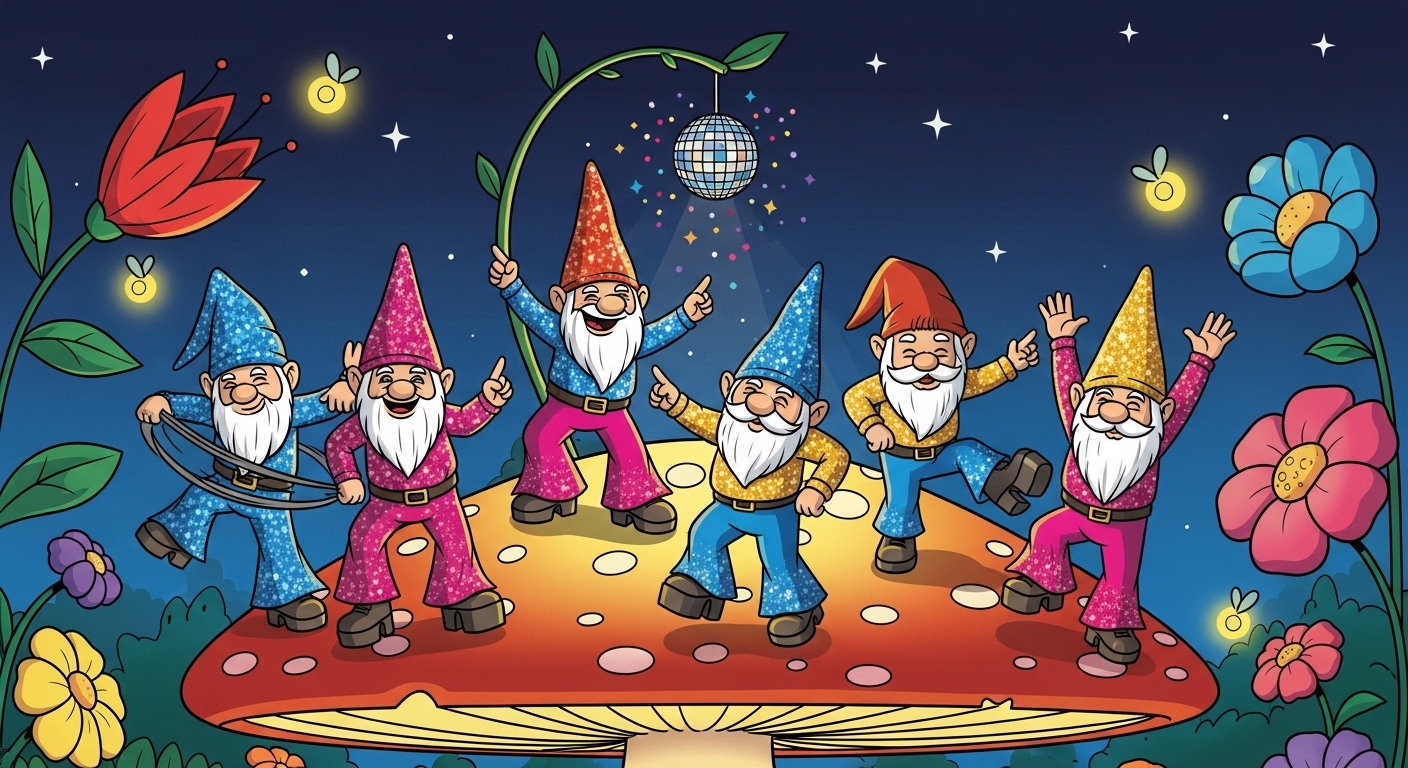
Create an image of gnomes having a disco party on top of a giant, glowing mushroom. They are wearing sparkly 70s disco outfits. There's a tiny disco ball hanging from a blade of grass above them. The style should be vibrant and cartoonish.
Prompt
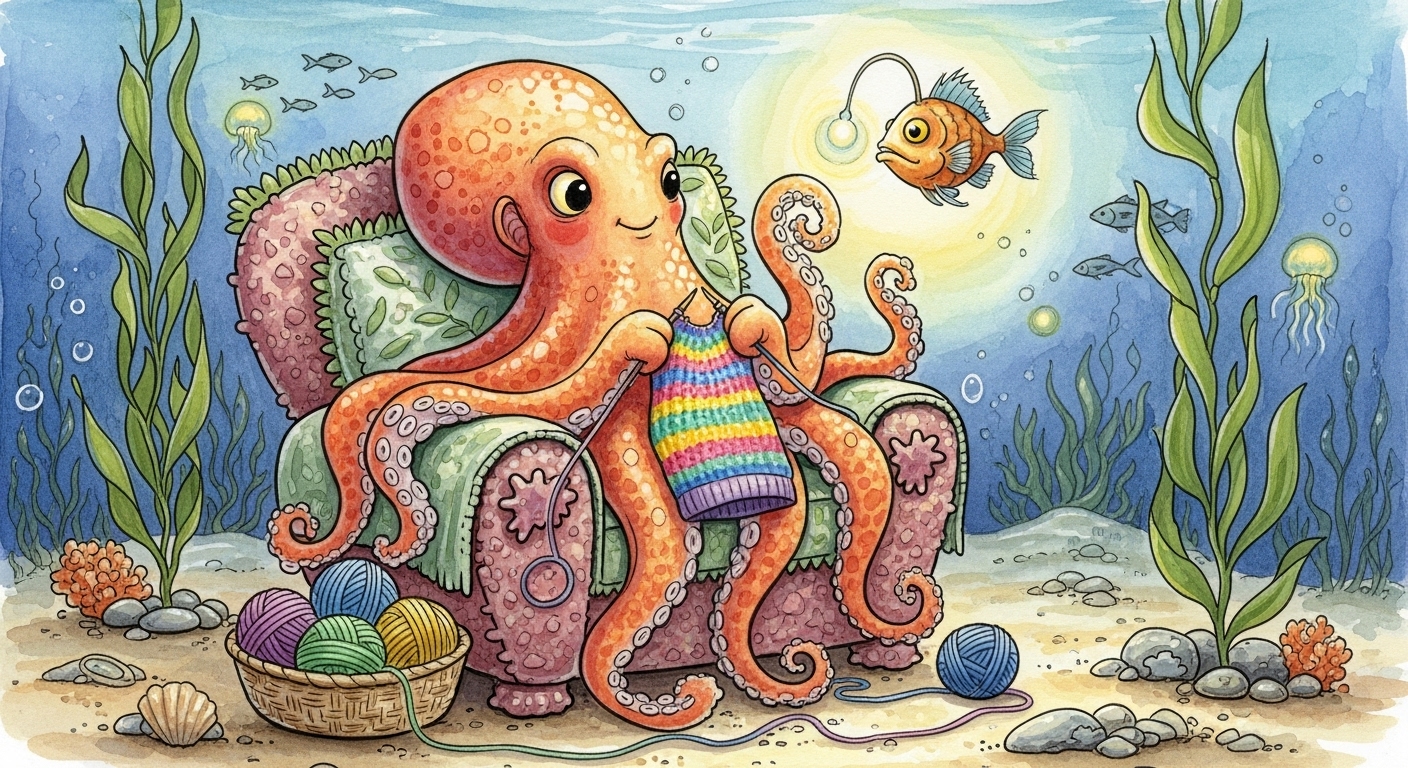
Show me an octopus diligently knitting a colorful sweater with all eight of its arms while sitting in a cozy armchair on the ocean floor. The scene is lit by a bioluminescent anglerfish. The style is a whimsical, detailed watercolor.
Use Cases & Tips
Unleash Your Inner Comedian with Funny AI Art Prompts
The real magic of using an AI image generator is the sheer fun of seeing wild ideas come to life. If you’re looking for a laugh or just want to break out of a creative rut, using fun chatgpt image prompts is the perfect solution. Forget serious landscapes for a moment and dive into the absurd. This is a fantastic way to explore the limits of AI and create truly unique, shareable content.
How to Make Creative Images with ChatGPT
Leveraging ChatGPT DALL-E prompts effectively is about more than just typing a single sentence. To get the best results, you need to combine elements that don’t normally go together. Here are some tips:
- Juxtaposition is Key: Combine historical figures with modern technology, or animals with human jobs. The more unexpected the pairing, the better the result. This is the secret to generating cool image prompts for AI.
- Specify an Art Style: Don’t just describe the scene; tell the AI how to render it. Ask for a ‘Claymation model,’ ‘1980s synthwave art,’ or ‘a detailed oil painting in the style of Rembrandt.’
- Get Emotional: Adding an emotional keyword like ‘a melancholic robot’ or ‘a joyous potato’ can dramatically change the image’s tone and create some genuinely funny AI art prompts.
- Iterate and Refine: Your first prompt is just a starting point. Use ChatGPT’s conversational ability to tweak your idea. Add more detail, change the lighting, or swap characters to perfect your vision for unexpected images.
Frequently Asked Questions
Ans. The funniest requests often involve absurd juxtapositions. Try asking for 'A group of philosophical pigeons discussing breadcrumbs in a Parisian cafe,' 'A narwhal opening a can of beans with its tusk,' or 'Abraham Lincoln riding a skateboard in a vaporwave landscape.' These fun ChatGPT image prompts create memorable and hilarious results.
Ans. To get unexpected images, combine at least three unrelated concepts: a subject, an action, and a style. For example, instead of 'a dog,' try 'A corgi (subject) piloting a spaceship (action) in the style of a 1950s comic book (style).' This structure forces the AI to be more creative.
Ans. Beginners should start with simple but creative image ideas. Prompts like 'A cat made of sushi,' 'A floating island held up by giant jellyfish,' or 'A library inside a massive, ancient tree' are great because they are imaginative yet straightforward for the AI to interpret.
Ans. Absolutely. While these are framed as ChatGPT DALL-E prompts, the core ideas can be easily adapted for other AI image generators like Midjourney or Stable Diffusion. You might need to slightly adjust the syntax, but the creative concepts will work universally.
Ans. Treat ChatGPT as a creative partner. Start with a basic idea, like 'a wizard.' Then ask ChatGPT to make it funnier. It might suggest 'a wizard who is terrible at magic and keeps turning things into rubber ducks.' You can then ask it to place this character in an interesting setting or describe it in a specific artistic style to build the perfect prompt.