
Gemini Pixar Style Prompt: Create Stunning 3D Characters
Modern prompt pattern • responsive assets • ready-to-copy

Prompt Template
Pixar style 3D render of a [Character Description] with [Facial Expression], wearing [Clothing]. The character is in a [Scene/Environment], with [Lighting Style] lighting. The scene has a [Color Palette] and a focus on [Key Detail]. Rendered in the iconic Disney Pixar aesthetic, high detail, vibrant colors, cinematic.
Examples
Prompt
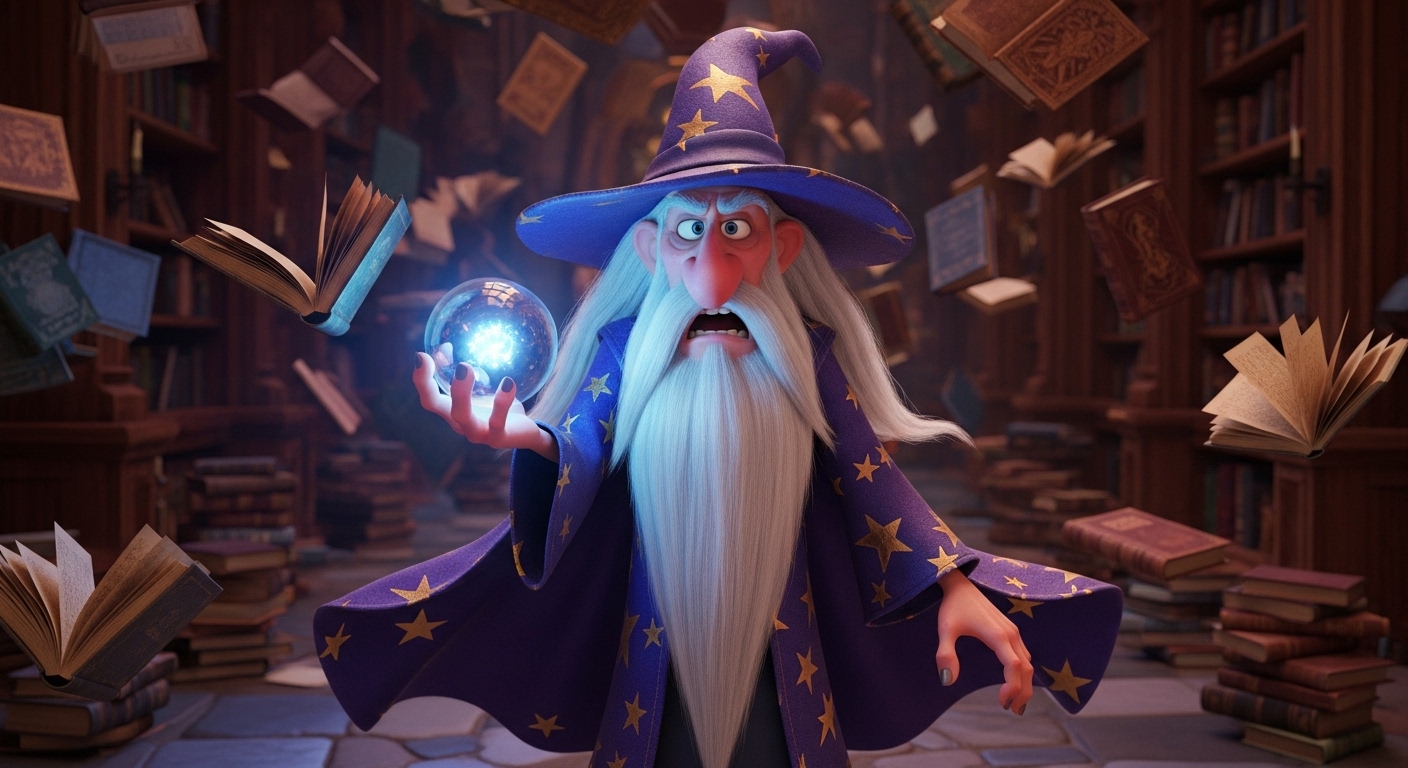
Pixar style 3D render of a grumpy old wizard with a long white beard and a crooked hat, looking annoyed. He is wearing star-patterned purple robes and is in a messy library filled with floating books. The lighting is magical and glowing, coming from a crystal ball. The scene has a deep blue and gold color palette with a focus on the wizard's exasperated expression. Rendered in the iconic Disney Pixar aesthetic, high detail, vibrant colors, cinematic.
Prompt
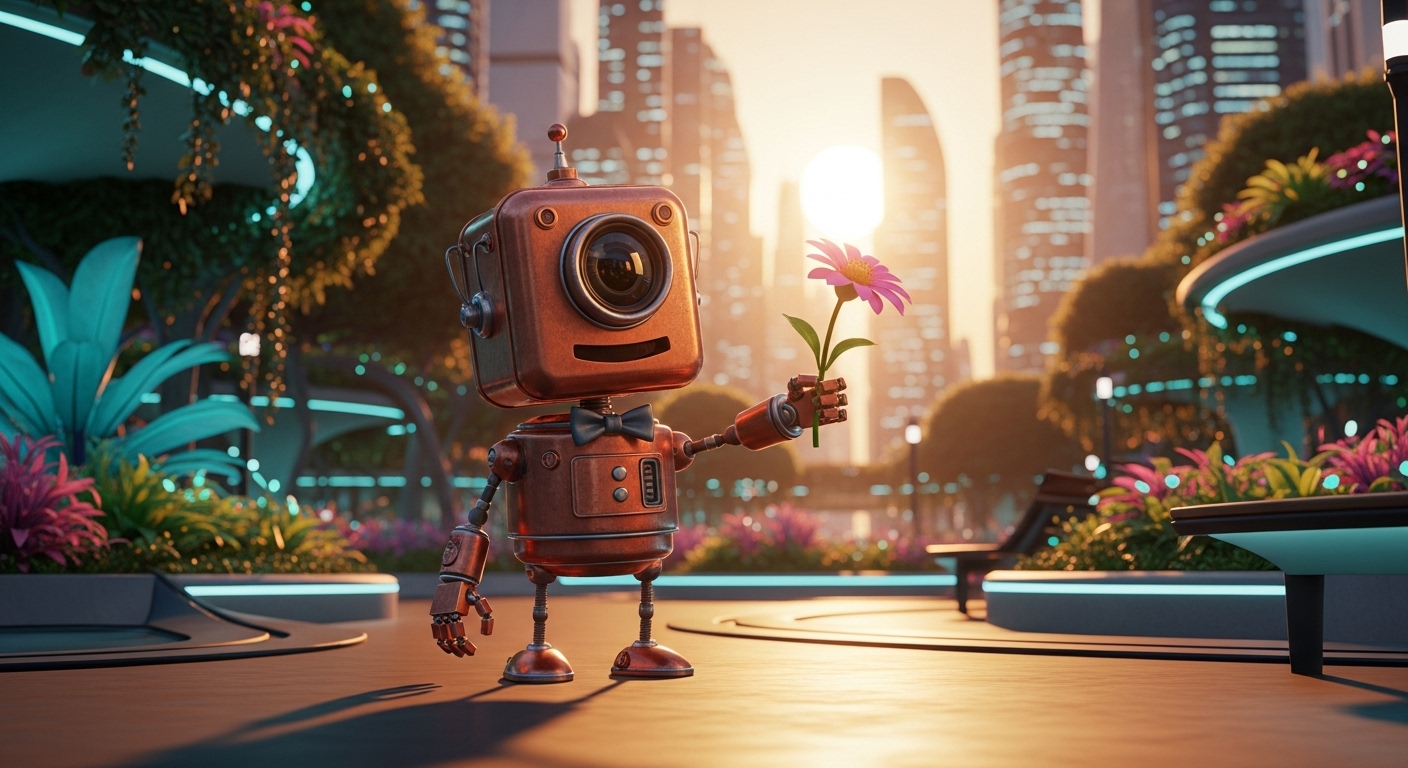
Pixar style 3D render of a cheerful, little robot made of copper parts, with a single, expressive camera lens for an eye, showing joy. The robot is wearing a tiny bowtie and is in a vibrant, futuristic city park at sunset. The lighting is warm golden hour light, casting long shadows. The scene has a warm orange and teal color palette with a focus on the robot offering a flower. Rendered in the iconic Disney Pixar aesthetic, high detail, vibrant colors, cinematic.
Prompt
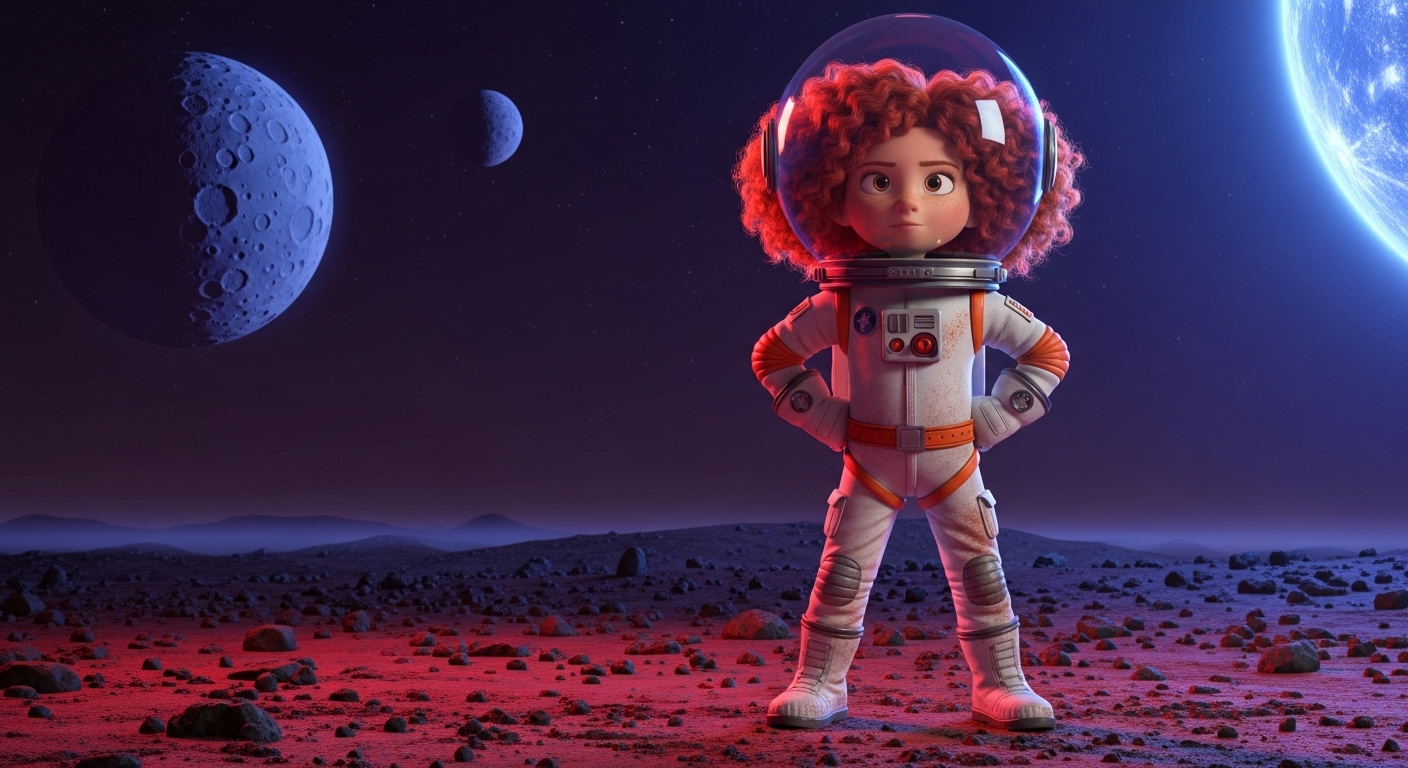
Pixar style 3D render of a brave young girl with curly red hair in a ponytail, looking determined. She is wearing a retro silver astronaut suit and is on a barren red planet with two moons in the sky. The lighting is stark and alien, coming from a distant blue star. The scene has a red, silver, and deep blue color palette with a focus on the texture of the planetary dust on her suit. Rendered in the iconic Disney Pixar aesthetic, high detail, vibrant colors, cinematic.
Prompt
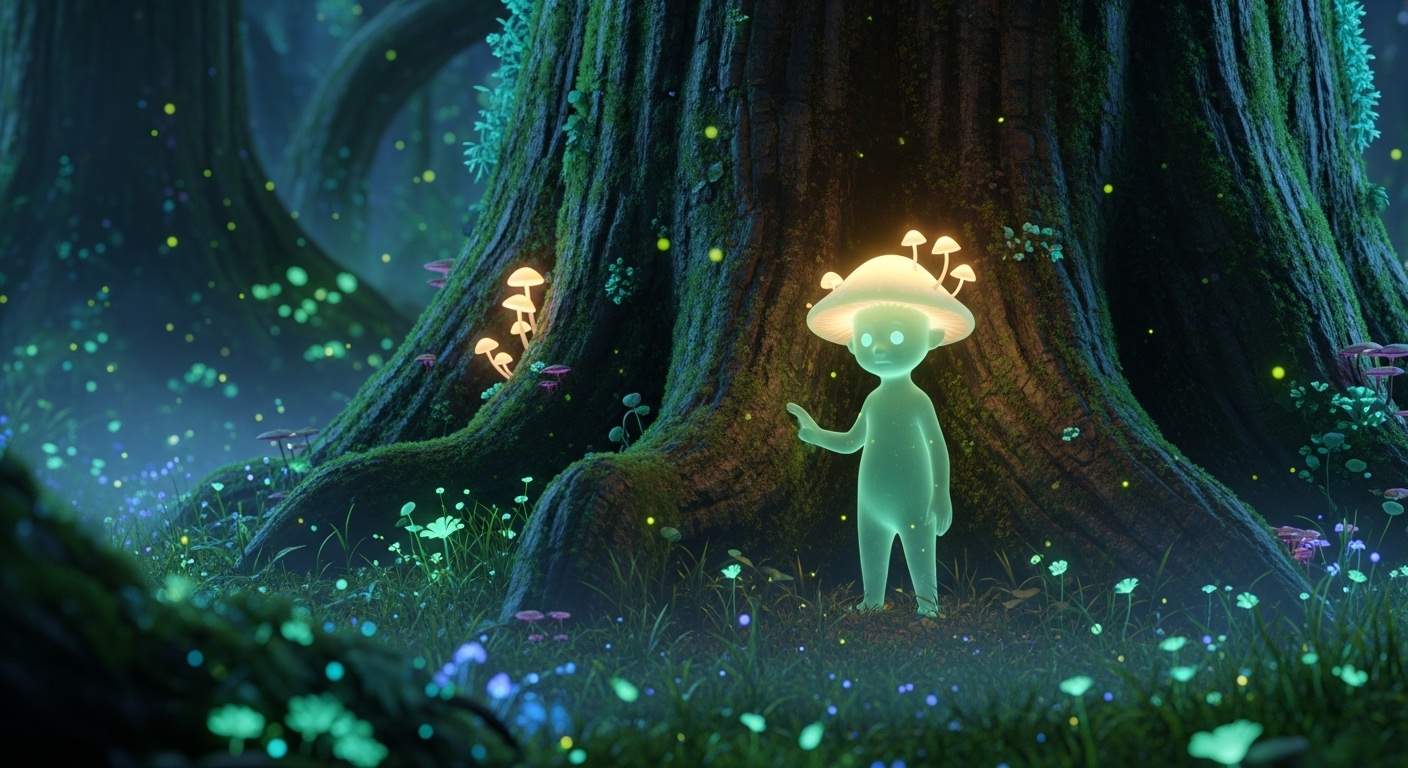
Pixar style 3D render of a shy, translucent forest spirit with glowing mushroom caps on its head, peeking from behind a giant, mossy tree. It has a curious and timid facial expression. The scene is an enchanted forest at night. The lighting is bioluminescent, coming from the flora and fauna. The scene has a magical palette of glowing greens, blues, and purples with a focus on the creature's glowing eyes. Rendered in the iconic Disney Pixar aesthetic, high detail, vibrant colors, cinematic.
Prompt
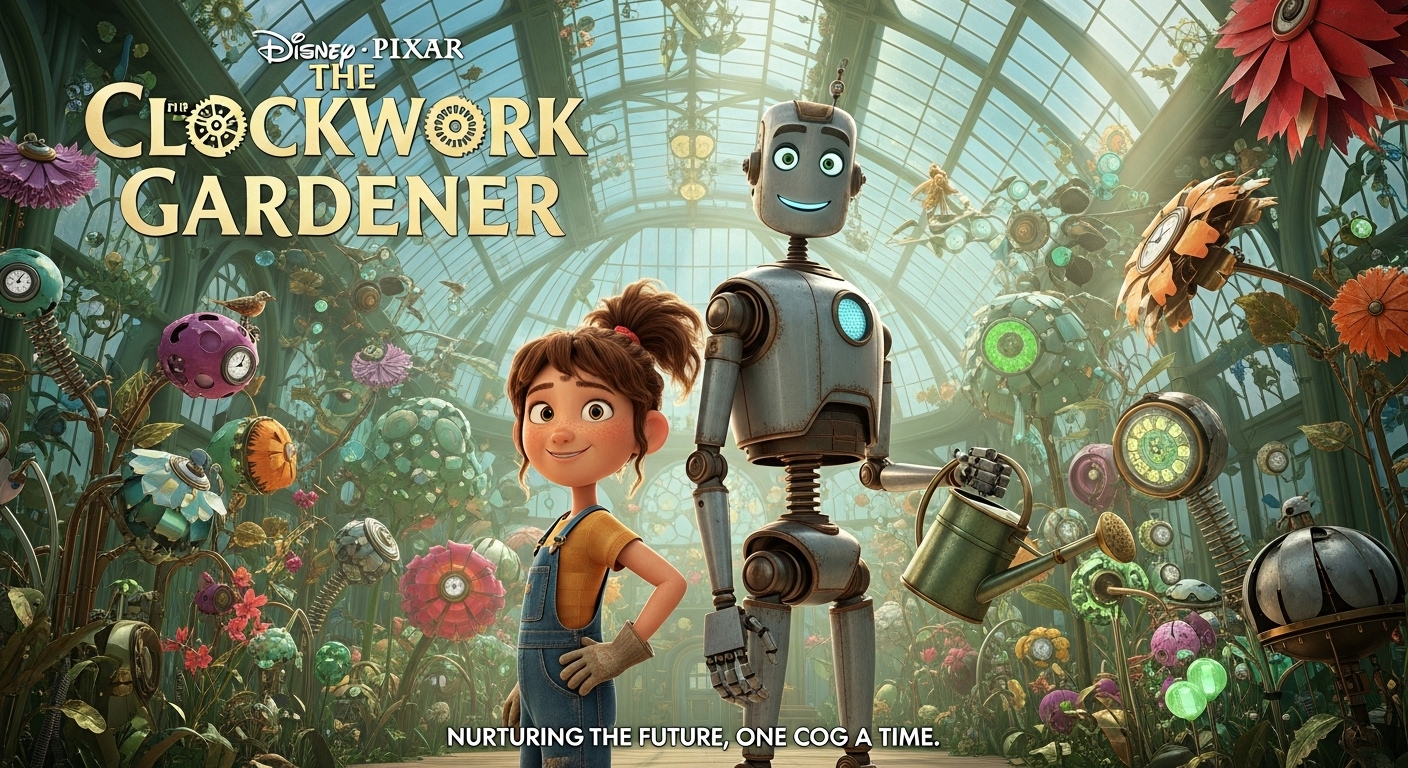
Pixar style 3D movie poster for a film called 'The Clockwork Gardener'. It features a plucky young girl and her tall, gentle robot companion standing back-to-back in a magnificent greenhouse filled with fantastical, mechanical plants. They have a look of adventure and determination. The lighting is bright and optimistic, streaming through the glass ceiling. The scene has a vibrant, natural color palette with a focus on the intricate designs of the clockwork flowers. Rendered in the iconic Disney Pixar aesthetic, high detail, cinematic.
Use Cases & Tips
Mastering the Pixar Aesthetic with Gemini
This gemini pixar style prompt is more than just a template; it’s your personal Pixar character generator. By mastering a few key elements, you can produce incredible 3D cartoon style art that captures the heart and soul of beloved animated films.
- Character Development: Go beyond simple descriptions. Think about your character’s personality. Are they mischievous, brave, shy? Use descriptive adjectives like ‘a grumpy, bearded gnome counting his gold’ or ‘an optimistic, rusty robot tending a single flower.’ This is key for achieving a compelling AI animation style.
- Emotional Expressions: The hallmark of the Disney Pixar aesthetic is emotion. Specify expressions like ‘a look of wondrous awe,’ ‘a mischievous grin,’ or ‘a tearful farewell.’ This tells Gemini to focus on the character’s face and convey a story.
- Cinematic Lighting: Don’t just say ‘daylight.’ Use terms like ‘golden hour lighting,’ ‘dramatic backlighting,’ or ‘soft, dappled forest light.’ This dramatically improves the mood and quality of your image, making it one of the best Gemini prompts for 3D animation visuals.
Advanced Applications
- Movie Poster Creation: Wondering how to generate a Pixar movie poster with AI? Adapt the prompt to include multiple characters and a central dramatic moment. Add text elements like ‘Epic movie poster for an animated film titled “The Last Starseed”‘ to your prompt to frame the composition correctly.
- Creating Cute Animals: Use this Gemini prompt for cute cartoon animals by focusing on exaggerated features. Think ‘a fluffy baby owl with enormous, curious eyes’ or ‘a clumsy baby bear cub tripping over a root.’ Specificity is your best tool.
- World Building: Use these Google Gemini image prompts to flesh out the world your characters live in. Generate their homes, their workplaces, and the magical landscapes they explore to create a consistent and believable universe.
Frequently Asked Questions
Ans. To create Pixar style characters with Gemini, use our prompt template and focus on three key areas: a unique character description (e.g., 'a grumpy gnome'), a specific emotional expression ('a mischievous grin'), and detailed clothing/accessories. This combination helps Gemini generate a character with personality, which is central to the Disney Pixar aesthetic.
Ans. The best Gemini prompts for a 3D animation style include specifying the art style directly ('Pixar style 3D render'), describing the lighting ('cinematic, volumetric lighting'), and defining the textures ('soft fur,' 'polished metal'). Adding details about the character's personality and the scene's mood will elevate your image from a simple render to a storytelling piece.
Ans. Yes, you can absolutely generate a Pixar movie poster with AI. Modify our Gemini prompt to include phrases like 'Movie poster for a film titled...' and describe a central scene with one or more characters. Mentioning 'dramatic composition' and 'cinematic' will help Gemini understand the desired layout and feel of a movie poster.
Ans. The secret is a focus on storytelling through emotion and light. Clearly define your character's facial expression and mood. Then, describe the lighting in a way that enhances that mood (e.g., 'warm, golden hour light for a happy scene' or 'dark, moody backlighting for a dramatic one'). This combination is the core of the Disney Pixar aesthetic.
Ans. To create a Gemini prompt for cute cartoon animals, emphasize features associated with cuteness. Use phrases like 'exaggerated large, expressive eyes,' 'fluffy, soft fur,' 'tiny paws,' and 'a curious head tilt.' Describing a playful or innocent action, like 'chasing a glowing butterfly,' will also enhance the charm of your 3D cartoon style art.
Ans. Yes, our prompt template acts as a free Pixar style character creator when used with Google Gemini's image generation capabilities. You can use and adapt our prompts freely to generate as many unique characters as you like within your Gemini account.