
Gemini Prompts for Image Generation: The Ultimate Guide to AI Art
Modern prompt pattern • responsive assets • ready-to-copy

Prompt Template
A [adjective] [subject] [verb/action], [setting/background]. Style: [art style, e.g., photorealistic, impressionist, anime]. Lighting: [lighting description, e.g., cinematic lighting, soft morning light]. Composition: [camera angle/shot, e.g., wide-angle shot, close-up]. Details: [specific details, e.g., wearing a red cloak, intricate patterns]. Parameters: --ar 16:9 --v 6.0
Examples
Prompt
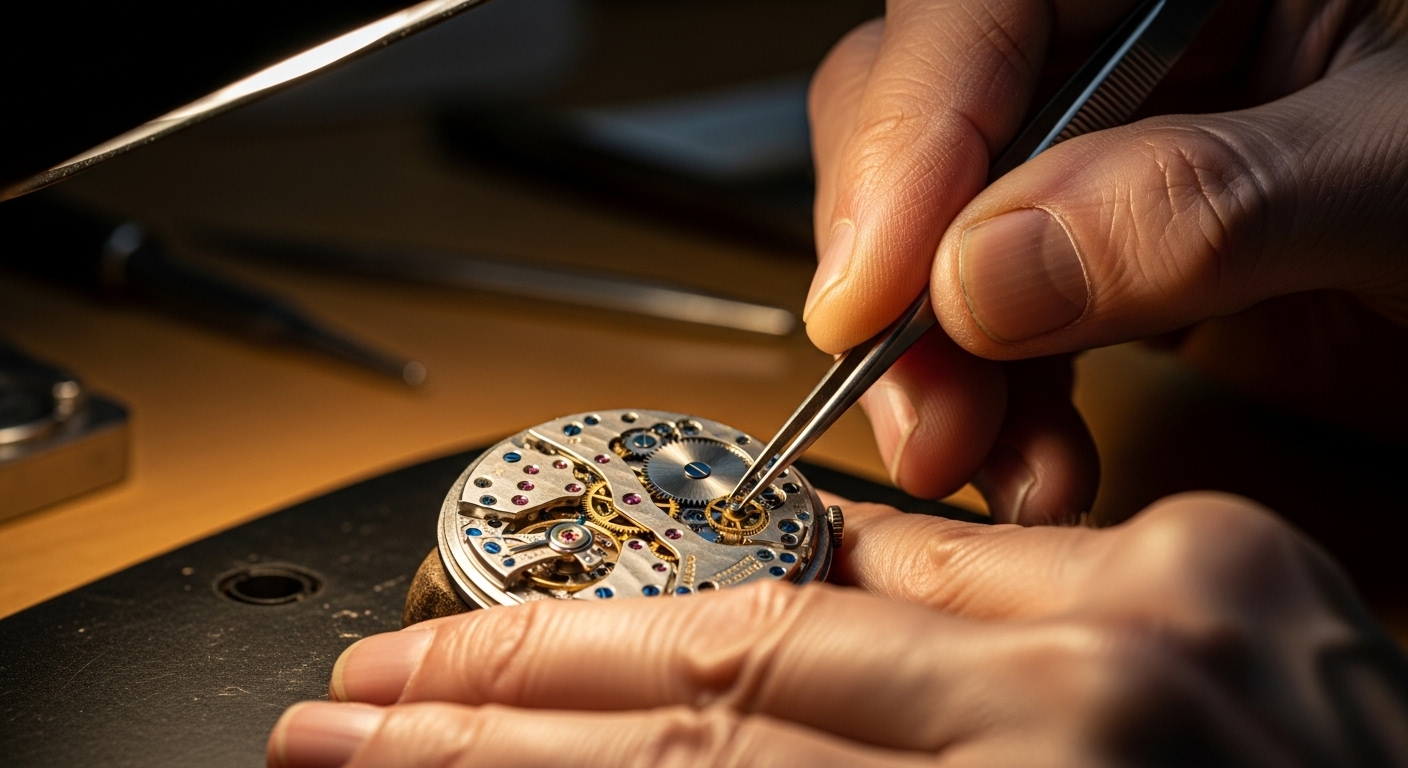
A close-up, photorealistic shot of an elderly watchmaker's hands, carefully assembling a complex mechanical watch. The scene is lit by a single warm desk lamp, highlighting the intricate gears and detailed textures of the aged skin. Shallow depth of field, macro photography, 8K, hyper-detailed.
Prompt
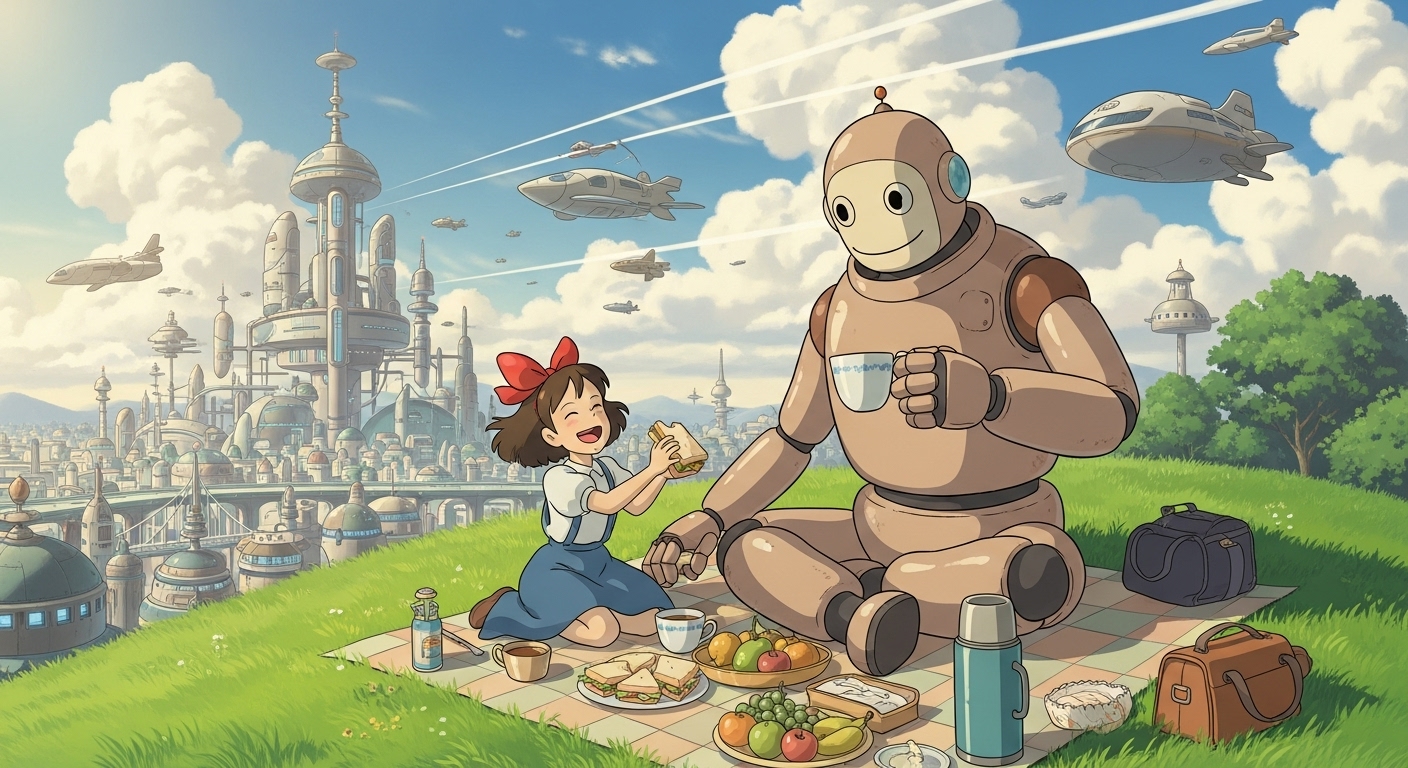
A vibrant, Studio Ghibli-style anime illustration of a young girl and a friendly giant robot having a picnic on a grassy hill overlooking a futuristic city. The sky is filled with fluffy clouds and flying vehicles. Warm, cheerful afternoon light.
Prompt
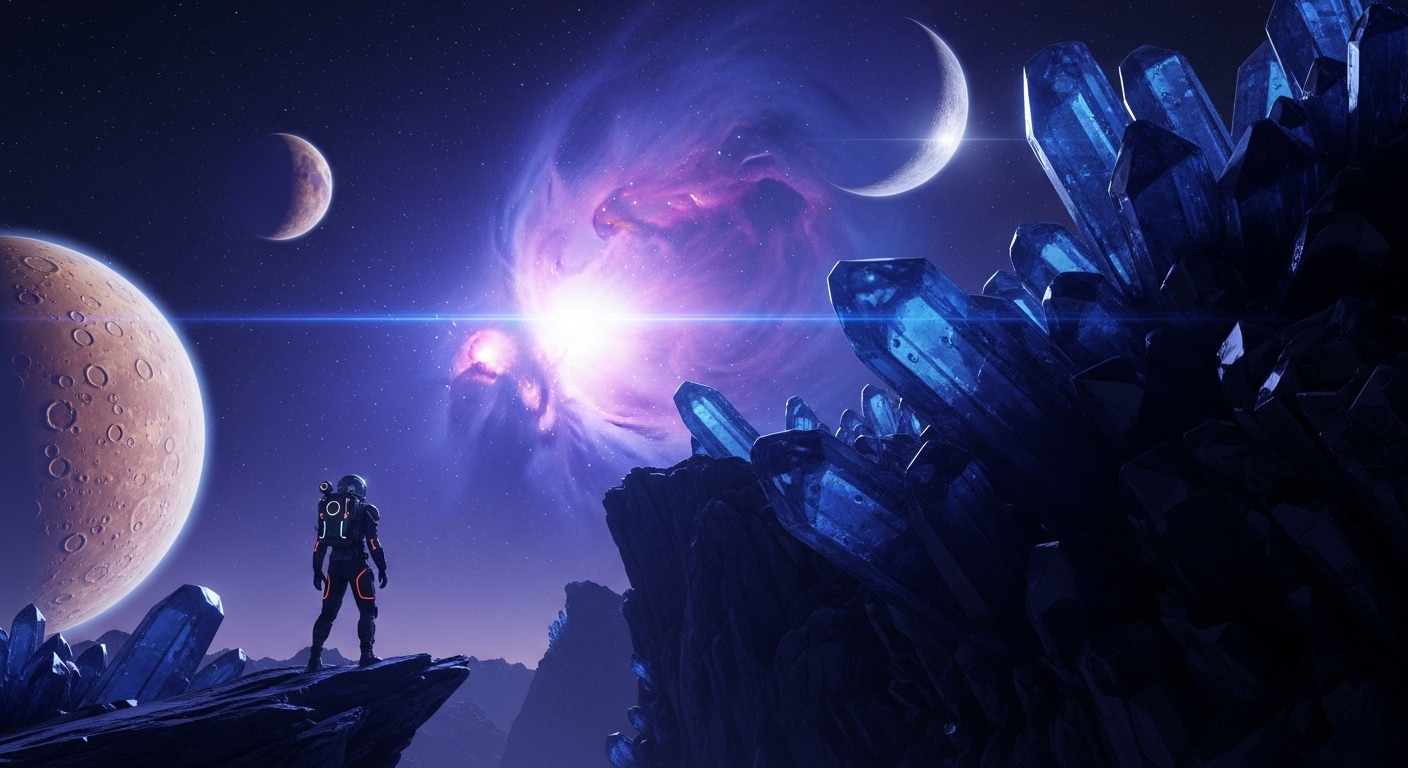
A dramatic, wide-angle shot of a lone astronaut standing on the edge of a crystalline cliff on an alien planet, gazing at a swirling purple and blue nebula in the sky with two moons. The style is epic sci-fi concept art with a cinematic feel.
Prompt
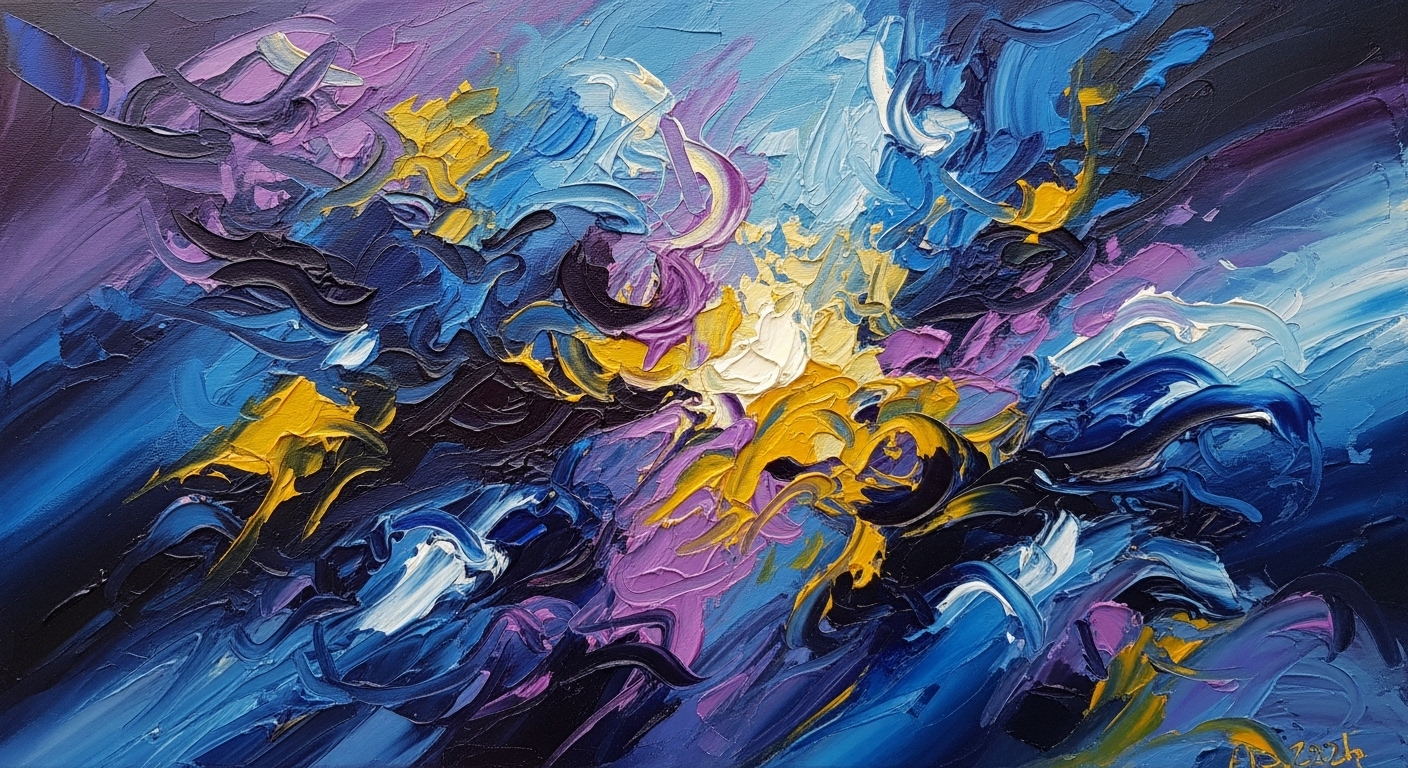
An abstract oil painting depicting the feeling of a 'lucid dream'. Use bold, swirling brushstrokes with a palette of deep blues, electric purples, and gold highlights. The composition should be dynamic and chaotic, yet harmonious, evoking a sense of wonder and confusion.
Prompt
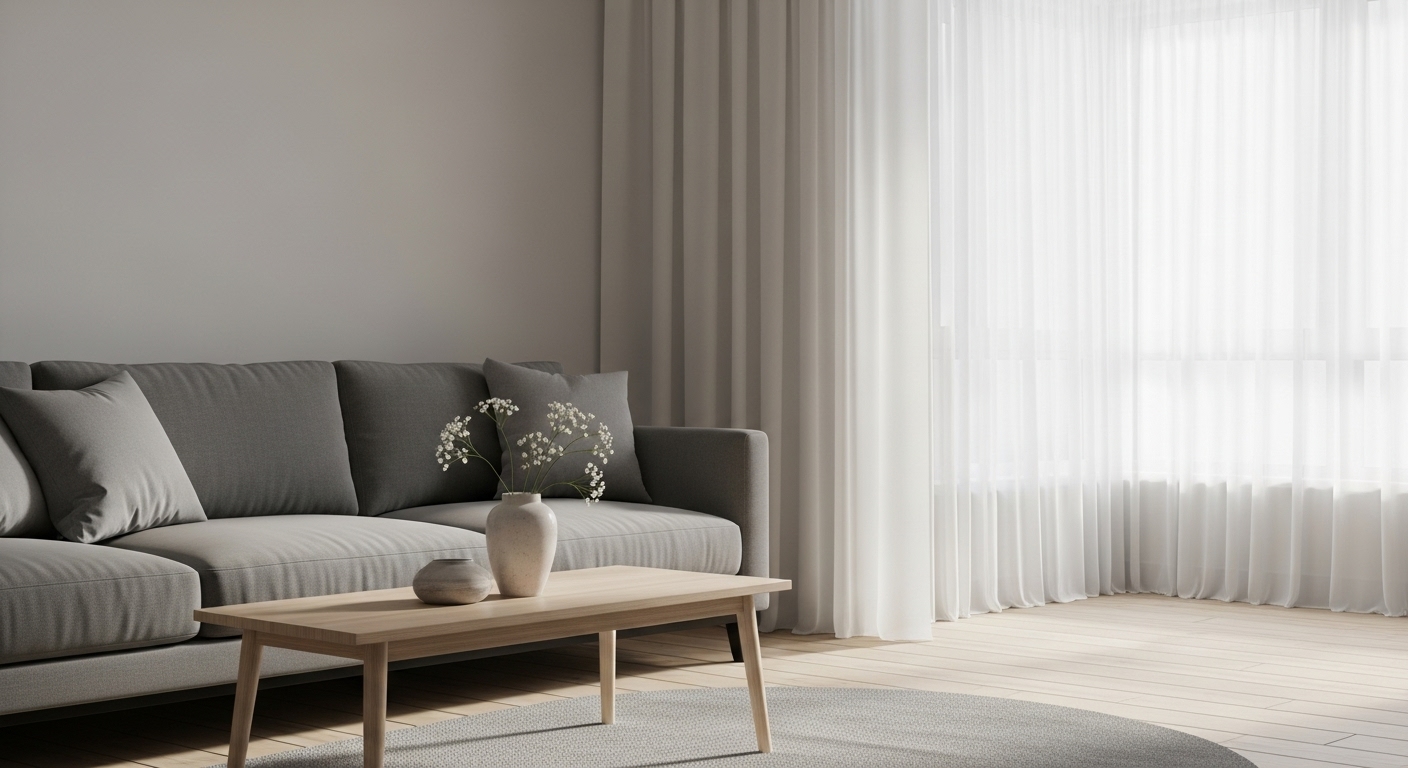
A minimalist, Scandinavian-style interior design photograph of a modern living room. The room features a sleek grey sofa, a light wood coffee table with a single ceramic vase, and a large window with sheer white curtains letting in soft, natural morning light. The overall mood is calm and serene.
Use Cases & Tips
Mastering Google Gemini AI for Art
Learning how to write good prompts for Gemini opens up a new world of creative possibilities. Unlike other tools, Gemini’s multimodal capabilities allow for nuanced and complex requests. This guide will help you with your Gemini image creation journey.
Tips for Crafting Effective Text-to-Image Prompts
- Be Specific: Instead of ‘a car’, try ‘a vintage 1967 cherry red Ford Mustang convertible driving on a coastal highway at sunset’. The more detail, the better the result. This is key for creating advanced AI art.
- Define the Style: Explicitly state the artistic style you want. Examples include ‘photorealistic’, ‘oil painting’, ‘watercolor sketch’, ‘3D render’, or ‘cyberpunk concept art’.
- Control the Scene: Describe the lighting (‘dramatic cinematic lighting’, ‘soft afternoon sun’), the camera angle (‘low-angle shot’, ‘drone photography’), and the composition. These elements are crucial when generating the best Gemini prompts for realistic photos.
- Iterate and Refine: Your first prompt might not be perfect. Use it as a starting point. Add, remove, or change elements to refine the image. Many users look for a free Gemini image prompt generator, but learning the fundamentals of iteration is more powerful.
How to Create Images with Google Gemini
Using Gemini as your go-to AI image generator is straightforward. Start with a clear concept, apply the tips above, and describe your vision in detail. Experiment with combining different concepts to see how Gemini interprets them, leading to unique and surprising visual outcomes.
Frequently Asked Questions
Ans. To write good prompts, be highly specific. Include the subject, action, setting, artistic style, lighting, and composition. The more detail you provide to the Google Gemini AI, the closer the generated image will be to your vision.
Ans. A great starting point is to use a simple structure: '[Style] of a [Subject] in a [Setting]'. For example: 'Oil painting of a tiger in a snowy forest' or 'Cyberpunk concept art of a neon-lit city street at night'. You can then add more details from there.
Ans. Absolutely. For realistic photos, use keywords like 'photorealistic', 'hyper-detailed', '8K', 'shot on a Sony A7III', and specify lens types like '50mm lens'. Describing the lighting in detail, such as 'soft morning light' or 'golden hour', is also crucial for realism.
Ans. You can create images by accessing a Google product that has Gemini's image generation capabilities integrated, such as in certain versions of the Gemini app or other Google services. Simply type your descriptive text-to-image prompt into the input field and let the AI work its magic.
Ans. While some third-party tools may claim to generate prompts, the best approach is to learn the fundamentals yourself. Start with our prompt template and examples. Many of Google's tools that use Gemini for image creation offer a certain amount of free usage, allowing you to experiment and generate images without cost.
Ans. Gemini is a powerful AI image generator known for its ability to understand natural language and complex, nuanced prompts. Its main strength lies in its integration within the Google ecosystem and its capacity for reasoning, which can sometimes lead to more contextually aware and creative outputs compared to other models.