
Hand-Painted Forest Background AI Prompt: Create Whimsical Nature Art
A hand-painted [TYPE] forest background, [STYLE] art style, [LIGHTING] lighting, [DETAILS] details, highly textured, [COLOR_PALETTE] color palette, organic brushstrokes, whimsical atmosphere, high resolution, 8k.
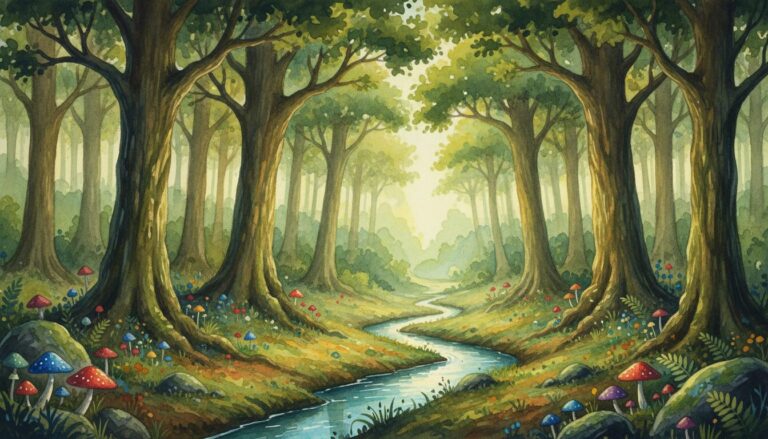
Examples
A few example prompts to help you see how this prompt can be used.
Prompt Example
A hand-painted misty pine forest background, watercolor style, soft morning light, ethereal fog between trees, muted blue and grey palette, organic wet-on-wet technique.
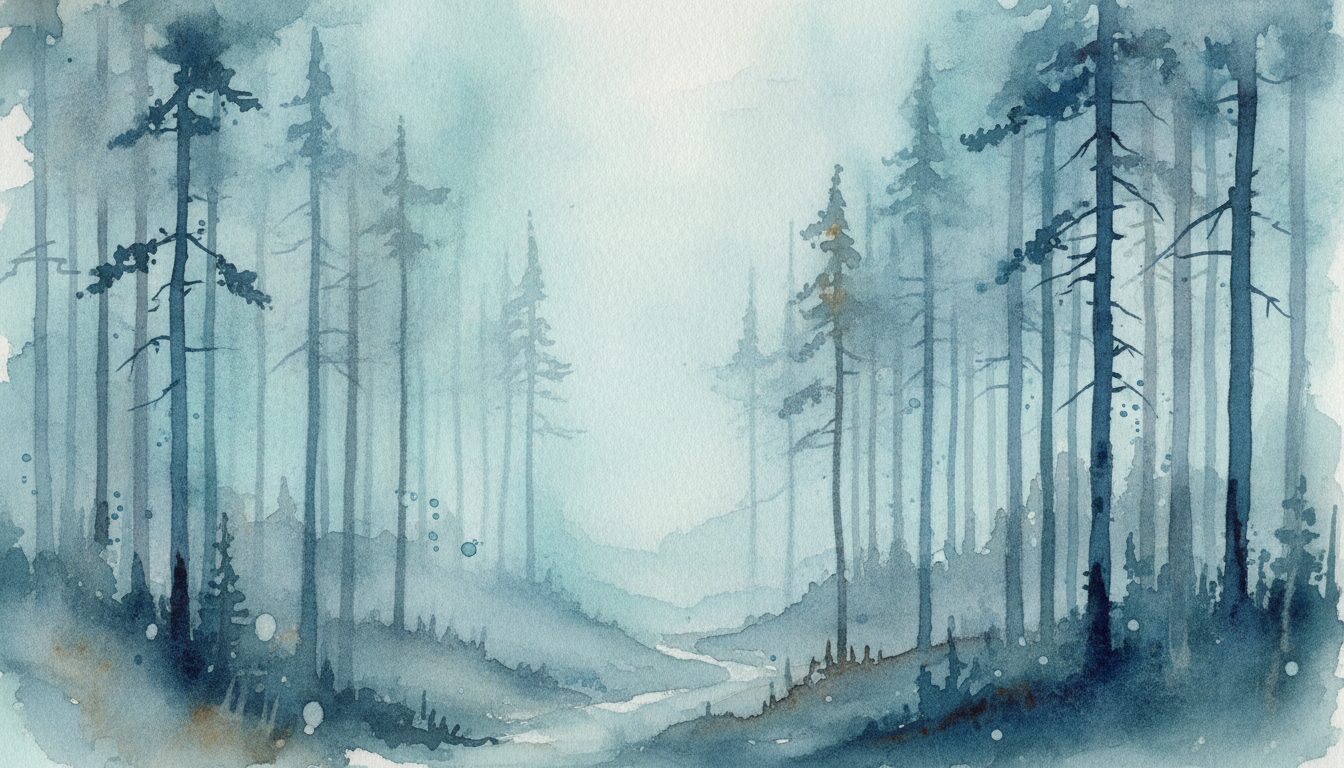
Prompt Example
A hand-painted enchanted grove, gouache art style, glowing mushrooms, vibrant purple and emerald green color palette, thick textured brushstrokes, whimsical fantasy forest scenery.
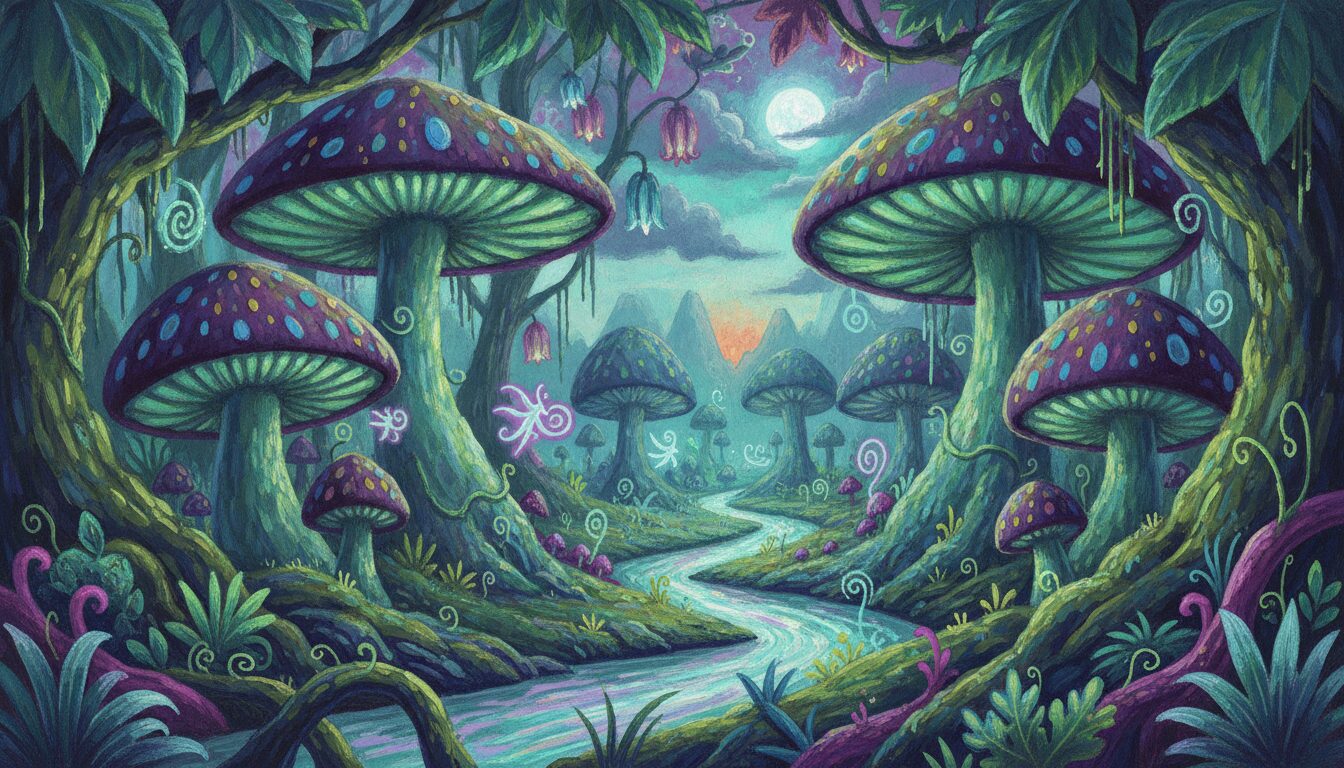
Prompt Example
A hand-painted autumn woodland, impressionist style, golden orange leaves, warm sunset lighting, palette knife textures, scenic forest illustration.
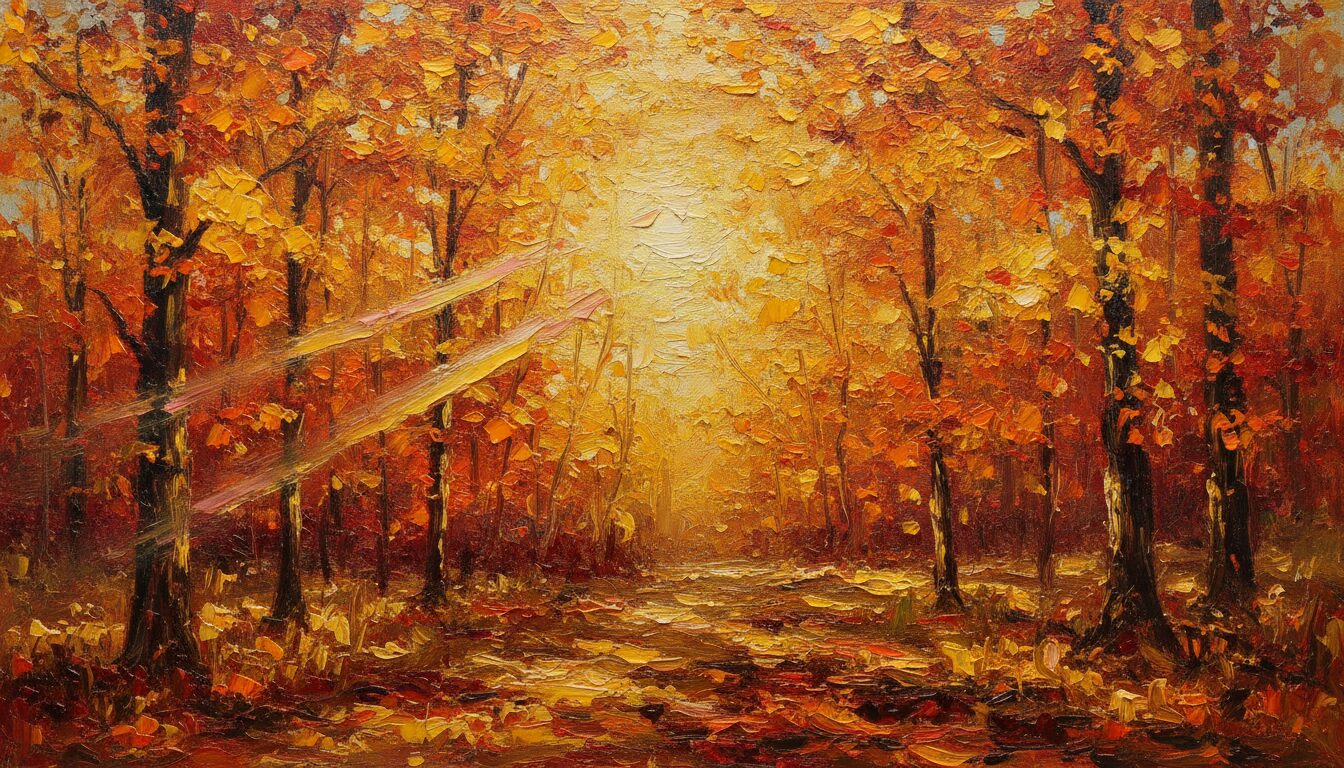
Prompt Example
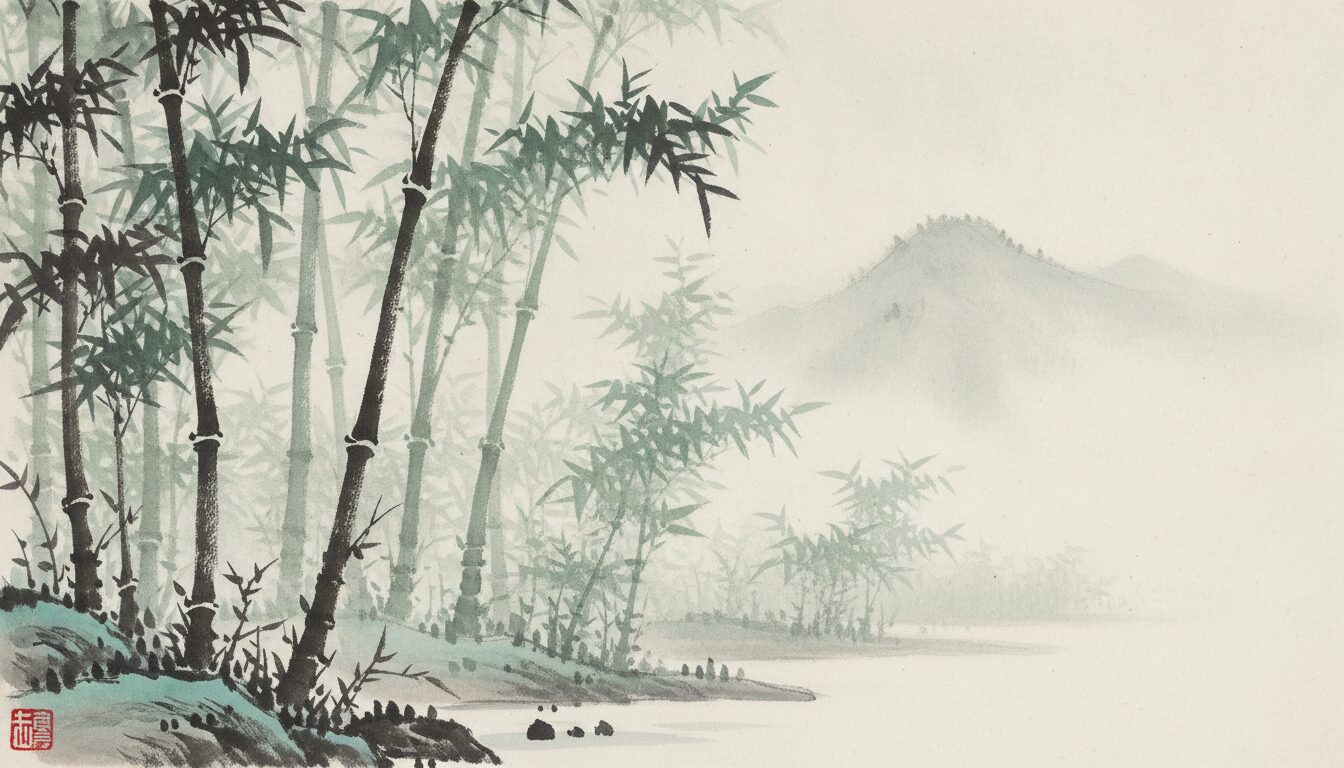
A hand-painted bamboo forest, traditional ink wash style, minimalist composition, soft green and black ink, zen atmosphere, hand-drawn nature backdrop.
Prompt Example
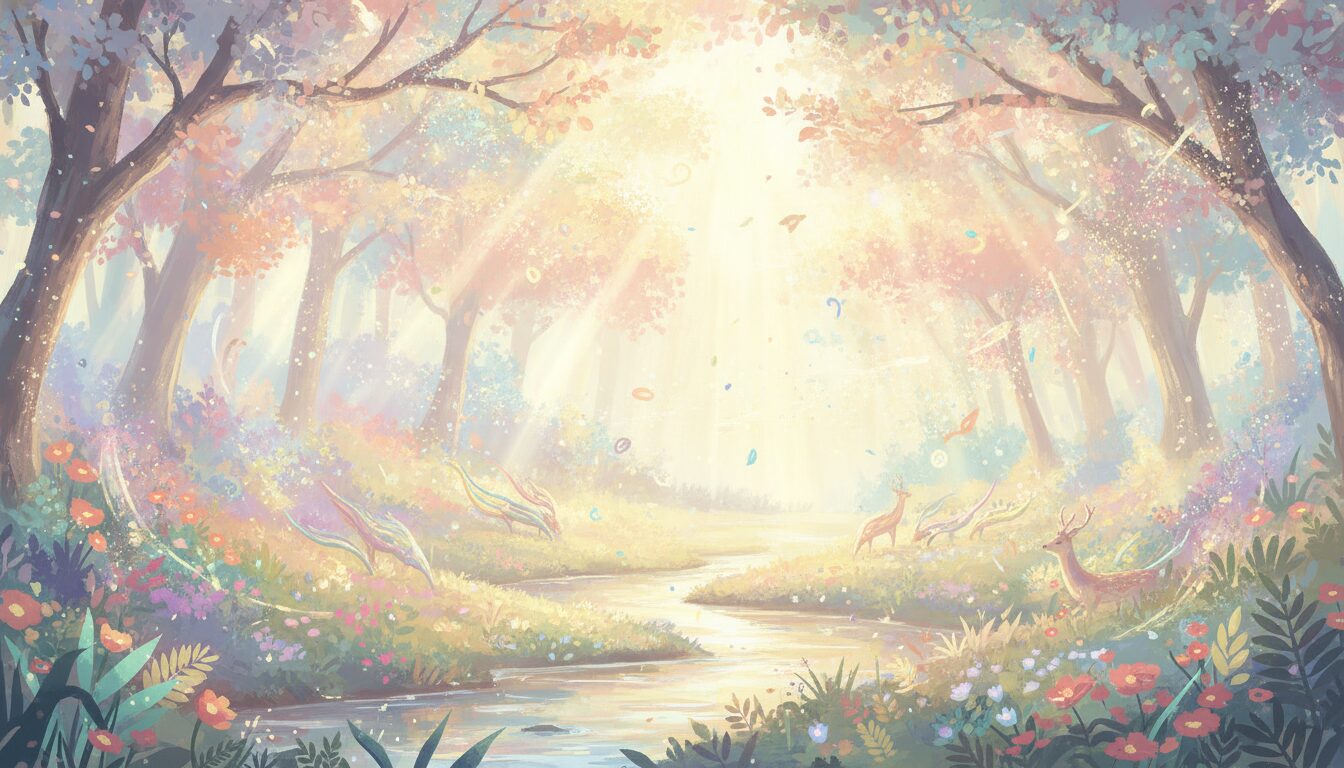
A hand-painted magical clearing, digital painting style, sun-drenched foliage, floating pollen particles, bright pastel color palette, high-detail texture mapping.
Prompt Overview
A quick summary to help you understand what this prompt is designed to do.
To generate a hand-painted forest background, use prompts focusing on artistic mediums like watercolor, gouache, or impressionism. Specify textures, lighting, and foliage details to achieve a handcrafted aesthetic. This approach ensures a unique, organic feel ideal for digital illustration, gaming backgrounds, and whimsical storytelling projects.
What This Prompt Covers
A simple breakdown of the main ideas and details included in this prompt.
The Semantic Architecture of Hand-Painted Environments
The relationship between hand-painted forest background AI prompts and entities like Impressionism or Gouache is rooted in texture mapping and atmospheric perspective. By referencing specific digital painting forest art techniques, users can influence the AI’s rendering of light and shadow, moving beyond sterile photorealism toward a more expressive, painterly forest landscape. This semantic connection ensures that the generated output maintains the warmth and imperfection characteristic of human-created art.
Why This Prompt Works
Helpful notes on what makes this prompt clear, useful, and effective.
Optimizing for AI Models
Midjourney
Use parameters like --stylize 250 and --v 6.0 to enhance the painterly texture and organic brushstrokes.DALL-E 3
Focus on descriptive adjectives like 'thick impasto' or 'delicate watercolor wash' to guide the model toward a hand-painted feel.Stable Diffusion
Incorporate LoRAs specifically trained on concept art or Ghibli-esque styles to refine the fantasy forest scenery.
Use Cases & Tips
Professional Applications
-
Game Development
Utilize a hand-drawn nature backdrop to create immersive parallax layers for 2D platformers and visual novels.
-
Digital Illustration
Incorporate a watercolor forest texture as a base for character concept art or book covers.
-
Web Design
Design whimsical woodland backgrounds for landing pages that require a soft, organic aesthetic.
-
Motion Graphics
Use scenic forest illustrations as matte paintings for animated short films.
Frequently Asked Questions
Q1. What is the best AI prompt for watercolor forest backgrounds?
The best AI prompt for watercolor forest backgrounds includes specific medium keywords like 'wet-on-wet technique', 'soft pigment bleeds', and 'hand-painted texture' to ensure the AI mimics the fluid nature of watercolor art.
Q2. How can I make an AI forest background look hand-painted?
To achieve a hand-painted look, avoid keywords like 'photorealistic' or 'hyper-detailed'. Instead, use terms like 'visible brushstrokes', 'painterly style', 'impasto', or 'gouache texture' to emphasize the artistic medium.
Q3. Can I use these prompts for 2D game backgrounds?
Yes, these hand-painted forest background AI prompts are perfect for 2D games. Ensure you specify 'parallax layers' or 'flat perspective' if you need the background to be used in a side-scrolling environment.
Q4. Which AI model is best for hand-drawn nature backdrops?
Midjourney and Stable Diffusion are currently the best for hand-drawn nature backdrops due to their ability to interpret complex texture-based commands and artistic styles like Impressionism.
Q5. What colors work best for a whimsical woodland background?
For a whimsical woodland background, use a palette of emerald greens, soft lavenders, and golden yellows. Mentioning 'ethereal lighting' or 'dappled sunlight' helps enhance the magical feel.
Q6. How do I add depth to a digital painting forest art prompt?
Add depth by using the term 'atmospheric perspective'. Describe the foreground as 'dark and detailed' while the background elements are 'pale, blurry, and blue-toned' to create a sense of scale.
Q7. Are these prompts compatible with DALL-E 3?
Absolutely. DALL-E 3 excels at following descriptive instructions. Using phrases like 'a hand-painted illustration of' at the start of your prompt will yield excellent results.
Q8. How do I create a vintage hand-painted forest background?
For a vintage look, include keywords like 'aged parchment texture', 'sepia tones', 'muted Victorian color palette', and 'classic botanical illustration style' in your prompt.