
Moody Portrait Prompt: Create Mysterious & Cinematic AI Art
[Reference Image URL], a moody and mysterious portrait of the subject, maintaining the original background and camera angle. The scene is illuminated by warm golden hour sunlight, casting a strong, dramatic shadow of the subject's face onto a plain wall behind them. Emphasize a cinematic tone with deep contrasts and a rich color palette. --ar 9:16
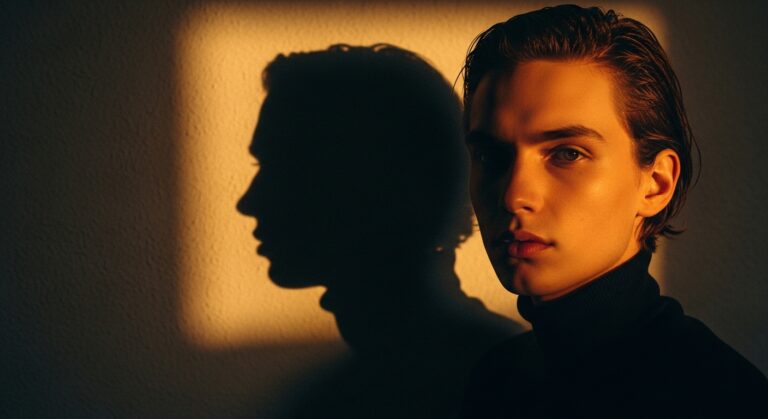
Examples
A few example prompts to help you see how this prompt can be used.
Prompt Example
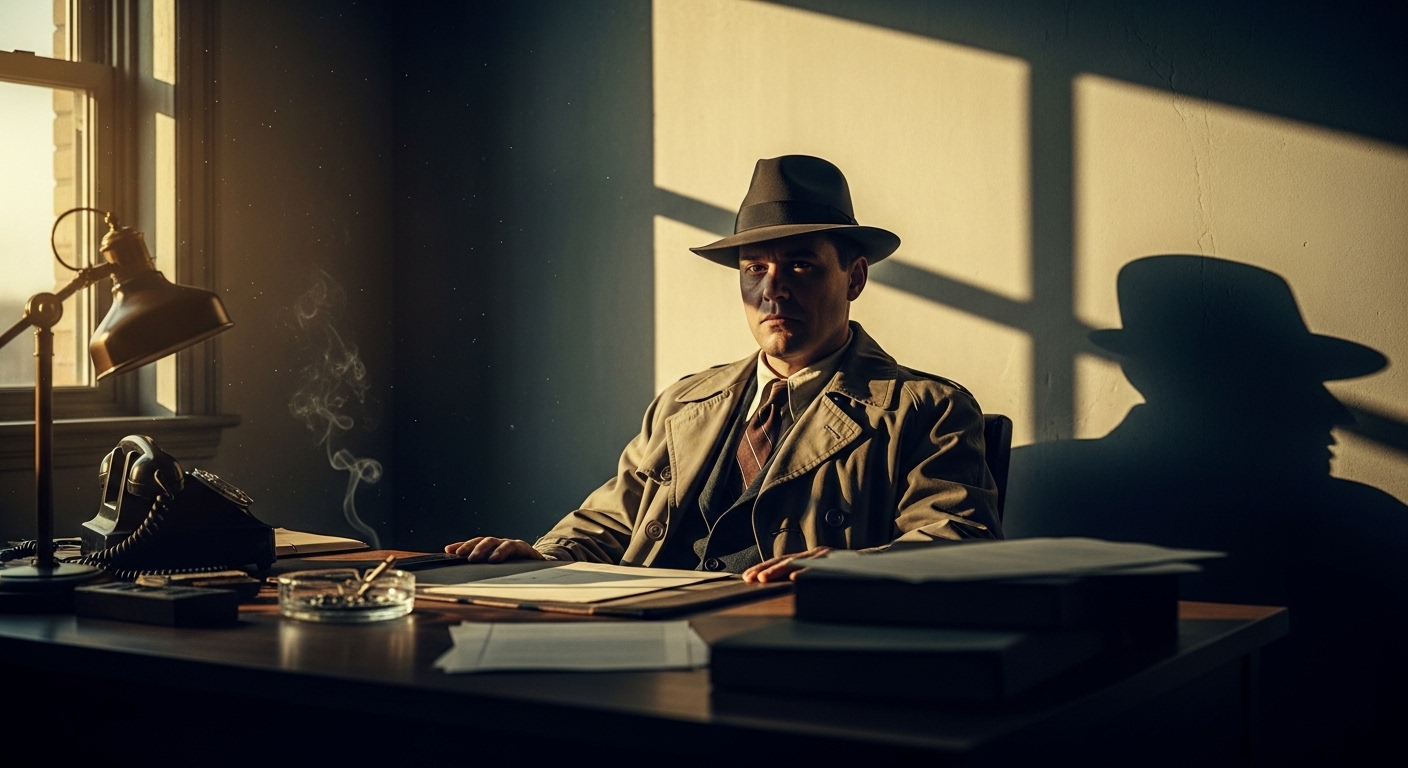
[Reference Image URL], a moody and mysterious portrait of a 1940s detective in a fedora, maintaining the original office background and camera angle. The scene is illuminated by warm golden hour sunlight from a window, casting a strong, dramatic shadow of his face onto the plain wall behind him. Emphasize a noir cinematic tone with deep contrasts and a desaturated color palette. --ar 9:16
Prompt Example
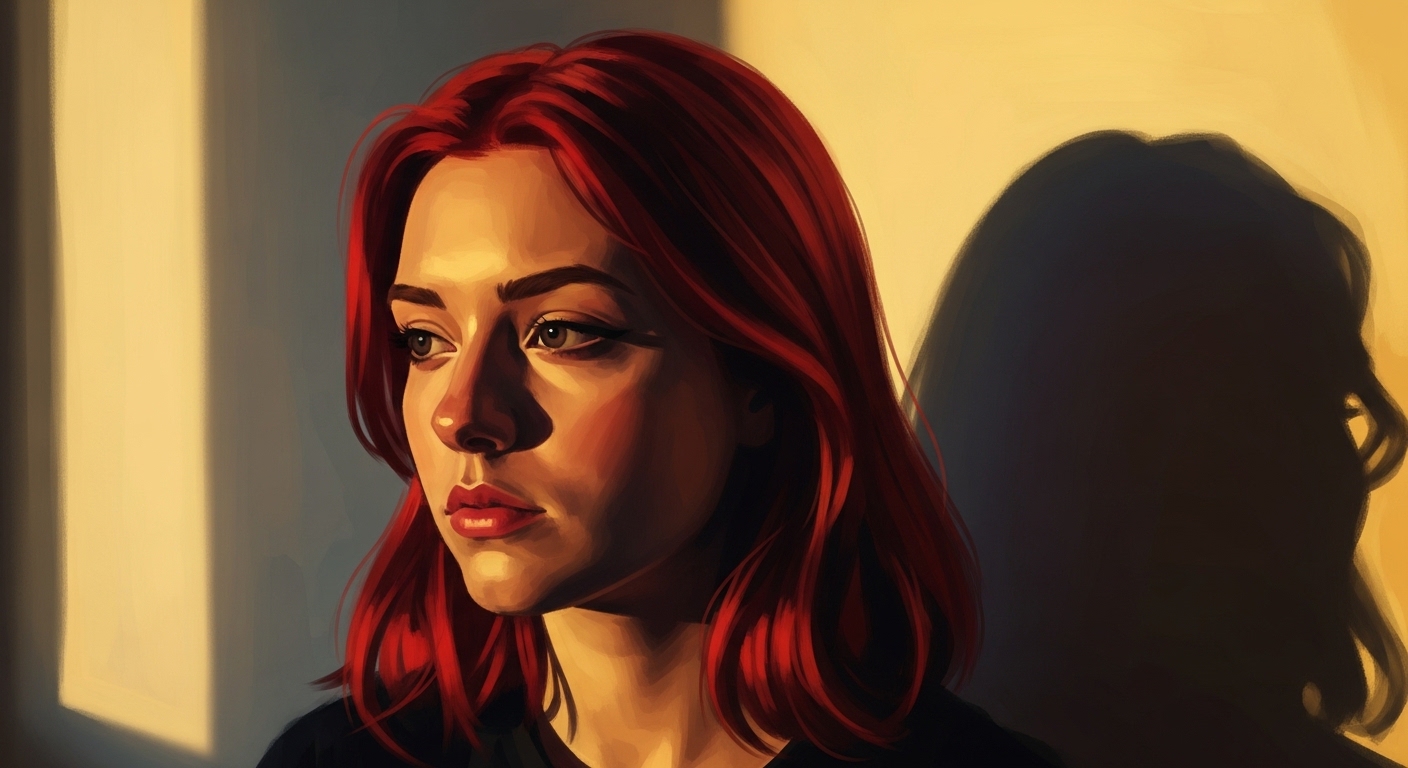
[Reference Image URL], a moody and mysterious portrait of a young woman with vibrant red hair, keeping the original background and camera angle. The scene is lit by warm golden hour sunlight, casting a soft but clear shadow of her face onto the wall. The overall tone is cinematic and melancholic, with a focus on painterly textures. --ar 9:16
Prompt Example
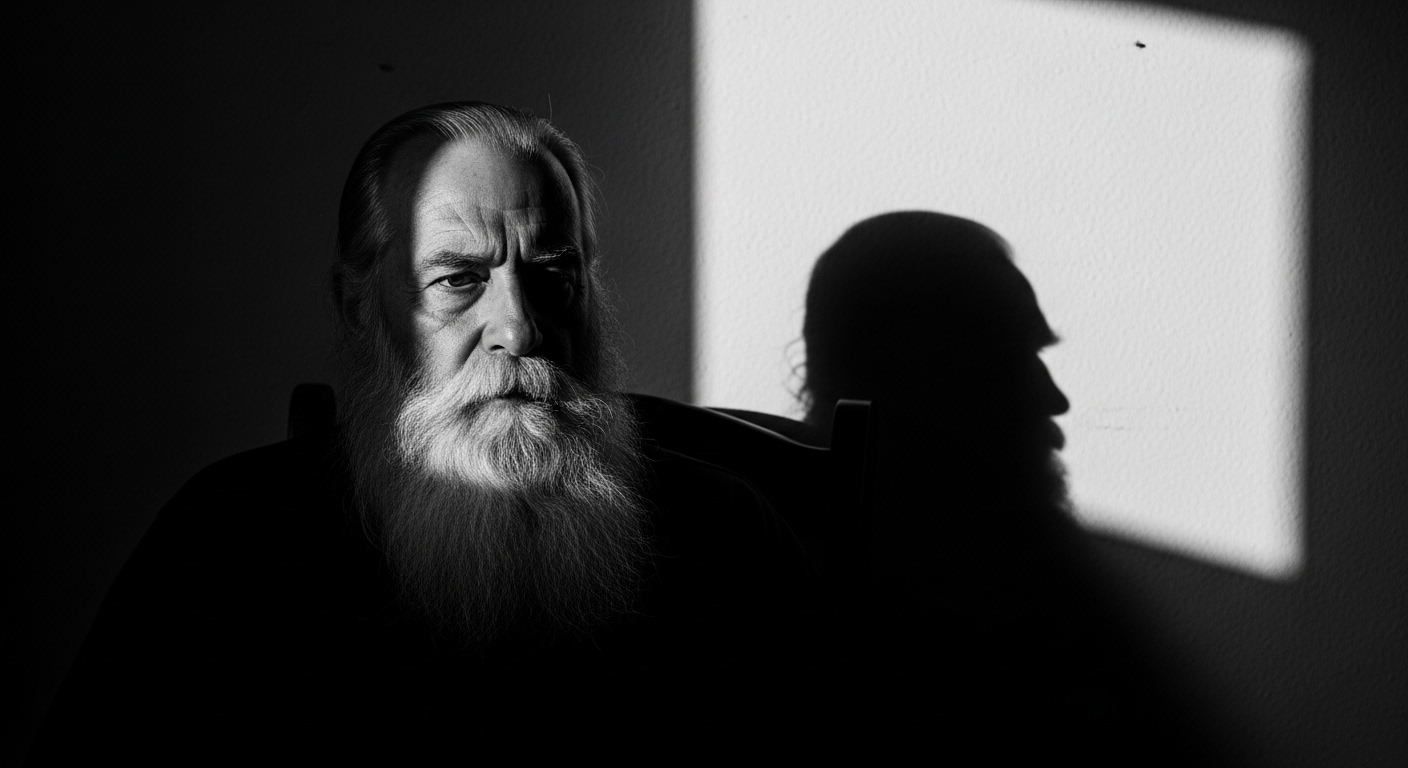
[Reference Image URL], a moody and mysterious portrait of an elderly man with a long beard, preserving the original simple room background and angle. The scene is illuminated by intense golden hour sunlight, creating a stark, dramatic shadow of his profile on the wall. The style is a high-contrast black and white cinematic photograph. --ar 9:16
Prompt Example
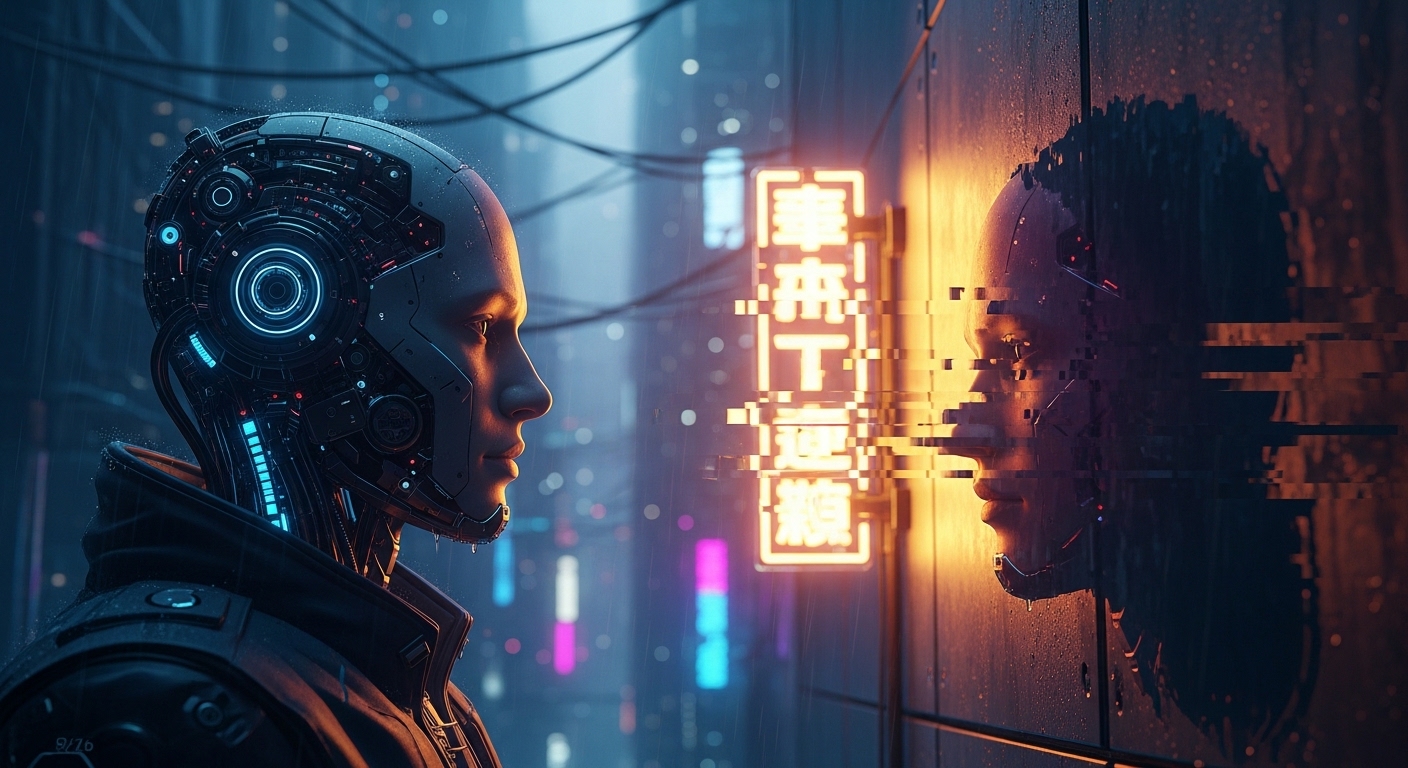
[Reference Image URL], a moody and mysterious portrait of a cyberpunk android, maintaining the original futuristic city background and camera angle. The scene is lit by the synthetic golden hour light of a neon sign, casting a glitchy, dramatic shadow of its face onto a metal wall. The tone is cinematic sci-fi, with high-tech details and a cool color palette. --ar 9:16
Prompt Example
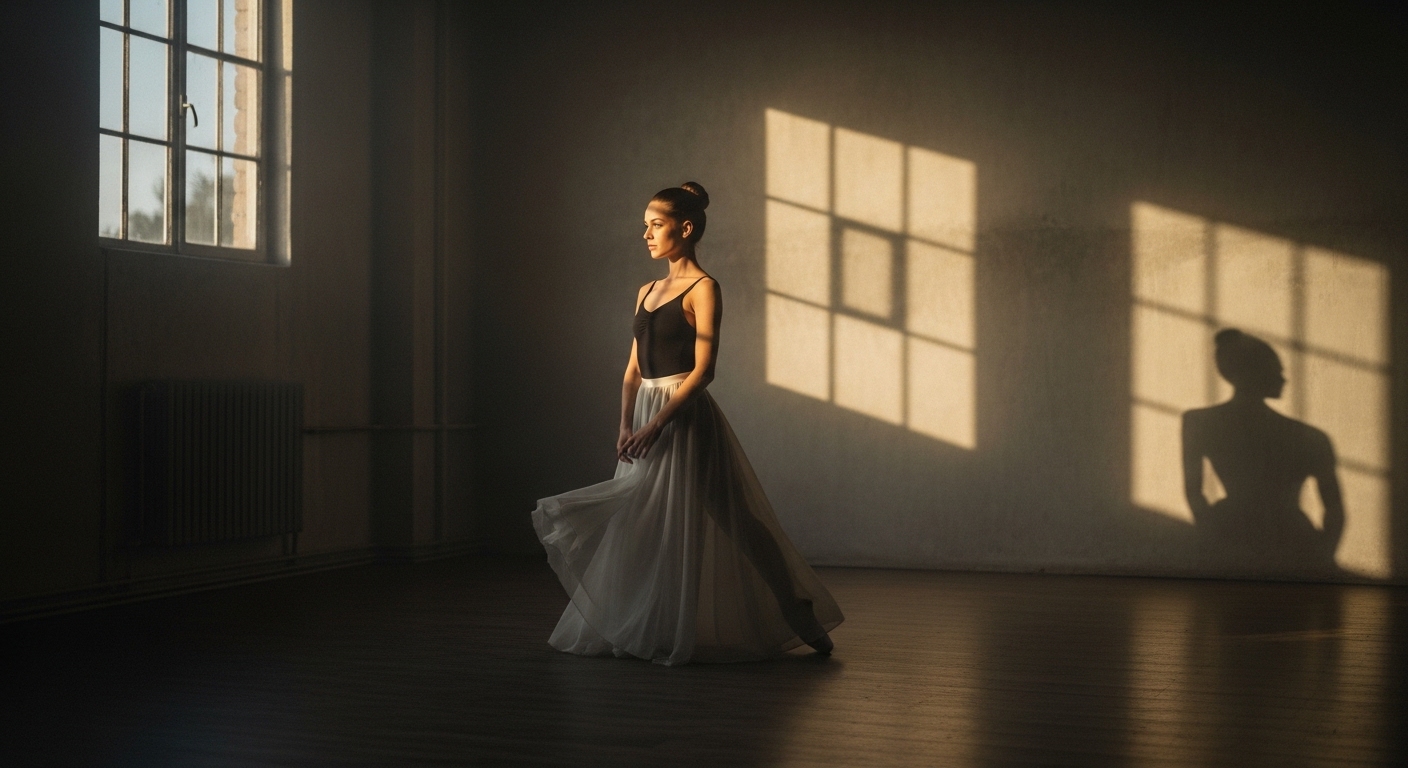
[Reference Image URL], a moody and mysterious portrait of a ballet dancer, holding the original studio background and camera angle. The scene is illuminated by soft golden hour sunlight, casting an elegant, elongated shadow of her face and form on the wall. The tone is cinematic and graceful, with soft focus and a dreamy quality. --ar 9:16
Use Cases & Tips
Transform Your Photos with a Cinematic Flair
This moody portrait prompt is perfect for artists, photographers, and social media enthusiasts who want to transform standard photos into compelling, atmospheric works of art. It’s a powerful tool for advanced AI photo editing, allowing you to dictate lighting, mood, and composition with precision.
Mastering Dramatic Shadow Photography with AI
- Emphasize Contrast: The key to effective dramatic shadow photography is high contrast. Use terms like ‘deep shadows,’ ‘strong highlights,’ and ‘sharp, defined shadow’ in your prompt.
- Control the Light Source: Specifying ‘warm golden hour sunlight’ creates a specific type of light known for its long, soft shadows. This is a crucial part of the golden hour sunlight effect prompt.
- The Wall is Your Canvas: The prompt’s instruction to cast a shadow on a ‘plain wall’ is intentional. A simple background ensures the shadow is the star, answering the common query of how to get a clear AI prompt for dramatic shadows on face.
Tips for Perfect Results
- High-Quality Reference: When learning how to create a moody portrait from a photo, start with a clear, well-lit reference image. The AI will have an easier time interpreting the facial structure.
- Maintain Consistency: A major benefit of this prompt is the ability to keep background and angle in AI photo generation. Use a strong image weight if your AI model allows it (e.g., `–iw 2` in Midjourney) to preserve the original composition.
- Refine the Cinematic Tone: To enhance the cinematic tone prompt, add details like ‘film grain,’ ‘anamorphic lens flare,’ or ‘color graded like a [Movie Title] film’ for more specific styles.
Frequently Asked Questions
Q1. How can I use an AI prompt to create a moody portrait from a photo?
To create a moody portrait from a photo, you need to provide the AI with a reference image URL at the start of your prompt. Then, describe the mood using keywords like 'moody,' 'mysterious,' 'cinematic,' and specify the lighting, such as 'golden hour sunlight' and 'dramatic shadow,' to guide the AI's creative direction.
Q2. What is the best AI prompt for dramatic shadows on a face?
A great prompt for dramatic shadows specifies three things: the light source (e.g., 'low-angled golden hour sunlight'), the effect ('casting a strong, dramatic shadow'), and the surface where the shadow appears ('onto a plain wall behind them'). This clarity ensures the AI prioritizes the shadow effect in the final image.
Q3. Can AI keep the background and camera angle from a reference photo?
Yes, many AI models can. To instruct the AI to keep the original composition, include phrases like 'maintain the original background and camera angle' in your prompt. For models like Midjourney, using a high image weight parameter (e.g., --iw 2) can further enforce this instruction.
Q4. How do I create a convincing golden hour sunlight effect prompt?
For a golden hour effect, use descriptive terms like 'warm golden hour sunlight,' 'low-angled light,' 'long soft shadows,' and 'rich, warm color palette.' These keywords help the AI understand the specific quality of light you want in your mysterious portrait AI generation.
Q5. What elements make a cinematic portrait prompt for Midjourney successful?
A successful cinematic portrait prompt combines specific lighting ('dramatic shadow photography'), a distinct mood ('mysterious'), and technical details. Mentioning an aspect ratio like 9:16 (common for film), and adding terms like 'film grain,' 'color graded,' or 'high contrast' will elevate your image to a cinematic level.