
Nano Banana Pro Prompts: The Ultimate Guide to Hyperrealistic Images
Modern prompt pattern • responsive assets • ready-to-copy

Prompt Template
ultra realistic photograph of [Subject Description], focusing on nano-level details of [Primary Texture], microscopic view of [Secondary Element], professional product photography style, shot on [Camera Type] with [Lens Type], [Specific Lighting Setup], hyper-detailed, photorealistic, 8k resolution, pro quality, subtle color grading with warm highlights (banana pro effect), rule of thirds composition, [Additional Details]
Examples
Prompt
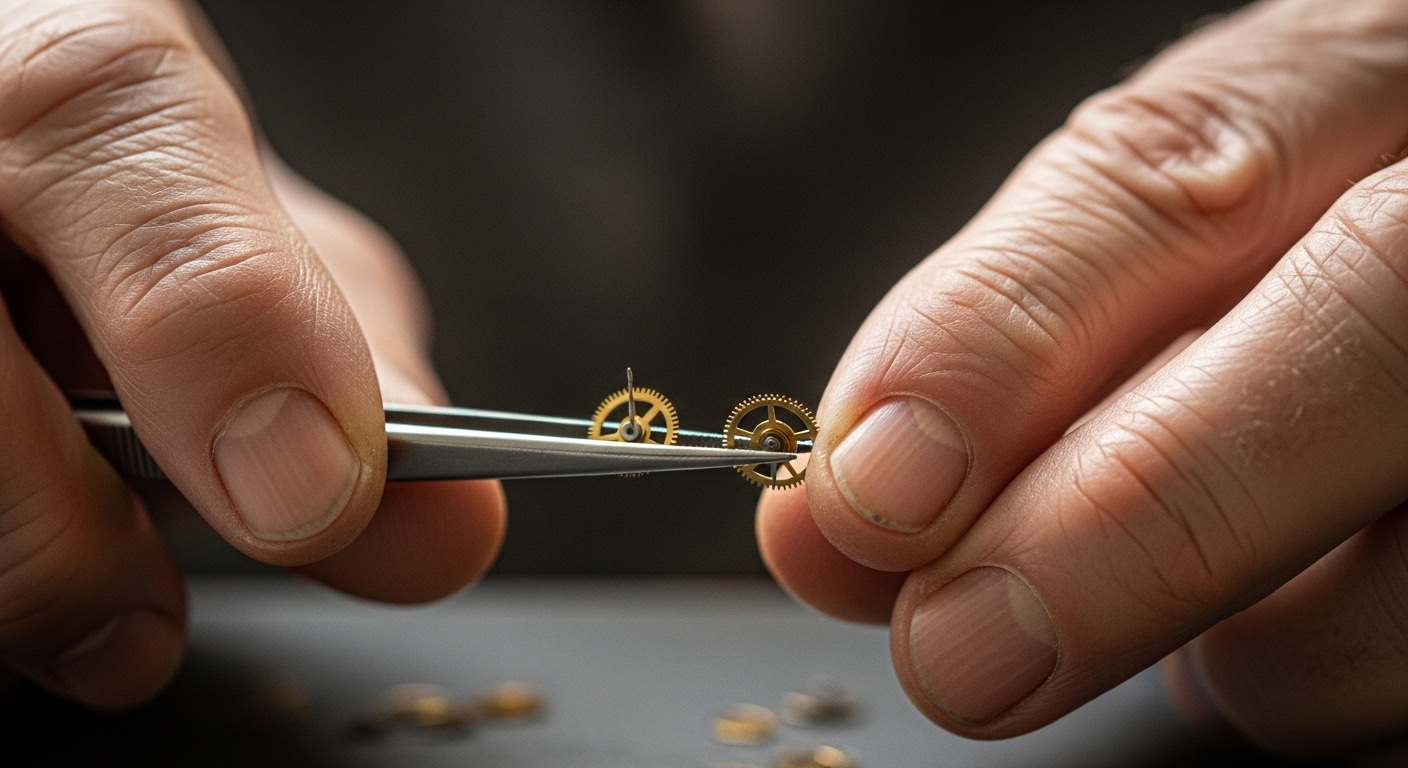
An ultra-realistic photograph of an elderly watchmaker's hands, focusing on nano-level details of wrinkled skin and calluses, microscopic view of tiny metal gears held in tweezers, professional product photography style, shot on a Canon EOS R5 with a 100mm Macro Lens, soft window lighting from the side, hyper-detailed, photorealistic, 8k resolution, pro quality, subtle color grading with warm highlights (banana pro effect), shallow depth of field.
Prompt
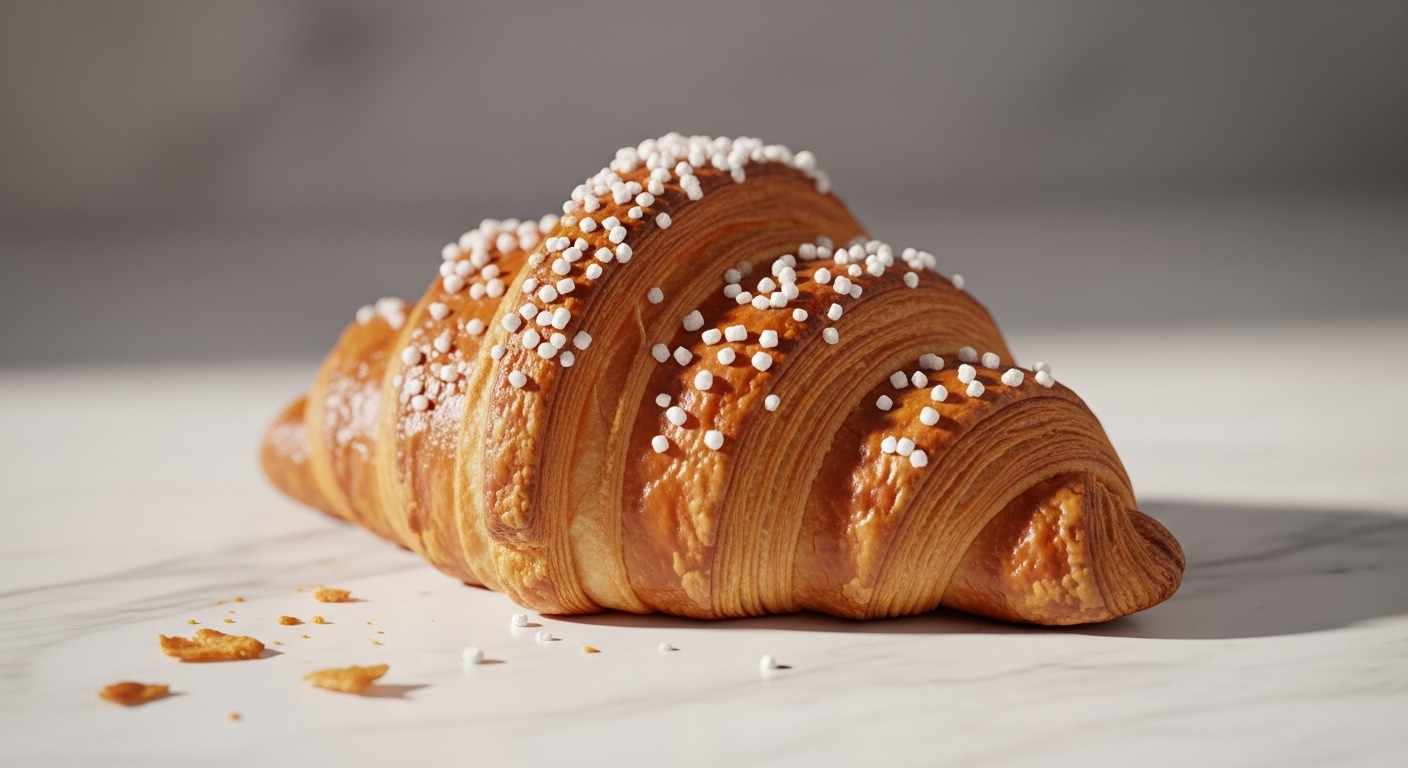
A hyperrealistic food photograph of a freshly baked croissant on a marble countertop, focusing on the nano-level details of the flaky, layered pastry, microscopic view of crystallized sugar dusting, professional bakery photography style, shot on a Nikon Z9 with a 50mm f/1.2 lens, bright morning kitchen light, hyper-detailed, photorealistic, 8k resolution, pro quality, subtle color grading with warm highlights (banana pro effect), crumbs scattered artfully.
Prompt
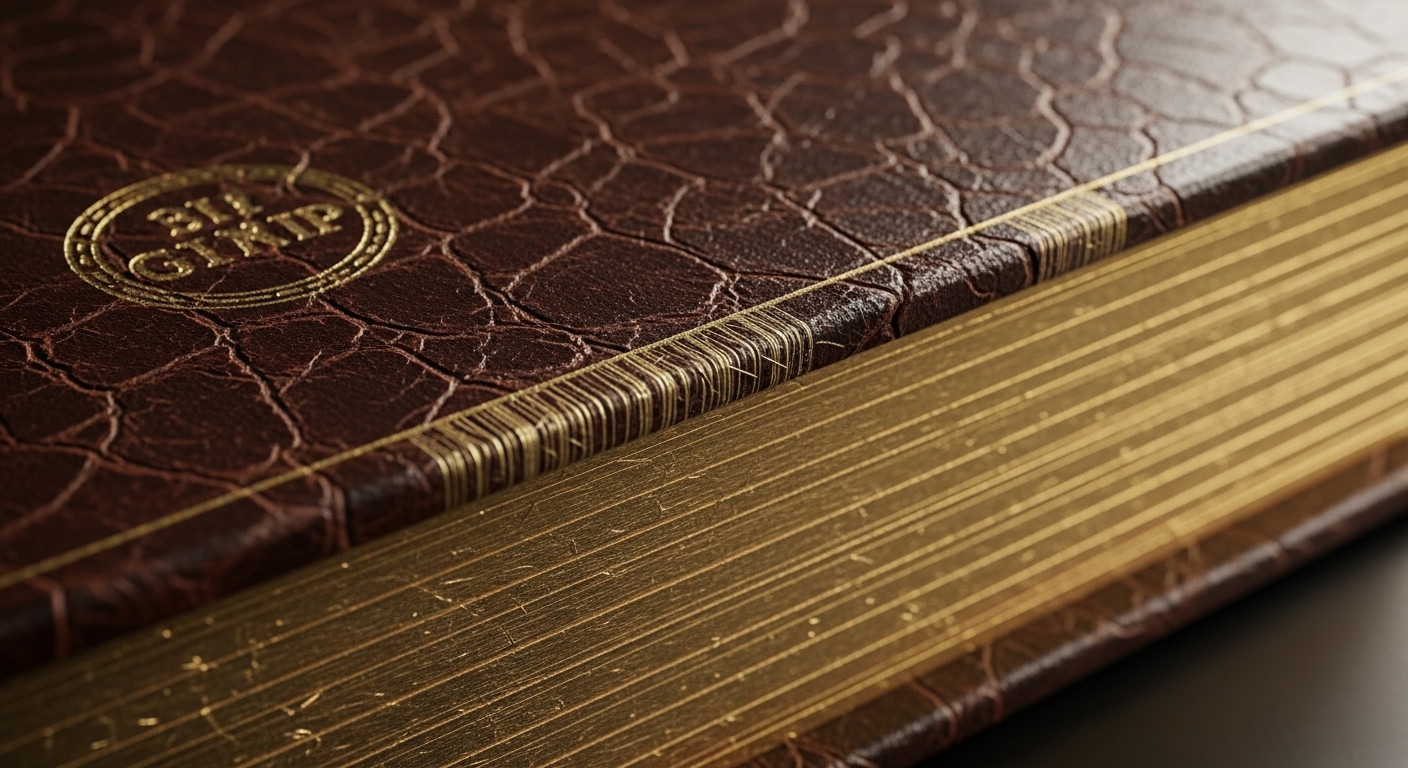
An ultra-realistic photograph of a vintage leather-bound book, focusing on the nano-level details of the cracked leather texture and gold foil stamping, microscopic view of paper fibers on the page edge, dramatic studio lighting, shot on a Fujifilm GFX 100S with a GF 120mm f/4 Macro lens, moody, low-key lighting with a single spotlight, hyper-detailed, photorealistic, 8k resolution, pro quality, subtle color grading with warm highlights (banana pro effect).
Prompt
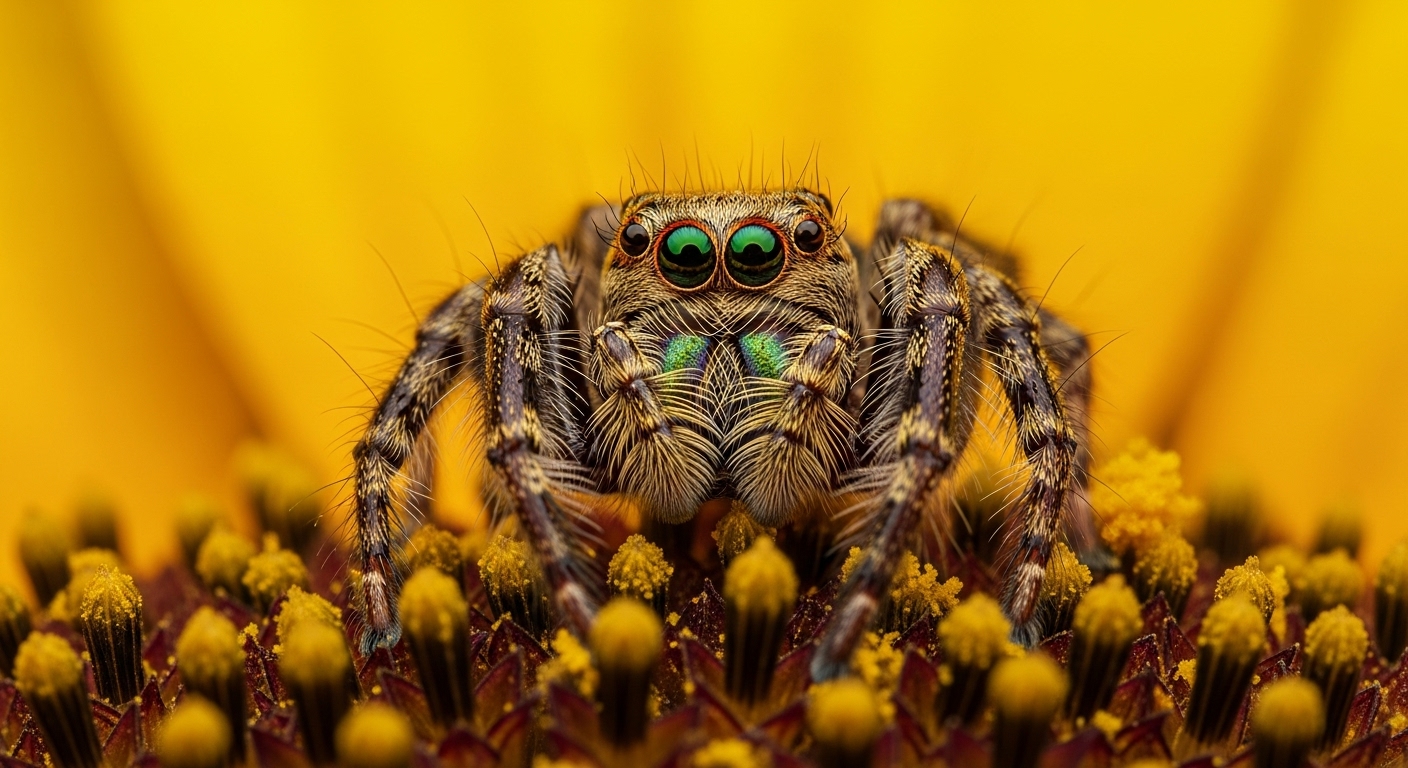
A photorealistic image of a jumping spider on a flower petal, focusing on the nano-level details of its iridescent exoskeleton and multiple eyes, microscopic view of pollen grains on its legs, wildlife macro photography, shot on an Olympus OM-D E-M1 Mark III with a 60mm Macro lens, natural sunlight backlighting the petal, hyper-detailed, 8k resolution, pro quality, subtle color grading with warm highlights (banana pro effect), tack sharp focus on the eyes.
Prompt
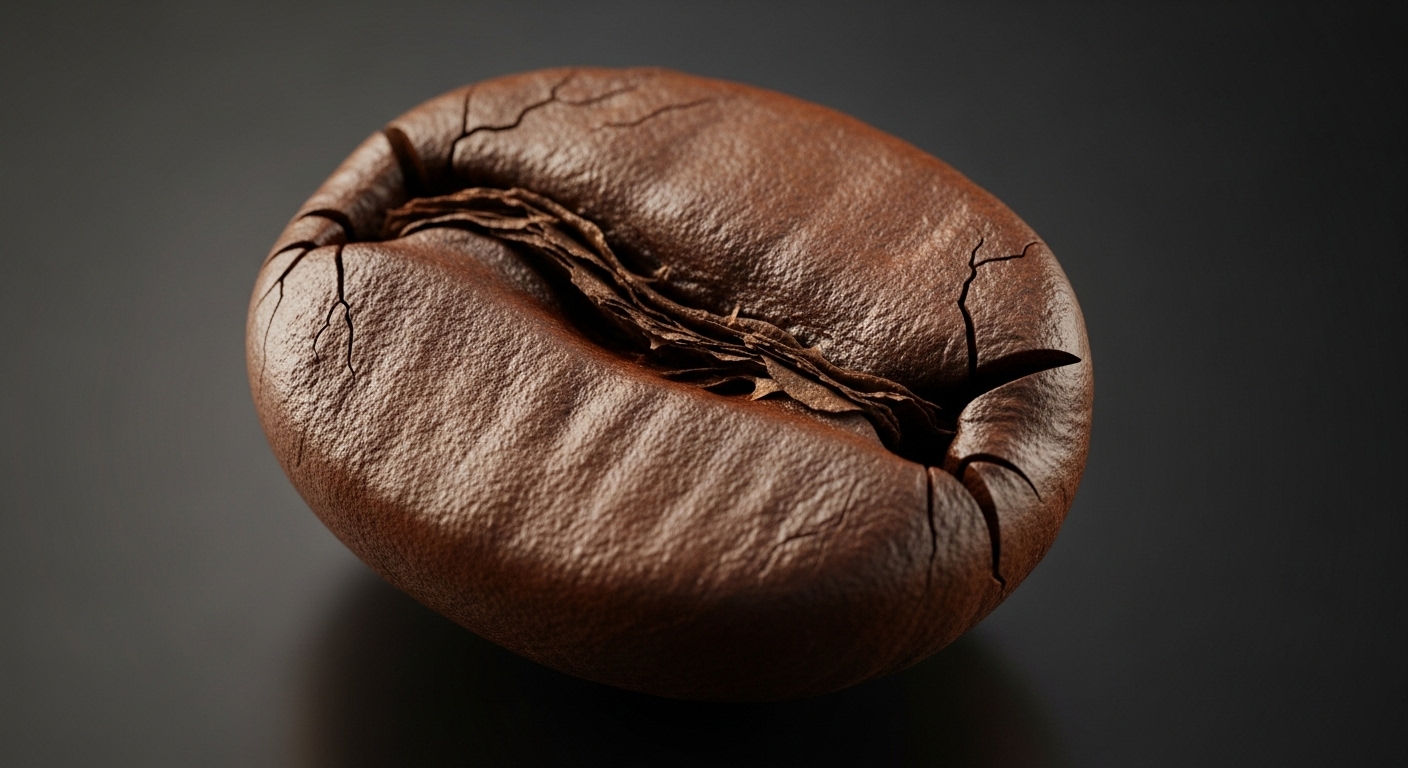
An ultra-realistic photograph of a single espresso bean, focusing on the nano-level details of its oily surface and rough texture, microscopic view of the central crack, professional commercial photography, shot on a Phase One XF IQ4 with a 150mm macro lens, precise three-point studio lighting, hyper-detailed, photorealistic, 8k resolution, pro quality, subtle color grading with warm highlights (banana pro effect), isolated on a dark, reflective surface.
Use Cases & Tips
What is the Nano Banana Pro Technique?
The ‘Nano Banana Pro’ technique is a method of advanced prompt engineering designed for creating unparalleled, hyperrealistic AI art. The ‘Nano’ refers to focusing on microscopic, ultra-fine details and detailed textures that are often overlooked. The ‘Banana Pro’ part is a community term for applying a subtle, warm, and slightly yellow color grade, which mimics the natural warmth of professional photography lighting and enhances realism. This guide will show you how to use nano banana pro prompts to elevate your AI image generation.
Use Cases for Photorealistic Prompts
- Digital Art & Concept Design: Generate base images with incredible realism for matte paintings, character designs, or environment concepts. The focus on nano-details provides a rich canvas to work from.
- Product Mockups: Create lifelike product visualizations. Use the prompts to showcase detailed textures like brushed metal, wood grain, or fabric weaves for e-commerce or advertising.
- Stock Photography: Generate unique, royalty-free images that rival professional stock photos. These are some of the best AI prompts for realistic photos, perfect for blogs, websites, and marketing materials.
- Portraiture: Craft stunningly realistic portraits by focusing on nano-details like skin pores, hair strands, and light reflection in the eyes.
Tips to Create Hyperrealistic Images with AI
- Be Specific with Textures: Instead of just ‘leather’, specify ‘cracked full-grain leather with visible stitching pores’. This is key to the ‘nano’ aspect.
- Define Your Camera and Lens: Mentioning a specific camera (e.g., ‘Sony a7R IV’) and lens (e.g., ’85mm f/1.4 GM lens’) guides the AI to replicate the unique characteristics of professional gear.
- Control the Light: Describe the lighting precisely. ‘Softbox key light’, ‘dramatic Rembrandt lighting’, or ‘golden hour sunlight’ will drastically change the mood and realism of your image.
- Iterate and Refine: Your first generation might not be perfect. Use the initial image as a base and refine your prompt, adding or tweaking details until you achieve the desired photorealism. Many great nano banana pro prompt examples are the result of several iterations.
Frequently Asked Questions
Ans. The 'Nano Banana Pro' technique is a style of advanced prompt engineering focused on creating hyperrealistic images. 'Nano' refers to specifying microscopic details and textures, while 'Banana Pro' describes a subtle, warm (slightly yellow) color grading that mimics professional photography lighting to enhance realism.
Ans. To use them effectively, be extremely specific. Describe your subject, but then add layers of detail about its textures, materials, and any imperfections on a 'nano' scale. Also, define your virtual camera, lens, and lighting setup to guide the AI toward a photorealistic output. Check out our nano banana pro prompt examples to see this in action.
Ans. For realistic portraits, use the nano banana pro technique to focus on skin details like pores, fine lines, and freckles. Specify the lighting (e.g., 'soft window light'), the camera and lens ('85mm f/1.4 lens' for beautiful bokeh), and the emotion. This level of detail helps the AI generate incredibly lifelike human subjects.
Ans. Detailed textures are crucial because they trick the human eye into perceiving an image as real. In the real world, no surface is perfectly smooth. By prompting for 'nano-level' details like wood grain, fabric weave, or skin pores, you add a layer of complexity and imperfection that is the hallmark of photorealism.
Ans. Absolutely. While the technique is designed for hyperrealism, its core principles—extreme specificity and detailed descriptions of light and texture—can be applied to other styles. For example, you could prompt for a 'fantasy painting with nano-level details on the dragon's scales' to create a highly detailed, fantastical image.
Ans. The 'banana' is a community term for adding a subtle, warm, yellowish tint to the image's color grading. It's not about adding bananas to the image. This slight warmth often makes digital images feel more natural and less sterile, similar to photos taken during the 'golden hour' or with professional warm lighting.