Pixar Style Animal Characters: The Ultimate AI Art Prompt Guide
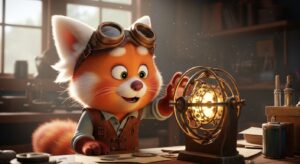
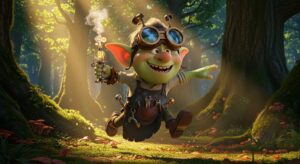
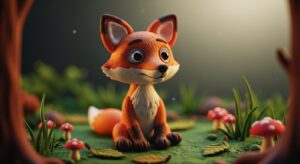
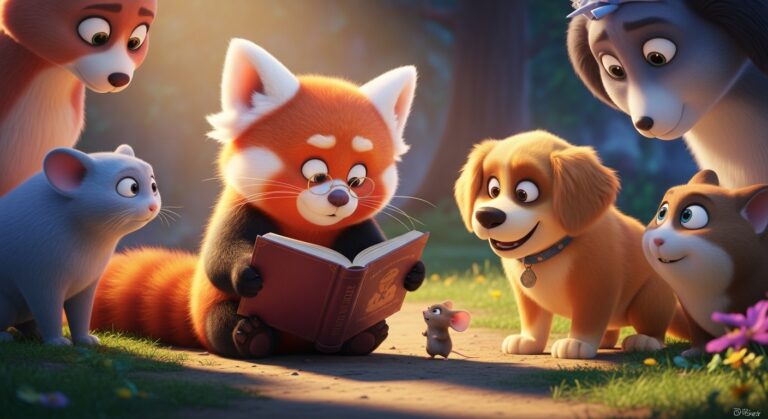
A Pixar style [Animal Type] character, [Action/Pose], wearing [Clothing/Accessory], with a [Expression] expression. Set against a [Background]. The scene is rendered in the iconic Disney Pixar art style, featuring soft lighting, vibrant colors, detailed textures, and a cinematic quality. --ar 16:9
Examples
A few example prompts to help you see how this prompt can be used.
Prompt Example
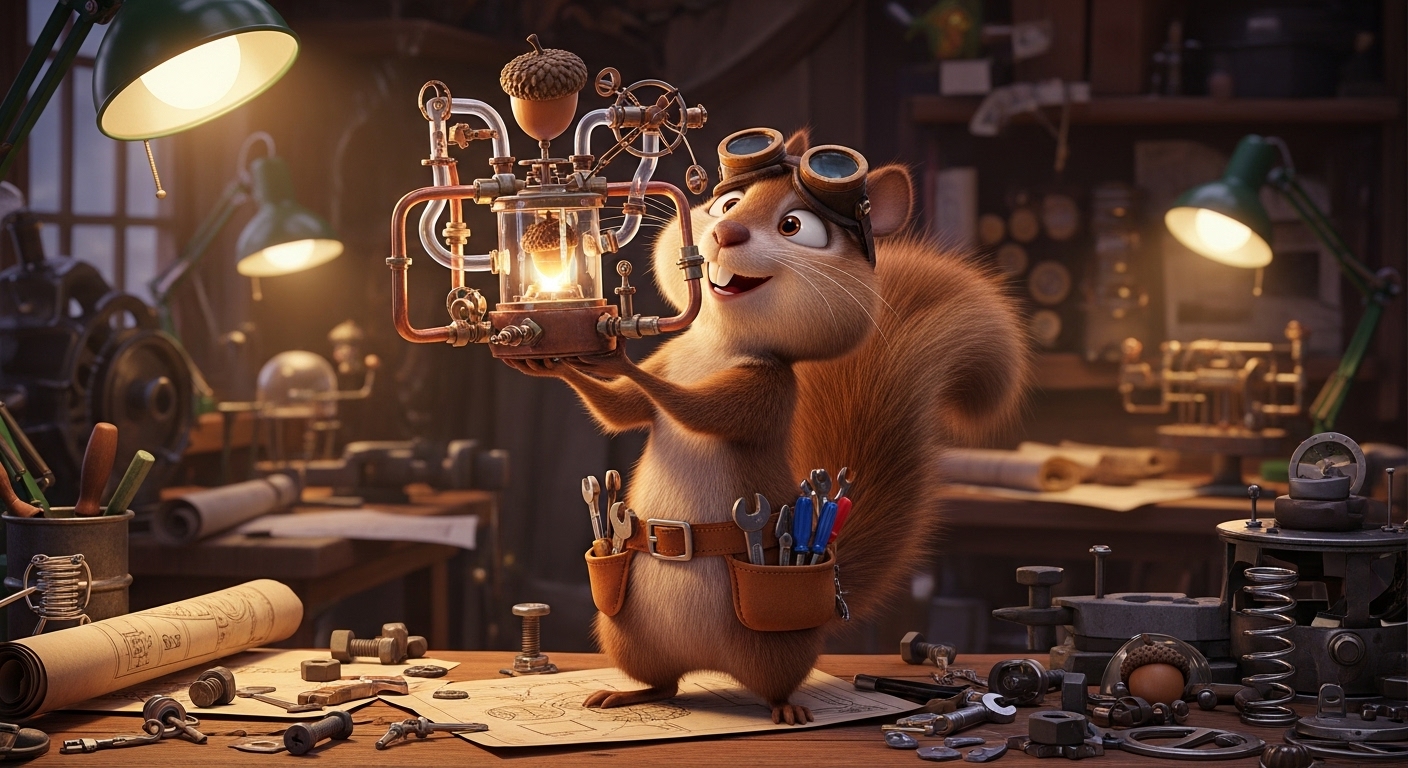
A Pixar style squirrel character, an eccentric inventor, excitedly holding up a complex acorn-powered gadget, wearing tiny goggles and a leather tool belt. Set against a workshop background filled with blueprints and spare parts. The scene is rendered in the iconic Disney Pixar art style, featuring soft lighting, vibrant colors, detailed textures, and a cinematic quality.
Prompt Example
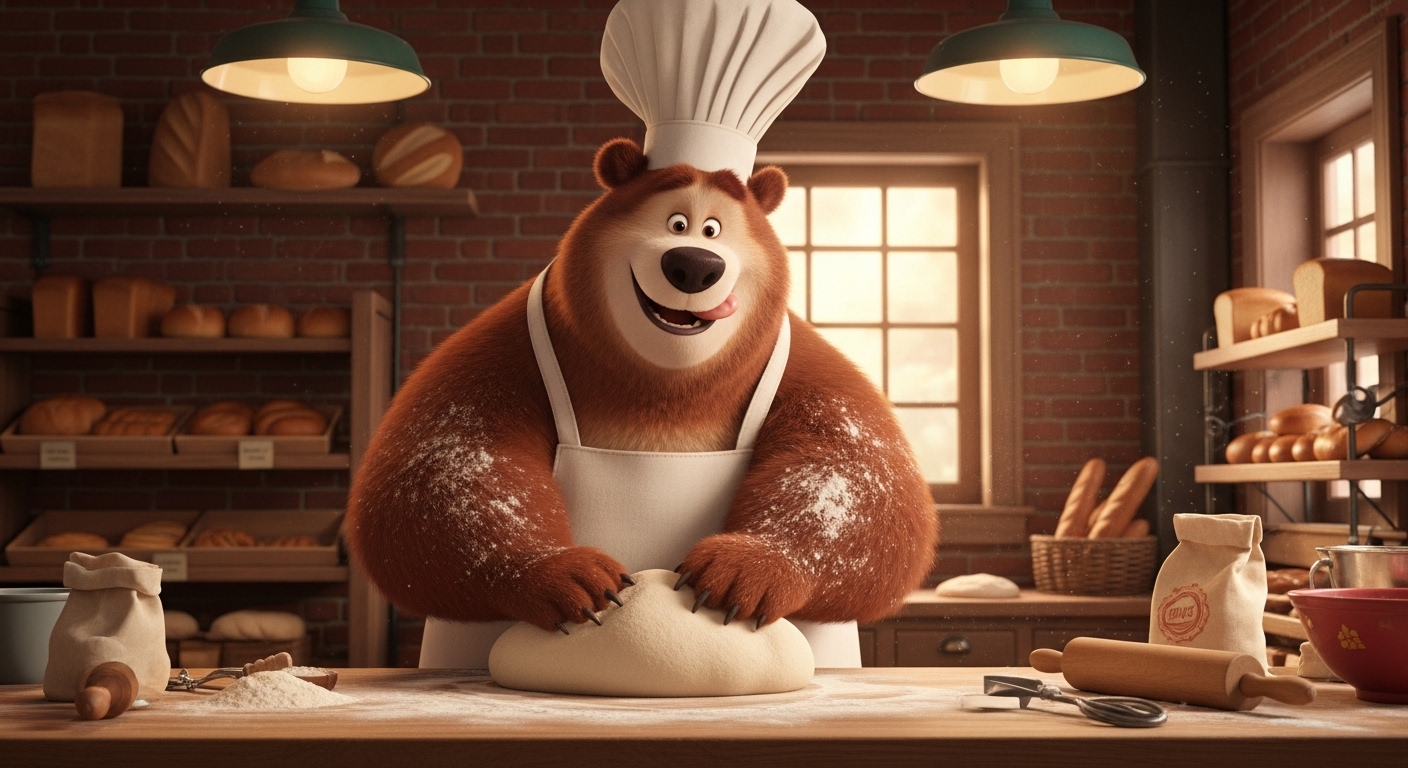
A Pixar style bear character, a friendly baker, joyfully kneading dough on a flour-dusted wooden table, wearing a chef's hat and a white apron. Set against a cozy, warm bakery background. The scene is rendered in the iconic Disney Pixar art style, featuring soft lighting from a window, warm colors, detailed fur textures, and a cinematic quality.
Prompt Example
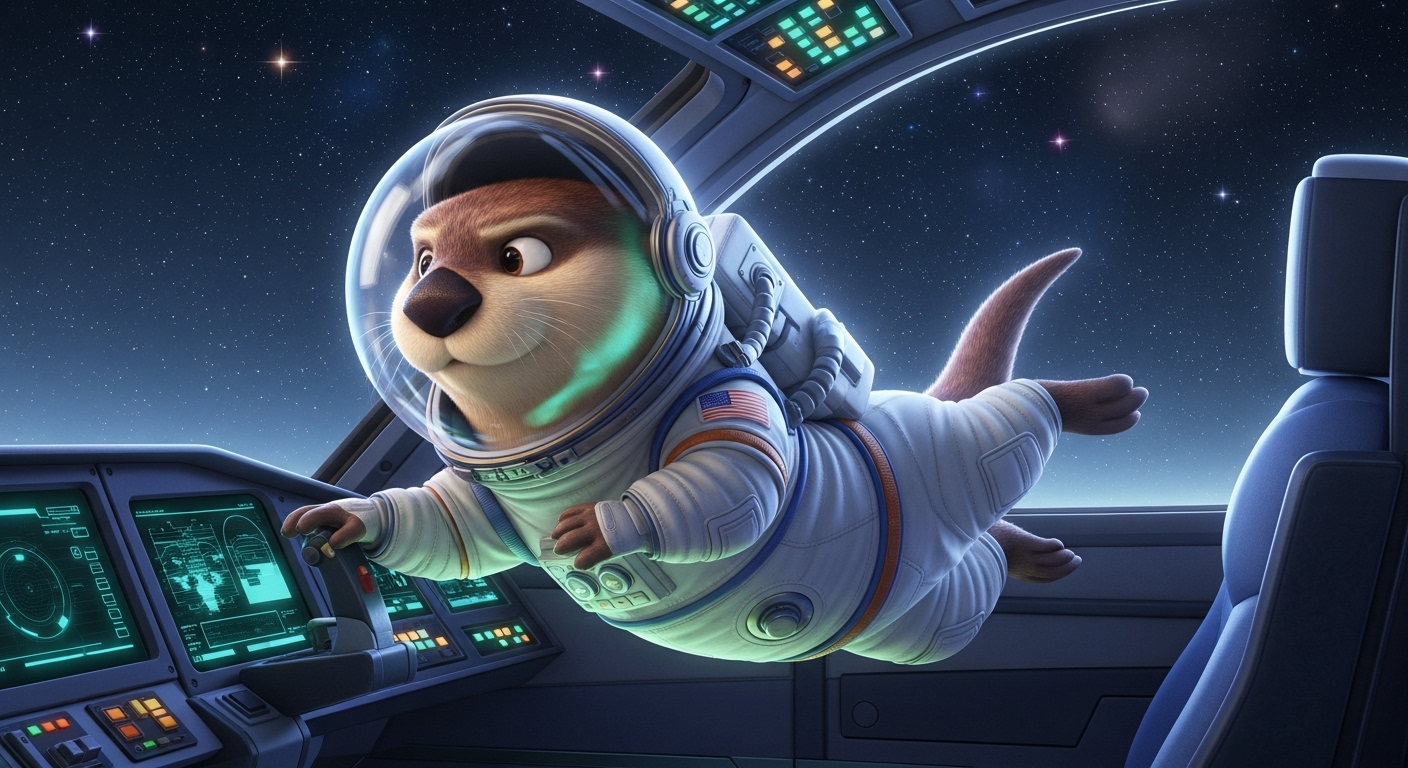
A Pixar style otter character, a brave astronaut, floating in zero gravity inside a spaceship cockpit, with a determined expression, wearing a miniature space suit. Set against a background of starfields visible through the cockpit window. The scene is rendered in the iconic Disney Pixar art style, with cool lighting, vibrant colors, and a high-tech cinematic quality.
Prompt Example
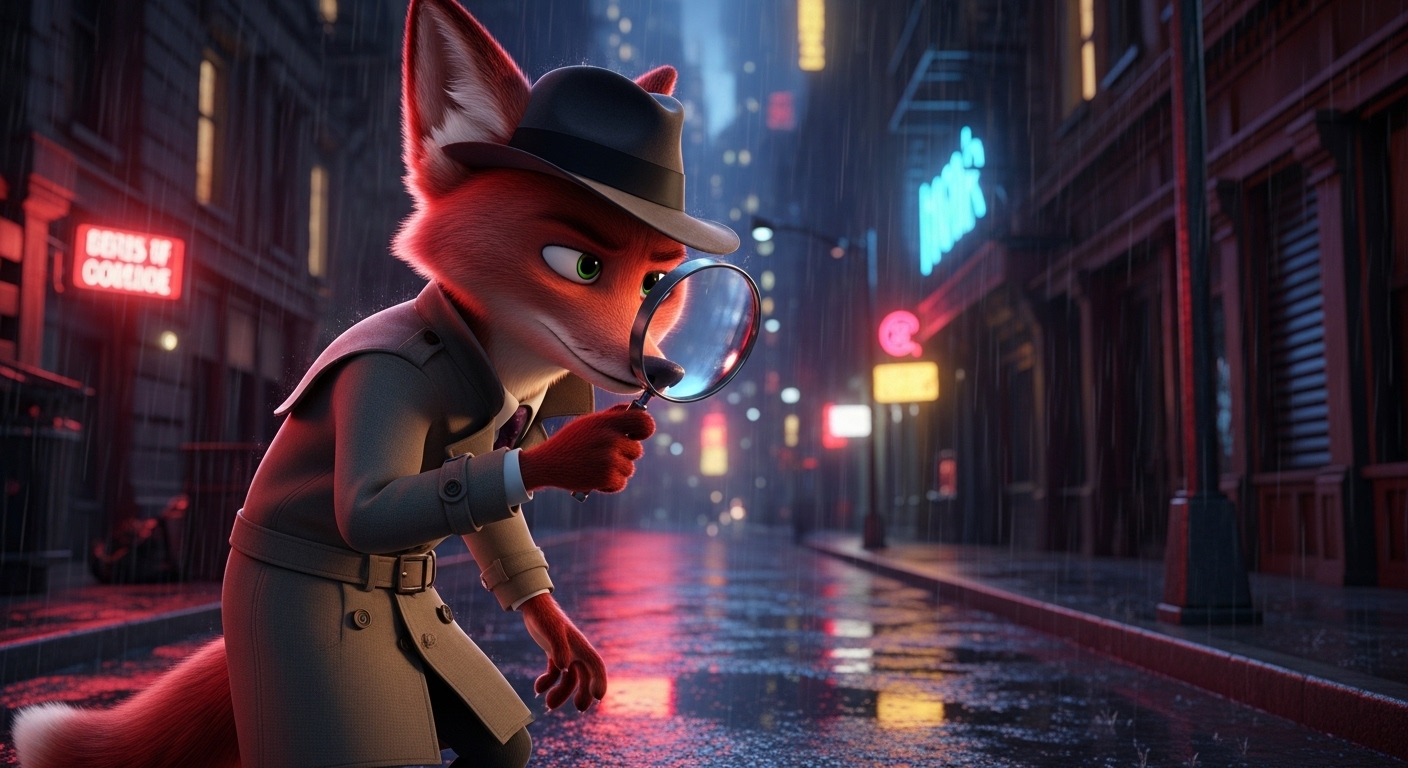
A Pixar style red fox character, a slick detective, peering through a magnifying glass with a curious expression, wearing a trench coat and fedora. Set against a moody, rain-slicked city street at night. The scene is rendered in the iconic Disney Pixar art style, with dramatic neo-noir lighting, deep colors, detailed wet textures, and a cinematic quality.
Prompt Example
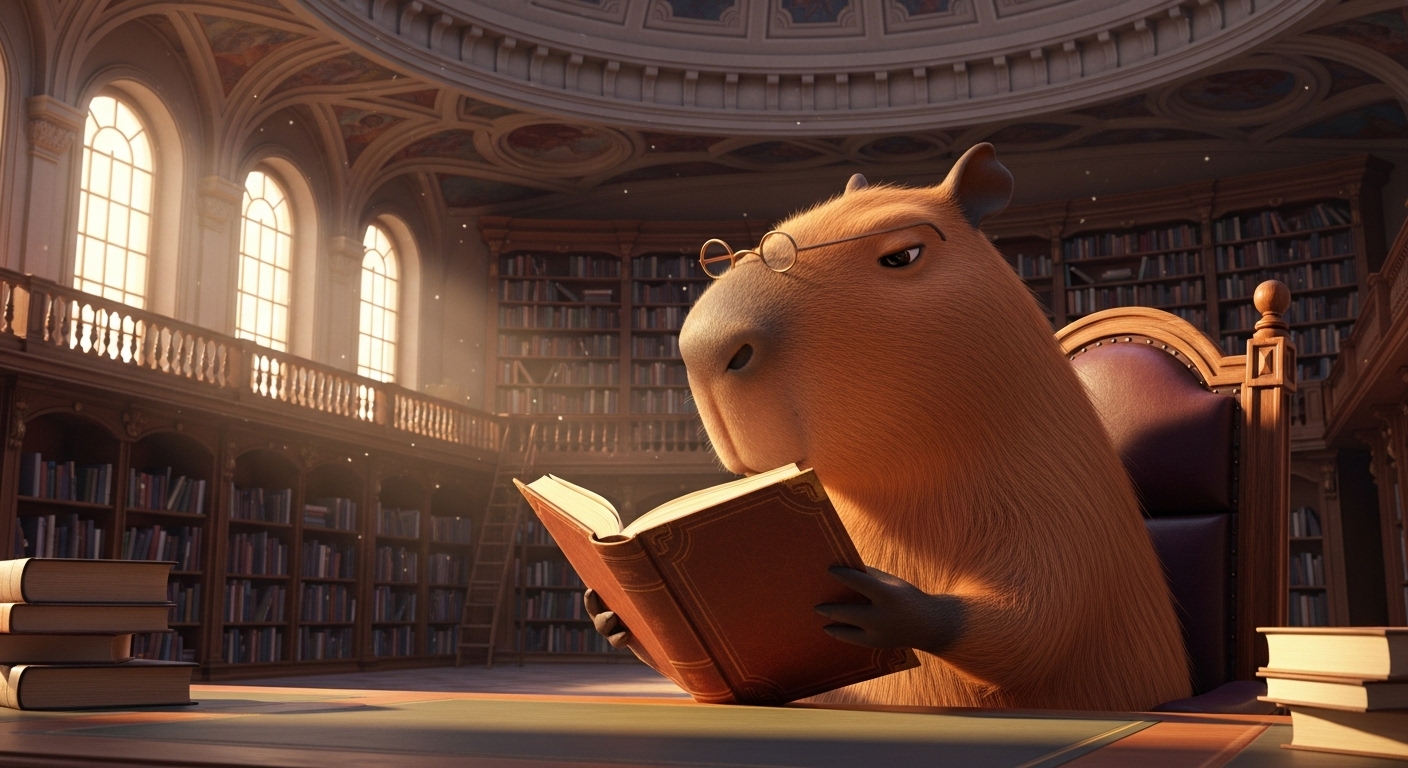
A Pixar style capybara character, a wise and calm librarian, peacefully reading a book while sitting in a comfy armchair, wearing reading glasses perched on its nose. Set against a grand library background with towering bookshelves. The scene is rendered in the iconic Disney Pixar art style, with warm, gentle lighting, rich colors, and a quiet, cinematic quality.
Use Cases & Tips
Mastering Cute Character Design
Creating memorable Pixar style animal characters goes beyond just naming an animal. Think about personality and story. Use your prompts to craft a unique narrative for your creation.
- Storytelling: Is your character a brave adventurer, a shy bookworm, or a clumsy chef? Use accessories and expressions to tell their story at a glance. This is key for compelling cute character design.
- Pet Portraits: Transform your own pet into a movie star! Use an AI art prompt for Pixar-like pet portrait by detailing your pet’s unique markings, favorite toy, and personality quirks.
- Original Characters: Develop characters for storybooks, games, or personal projects. An effective animated animal generator prompt can be the first step in bringing your world to life.
Tips for an Authentic Disney Pixar Art Style
To truly capture the magic, focus on the specific visual elements that define the Disney Pixar art style. Merely adding the phrase isn’t always enough.
- Expressive Eyes: Emphasize large, expressive, and glossy eyes. This is a hallmark of the style and conveys a huge amount of emotion.
- Soft Textures: Mention ‘soft fur,’ ‘detailed textures,’ or ‘subsurface scattering’ to give your 3D cartoon animals a tangible, high-quality feel.
- Cinematic Lighting: Use terms like ‘cinematic lighting,’ ‘dramatic lighting,’ or ‘god rays’ to create a scene with depth and mood, a staple of high-end CGI character art.
How to Create Pixar Style Animal Characters for Any Project
Whether you’re a hobbyist or a professional, these prompts are versatile. For instance, a good Midjourney prompt for cute 3D animals can be adapted for various AI platforms by tweaking the syntax. The core principles of describing emotion, setting, and detail remain the same, helping you generate a Disney style talking animal that feels ready for the big screen.
Frequently Asked Questions
Q1. What makes art look like Pixar in AI generations?
To achieve the iconic Disney Pixar art style, focus on several key elements in your prompt: large, expressive eyes to convey emotion; soft, detailed textures, especially for fur and clothing; dynamic, cinematic lighting that creates depth and mood; and a vibrant, saturated color palette. Combining these elements helps the AI understand the specific aesthetic of high-quality CGI character art.
Q2. How can I create an AI art prompt for a Pixar-like pet portrait?
To create a Pixar-style portrait of your pet, be specific. Start with 'Pixar style portrait of a [your pet's breed/color]'. Then, add details about their personality ('mischievous smirk,' 'sleepy, gentle eyes'), a favorite toy, or a unique marking. Placing them in a familiar setting, like 'on a sunlit patch on the living room carpet,' adds a personal touch and results in a more charming image.
Q3. What is a good Midjourney prompt for creating cute 3D animals?
A great Midjourney prompt for cute 3D animals in the Pixar style would be: 'A tiny, fluffy baby fox character, curled up asleep on a mossy log, cinematic lighting, Disney Pixar art style, ultra detailed fur, soft focus, warm and gentle atmosphere --ar 3:2'. This prompt is effective because it specifies the character, action, mood, style, and technical details like texture and lighting.
Q4. Can I use an animated animal generator to create characters for a storybook?
Absolutely. Using AI as an animated animal generator is a fantastic way to create consistent characters for storybooks. To ensure consistency, create a detailed base prompt for your main character and then modify only the action or background for different scenes. For example: 'A brave mouse knight named Pip, Pixar style...' can be your base for various illustrations.
Q5. How do I prompt for expressions to generate a Disney style talking animal?
To make an animal look like it's talking or emoting in the Disney style, use highly descriptive emotional language. Instead of 'happy,' try 'a wide, joyful grin' or 'a heartwarming smile.' For sadness, use 'with downturned ears and glistening, teary eyes.' These specific physical descriptions of emotions are key to creating expressive CGI character art that feels alive.