
Pixar Style Macro Close-up Prompts: Create Stunning 3D Art
Modern prompt pattern • responsive assets • ready-to-copy
Prompt Template
Pixar style macro close-up of a [Subject], [Action/Pose], focusing on the [Specific Detail]. Soft, cinematic lighting, vibrant colors, extremely detailed textures, 3D cartoon rendering, shallow depth of field, bokeh background.
Examples
Prompt
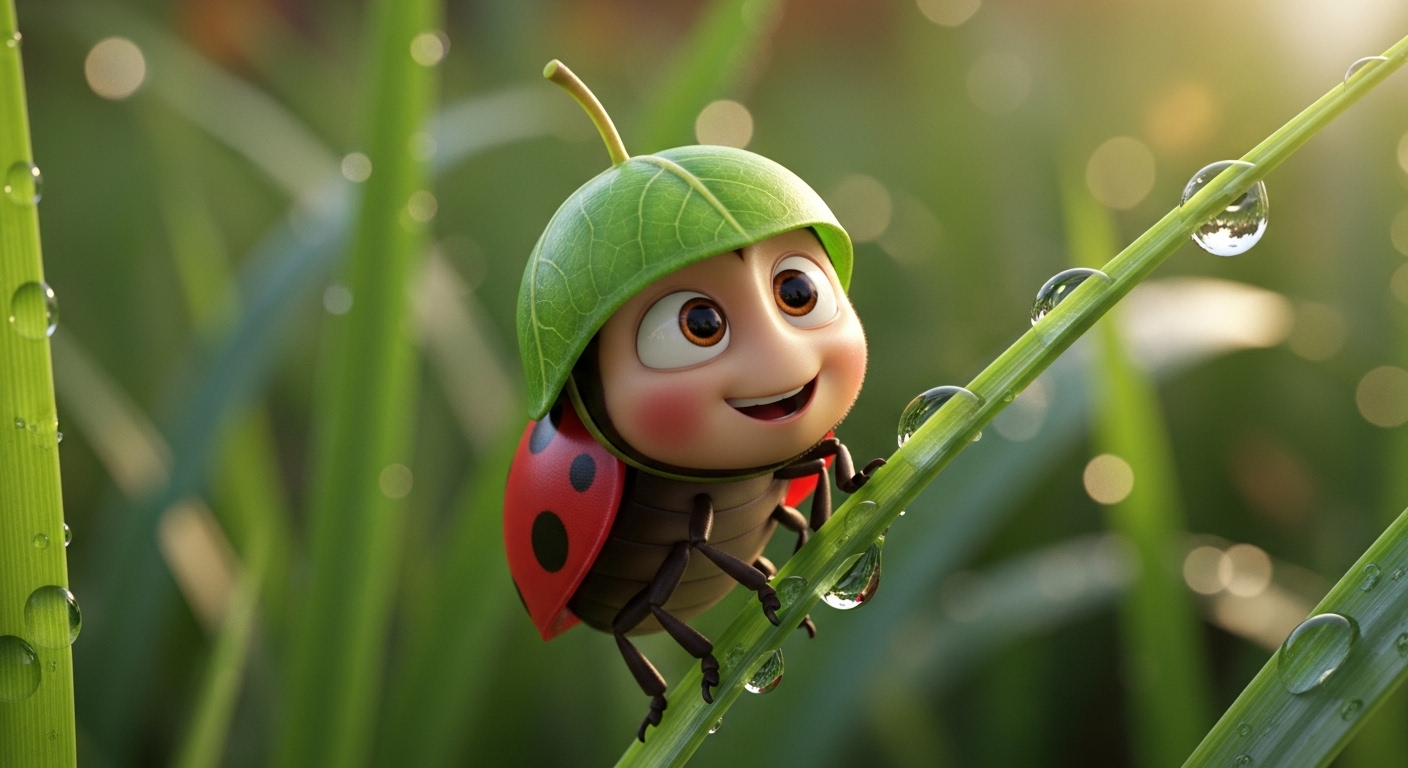
Pixar style macro close-up of a tiny, brave ladybug character wearing a miniature leaf helmet, climbing a blade of grass. Soft, cinematic lighting, vibrant colors, extremely detailed textures on the ladybug's shell, 3D cartoon rendering, shallow depth of field, bokeh background of a sunny garden.
Prompt
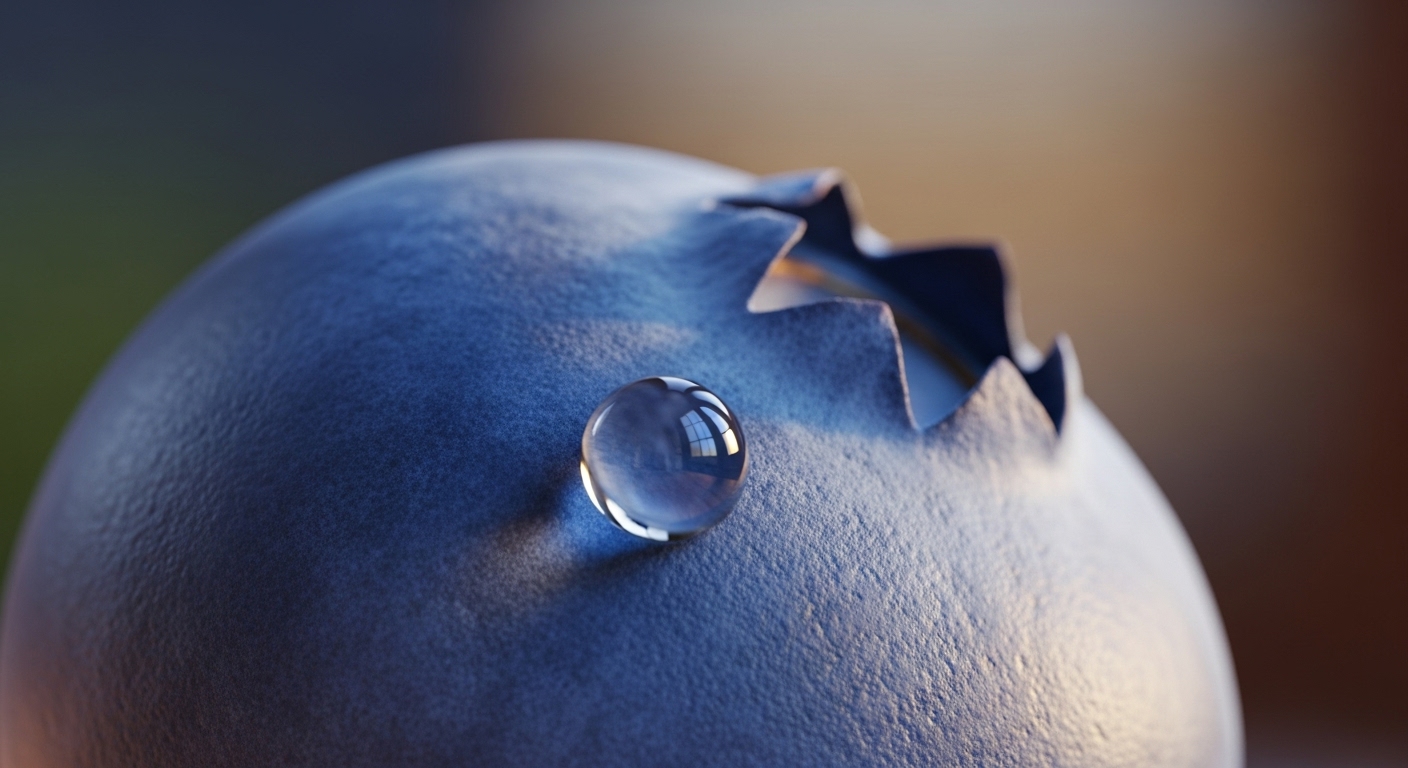
Pixar style macro close-up of a single, perfect blueberry, a tiny droplet of morning dew rolling down its side. The focus is on the waxy, textured skin of the fruit. Soft, cinematic lighting from a nearby window, vibrant blue and purple colors, extremely detailed textures, 3D cartoon rendering, shallow depth of field.
Prompt
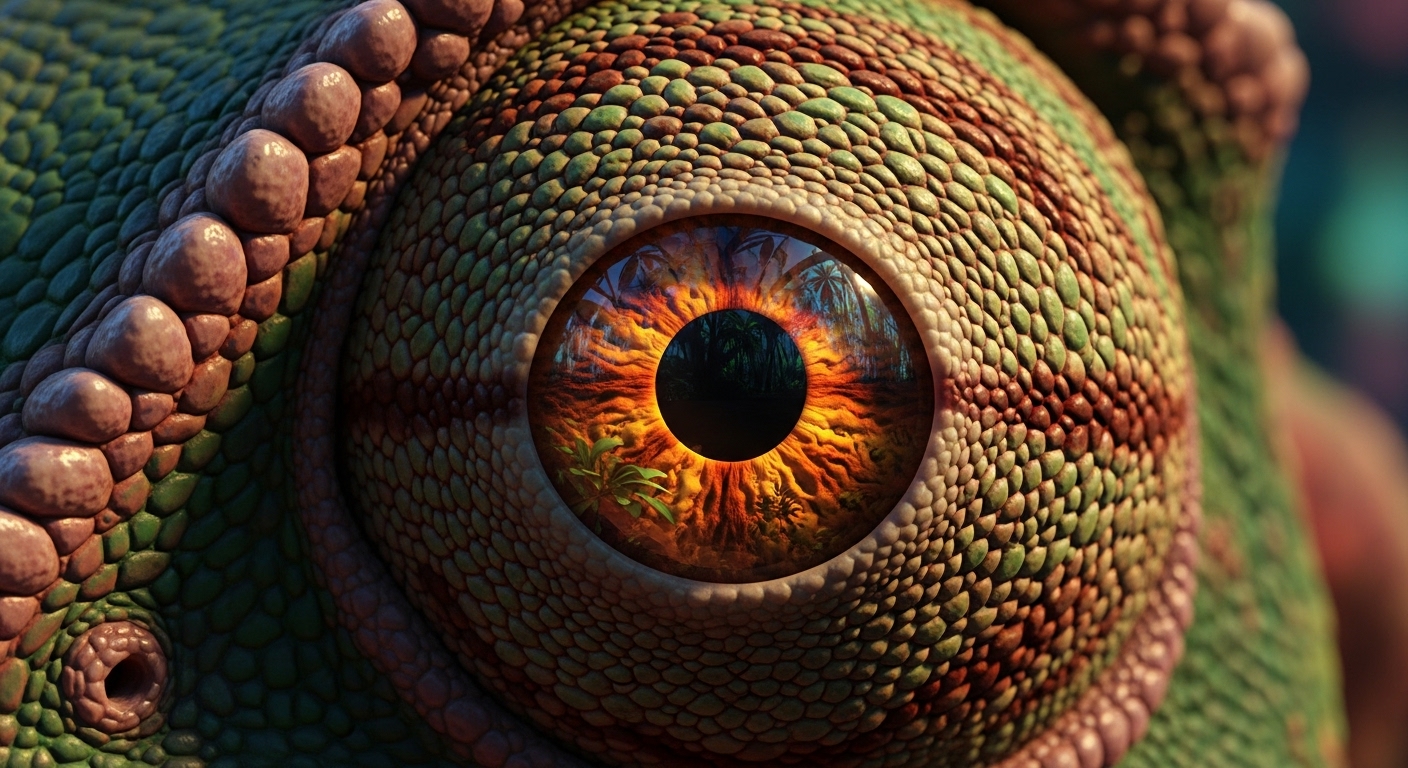
Pixar style macro close-up of a curious chameleon's eye, mid-swivel, reflecting a tiny jungle scene. The focus is on the intricate, geometric patterns of the eyelid skin. Dramatic, cinematic lighting, vibrant greens and oranges, extremely detailed reptilian textures, 3D cartoon rendering, shallow depth of field.
Prompt
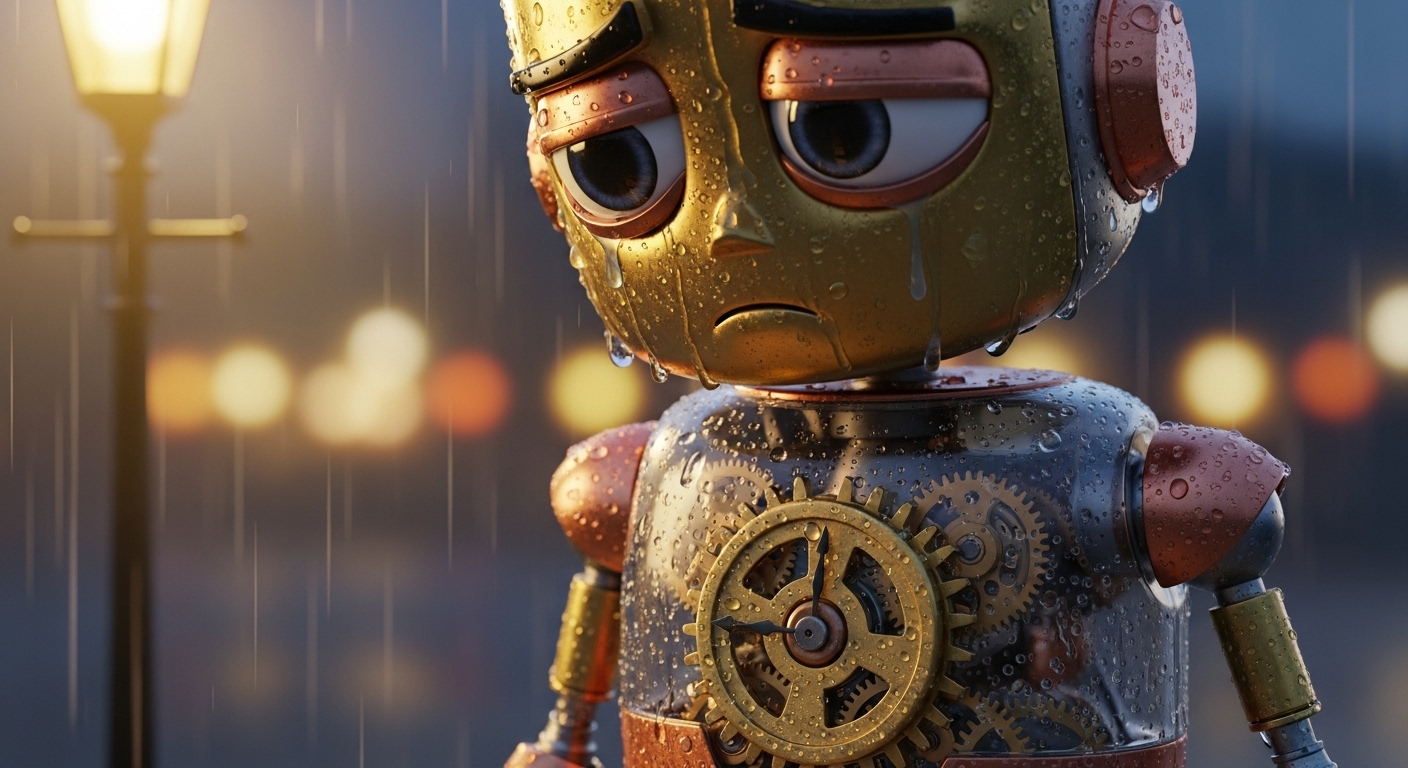
Pixar style macro close-up of a miniature, rusty clockwork robot, sitting sadly in the rain on a cobblestone street. The focus is on a single gear in its chest. Moody, cinematic lighting from a streetlamp, muted colors with a pop of rust orange, extremely detailed metallic textures with water droplets, 3D cartoon rendering, bokeh background of wet city lights.
Prompt
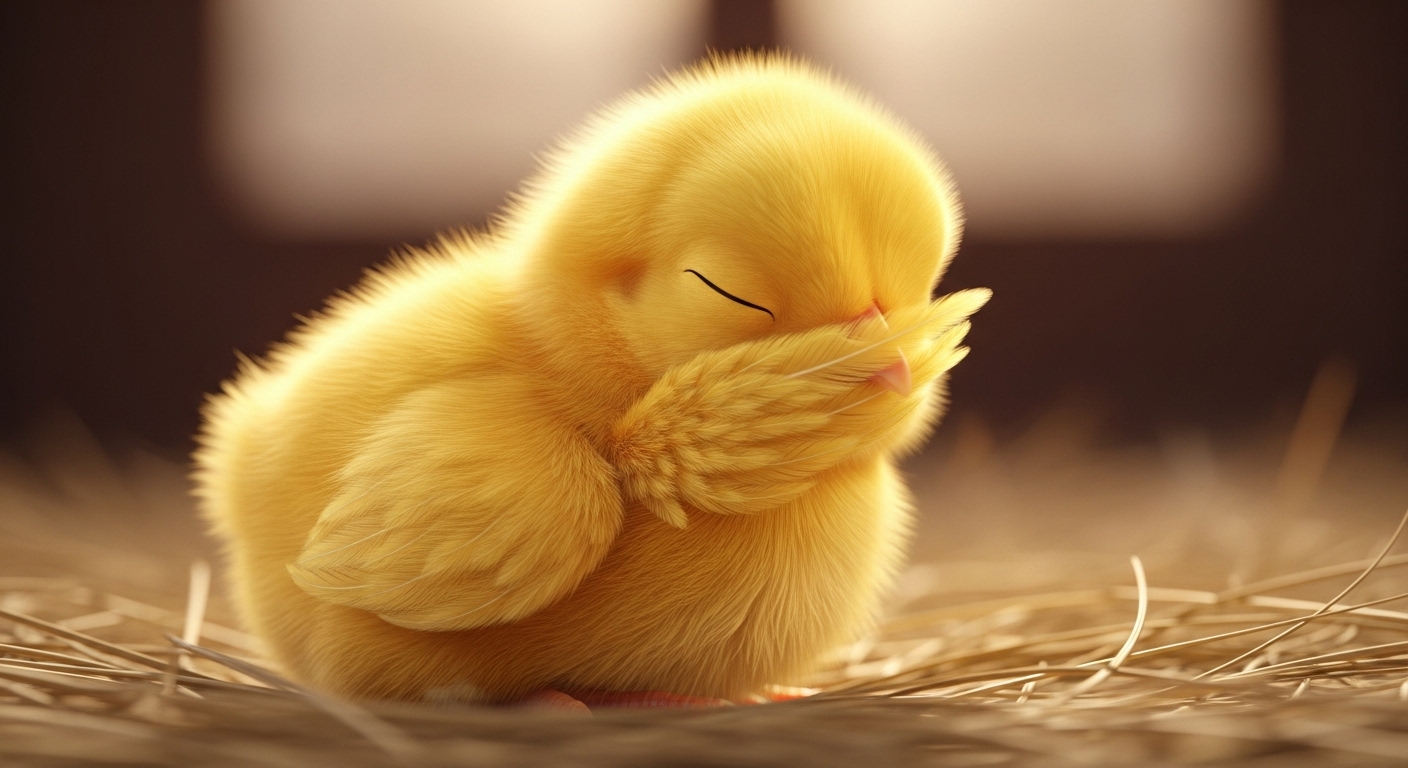
Pixar style macro close-up of a tiny, fluffy baby chick, sleeping soundly. The focus is on the soft, downy feathers around its face. Warm, gentle cinematic lighting, vibrant yellow colors, extremely detailed feather textures, 3D cartoon rendering, shallow depth of field with a soft hay background.
Use Cases & Tips
Bringing Tiny Worlds to Life
The Pixar style macro close-up is perfect for exploring miniature worlds and creating enchanting scenes. By focusing on the tiny details, you can tell big stories.
- Detailed Character Art: This style is exceptional for character design. Learn how to create Pixar style character close-ups that reveal emotion through subtle expressions. A detailed eye close-up in cartoon style can convey joy, sadness, or curiosity with incredible depth.
- Enchanting Nature Scenes: Create stunning close-up insect art. Use an AI prompt for tiny insect in Pixar style to transform a common bug into a lovable hero. This technique is key for achieving vibrant macro photography with a narrative twist.
- Stylized Product Shots: Need to generate a Pixar style image of a small object? This prompt style can make everyday items like toys, food, or gadgets look magical and appealing, perfect for advertising or portfolio work.
Technical & Artistic Tips
Mastering the look requires blending photographic principles with animation aesthetics.
- Lighting is Everything: Use terms like ‘soft cinematic lighting,’ ‘golden hour,’ and ‘rim lighting’ to mimic the high-quality lighting seen in Pixar films. This is crucial for a successful 3D cartoon rendering.
- Texture and Detail: Emphasize textures like ‘soft fur,’ ‘shiny carapace,’ or ‘dew-covered leaves.’ The macro aspect demands extreme detail to be believable and engaging.
- Depth of Field: A shallow depth of field (‘bokeh background’) is a classic macro photography prompt for 3D animation trick. It isolates your subject, making it the star of the image and adding a professional, cinematic feel.
- Exploring Animation Styles: While focusing on Pixar, don’t be afraid to experiment. Adding elements of the DreamWorks animation style, like slightly more angular character designs or different color palettes, can lead to unique and compelling results.
Frequently Asked Questions
Ans. To create detailed character art in this style, focus on specific features. Use prompts that emphasize 'expressive eyes,' 'subtle emotions,' and 'hyper-detailed textures.' Combining a 'Pixar style macro close-up' with a specific emotional cue like 'a curious glance' or 'a joyful tear' will yield powerful results.
Ans. A great AI prompt for tiny insect art would be: 'Pixar style macro close-up of a [type of insect] character with big, expressive eyes, [doing an action], soft cinematic lighting, vibrant colors, 3D cartoon rendering, shallow depth of field.' This template gives the AI a clear subject, style, and composition to work with.
Ans. Absolutely. The core of this prompt style is merging photographic techniques with animation. To enhance the effect, use keywords like 'shallow depth of field,' 'bokeh background,' and 'cinematic lighting.' This will instruct the AI to replicate a realistic macro photography prompt for 3D animation, resulting in a professional, focused image.
Ans. For a detailed eye close-up in cartoon style, specify the reflection in the eye. For example: '...macro close-up of a robot's eye, reflecting a starry sky.' Also, include terms like 'intricate iris details,' 'glossy highlights,' and 'expressive pupil' to guide the AI toward creating a captivating and story-rich image.
Ans. To generate a Pixar style image of a small object, give it character and context. Instead of just 'a button,' try 'a lonely, forgotten button on a dusty wooden floor.' Add 'soft, dramatic lighting' and 'extremely detailed textures' to bring the object to life and tell a miniature story.
Ans. Yes, while both are 3D animation, they have distinct aesthetics. Pixar style often features softer, rounder character designs and a warm, nostalgic lighting. DreamWorks animation style can sometimes have more angular characters, slightly more exaggerated expressions, and a different color palette. You can specify 'DreamWorks animation style' in your prompt to see a noticeable variation.