
VHS Tape Distortion Prompts: Create Retro Glitch AI Art
[Subject], captured in a VHS tape distortion style, featuring [specific distortion effect like tracking lines, color bleed, or static], [mood or atmosphere], [color palette], analog video artifacts, grainy texture, timestamp overlay, 4:3 aspect ratio, [additional details].
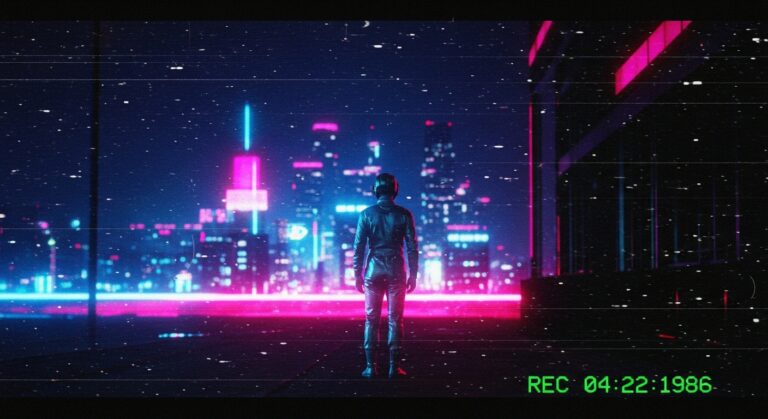
Examples
A few example prompts to help you see how this prompt can be used.
Prompt Example
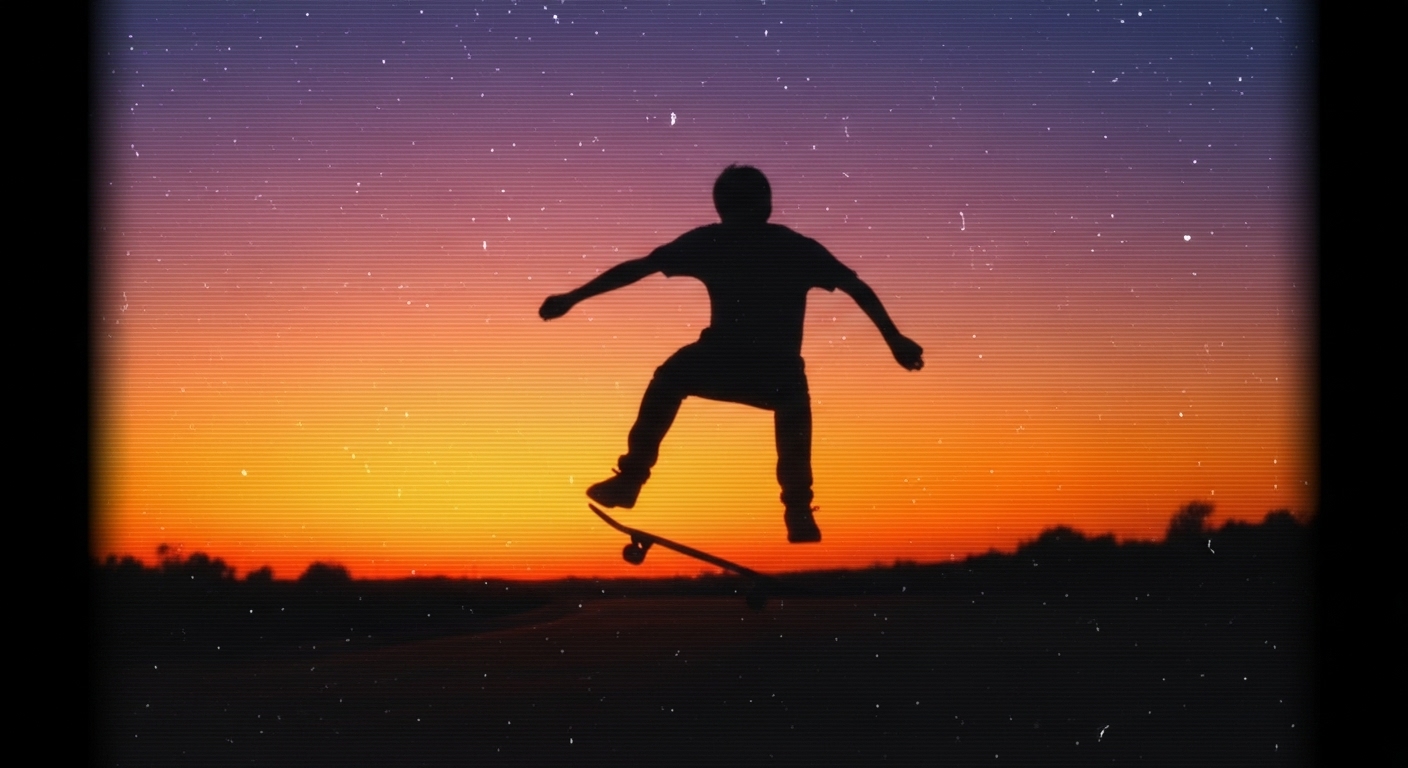
A skateboarder at sunset, captured in a VHS tape distortion style with heavy static and color bleed.
Prompt Example
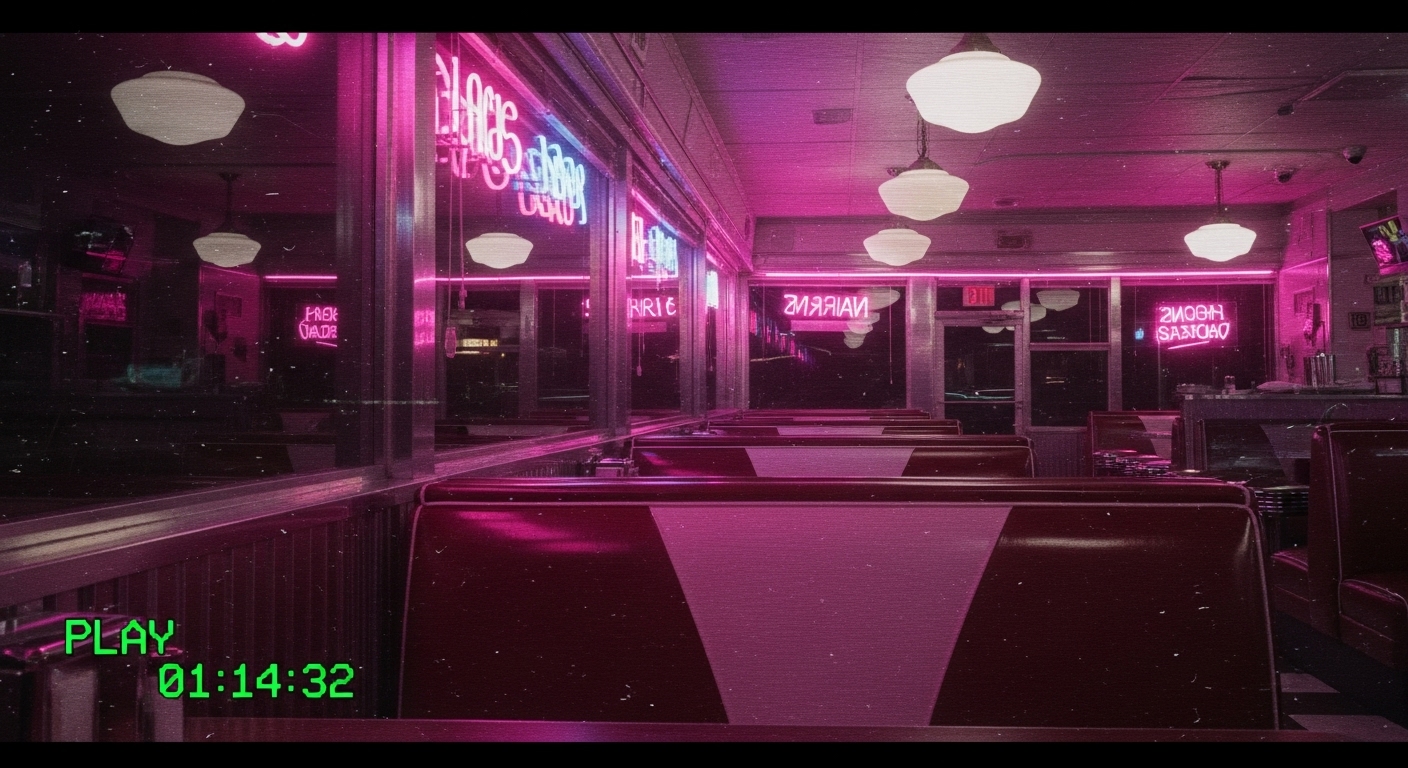
A late-night diner, in a VHS style with a green timestamp and flickering.
Prompt Example
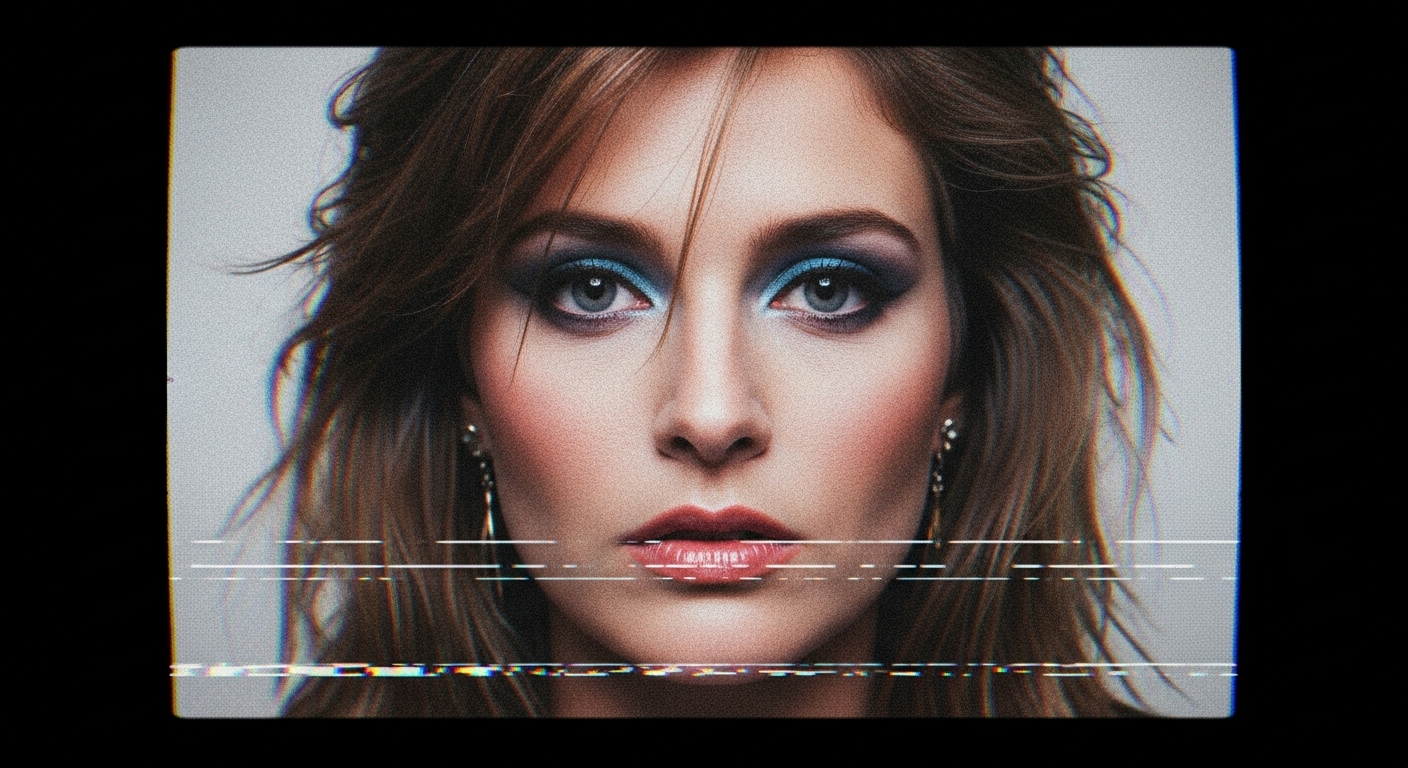
A portrait of a woman, with analog video artifacts and a muted color palette.
Prompt Example
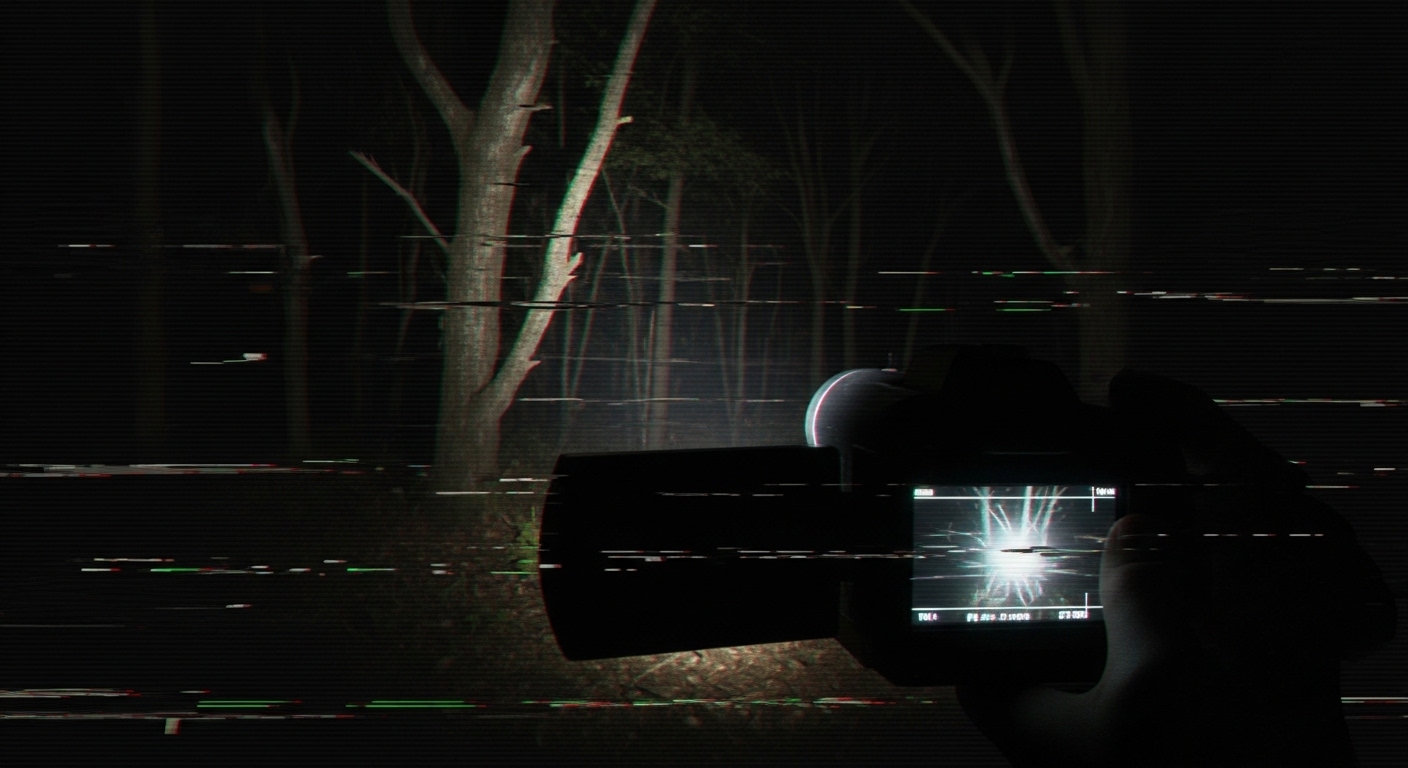
A dark forest at night, in a found-footage VHS style with severe glitches.
Prompt Example
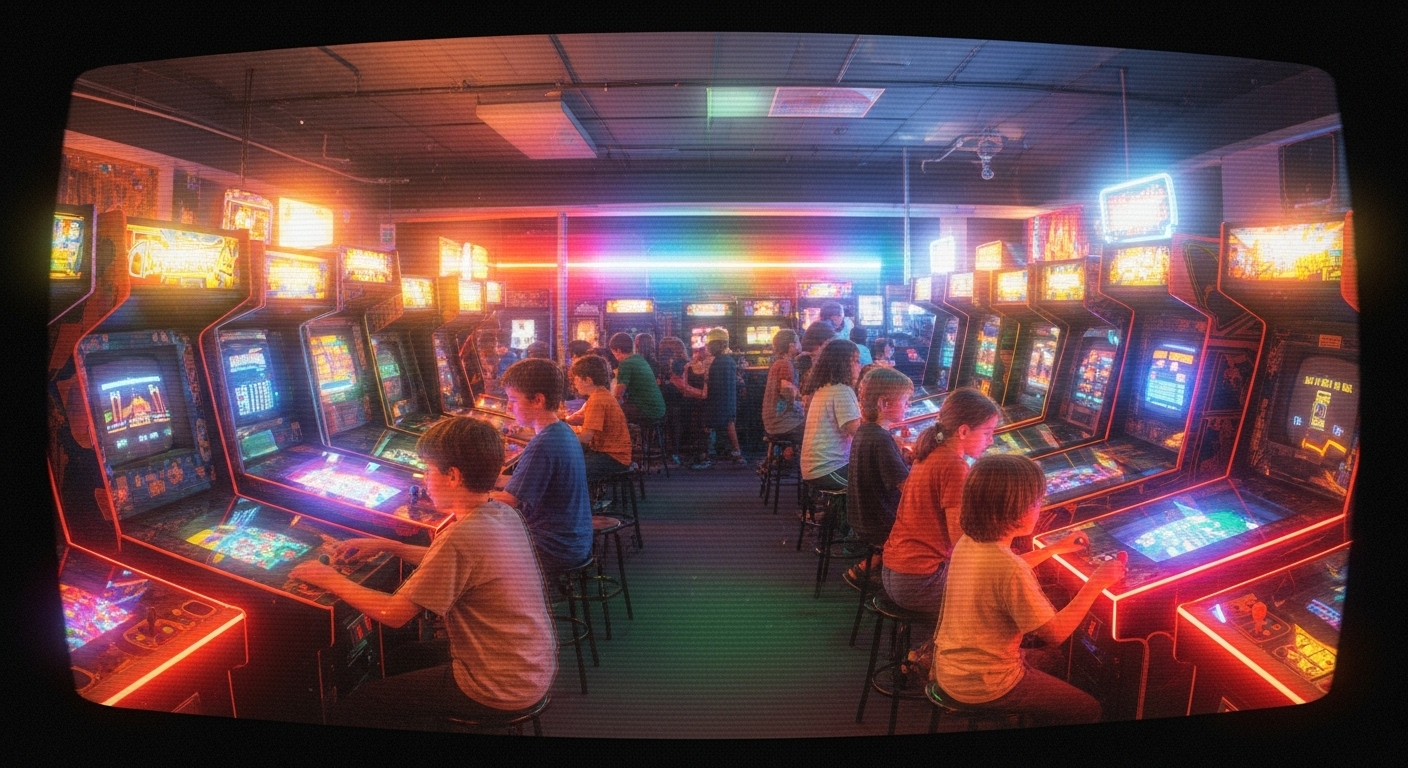
An 80s video arcade, in a vibrant VHS style with screen warp and glowing neon.
Use Cases & Tips
Create Nostalgic Album Covers
- Design visuals for synthwave, lo-fi, or vaporwave artists who want a retro aesthetic.
- Generate unique cover art that looks like it was pulled from a forgotten 80s or 90s videotape.
- Evoke a sense of nostalgia and analog warmth that complements the music.
Develop Atmospheric Concept Art
- Create concept art for indie games or films with a found-footage or analog horror theme.
- Visualize scenes with a gritty, degraded look to establish a specific time period or unsettling mood.
- Use the distortion effects to obscure details and build mystery or tension in your storytelling.
Design Unique Social Media Content
- Craft a cohesive, retro-themed feed for Instagram or TikTok that stands out.
- Generate profile pictures or banners with a unique, glitchy VHS tape distortion style.
- Produce promotional materials for events or products with a throwback vibe.
Frequently Asked Questions
Q1. What is the VHS tape distortion style in AI art?
The VHS tape distortion style is an aesthetic that mimics the visual imperfections of old videotapes. It includes elements like static, tracking lines, color bleed, low resolution, warped edges, and timestamps to create a retro, nostalgic, or even unsettling 'found-footage' look in AI-generated images.
Q2. What are the best keywords for a convincing VHS tape distortion style?
To achieve an authentic VHS look, use keywords like 'VHS tape distortion', 'analog video artifacts', 'color bleed', 'horizontal tracking lines', 'static', 'grainy texture', 'low resolution', 'screen tear', '4:3 aspect ratio', and 'timestamp overlay'. Combining these will enhance the retro effect.
Q3. How can I add a 'found footage' or horror feel using this style?
For a 'found footage' or analog horror vibe, emphasize heavy degradation. Use prompts like 'severe signal loss', 'extreme glitch effects', 'damaged videotape', 'hand-held camcorder view', and 'dark, unsettling atmosphere'. Describing a weak light source, like a camera's built-in lamp, also enhances the effect.
Q4. Can I combine the VHS tape distortion style with other aesthetics?
Absolutely. The VHS style works great as a filter or overlay for other aesthetics. You can combine it with styles like 'cyberpunk', 'synthwave', 'photorealistic', or 'anime' to create a unique fusion. For example, 'A cyberpunk city scene in a glitchy VHS tape distortion style' can produce compelling results.
Q5. Why does my VHS art look too clean, and how can I fix it?
If your image looks too clean, your prompt may not be specific enough about the degradation. Be more forceful with your keywords. Instead of just 'VHS style', use 'heavily degraded VHS tape', 'severe static and color bleed', or 'warped and grainy'. Explicitly mentioning 'low-resolution' and 'soft focus' can also help reduce the AI's tendency to create sharp, perfect images.
Q6. What subjects work best with the VHS tape distortion style?
Subjects that evoke nostalgia from the 80s and 90s work exceptionally well. Think of old arcades, suburban malls, classic cars, retro technology, and fashion from that era. However, applying the style to unexpected subjects, like fantasy landscapes or futuristic scenes, can create a unique and interesting artistic contrast.