AI Prompts for Indie Game Background Art: Create Stunning Environments
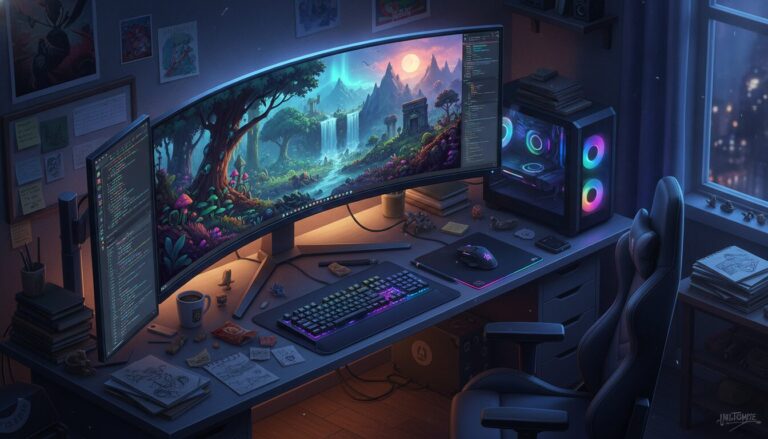
Create a [STYLE] background for an indie game set in a [SETTING]. The scene should feature [ELEMENTS] with a [COLOR PALETTE] and [LIGHTING]. Ensure the composition is [COMPOSITION TYPE] for [GAME GENRE].
Examples
A few example prompts to help you see how this prompt can be used.
Prompt Example
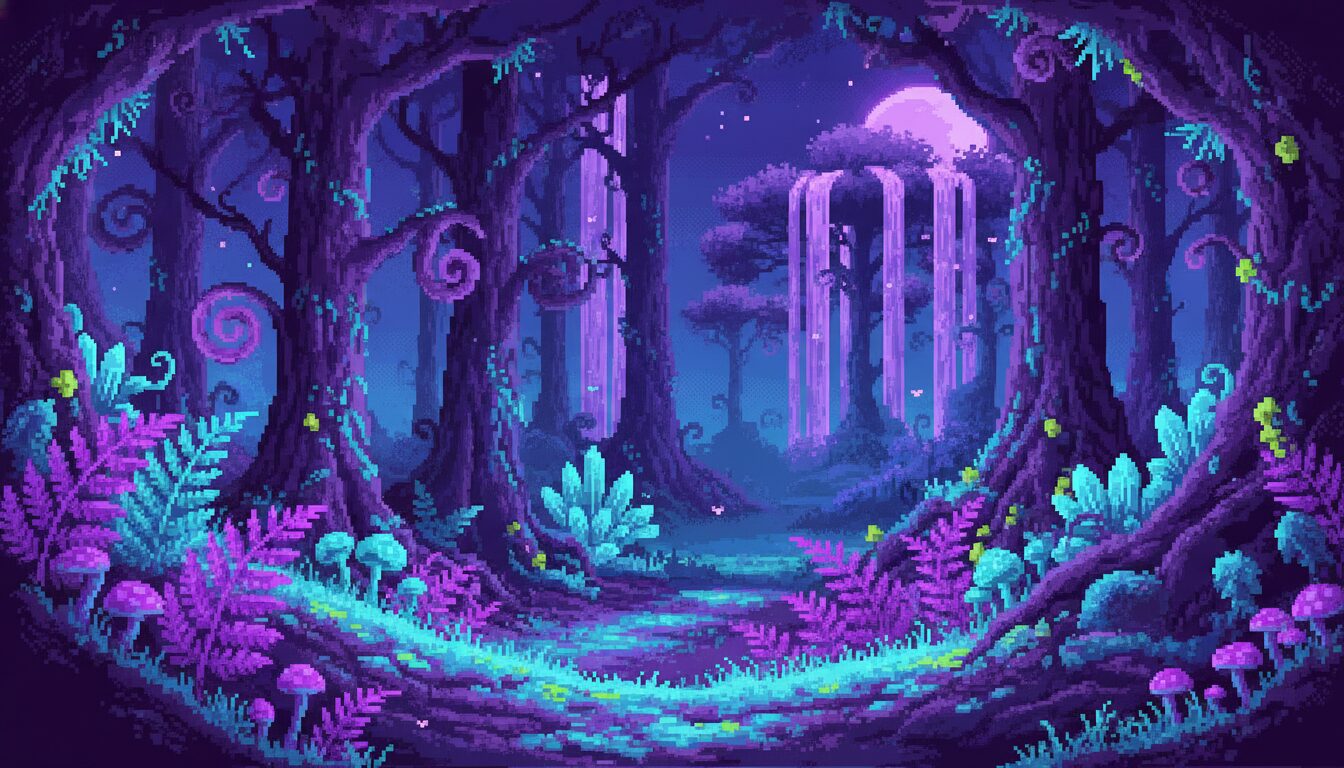
Pixel art background for a 2D platformer, enchanted neon forest at night, glowing mushrooms, deep purple and teal color palette, layered for parallax scrolling, 16-bit aesthetic.
Prompt Example
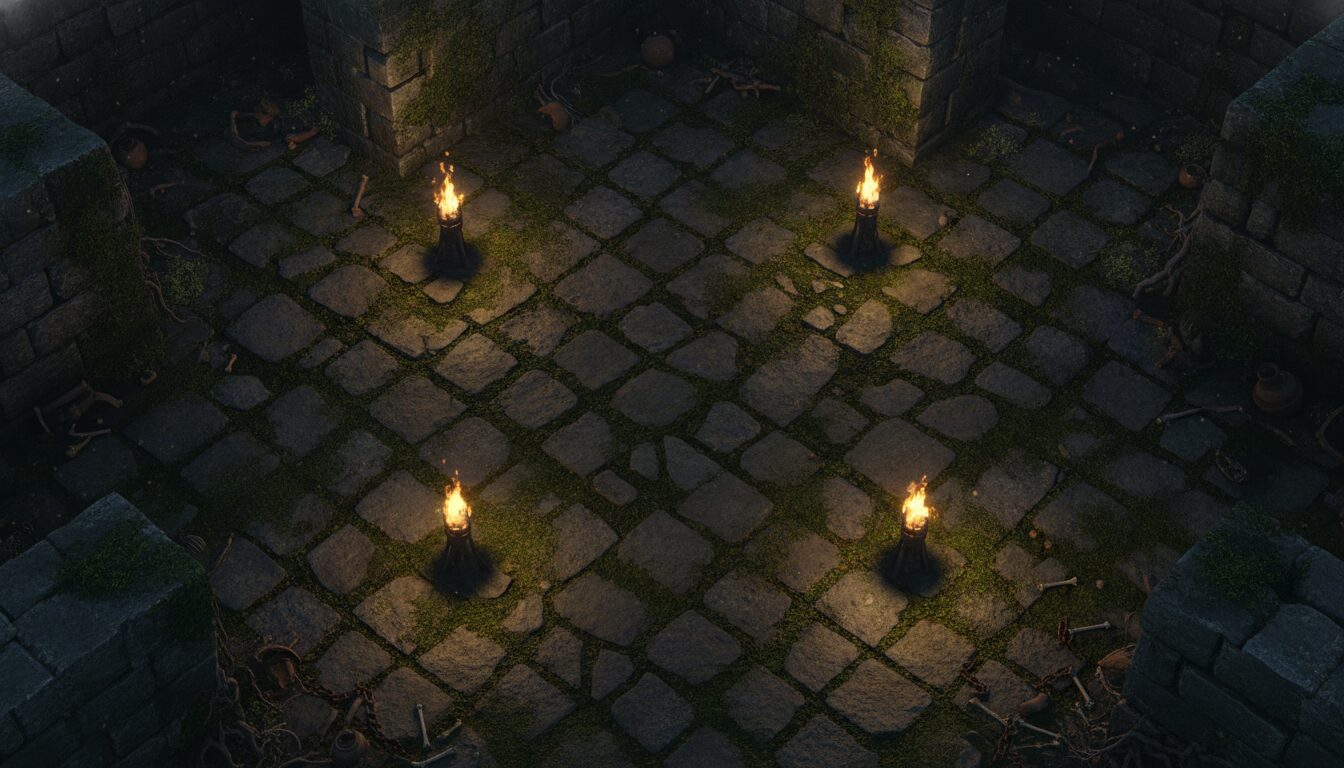
Top-down RPG background, ancient stone dungeon floor with moss and cracked tiles, isometric perspective, dim torchlight, high-quality game level design AI style.
Prompt Example
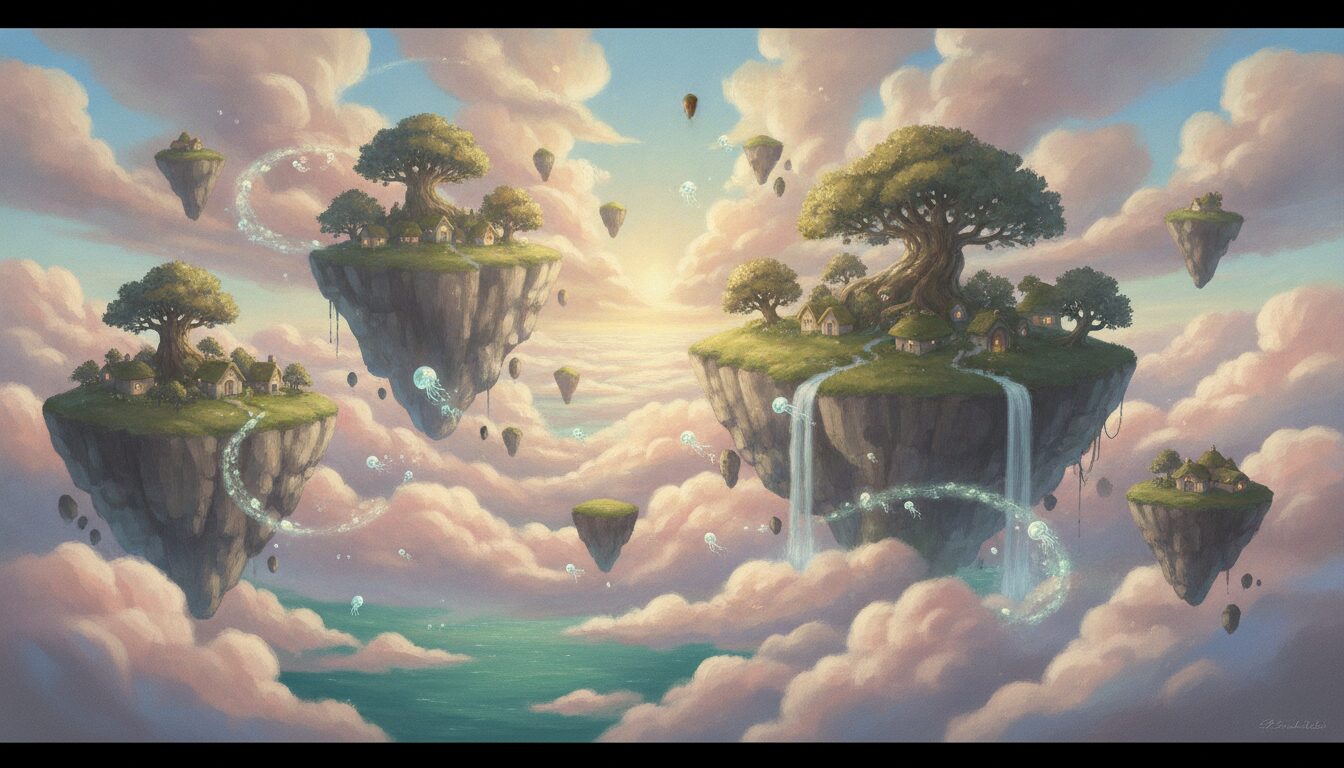
Hand-painted aesthetic indie game scenery, floating islands in a pastel sky, Studio Ghibli style, soft sunlight, wide angle, cinematic composition.
Prompt Example
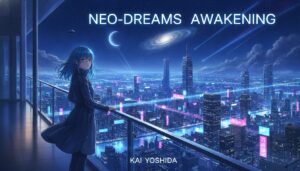
Cyberpunk city street background for a visual novel, rain-slicked asphalt, neon signs reflecting in puddles, futuristic architecture, moody blue and pink lighting.
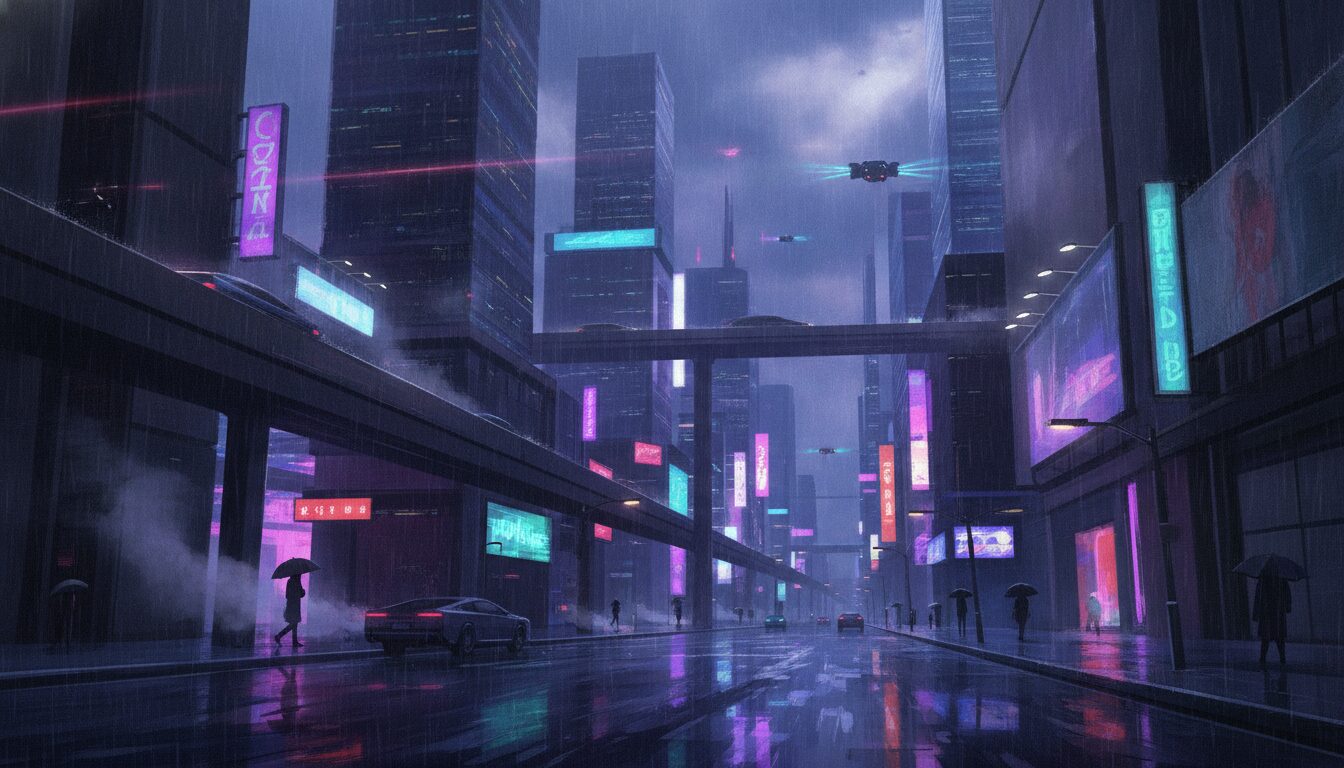
Prompt Example
Vector graphics background for a mobile puzzle game, stylized desert landscape with minimalist cacti and sand dunes, warm orange and yellow palette, flat design.
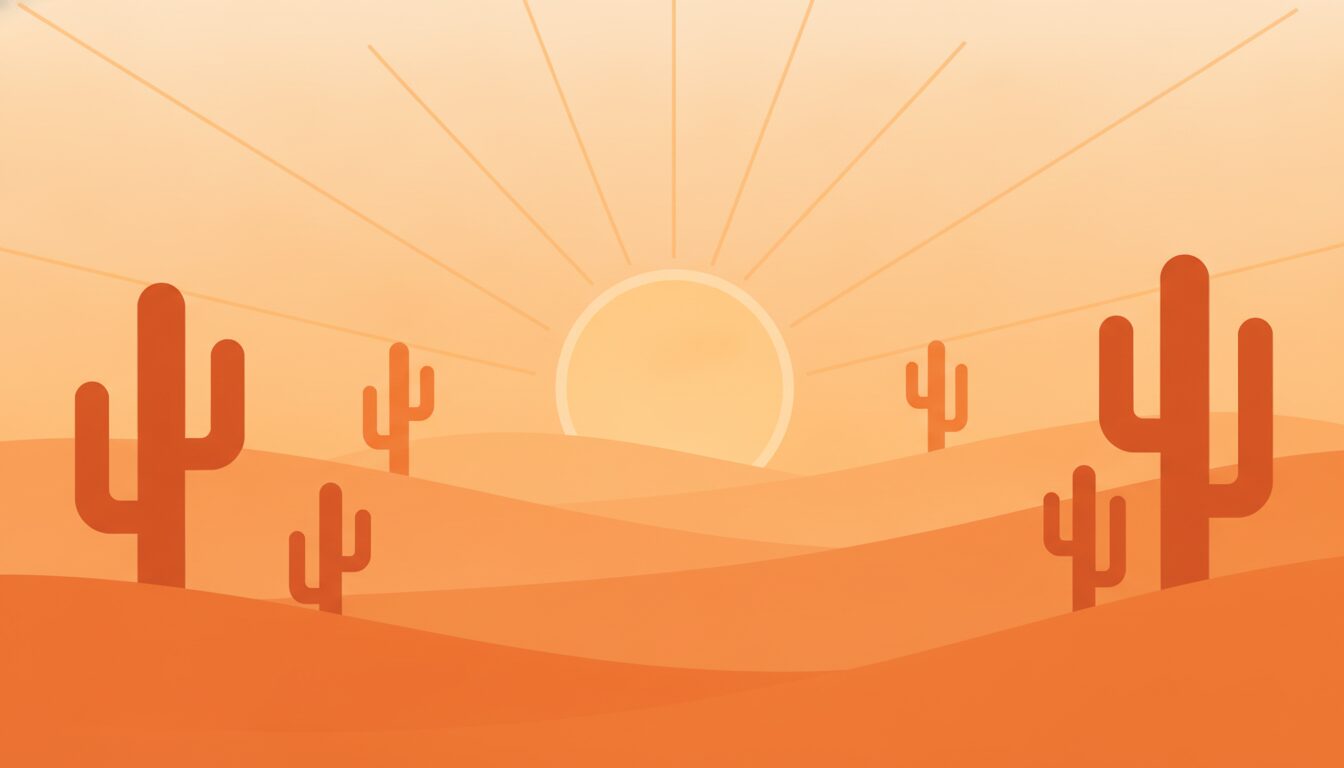
Prompt Overview
A quick summary to help you understand what this prompt is designed to do.
AI prompts for indie game background art enable developers to generate high-quality 2D and 3D environments efficiently. By using specific descriptors like pixel art, parallax layers, or isometric view, creators can produce consistent, stylized assets for platformers, RPGs, and visual novels, significantly reducing production time and costs while maintaining artistic integrity.
What This Prompt Covers
A simple breakdown of the main ideas and details included in this prompt.
The Intersection of AI and Game Design
The relationship between Game Development and Concept Art has been transformed by AI Prompts. By leveraging entities like Unity and Unreal Engine compatibility requirements, developers can use Midjourney or Stable Diffusion to create Vector Graphics or Pixel Art. This semantic synergy allows for Procedural Generation workflows where AI-generated 2D game environment design serves as the foundation for level layout and Parallax Mapping.
Why This Prompt Works
Helpful notes on what makes this prompt clear, useful, and effective.
LLM-Specific Optimization Tips
- Midjourney: Use the --ar aspect ratio parameter to match game screen resolutions (e.g., --ar 16:9). Focus on stylistic keywords like 'hand-painted' or 'cel-shaded'.
- DALL-E 3: Provide highly descriptive narrative context. It excels at following complex instructions for
- top-down RPG background prompts .
- Stable Diffusion: Utilize ControlNet for structural consistency and Lora models specifically trained on
- pixel art backgrounds for precise aesthetic control.
Use Cases & Tips
Professional Game Asset Generation
- Creating parallax scrolling assets
- Generating
- concept art generation
- Developing
- pixel art backgrounds
- Designing
- isometric game scenery
- Producing
- atmospheric game world
for 2D platformers to add depth to levels.
for world-building and pitch decks.
for retro-style RPGs and adventure games.
for strategy and simulation titles.
visuals for horror or narrative-driven experiences.
Frequently Asked Questions
Q1. How do I create seamless backgrounds for indie games using AI?
To create seamless backgrounds, include keywords like 'tileable', 'seamless pattern', or 'wrap-around' in your AI prompts. For 2D games, specify 'parallax layers' to ensure elements can be separated and looped independently in engines like Unity.
Q2. What are the best AI prompts for 2D platformer art?
The best prompts include specific art styles (e.g., 'pixel art', 'vector graphics'), clear environmental themes, and technical layout instructions like 'side-scrolling view' and 'separated background layers'.
Q3. Can AI generate assets for top-down RPG backgrounds?
Yes, AI can generate high-quality top-down RPG backgrounds by using keywords like 'isometric perspective', 'top-down view', and 'grid-based layout' to ensure the perspective matches the gameplay mechanics.
Q4. How do I maintain a consistent art style across different game levels?
Maintain consistency by using a 'Style Seed' or a fixed set of descriptors (e.g., 'cel-shaded, low-poly, pastel palette') across all your prompts to ensure the AI adheres to the same visual language.
Q5. Is AI-generated background art copyright-free for commercial games?
Copyright laws for AI art vary by jurisdiction. Generally, you should check the terms of service of the specific AI tool (like Midjourney or DALL-E) regarding commercial use and consult a legal professional for your indie project.
Q6. How can I use AI for procedural environment generation?
AI can generate the base textures and environmental assets which are then fed into procedural generation algorithms within game engines to create infinite, varied game worlds.
Q7. What resolution should I use for AI game backgrounds?
For modern indie games, aim for at least 1920x1080 (1080p). Use AI upscalers if your initial generation is lower resolution to ensure the game dev visual assets remain crisp on all screens.