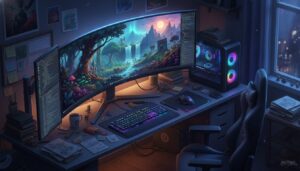
4K Wallpapers: Best AI Prompts for PC and iPhone Backgrounds
Create a high-resolution [Style] wallpaper for [Device Type] featuring [Subject/Theme]. Use a color palette of [Colors] to evoke a [Mood] feeling. Ensure the composition is optimized for [Aspect Ratio] and highlights [Specific Detail]. High-end digital art style, 8k resolution, sharp focus.
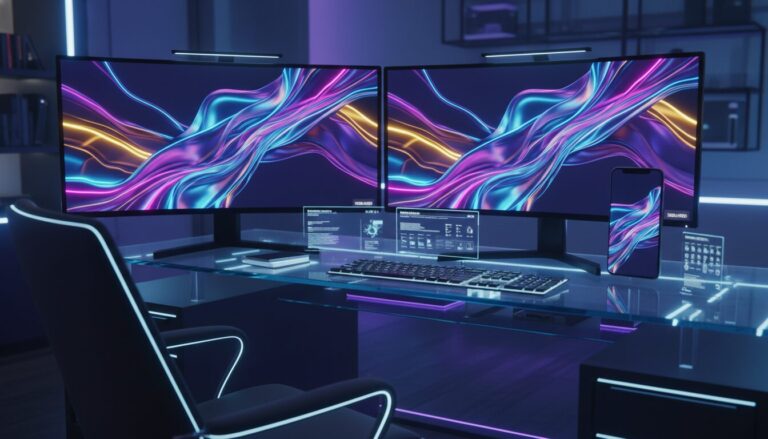
Examples
A few example prompts to help you see how this prompt can be used.
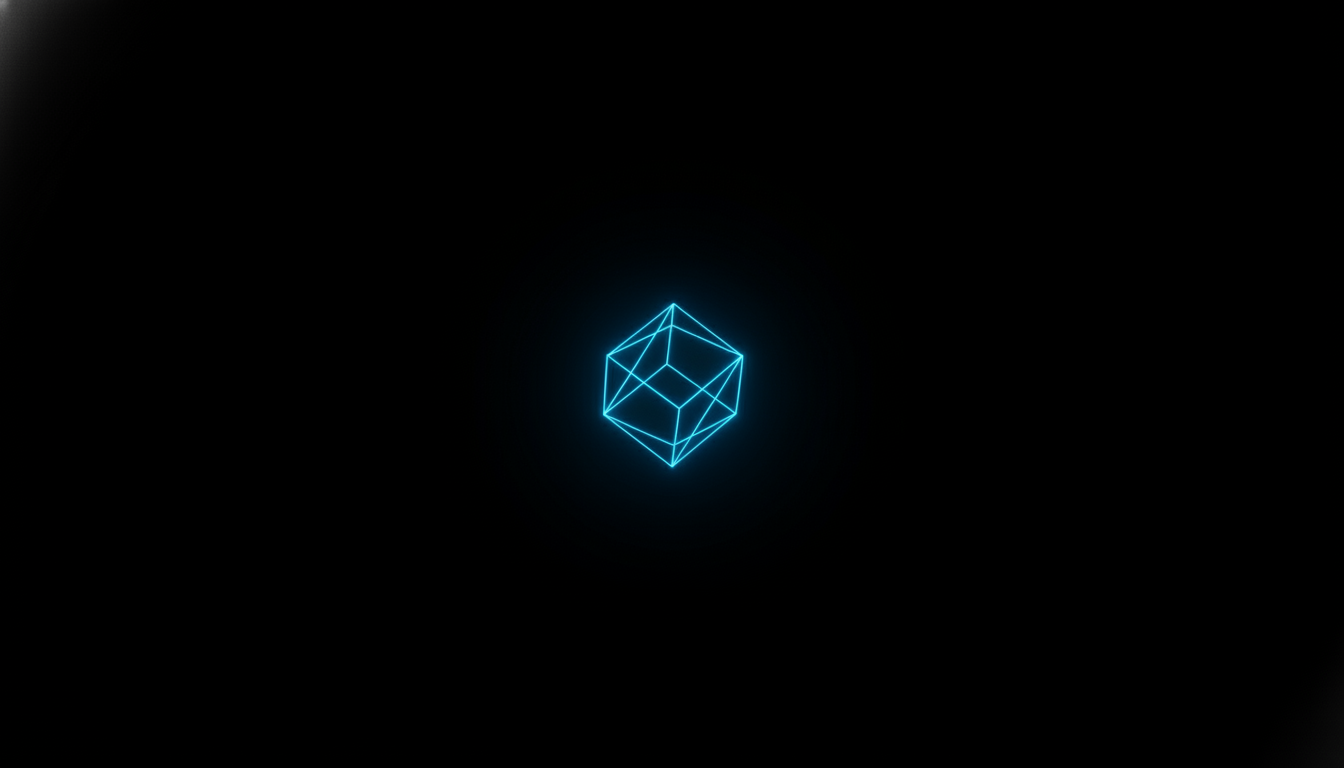
Prompt Example
Minimalist black wallpaper with a single glowing neon blue geometric cube in the center, 4k resolution, dark aesthetic for OLED.
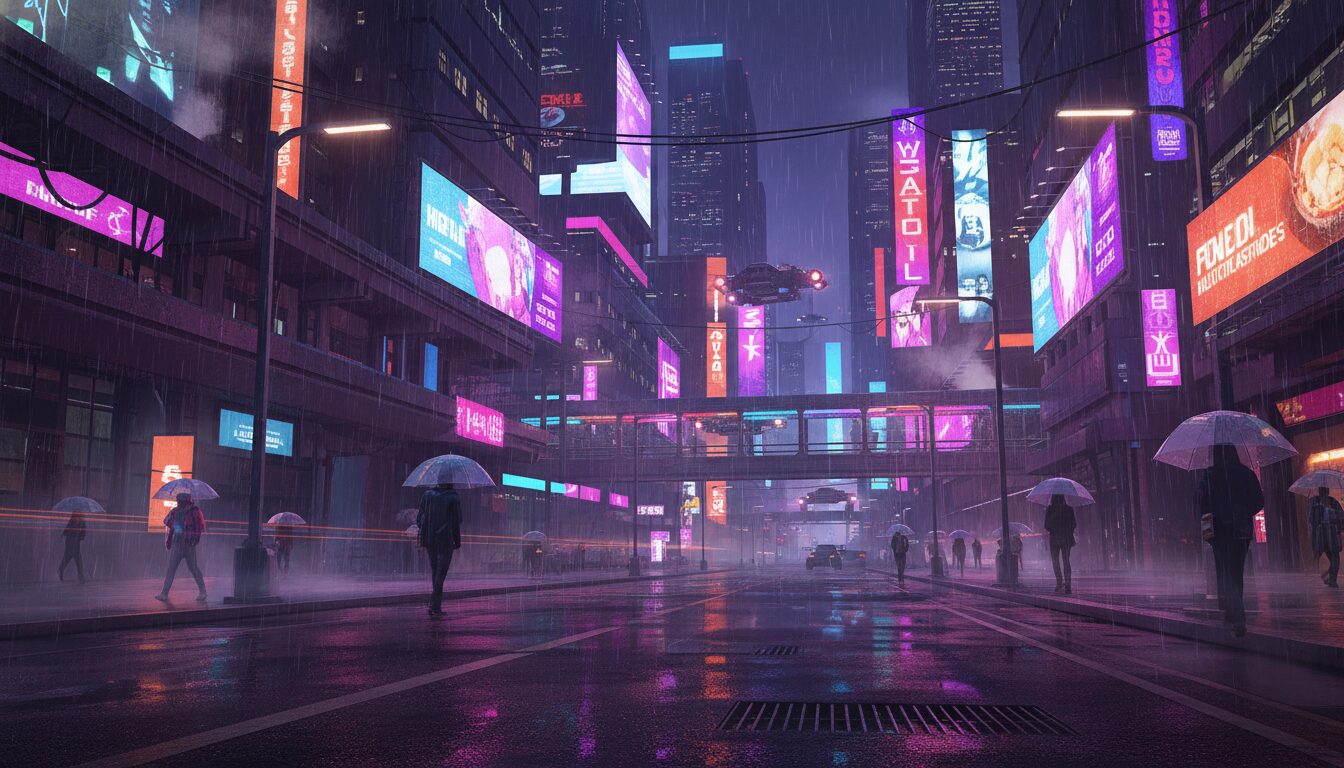
Prompt Example
Cyberpunk city street at night with rain reflections, pc wallpaper 1920x1080 full hd, synthwave color palette, cinematic lighting.
Prompt Example
Macro shot of frosted pine needles, 4k wallpaper iphone, soft winter sunlight, bokeh background, serene nature theme.

Prompt Example
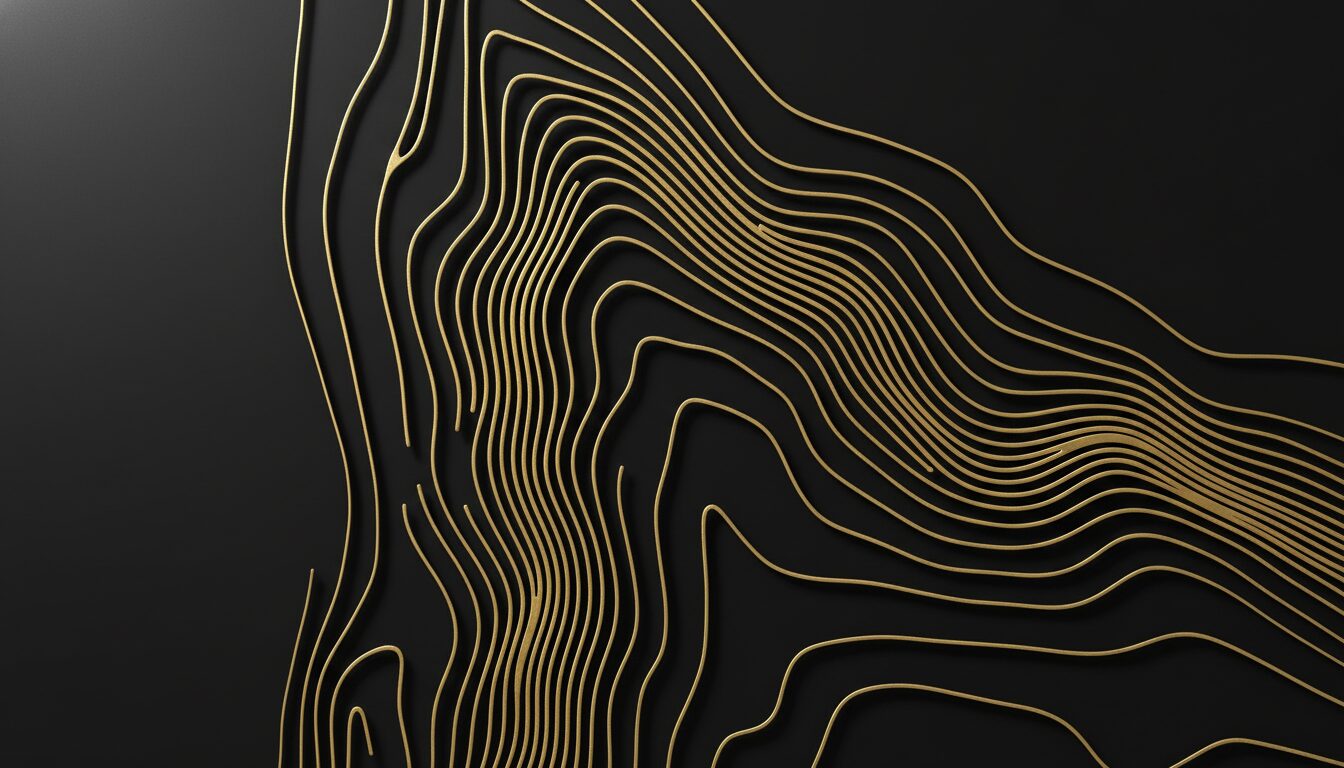
Abstract topographical map lines in gold on a matte black background, wallpaper lockscreen, luxury aesthetic.
Prompt Example
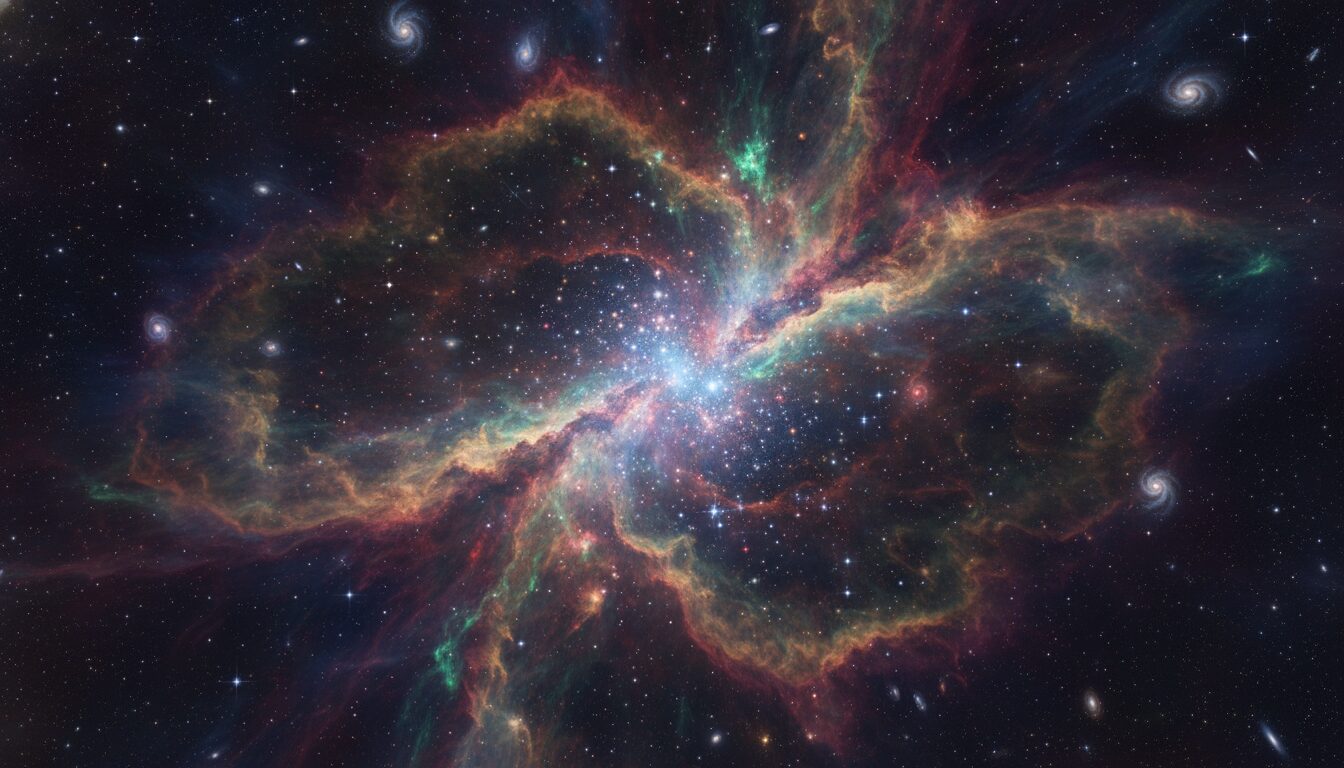
Space nebula with vibrant swirling clouds of gas and stars, high resolution wallpapers, deep purples and blues.
Prompt Overview
A quick summary to help you understand what this prompt is designed to do.
4K wallpapers are high-resolution digital images optimized for modern displays. For desktops, a pc wallpaper 1920×1080 full hd or 4K resolution (3840×2160) is standard. For mobile, 4k wallpaper iphone formats focus on vertical aspect ratios, often featuring black wallpaper designs to enhance OLED screen contrast and improve battery efficiency on the wallpaper lockscreen.
What This Prompt Covers
A simple breakdown of the main ideas and details included in this prompt.
The Intersection of Resolution and Display Tech
When selecting 4k wallpapers, the relationship between pixel density and screen size is paramount. A pc wallpaper 1920×1080 full hd provides crisp detail for 24-inch monitors, while 4k resolutions are necessary for larger displays to prevent pixelation. The trend toward black wallpaper is driven by the rise of OLED and AMOLED screens, where true black pixels are actually turned off, conserving energy. Furthermore, the wallpaper lockscreen serves as the primary touchpoint for user experience, requiring high-contrast entities and clear focal points that don’t interfere with time and notification widgets.
Why This Prompt Works
Helpful notes on what makes this prompt clear, useful, and effective.
Optimizing for AI Image Generators
- Midjourney: Always append the aspect ratio parameter. Use --ar 16:9 for pc wallpaper 1920x1080 and --ar 9:16 for 4k wallpaper iphone.
- DALL-E 3: Use descriptive natural language. Instead of just 'wallpapers', specify 'A wide-angle landscape suitable for a desktop monitor background'.
- Stable Diffusion: Set your base dimensions to 1024x576 (for 16:9) or 576x1024 (for 9:16) and use Hires. fix to upscale to full HD or 4K to avoid 'double-head' artifacts.
- Black Wallpaper Tip: Use keywords like 'Vantablack', 'deep shadows', and 'high contrast' to ensure the AI utilizes the full range of the OLED spectrum.
Use Cases & Tips
Personalizing Your Digital Workspace
- PC wallpaper 1920×1080 full hd: Perfect for standard office monitors and gaming setups requiring high-clarity wallpapers without extreme GPU load.
- 4k wallpaper iphone: Specifically tailored vertical compositions that ensure your app icons remain legible against the background.
- Black wallpaper for OLED: Utilizing deep blacks in a wallpaper lockscreen to save battery life on modern smartphones while maintaining a sleek, minimalist aesthetic.
- Abstract aesthetic: Ideal for professional environments where a non-distracting yet modern full HD background is needed.
Frequently Asked Questions
Q1. What is the best resolution for a pc wallpaper 1920x1080 full hd?
The best resolution for a standard Full HD monitor is exactly 1920x1080 pixels. This ensures a 1:1 pixel match, preventing any blurring or stretching of the image.
Q2. How do I set a 4k wallpaper iphone for my lockscreen?
To set a 4k wallpaper iphone, save the high-res image to your Photos app, select it, tap the share icon, and choose 'Use as Wallpaper'. You can then adjust the crop for your lockscreen.
Q3. Why should I use a black wallpaper on my smartphone?
Using a black wallpaper is highly beneficial for OLED and AMOLED screens. Because these displays turn off individual pixels to show black, it significantly reduces battery consumption.
Q4. Will a 4k wallpaper work on a 1080p monitor?
Yes, a 4k wallpaper will work on a 1080p monitor. The image will be downscaled, which often results in a very sharp and high-quality appearance due to the high pixel density of the source.
Q5. Where can I find aesthetic wallpapers for my lockscreen?
You can generate unique aesthetic wallpapers using AI prompts on platforms like gptimages.online, tailored specifically to your color preferences and style.
Q6. What does 'Full HD' mean for desktop wallpapers?
Full HD refers to a resolution of 1920x1080 pixels. It is the most common aspect ratio (16:9) for desktop wallpapers and provides a clear, high-definition viewing experience.
Q7. How do I choose the right aspect ratio for my wallpaper?
Choose 16:9 for most PC wallpapers and 9:16 for mobile or iPhone wallpapers. This ensures the image fills the screen without leaving black bars or cutting off important details.