iPhone Wallpapers: Create Stunning AI-Generated Mobile Backgrounds
A [Subject] in a [Style] aesthetic, designed specifically for a mobile phone background, vibrant [Color] tones, high detail, 8k resolution, minimalist composition with space for clock at the top, aspect ratio 9:16.
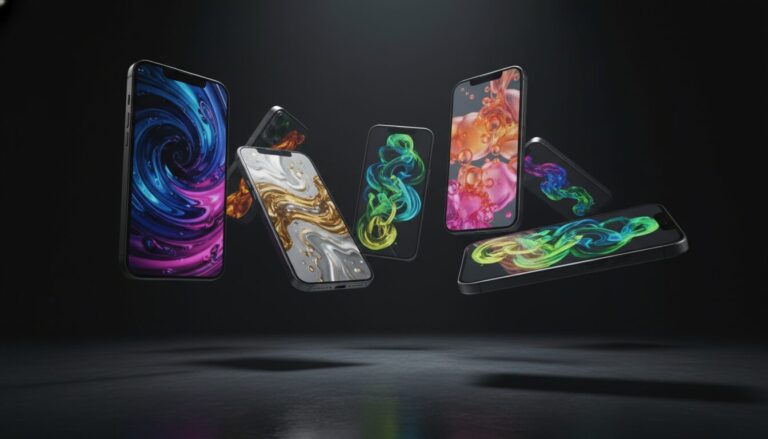
Examples
A few example prompts to help you see how this prompt can be used.
Prompt Example
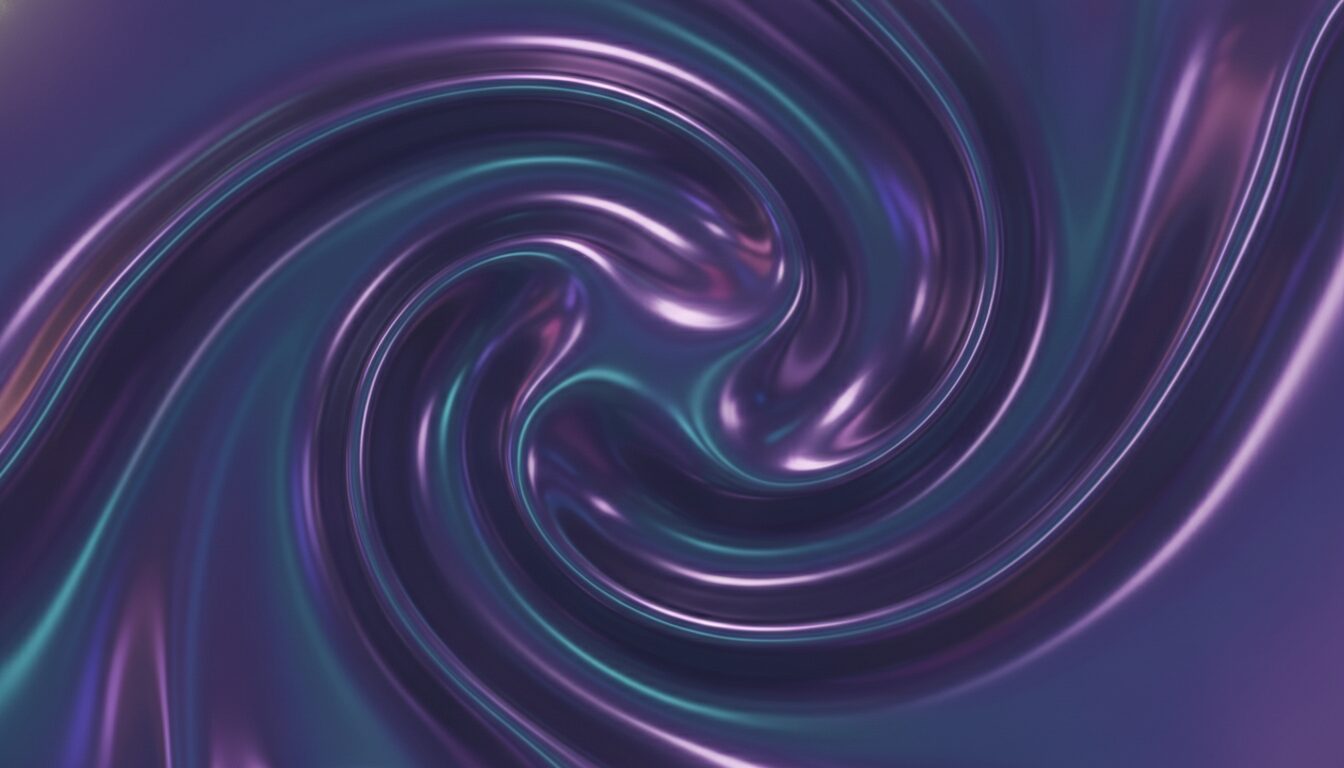
An abstract 3D liquid metal wave in iridescent purple and blue, minimalist design, plenty of negative space at the top, 8k resolution, mobile wallpaper style.
Prompt Example
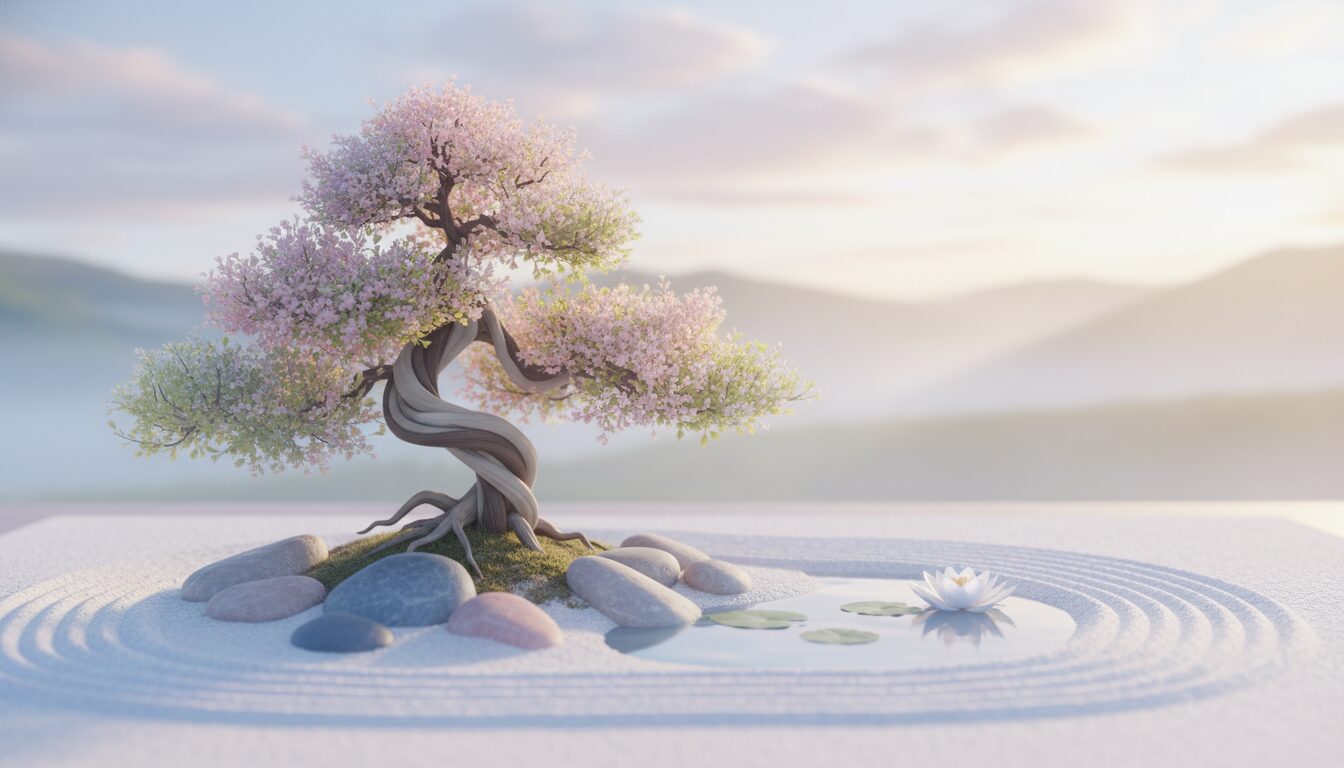
A serene Japanese zen garden with a small bonsai tree and smooth pebbles, soft morning mist, pastel colors, aesthetic phone wallpaper style.
Prompt Example
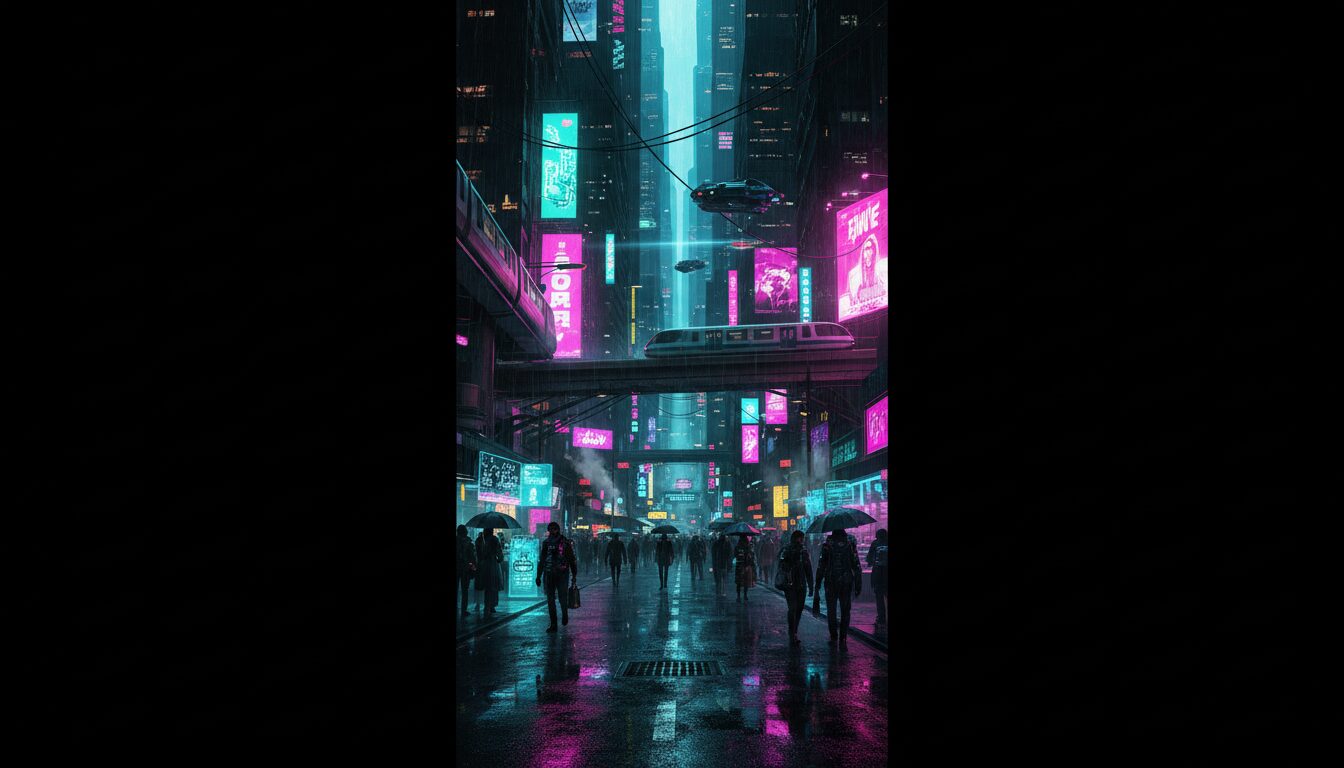
Cyberpunk city street at night with neon signs reflecting in puddles, synthwave aesthetic, dark mode optimized, high resolution mobile art.
Prompt Example
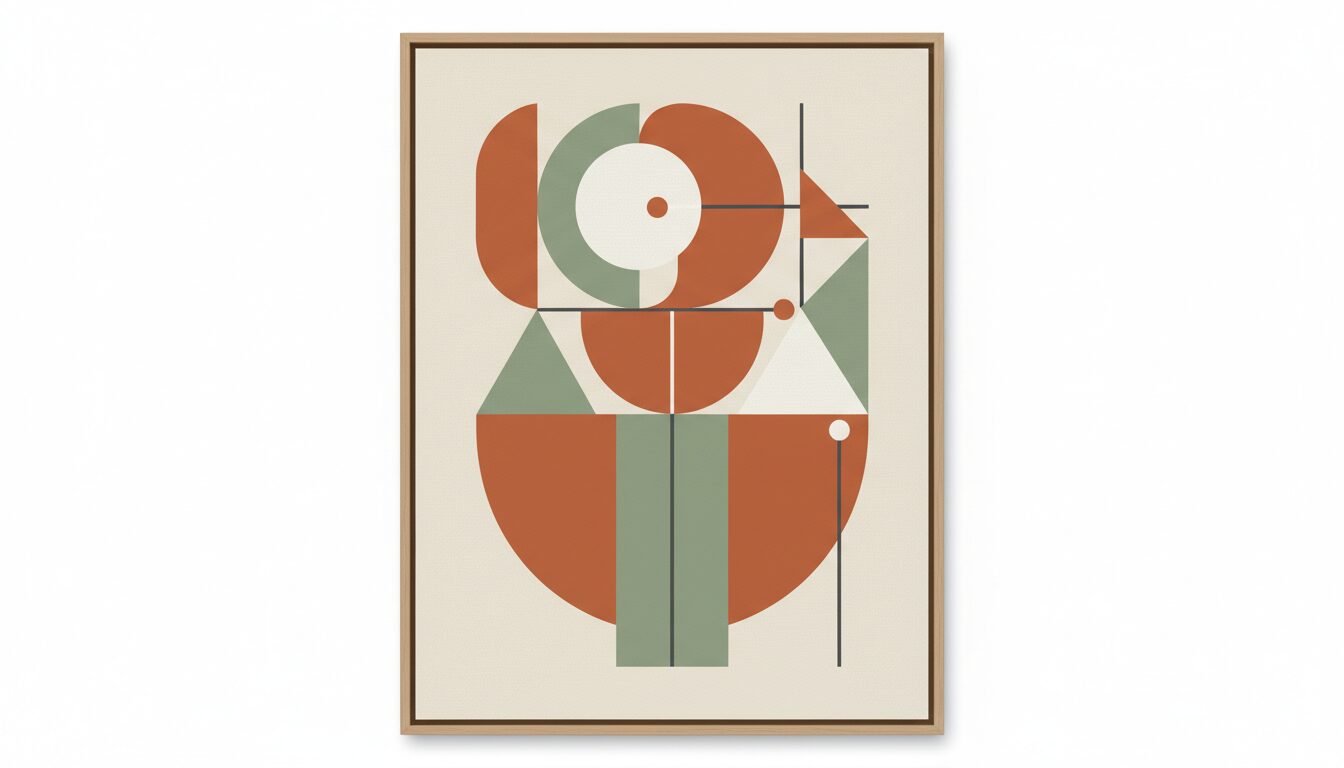
Minimalist geometric shapes in earthy tones, mid-century modern style, clean lines, high-quality depth effect wallpaper.
Prompt Example
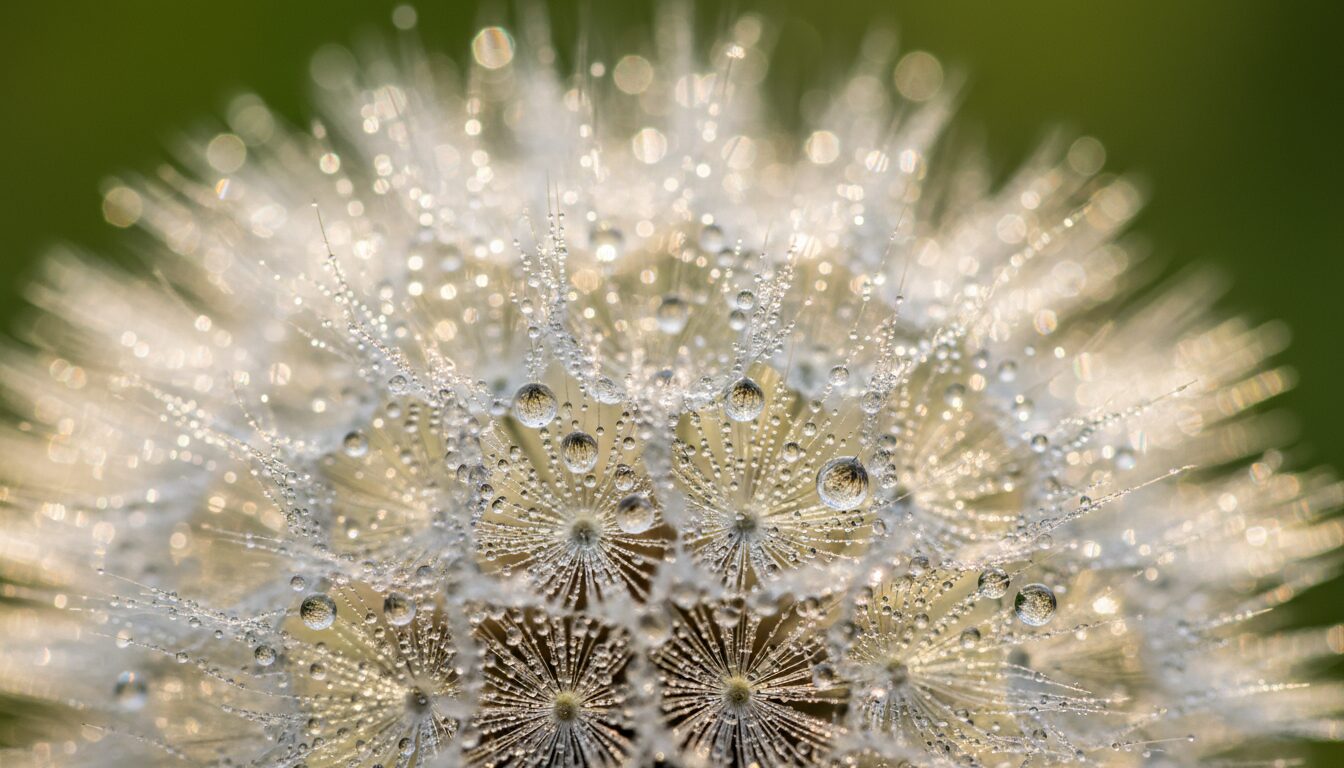
A macro shot of a single dandelion with water droplets, soft bokeh background, nature-themed iPhone background 4k.
Prompt Overview
A quick summary to help you understand what this prompt is designed to do.
iPhone wallpapers are digital images optimized for Apple’s mobile devices, typically featuring a 9:19.5 aspect ratio for modern models. To achieve the best visual results, users should utilize high-resolution 4K assets that complement iOS features like the Depth Effect and Always-On display. AI tools can generate unique, aesthetic backgrounds tailored to specific user styles.
What This Prompt Covers
A simple breakdown of the main ideas and details included in this prompt.
The Intersection of iOS Hardware and AI Art
Modern iPhone wallpapers are more than just images; they are interactive layers within the iOS ecosystem. By understanding the relationship between OLED display technology and high-contrast digital art, users can create backgrounds that enhance the Super Retina XDR experience. The semantic connection between AI generators like Midjourney and Apple’s Depth Effect allows for a multi-dimensional lock screen that feels integrated rather than static.
Why This Prompt Works
Helpful notes on what makes this prompt clear, useful, and effective.
Optimizing for AI Image Generators
- Midjourney: Always append '--ar 9:16' to your prompt to ensure the vertical orientation matches the iPhone screen perfectly.
- DALL-E 3: Use descriptive language like 'vertical mobile orientation' and specify 'negative space at the top' to prevent the subject from being covered by the iOS clock.
- Stable Diffusion: Use a resolution of 1290x2796 for a native iPhone 15 Pro Max fit.
- Styling: For the best aesthetic phone wallpaper, include keywords like 'unreal engine 5 render' or 'minimalist vector' for clean lines.
Use Cases & Tips
Personalizing Your Device
- Create 4k backgrounds that match your physical phone case or personal fashion style.
- Design aesthetic phone wallpaper specifically for Focus Modes (Work, Sleep, Personal).
- Generate OLED optimized images with deep blacks to save battery life on Super Retina XDR displays.
- Develop high-quality depth effect wallpapers where the subject partially overlaps the iOS clock.
Frequently Asked Questions
Q1. What is the best resolution for iPhone wallpapers?
The best resolution depends on your model, but for the iPhone 15 Pro Max, a resolution of 1290 x 2796 pixels is ideal. Generally, using a 9:16 aspect ratio in 4K ensures high-quality mobile art across all devices.
Q2. How do I create custom iPhone wallpapers with AI?
You can use AI tools like Midjourney or DALL-E 3. Enter a prompt describing your desired aesthetic, specify a 9:16 aspect ratio, and ensure there is negative space at the top for the iOS clock.
Q3. Which iPhone wallpapers work best for dark mode?
Dark mode optimized images with deep blacks and high contrast work best. These are especially effective on OLED displays, as they reduce power consumption and look seamless with the iOS interface.
Q4. What are high-quality depth effect wallpapers?
These are images where the subject has a clear outline that the iOS software can identify. This allows the subject to appear slightly in front of the lock screen clock, creating a 3D effect.
Q5. Where can I find minimalist phone wallpapers?
You can generate them using AI prompts focused on 'minimalism', 'vector art', or 'geometric shapes'. Our site provides specific templates for clean, minimalist aesthetic wallpapers.
Q6. Can I use 4k backgrounds on older iPhone models?
Yes, 4K backgrounds are backwards compatible. The iOS software will automatically scale the high-resolution image to fit your specific screen dimensions without losing clarity.
Q7. How does the Parallax Effect impact my wallpaper choice?
The Parallax Effect moves the wallpaper slightly as you tilt your phone. For the best result, choose an image slightly larger than your screen resolution to avoid black borders during movement.
Q8. Why does my iPhone wallpaper look blurry?
Blurriness usually occurs if the image resolution is too low or the aspect ratio doesn't match. Always use high-resolution 4K images and ensure they are saved in a lossless format like PNG.