Miniature World AI Image Prompts: Master the Art of Tiny Landscapes
A detailed miniature world scene of [SUBJECT], [ENVIRONMENT], captured with a tilt-shift photography effect, macro photography style, shallow depth of field, blurred background and foreground, vibrant colors, high resolution, 8k, realistic textures, tiny scale landscapes aesthetic.
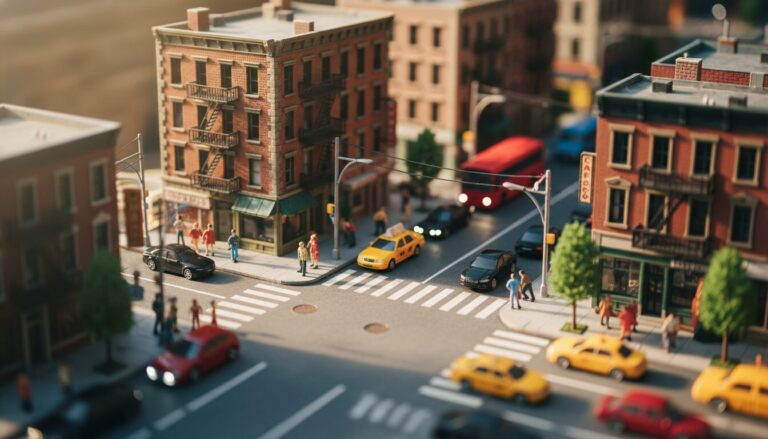
Examples
A few example prompts to help you see how this prompt can be used.
Prompt Example
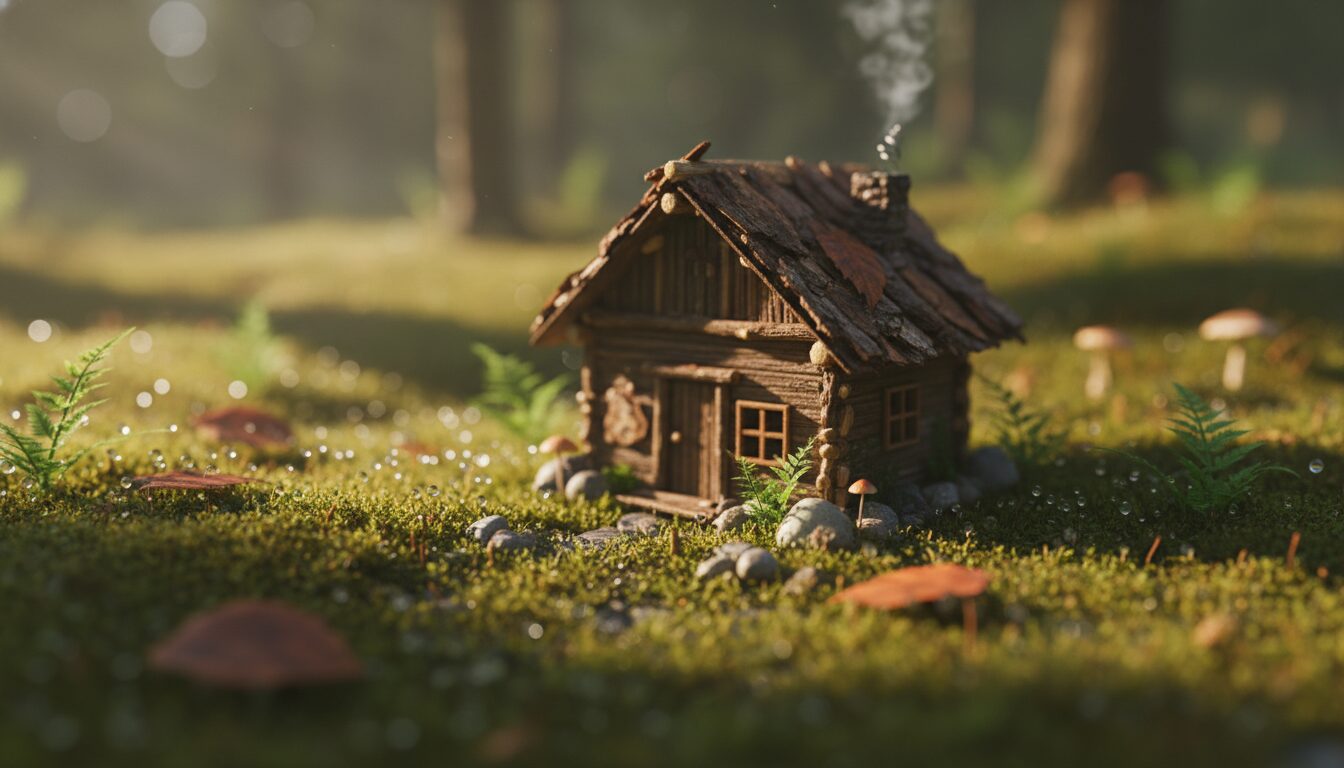
Miniature world ai image prompt of a tiny cozy forest cabin surrounded by pine trees, macro photography style, tilt-shift effect, moss acting as giant grass, soft morning mist, 8k resolution.
Prompt Example
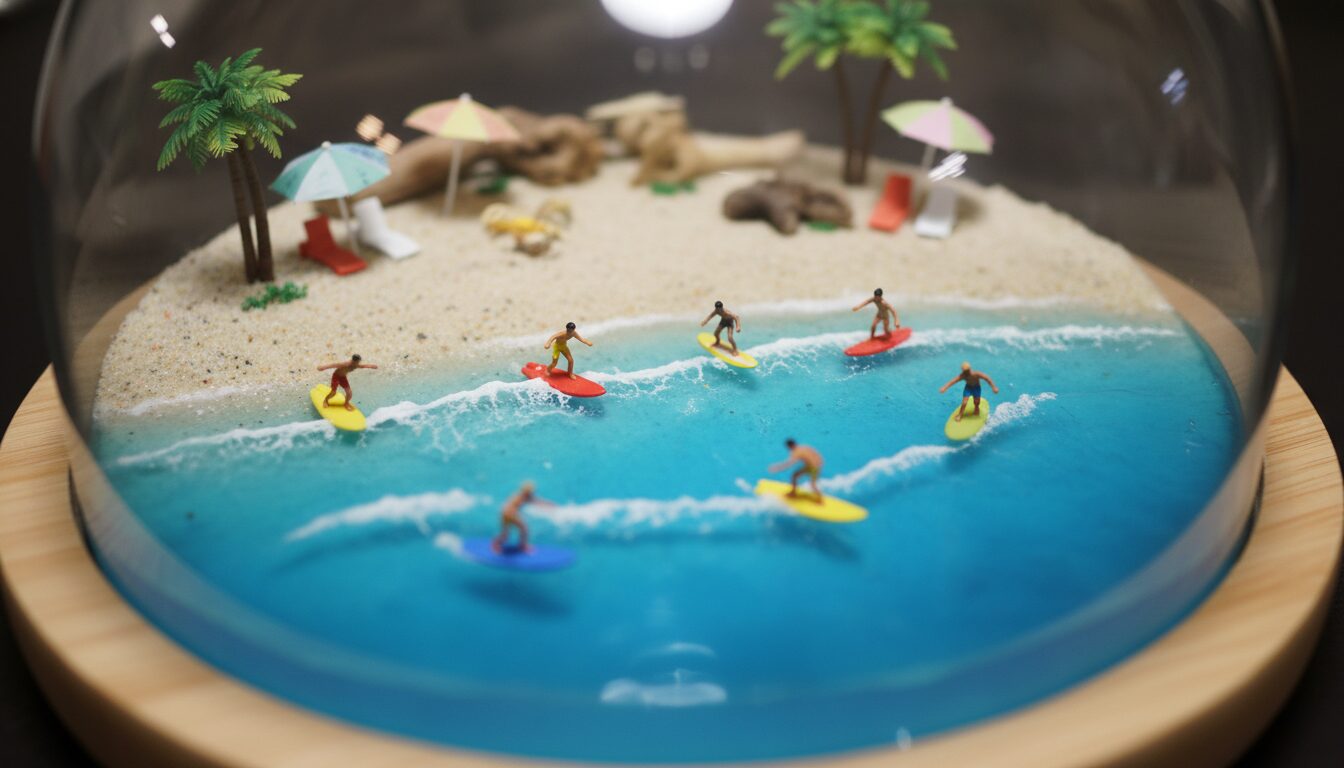
A miniature world diorama of a tropical beach, tiny surfers on resin waves, sand grains looking like boulders, bright sunny lighting, macro photography prompts style.
Prompt Example
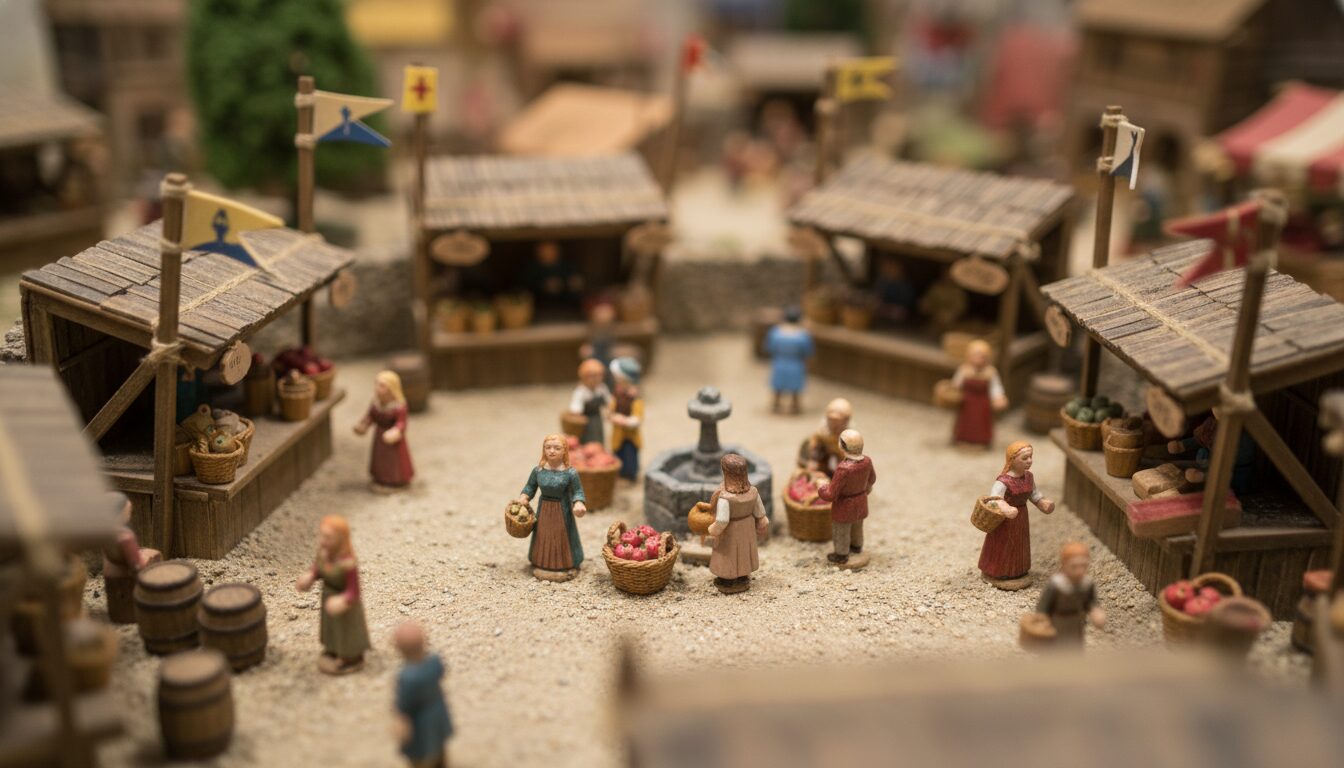
A bustling miniature medieval marketplace, tiny hand-painted figurines, wooden stalls, tilt-shift photography effect, high angle shot, realistic miniature dioramas ai.
Prompt Example
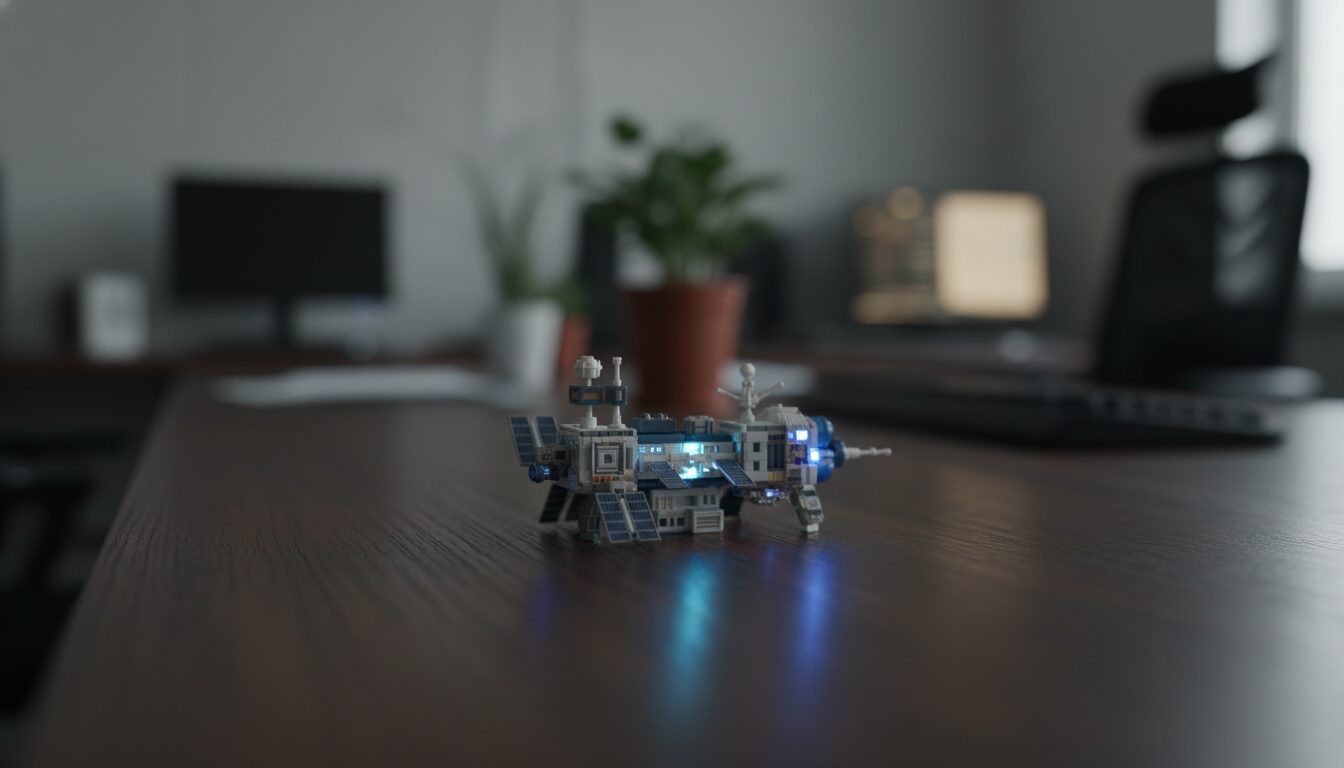
Miniature world photography style of a space station on a desk, tiny astronauts, glowing LED lights, macro photography, shallow depth of field.
Prompt Example
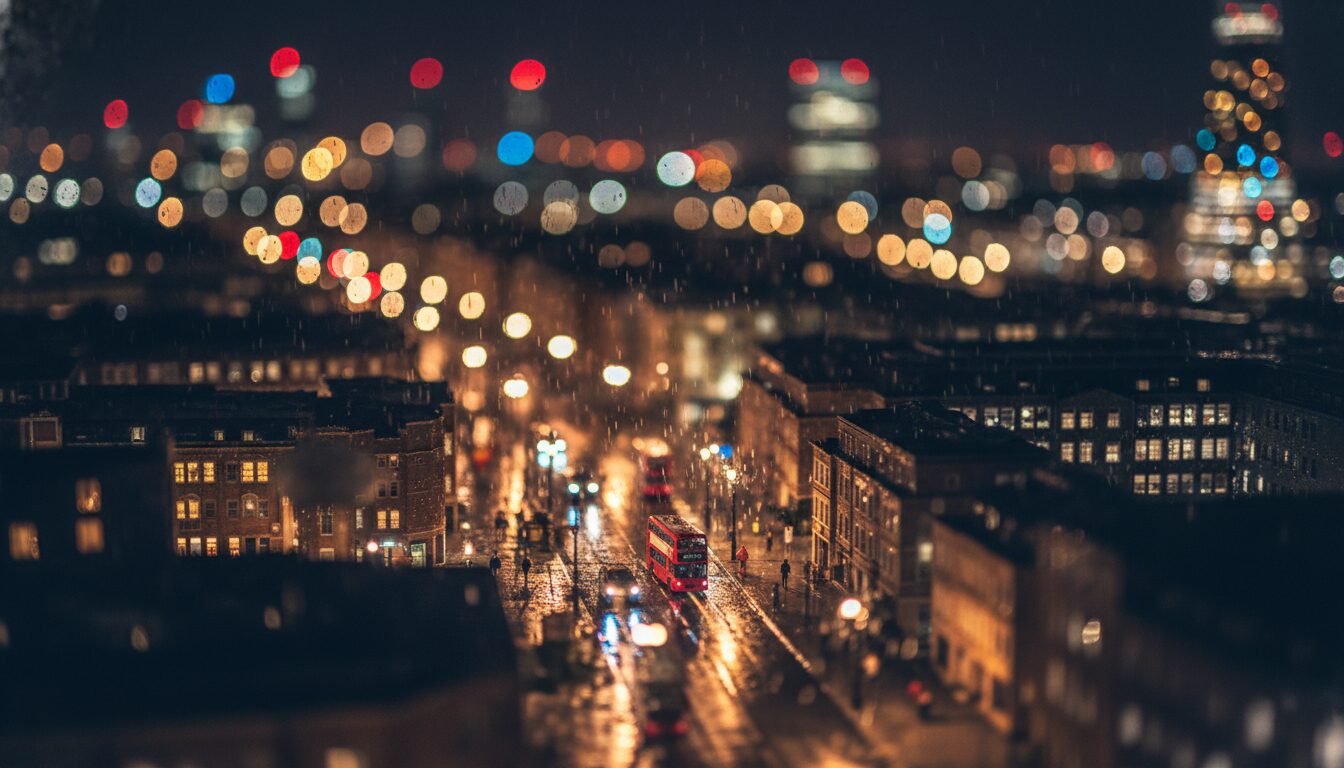
A miniature world scene of a rainy London street, tiny red buses, wet pavement reflections, macro photography prompts, tilt-shift effect, cinematic lighting.
Use Cases & Tips
Creative Applications for Miniature World Prompts
-
Marketing and Advertising
Using a miniature world photography style can make products look like part of a charming, collectible universe, perfect for social media campaigns.
-
Conceptual Art and Storyboarding
Artists can use realistic miniature dioramas ai techniques to visualize complex scenes or architectural layouts in a manageable, artistic scale.
-
Social Media Content
The tilt-shift photography effect is highly engaging on platforms like Instagram, where the ‘toy-like’ appearance of real-world locations creates a viral aesthetic.
-
Gaming and Level Design
Indie developers use macro photography prompts to generate textures and environmental concepts that mimic the look of physical tabletop games.
Tips for Better Results
- Use keywords like ‘shallow depth of field’ and ‘bokeh’ to enhance the miniature model aesthetics.
- Specify ‘plastic textures’ or ‘hand-painted details’ if you want your image to look like a physical diorama.
- When wondering how to create miniature world art with ai, always remember to mention the camera angle—usually a high-angle shot works best for the tilt-shift look.
Frequently Asked Questions
Q1. How to create miniature world art with ai effectively?
To create effective miniature world art, focus on using keywords like 'tilt-shift', 'macro photography', and 'shallow depth of field'. This tricks the eye into perceiving a full-sized scene as a tiny model.
Q2. What are the best prompts for tilt-shift effect in Midjourney?
The best prompts for tilt-shift include phrases like 'high angle bird's eye view', 'blurred top and bottom', and 'miniature model aesthetic' to ensure the AI understands the scale.
Q3. Why do miniature world ai image prompts need macro photography terms?
Macro photography terms like 'macro lens' and 'close-up' are essential because they define the optical characteristics of shooting small objects, which is key to the miniature look.
Q4. Can I use realistic miniature dioramas ai for architectural visualization?
Yes, it is a popular method for architects to showcase 'maquette' versions of their buildings, providing a tactile and artistic feel to their digital designs.
Q5. What is the best camera angle for miniature world photography style?
A high-angle or 'looking down' perspective is usually best, as it mimics the way a human would look down at a physical tabletop diorama.
Q6. How do I make the subjects look like tiny scale landscapes?
Incorporate descriptions of materials like 'plastic', 'resin', or 'foam' into your prompts to give the AI a hint that the objects should look manufactured rather than natural.