Viral Photo Prompt: Create Trending AI Images That Get Shared
Ultra-realistic photograph of [Subject] in an [Unexpected Situation or Emotion], [Setting]. Style: [Photographic Style, e.g., candid street photography, National Geographic documentary, cinematic portrait]. Lighting: [Specific Lighting, e.g., dramatic Rembrandt lighting, soft golden hour glow, neon city lights]. Camera Details: [Camera/Lens Type, e.g., Shot on DSLR, 85mm lens, f/1.4 aperture]. Details: [Hyper-realistic details, e.g., subtle skin pores, reflections in the eyes, atmospheric dust particles]. --ar [Aspect Ratio]
Examples
A few example prompts to help you see how this prompt can be used.
Prompt Example
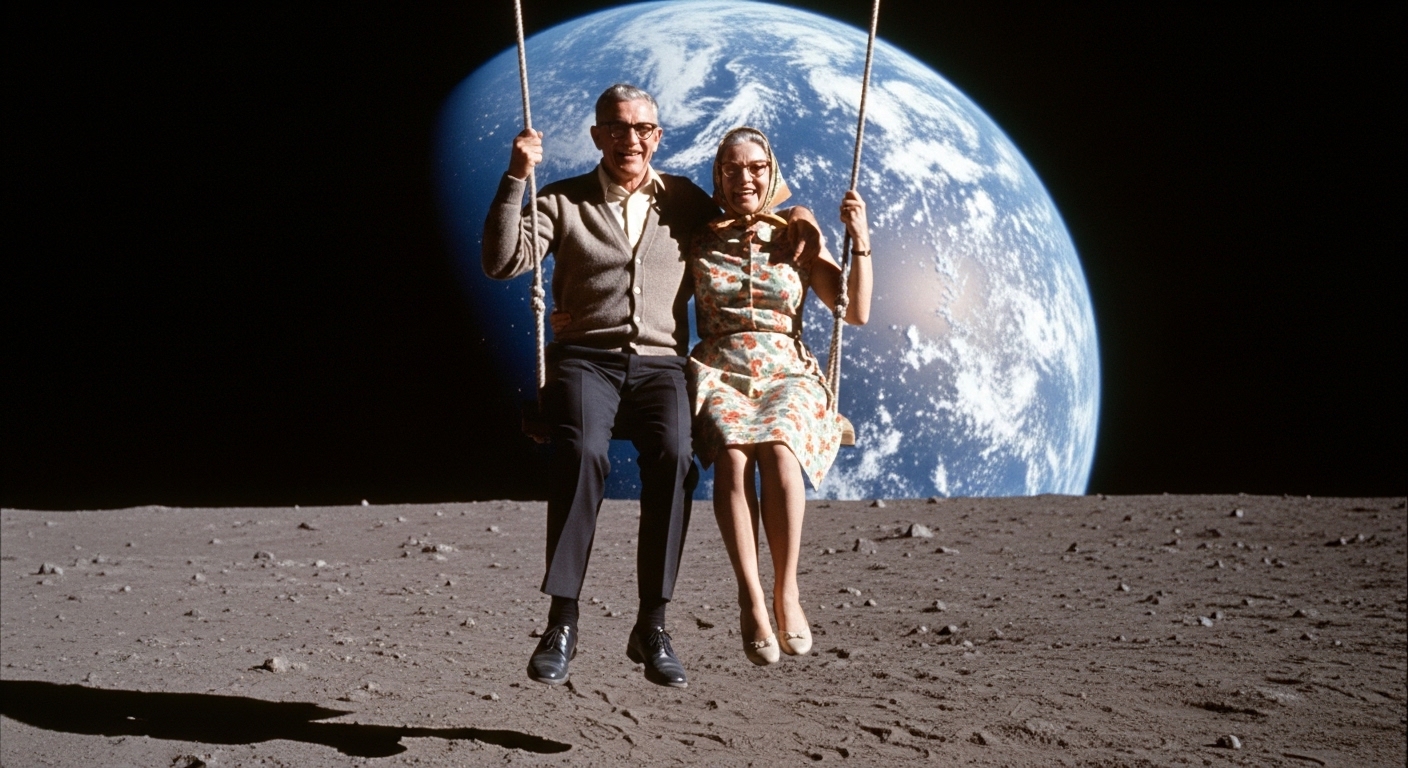
Ultra-realistic photograph of an elderly couple in 1960s attire, joyfully swinging on a simple rope swing attached to the moon, with the Earth glowing majestically in the background. Style: vintage Kodachrome film photo. Lighting: soft, ethereal glow from the Earth. Camera Details: Shot on a Hasselblad 500C. Details: cracks on the lunar surface, detailed fabric texture on their clothes, genuine smiles. --ar 4:5
Prompt Example
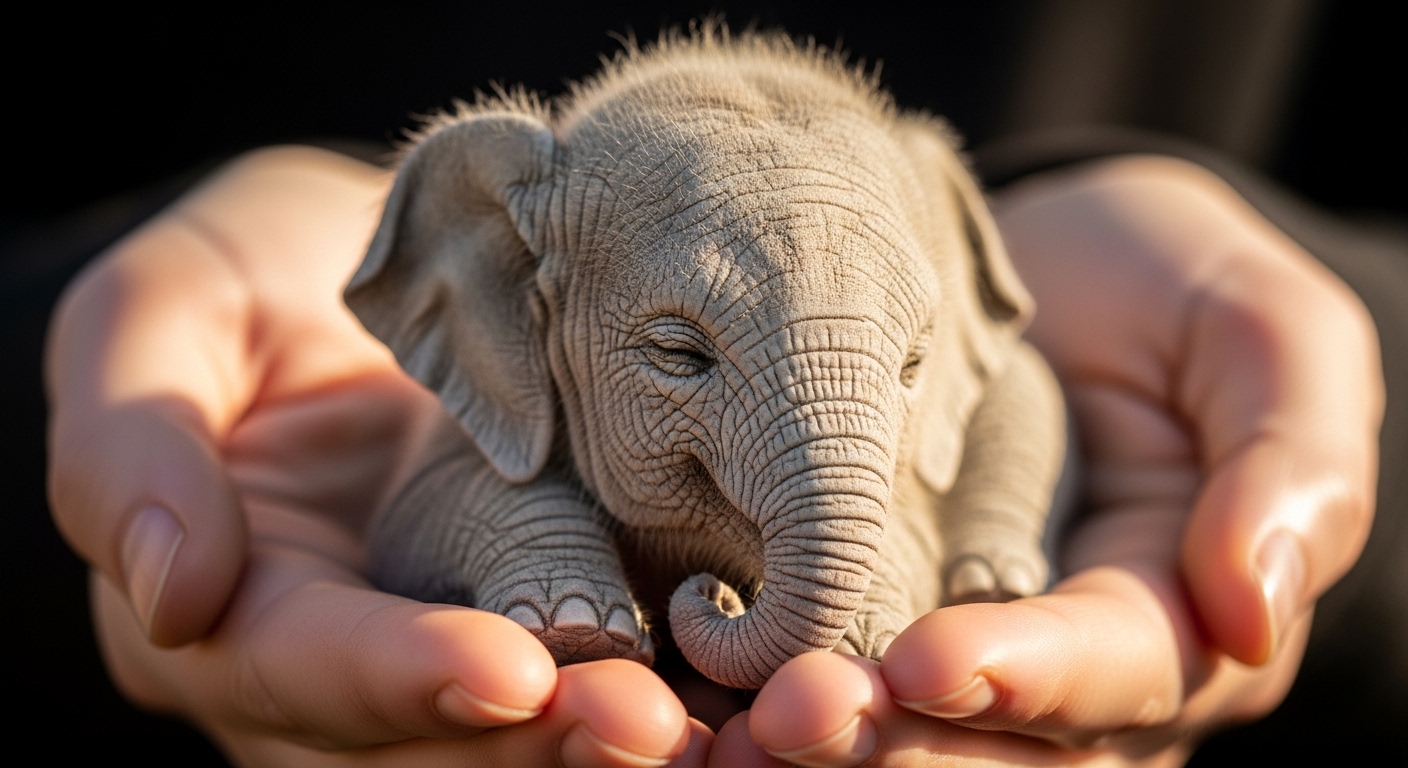
Ultra-realistic photograph of a tiny, fluffy elephant the size of a teacup, sleeping peacefully in a human's cupped hands. Style: Macro photography, shallow depth of field. Lighting: warm, soft morning light from a window. Camera Details: Shot on Canon EOS R5, 100mm macro lens, f/2.8. Details: intricate skin wrinkles on the elephant, detailed fingerprints on the hands, soft focus background. --ar 1:1
Prompt Example
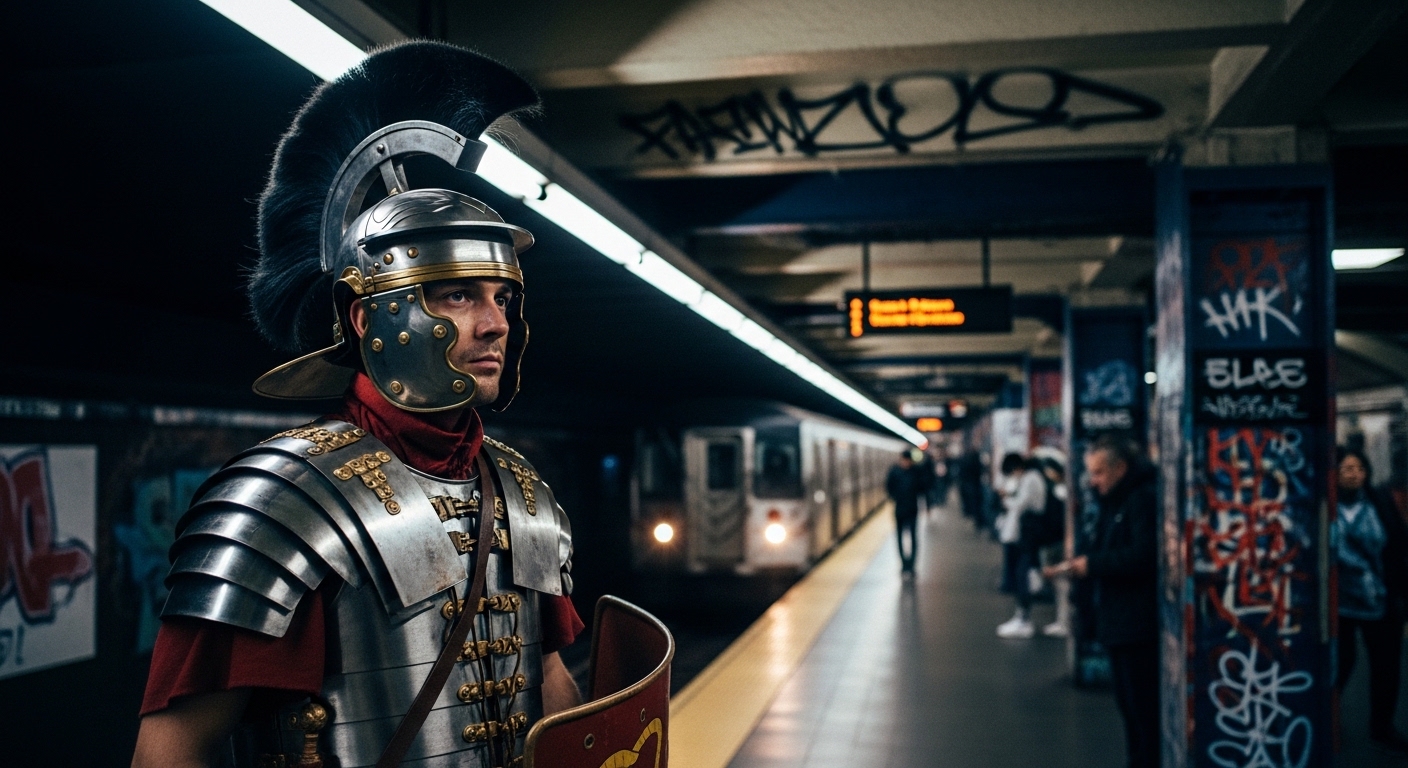
Cinematic photograph of a stoic Roman Centurion in full battle armor, waiting for a subway train in a modern, gritty New York City station. Style: candid street photography. Lighting: harsh fluorescent station lights mixed with moody shadows. Camera Details: Shot on Leica M11, 35mm lens. Details: reflections on the polished armor, graffiti on the station walls, weary expression on the Centurion's face. --ar 16:9
Prompt Example
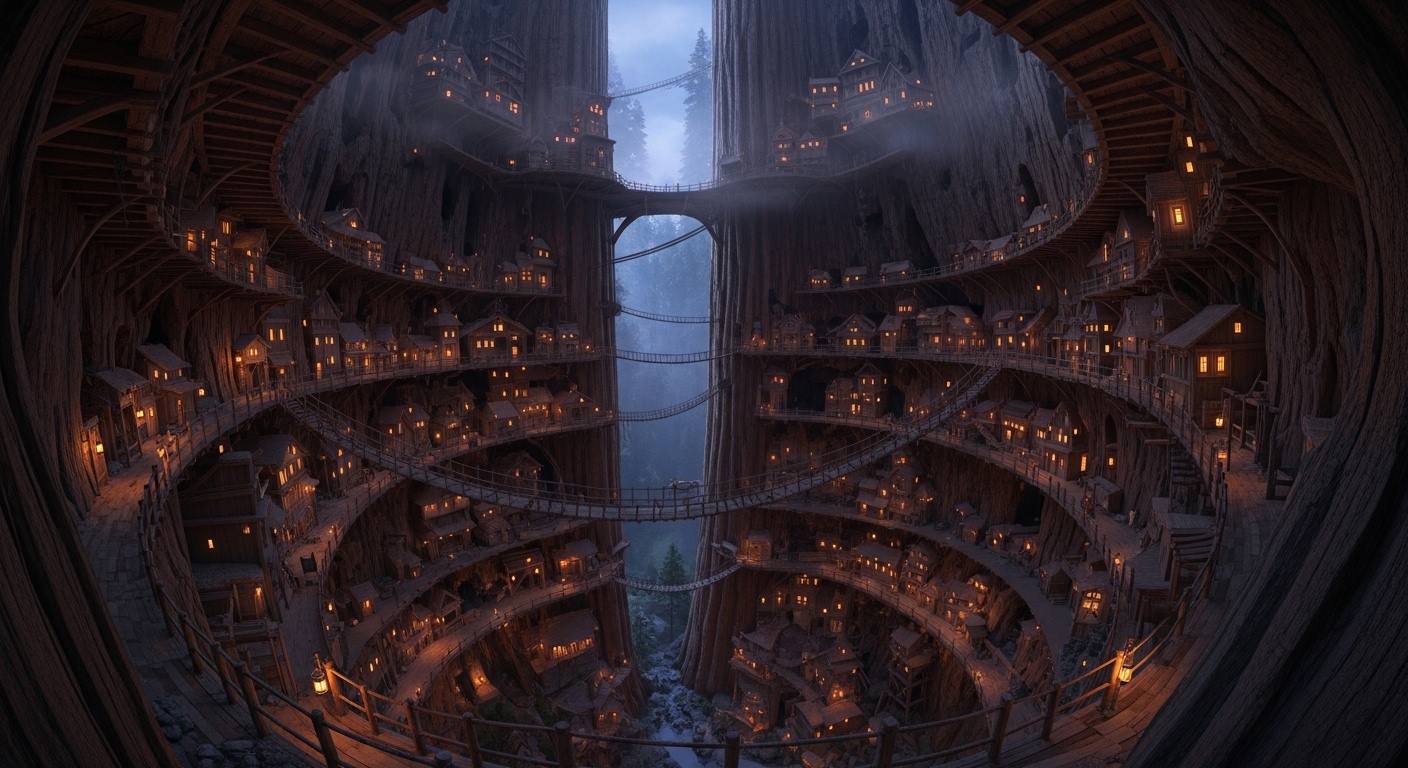
National Geographic style photograph of a hidden, ancient city built into a colossal, hollowed-out sequoia tree, with rope bridges connecting different levels and tiny lights glowing from within at dusk. Style: Documentary, wide-angle shot. Lighting: twilight, with warm interior lights contrasting the cool blue evening sky. Camera Details: Shot on Nikon D850, 14-24mm lens. Details: intricate wooden architecture, atmospheric mist, moss on the tree bark. --ar 3:2
Prompt Example
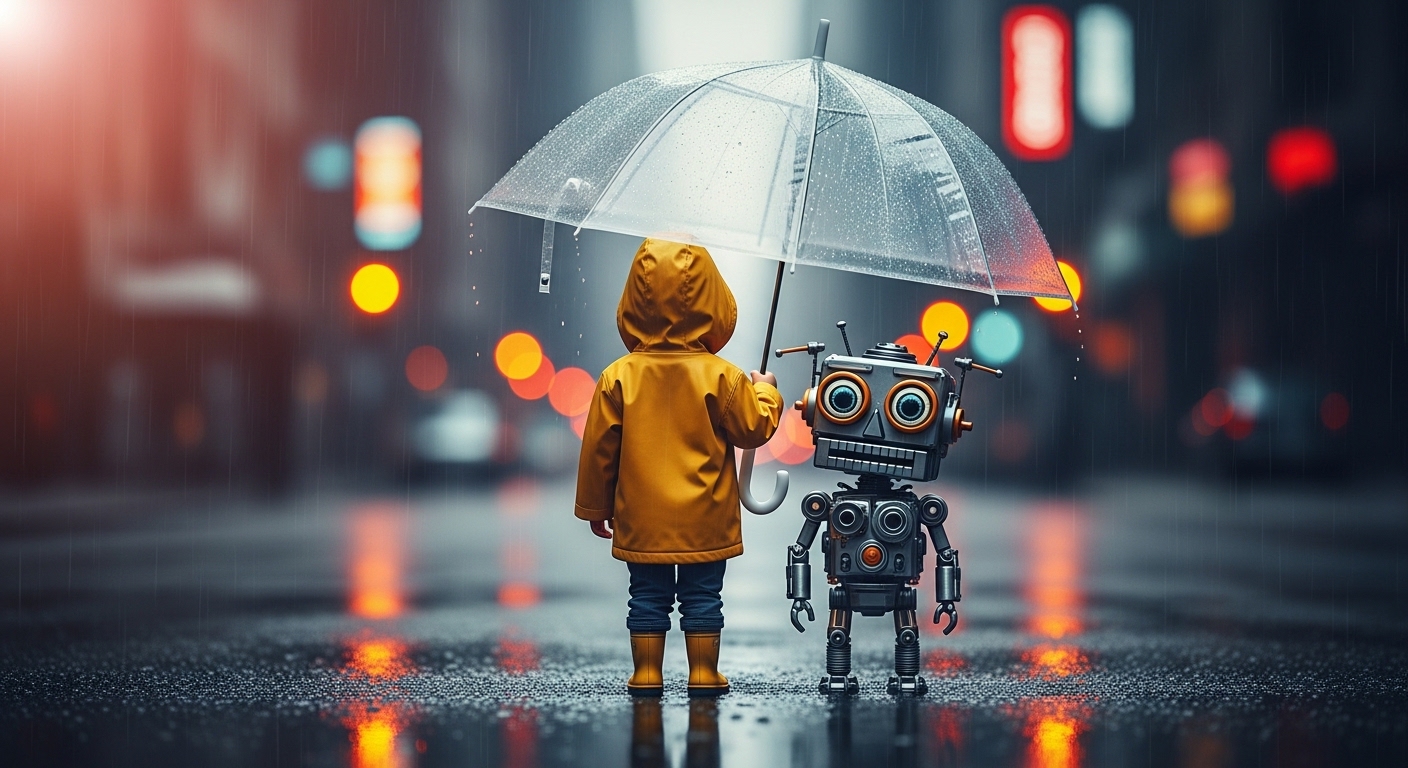
Ultra-realistic photo of a child in a yellow raincoat, sitting on a curb on a rainy street, sharing an umbrella with a small, friendly robot made of scrap metal. Style: Cinematic, emotional portrait. Lighting: reflections from wet asphalt and neon signs. Camera Details: DSLR, 50mm lens, f/1.8. Details: raindrops on the umbrella, rust on the robot, a look of genuine friendship between the two. --ar 4:5
Use Cases & Tips
How to Create a Viral Photo with AI
The key to a viral photo prompt is blending the unbelievable with the hyper-realistic. This creates an eye-catching photo prompt that stops users mid-scroll. The goal is to make people question, ‘Is this real?’ This is the core of any new AI photo trend. By using a powerful social media image generator like Midjourney, you can craft images that have the potential to explode online.
Tips for Crafting Trending AI Images
- Emotional Resonance: Aim for strong emotions like awe, humor, or nostalgia. A photo of an elderly astronaut looking at Earth from a rocking chair on the moon will always get more engagement than a generic landscape.
- Surreal Juxtaposition: Combine two unrelated concepts. Think ‘a library inside a giant, ancient tree’ or ‘a whale swimming through clouds’. This is a common element in any Midjourney viral prompt.
- Hyper-Realism is Key: Use an AI prompt for realistic viral photo creation. Specify camera types (DSLR, 85mm lens), lighting (golden hour, studio lighting), and minute details (skin texture, dust motes) to make your image believable.
- Narrative Power: The best prompts for viral social media images tell a story in a single frame. What happened before this moment? What will happen next? Let the viewer’s imagination fill in the blanks.
Frequently Asked Questions
Q1. What makes an AI photo go viral?
An AI photo typically goes viral due to a combination of high emotional impact, surreal or unexpected subject matter, and extreme photorealism. The image must be an 'eye-catching photo prompt' that makes people stop and question what they're seeing, sparking conversation and shares.
Q2. How can I create a viral photo with AI?
To create a viral photo, use a detailed prompt that combines a relatable subject with a fantastical situation. Focus on specifics like lighting (e.g., 'golden hour'), camera details (e.g., '85mm lens, f/1.4'), and emotional cues (e.g., 'a look of serene wonder'). The goal is to generate a photo that looks real but isn't, creating a powerful sense of awe.
Q3. What are the best prompts for viral social media images?
The best prompts often involve juxtaposition and narrative. For example: 'An astronaut tending a zen garden on Mars' or 'A medieval knight ordering a latte in a modern cafe'. These concepts are instantly understandable yet visually shocking, making them perfect for any social media image generator aiming for virality.
Q4. Can I use an AI prompt for a realistic viral photo that looks completely real?
Absolutely. The key is in the details. Your AI prompt for a realistic viral photo should include terms like 'ultra-realistic photograph,' 'shot on DSLR,' 'subtle skin texture,' and 'cinematic lighting.' The more photographic details you provide, the more believable the final image will be, increasing its viral potential.
Q5. Which AI generator is best for creating trending AI images?
Midjourney is widely regarded as one of the best for creating hyper-realistic and artistic trending AI images. Its ability to interpret nuanced, complex prompts makes it ideal for crafting a potential Midjourney viral prompt that captures the surreal and detailed look needed to become the next big AI photo trend.