Origami 3D Render Prompts: Create Stunning Photorealistic Paper Figures
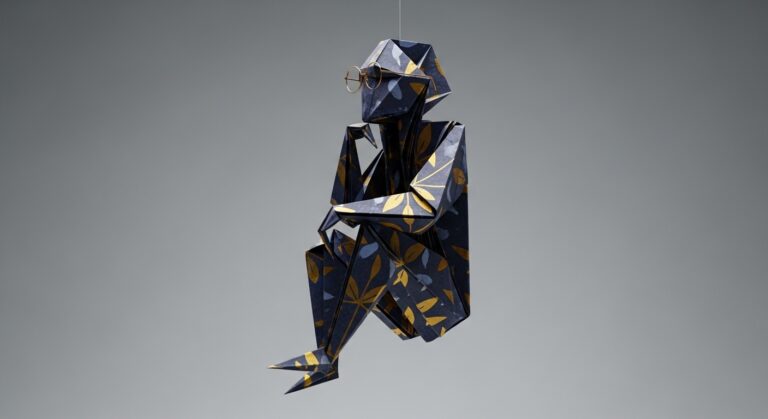
Photorealistic 3D render of a single origami [figure_description] wearing [accessory], folded from [paper_style] paper. Ultra-detailed paper textures with visible creases, fold stress, subtle crumpling, micro scratches, and faint fingerprints. Floating above a [background_description]. [camera_angle], [lighting_style], smooth gradients, realistic shadows, premium editorial realism, ultra-sharp focus.
Examples
A few example prompts to help you see how this prompt can be used.
Prompt Example
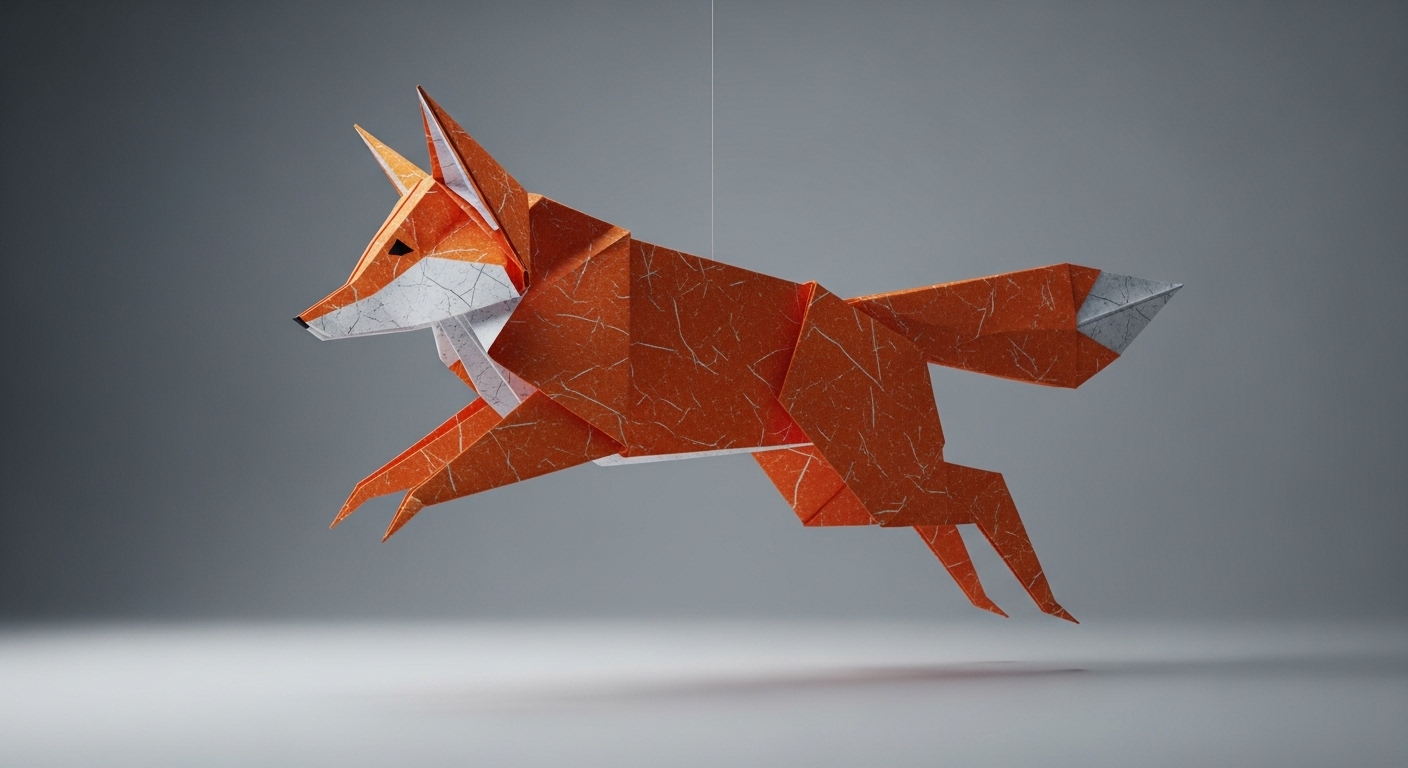
Photorealistic 3D render of a single origami fox, mid-pounce, folded from textured orange and white washi paper. Ultra-detailed paper textures with visible creases, fold stress, and subtle crumpling. Floating above a clean, light-gray background. Low camera angle, dramatic side lighting, smooth gradients, realistic shadows, premium editorial realism, ultra-sharp focus.
Prompt Example
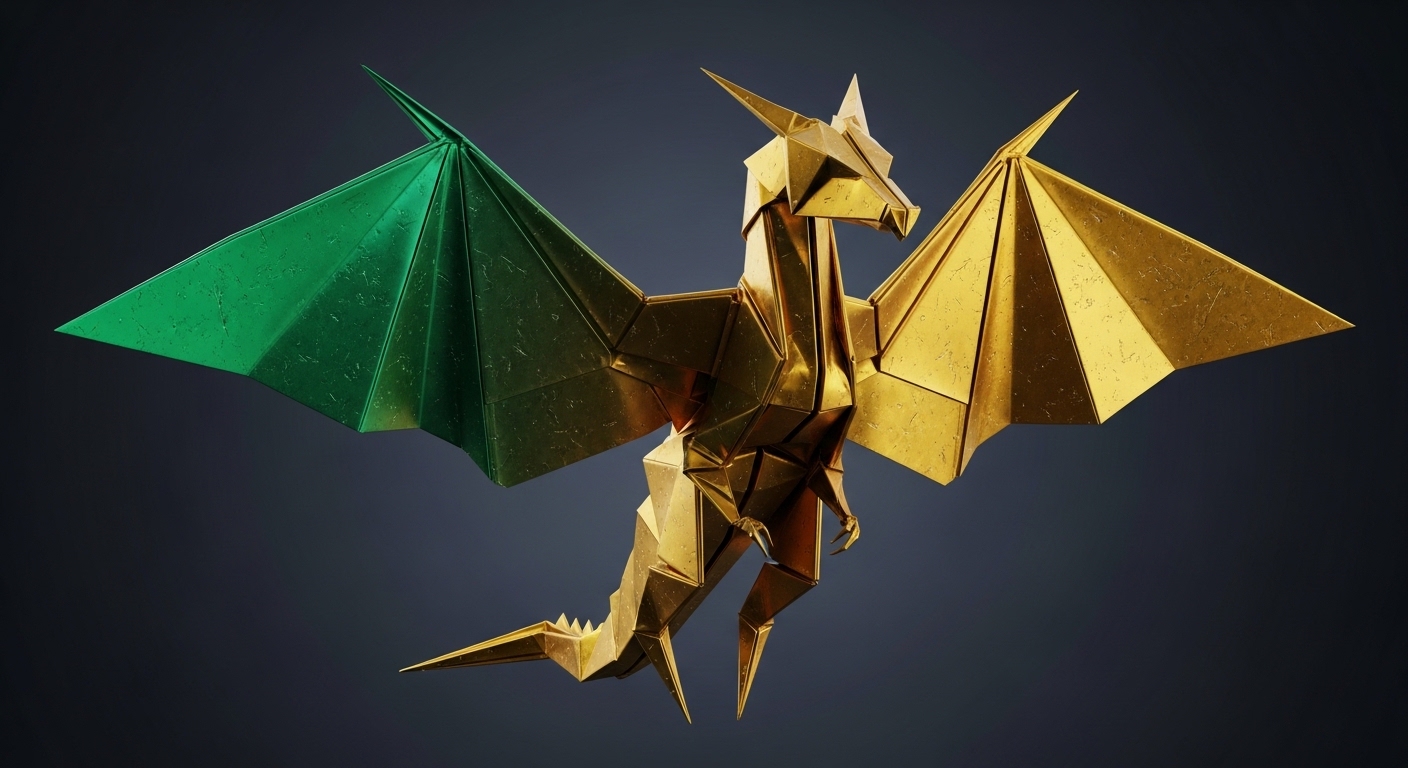
Photorealistic 3D render of a majestic origami dragon with intricate wings, folded from iridescent, dual-tone metallic foil paper (emerald and gold). Ultra-detailed textures with visible creases, fold stress, micro scratches, and faint fingerprints. Floating above a dark, moody background. Medium camera angle, rim lighting, smooth gradients, realistic shadows, fantasy editorial realism, ultra-sharp focus.
Prompt Example
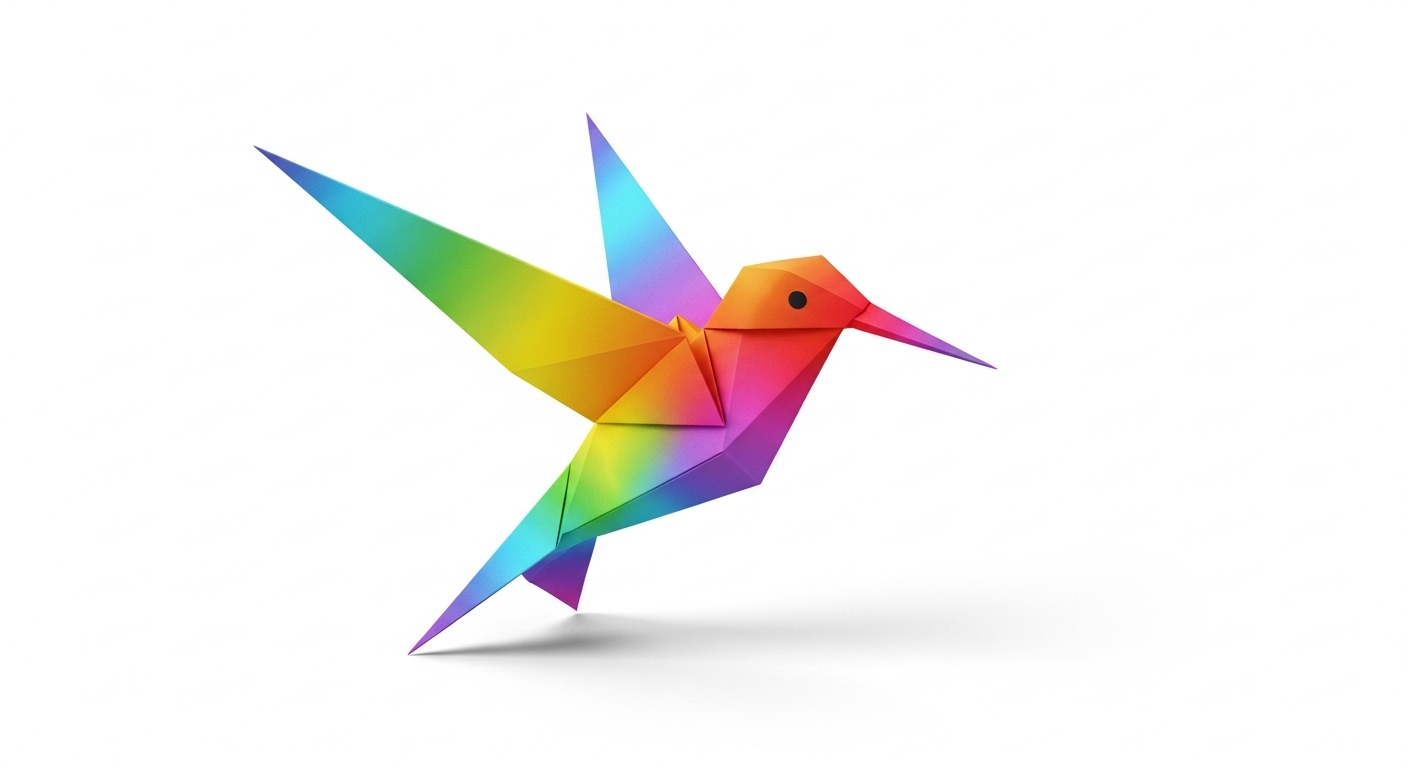
Photorealistic 3D render of a single origami hummingbird, wings blurred with motion, folded from vibrant, rainbow-colored gradient paper. Ultra-detailed paper textures with visible creases and fold stress. Floating above a clean, white background. Eye-level camera angle, bright and airy studio lighting, smooth gradients, soft realistic shadows, premium editorial realism, ultra-sharp focus on the head.
Prompt Example
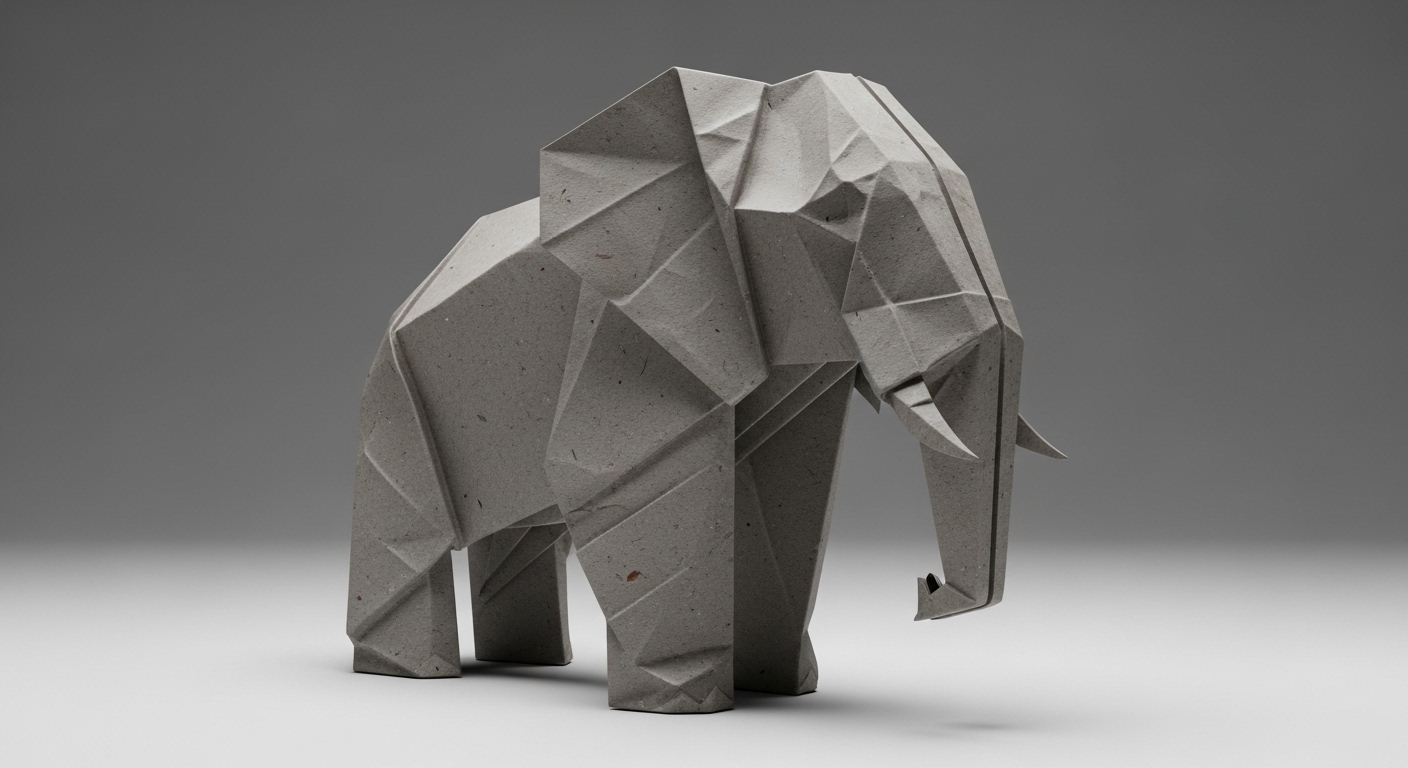
Photorealistic 3D render of a single origami elephant, standing solidly, folded from thick, gray, fibrous kraft paper. Ultra-detailed paper textures with visible creases, fold stress, heavy crumpling, and visible paper fibers. Standing on a clean, neutral surface. Low camera angle, soft diffused studio lighting, smooth gradients, strong realistic shadows, premium editorial realism, ultra-sharp focus.
Prompt Example
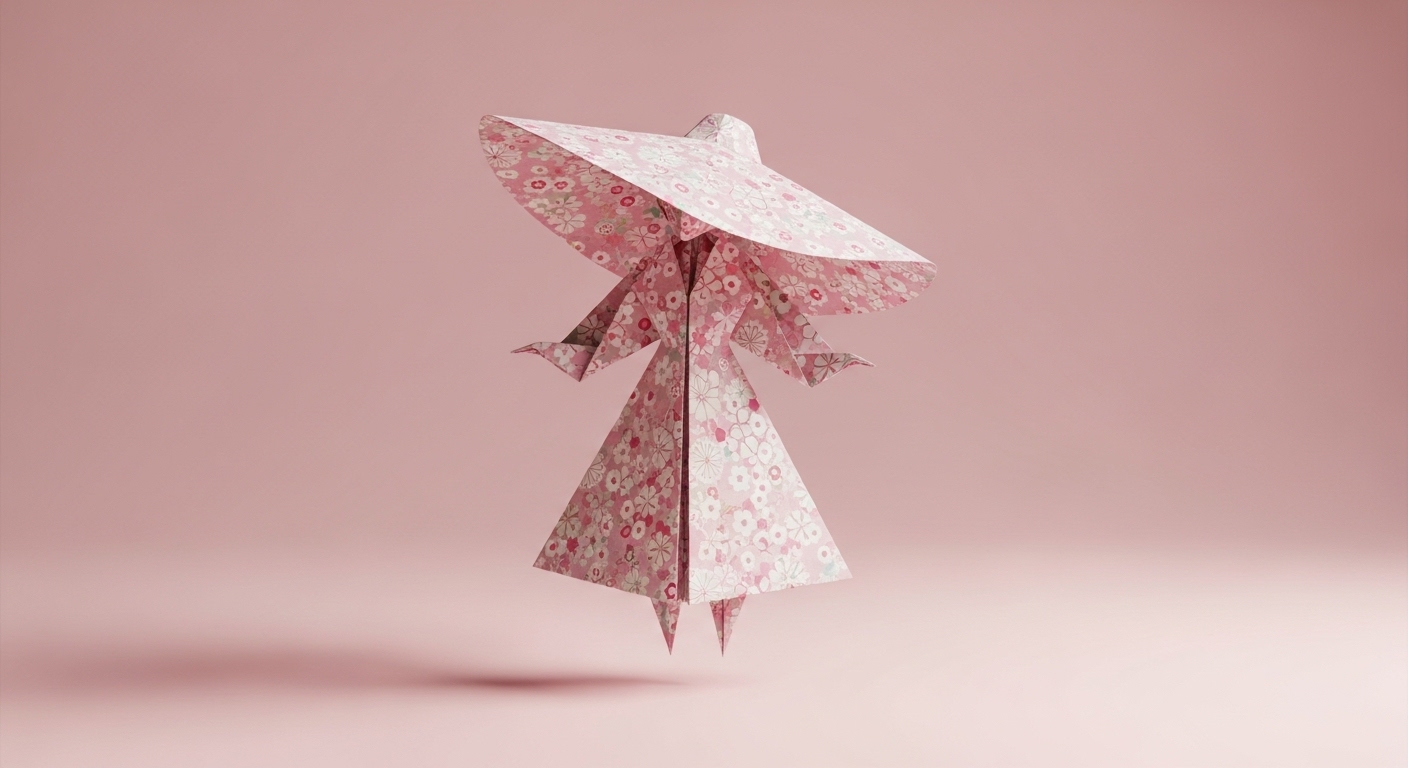
Photorealistic 3D render of a single origami female figure wearing a wide-brimmed sun hat, folded from delicate, patterned floral chiyogami paper. Ultra-detailed paper textures with visible creases, fold stress, and subtle crumpling. Floating above a soft pastel pink background. Medium camera angle, gentle top-down lighting, smooth gradients, soft shadows, premium editorial realism, ultra-sharp focus.
Use Cases & Tips
Elevate Your Digital Origami Art
Create breathtaking portfolio pieces or concept art that blurs the line between digital and physical. This prompt is perfect for artists looking to produce high-end photorealistic papercraft. The level of detail allows you to generate a stunning 3D paper model that can be used for digital exhibitions, social media content, or as a centerpiece in a larger composition.
Product Visualization and Marketing
For businesses in the craft, paper, or design industries, this is a game-changer. You can generate a detailed origami render for product visualization without the need for a physical photoshoot. Showcase different paper types, textures, and colors in a clean, professional setting. The studio lighting render quality makes these images perfect for e-commerce, advertising, and branding materials.
Tips for Hyper-Realistic Results
- Texture is Key: When wondering how to create realistic paper texture in 3D, be specific. Mention ‘paper fibers’, ‘deckled edges’, or ‘subtle watermarks’ in your prompt to enhance the CGI paper texture.
- Master the Lighting: The best lighting for 3D paper models is often soft and diffused. Experiment with terms like ‘softbox lighting’, ‘rim lighting’, or ‘dramatic side light’ to control the mood and highlight the delicate folds. This is crucial for achieving that AI prompt for editorial style 3D art look.
- Accessorize Creatively: The original origami figure with glasses prompt is just the beginning. Try adding other miniature accessories like a top hat, a tiny book, or a monocle to give your creation a unique personality.
Frequently Asked Questions
Q1. How can I create realistic paper texture in 3D AI renders?
To get a realistic CGI paper texture, be highly descriptive in your prompt. Use keywords like 'ultra-detailed paper textures,' 'visible creases,' 'fold stress,' 'subtle crumpling,' 'micro scratches,' 'faint fingerprints,' and 'visible paper fibers.' Specifying the type of paper, such as 'washi,' 'kraft paper,' or 'metallic foil,' also helps the AI generate more accurate results.
Q2. What is the best lighting for 3D paper models to achieve a photorealistic look?
The best lighting depends on the mood you want. For a clean, professional look, use 'soft diffused studio lighting' or 'softbox lighting.' For more drama, try 'rim lighting' or 'dramatic side light.' These terms help create realistic shadows and highlight the intricate folds of your Origami 3D Render.
Q3. Can I adapt this prompt for an origami figure with glasses to include other accessories?
Absolutely. The 'origami figure with glasses prompt' is a template. You can easily replace 'wearing glasses' with any other accessory, such as 'wearing a top hat,' 'holding a miniature book,' or 'with a tiny backpack.' Be creative and specific to bring your digital origami art to life.
Q4. How can a detailed origami render be used for product visualization?
These high-quality renders are perfect for marketing. You can use a detailed origami render for product visualization by showcasing paper products, custom branding (by instructing the AI to add a logo to the paper), or creating unique ad creatives. It's a cost-effective way to produce stunning visuals without a physical photoshoot.
Q5. What does 'premium editorial realism' mean in an AI art prompt?
This phrase guides the AI to generate an image that looks like it belongs in a high-end magazine or professional publication. It implies a focus on clean composition, perfect lighting, ultra-sharp focus, and a sophisticated, polished aesthetic, which is ideal for creating a professional-grade 3D paper model.
Q6. How do I change the background of my Origami 3D Render?
In the prompt template, simply change the `[background_description]` part. You can specify 'clean, white background,' 'dark, moody background,' 'soft pastel blue background,' or even more complex scenes like 'on a wooden table' for different contexts.